 Click to zoom
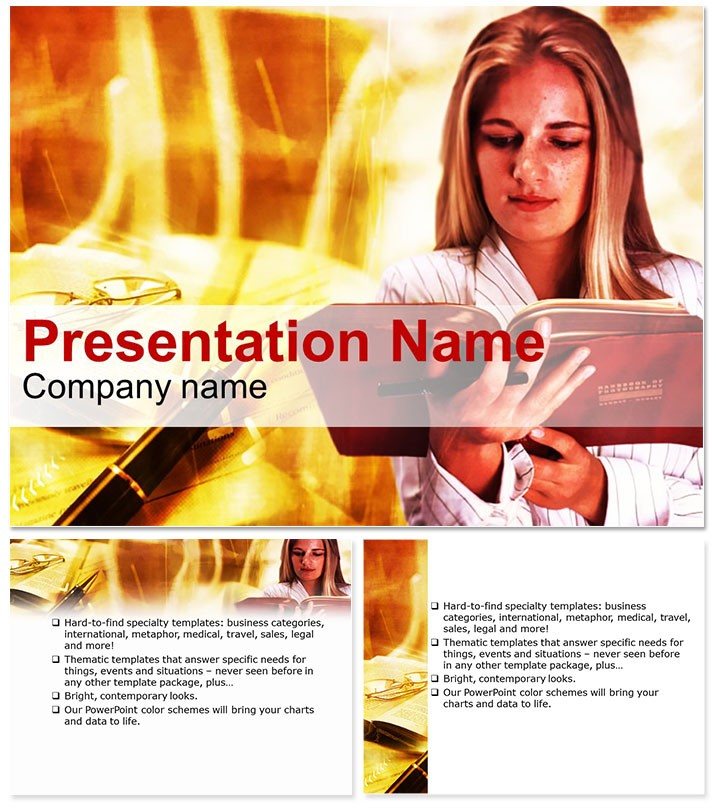
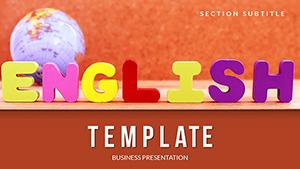
Student Learning Education PowerPoint Template
| Format | .pptx |
| Slides | 3 unique layouts |
| Aspect ratio | 16:9 |
| Compatibility | PowerPoint |
| Animated | No |
| Language | English |
| License | Commercial |
| File size | — |
| Version | v1.0 |
| Last updated | September 2023 |
What's inside
Step into the classroom of tomorrow where every slide sparks curiosity and clarity. The Student Learning Education PowerPoint Template empowers teachers, professors, and trainers to deliver content that sticks, blending modern visuals with pedagogical precision. Perfect for those juggling lesson plans and lectures, this tool transforms dense topics into digestible delights. Forget fumbling with mismatched charts - here, 28 thoughtfully crafted diagrams await, each in seven adaptable color schemes, to illuminate concepts from biology basics to business ethics.
Built for real educators facing tight deadlines, it`s compatible with PowerPoint 2016 onward, promising a one-time $22 investment for endless reuse. Whether outlining syllabi or recapping seminars, this template ensures your audience absorbs more and zones out less. Download now to make learning leap off the screen.
Core Strengths: What Sets This Template Apart
Foundationally strong with three master slides and three clean backgrounds, it maintains a scholarly vibe without overwhelming. The diagrams? They`re the heroes - flowcharts mimicking neural pathways for cognitive processes or pyramid structures for Maslow`s hierarchy, all scalable to your curriculum.
Customization is a breeze: tweak fonts for accessibility, recolor for school branding, or embed videos for interactive demos. Formats like .potx mean it`s ready for collaboration, whether solo prepping or team-teaching.
Featured Slide Elements
- Brainstorm Bubble Map: Cluster ideas around central themes, great for brainstorming sessions or mind-mapping literature.
- Progress Ladder Diagram: Visualize student growth stages, from novice to expert, in motivational climbs.
- Book Stack Infographic: Layer research sources or timelines, evoking library stacks for historical overviews.
These aren`t generic; they`re education-tuned to foster understanding and retention.
Practical Scenarios: Bringing Lessons to Life
University lecturers use it to dissect case studies, with Venn diagrams overlapping theories for debate fuel - one prof reported doubled class participation. In corporate training, HR pros map skill development paths, aligning with KPIs to justify budgets effectively.
Library workshops? Coordinators craft program overviews with timeline slides tracing literacy journeys, drawing crowds effortlessly. Versus vanilla PowerPoint, this cuts prep by 40%, letting you infuse personality. A high school teacher quipped, "It made algebra feel approachable - kids actually engaged!"
For nonprofits educating on community issues, pie charts segmented like diverse classrooms highlight demographics, driving empathy and action. It`s versatile, turning data dumps into dialogues.
Edge Over Built-In PowerPoint Features
Stock tools lack thematic unity; this delivers cohesive, student-centric designs that align with learning objectives. Editable vectors ensure crisp prints or projections, every time.
Feeling the prep pinch? Customize instantly and watch engagement soar.
Workflow Wisdom and Best Practices
Import via PowerPoint`s design tab, apply masters, then populate - pair with hyperlinks for navigable agendas. Animate subtly, like sequential reveals for step-by-step instructions, to mimic guided discovery.
Pro tip: Use contrasting colors for inclusivity, tested for color-blind viewers. A trainer shared, "It streamlined my workshops - feedback skyrocketed." Rely on its expert-vetted layouts for trustworthy delivery.
Frequently Asked Questions
Does it work with older PowerPoint versions?No, it`s optimized for 2016+, but you can convert for earlier if needed - check compatibility tools.
Ideal for K-12 or just higher ed?Versatile for all levels; scale diagrams for younger audiences by simplifying text.
Can I add multimedia elements?Yes, slots for videos and audio integrate seamlessly, enhancing interactive lessons.
How editable are the colors?Fully - seven schemes plus manual tweaks via theme editor for perfect matches.
What`s included in the download?Three masters, backgrounds, 28 diagrams, and source files for total flexibility.
Licensing for school use?Lifetime commercial rights with one-time $22, covering multiple users in your institution.
Good for
- Project roadmaps and sprint plans
- Product launch timelines
- Quarterly or annual review decks
- Company history and milestone summaries
Licence
reviews
The account comparison charts and return diagrams were useful.
It's okay for savings presentations but not for detailed investment analysis.
The savings icons and investment diagrams were perfect for my financial planning presentation.
Used the growth flowcharts for a wealth management proposal.
The 7 color schemes included some nice wealth tones but the layout is pretty basic.
FAQ
Will it work in Google Slides?
Are fonts embedded?
Can I use this for client work?
What's the refund policy?
Do you update the template after purchase?
Similar templates
See all PowerPoint Templates →
All 1 slides