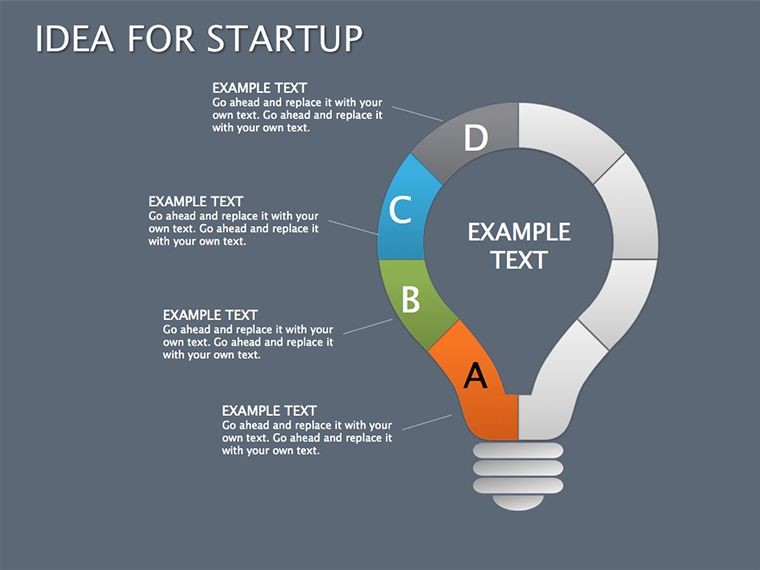
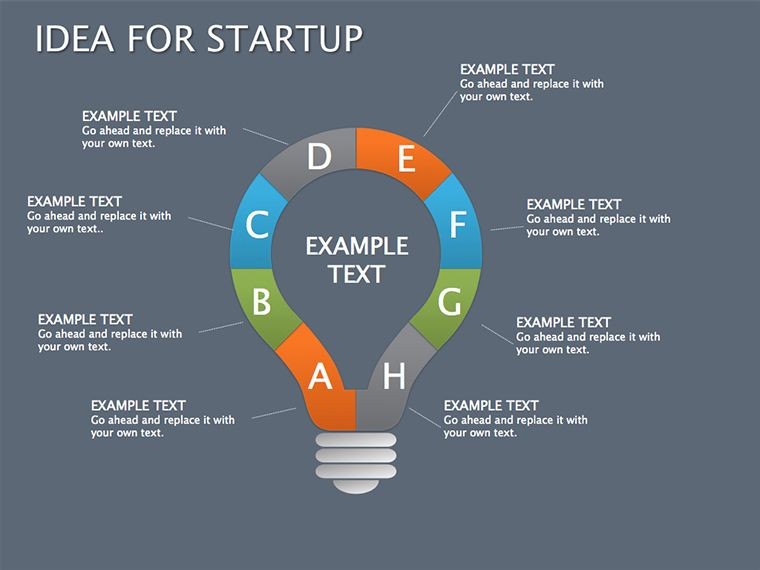
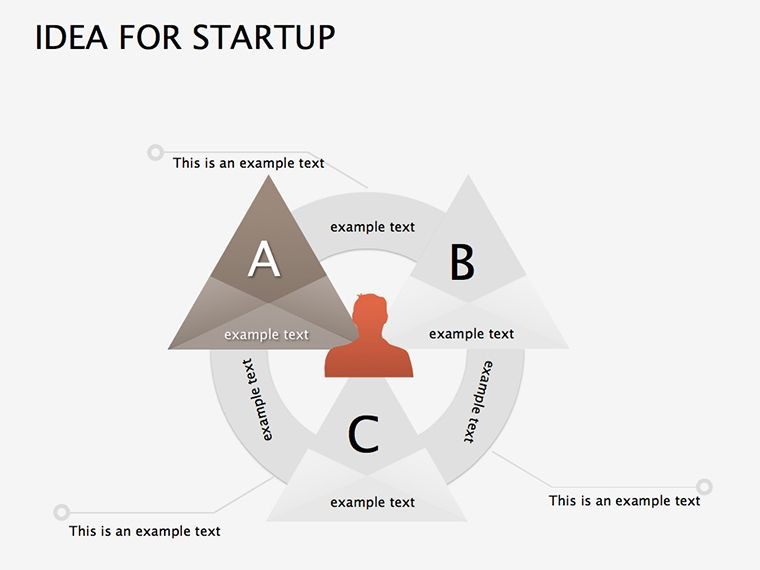
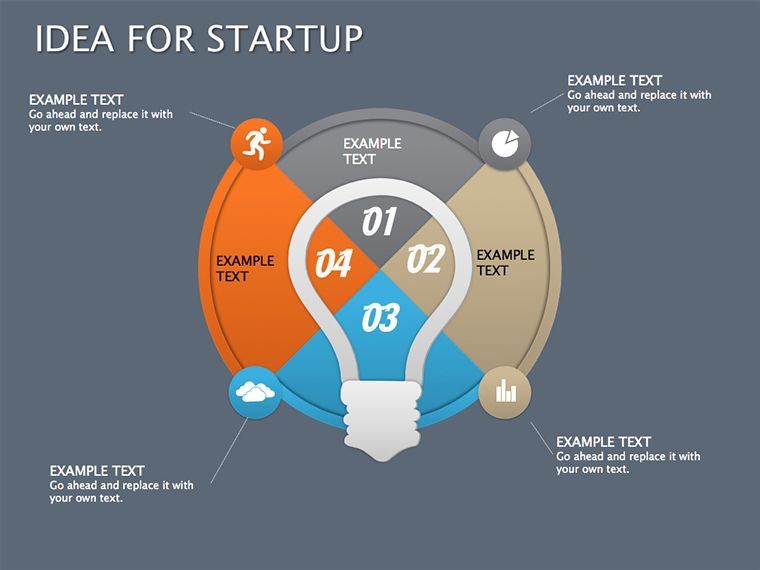
 Click to zoom
Startup Pitch Keynote Diagrams: Fuel Your Vision with Visual Firepower
| Format | .pptx |
| Slides | 22 unique layouts |
| Aspect ratio | 16:9 |
| Compatibility | PowerPoint |
| Animated | No |
| Language | English |
| License | Commercial |
| File size | — |
| Version | v1.0 |
| Last updated | September 2023 |
What's inside
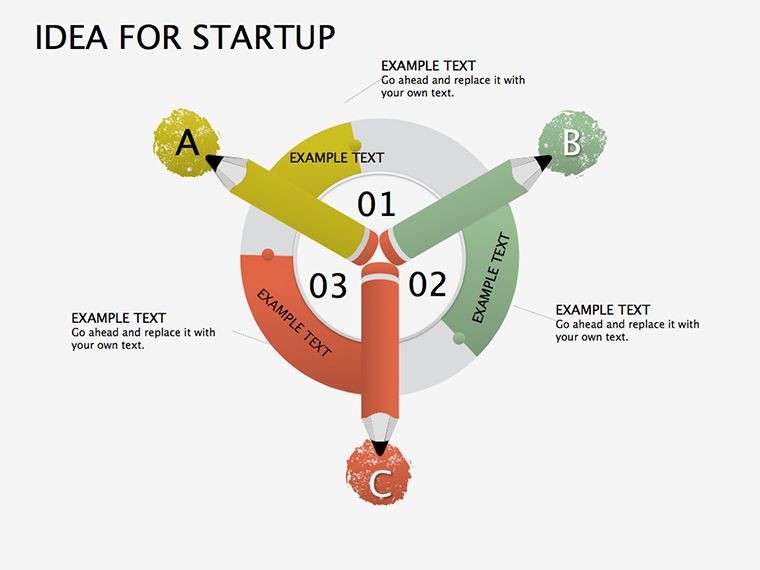
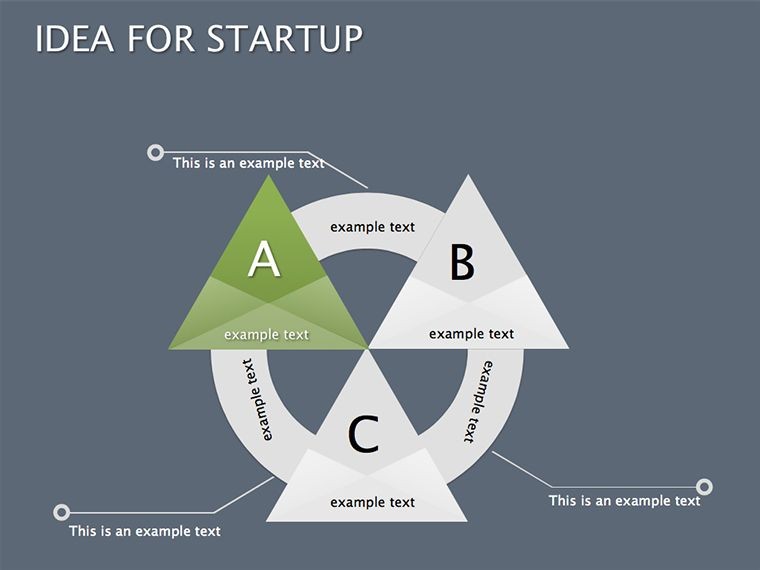
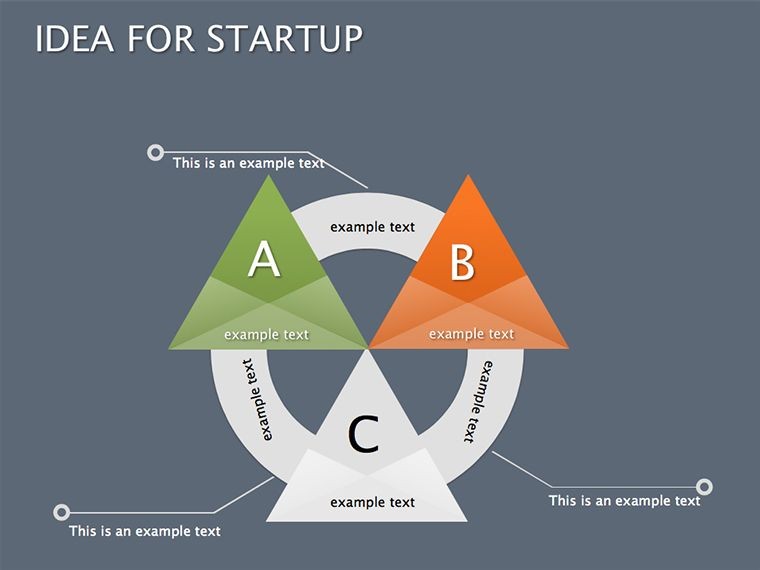
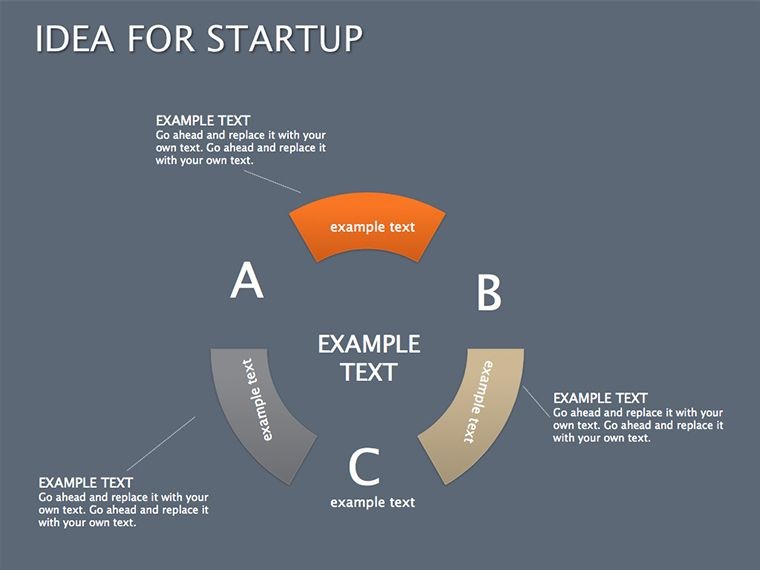
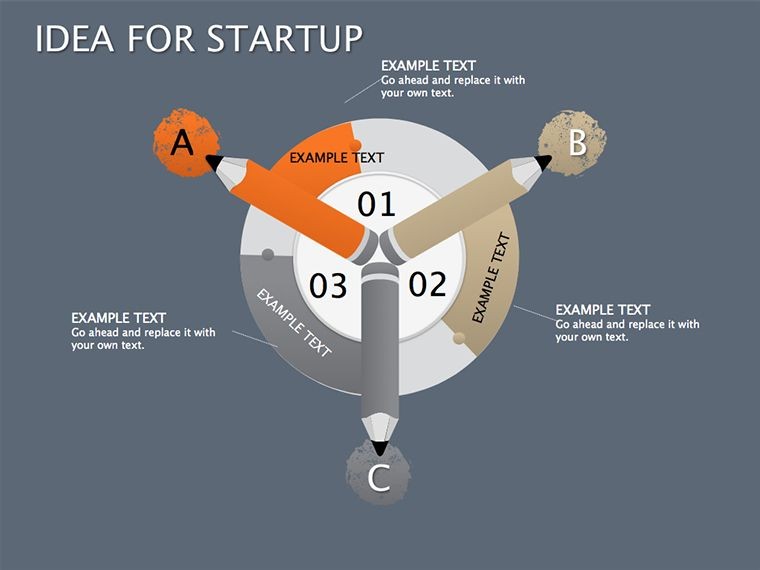
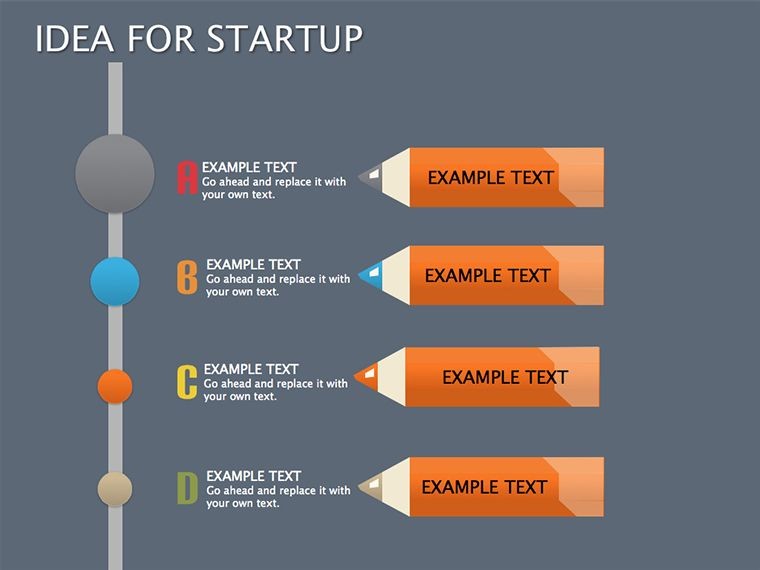
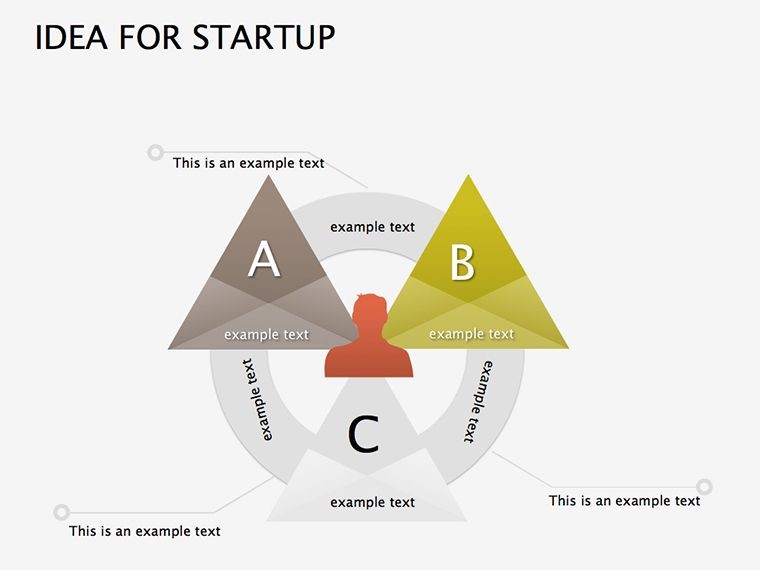
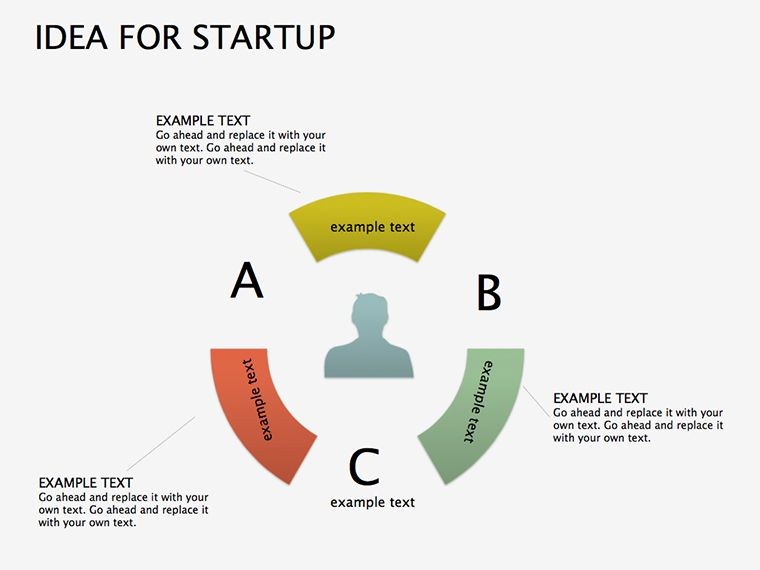
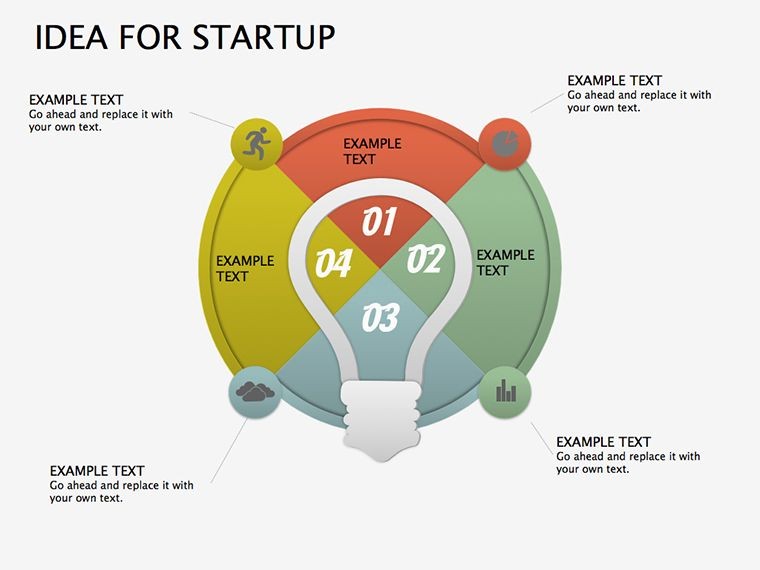
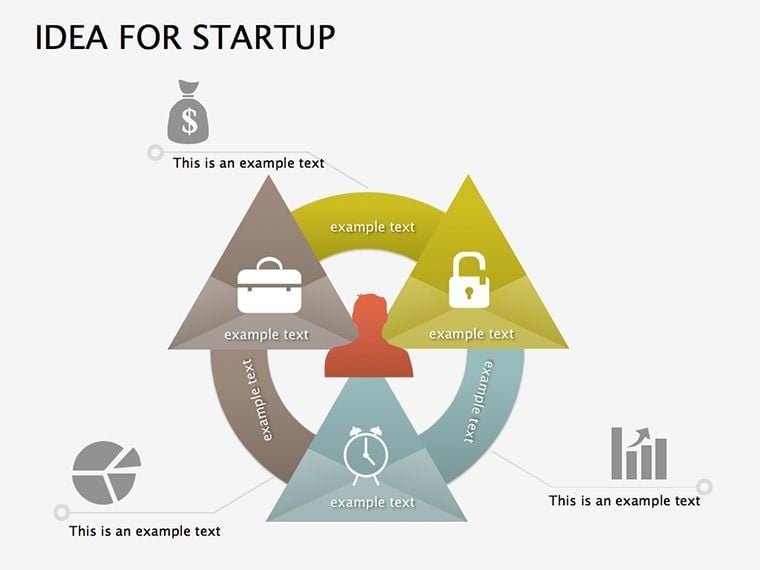
Picture this: The room is packed with venture capitalists, their eyes scanning for the next big thing. You flip to your first slide, and instead of dense text walls, a sleek cycle diagram unfolds your business model like a blooming flower. Welcome to the Idea for Startup Keynote Diagrams Template - a 22-slide arsenal crafted for ambitious founders, pitch deck warriors, and innovation teams ready to turn "what if" into "watch this."
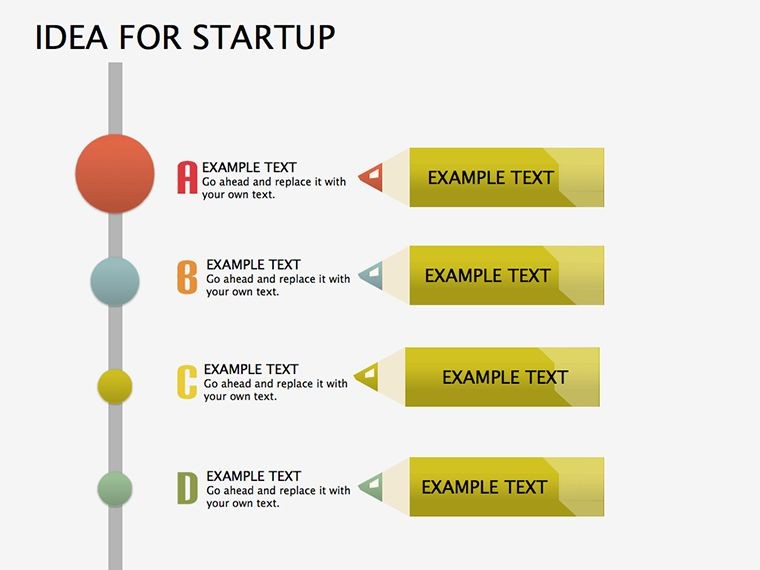
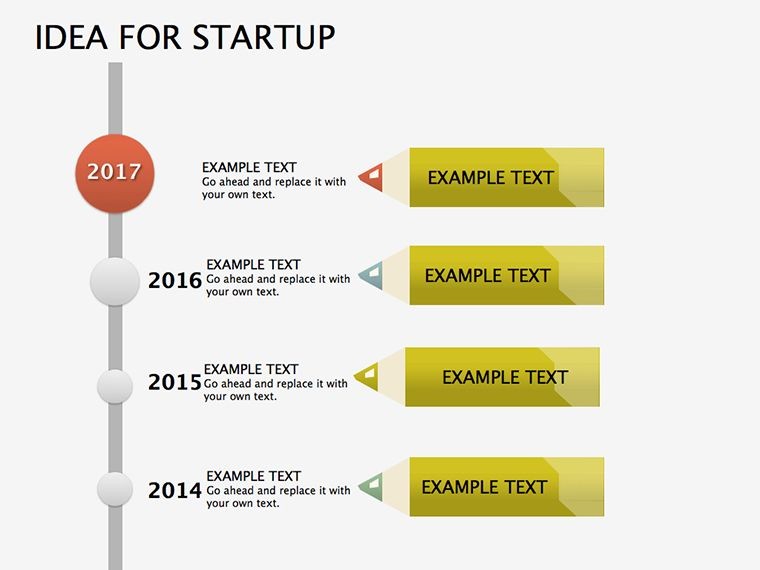
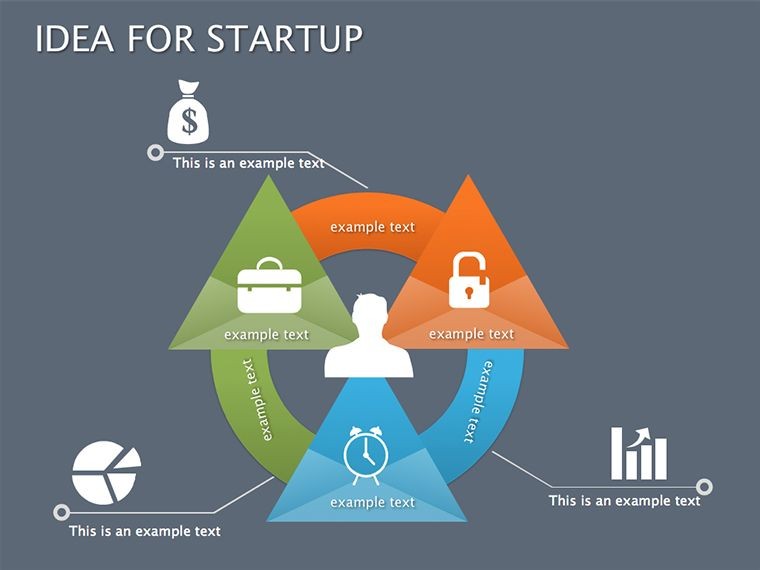
In the high-stakes arena of startup funding, where 90-second pitches can launch empires, visuals aren't optional - they're oxygen. Our template, tailored for Apple Keynote, delivers modern diagrams that distill chaos into clarity. From growth pyramids to timeline cycles, these elements help you narrate your journey: problem, solution, traction, and that moonshot ask. Forget cookie-cutter Canva clones; this is bespoke firepower for entrepreneurs who demand designs as bold as their ideas.
The Edge: What Makes These Diagrams Pitch-Perfect?
Startups thrive on momentum, and so does this template. Slide 0 sets the stage with an engaging overview pyramid, stacking your core value prop at the base and scaling to market potential. It's intuitive - edit icons to fit your niche, whether fintech disruptors or eco-innovators - and instantly aligns with investor mental models from Y Combinator playbooks.
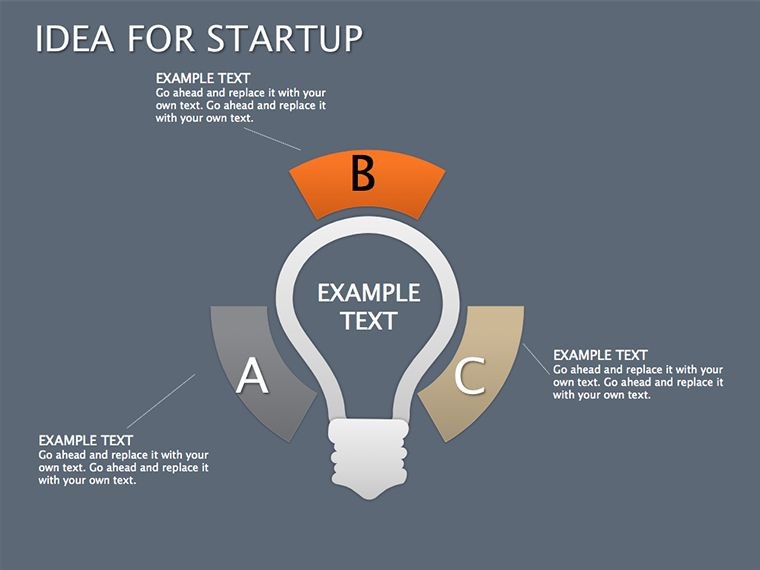
Versus basic Keynote defaults, our designs pack punch: Layered charts that animate on cue, revealing revenue projections slide by slide. We've infused relevance with startup-specific icons - lightbulbs for ideation, rockets for scaling - curated to evoke excitement without distraction. Result? Pitches that don't just inform but inspire action, like the edtech startup that raised $2M after visualizing user acquisition funnels with our cycles.
Standout Features for Founders on the Go
- 22 Editable Slides: Comprehensive coverage from ideation maps to financial forecasts.
- Cycle & Pyramid Variety: Dynamic shapes for processes, hierarchies, and growth stories.
- Brand Sync Tools: One-click color swaps and font tweaks for your logo's vibe.
- Icon Library: 50+ venture-themed graphics to amp up relatability.
- Seamless KEY Export: Native format for flawless Mac/iPad playback.
These aren't random additions; they're distilled from pitch autopsy sessions with accelerators like Techstars, ensuring every slide serves your story's arc.
From Brainstorm to Boardroom: Startup Use Cases
Envision demo day at a conference. Use Slide 12's multi-stage cycle to trace your MVP evolution, highlighting pivot points with pyramid breakdowns. Investors lean in as your traction metrics light up - user growth curves that scream scalability. Or, for partner outreach, Slide 18's collaboration diagram maps co-marketing synergies, turning cold emails into warm handshakes.
In bootstrapped mode, these tools shine for internal alignment. A SaaS founder we know leveraged the template's graphs to rally her remote team around OKRs, boosting morale and metrics alike. It's versatile: Adapt for crowdfunding decks or accelerator apps, always prioritizing the human element - your passion, quantified.
Your Pitch Blueprint: A 5-Step Mastery Guide
- Define the Hook: Choose a bold opener slide; infuse with your unique problem statement.
- Build the Narrative: Sequence cycles for flow - problem to product to proof.
- Layer Data: Populate pyramids with live figures from Google Sheets for credibility.
- Polish for Pop: Animate reveals; test on a mock audience for timing.
- Close Strong: End with a call-to-action slide, linking vision to their investment.
This sequence, inspired by Sequoia Capital's pitch guidelines, compresses weeks of design into days, freeing you for what matters: Building.
Pro Hacks to Nail That Funding Round
Timing is everything - sync diagram animations to your delivery rhythm for dramatic pauses that land asks. For diversity in decks, mix pyramid hierarchies with flat cycles to vary visual diet, keeping VCs hooked. And per Harvard Business Review insights on visual persuasion, cap text at 5 lines per slide; let diagrams do the heavy lifting.
Whether you're a first-time founder or serial entrepreneur, this template levels the field, turning nerves into narratives that net results. Grab it now and script your success story - one slide at a time. Pair with our pyramid packs for extra layers.
Frequently Asked Questions
Are these diagrams Mac-only?
Optimized for Keynote on Mac/iOS, but export to PDF/PPT for cross-platform sharing.
How customizable are the icons?
Fully - swap, resize, or recolor to match your startup's aesthetic seamlessly.
Can I add my own data sources?
Absolutely; integrate charts with Excel or Numbers for real-time updates.
What's the best slide for traction?
Slide 15's growth cycle - perfect for plotting user metrics over time.
Does it include animation presets?
Yes, subtle builds to unveil layers progressively, enhancing flow.
How does this boost funding odds?
Clear visuals cut through noise, making your ask 30% more memorable per pitch studies.
Good for
- Project roadmaps and sprint plans
- Product launch timelines
- Quarterly or annual review decks
- Company history and milestone summaries
Licence
reviews
Downloaded this before a meeting because I had no time left to design slides.
The layered diagrams were simple but useful for explaining steps.
I liked the layout spacing, nothing felt too crowded.
A few slides looked repetitive but overall it was still helpful.
Used the arrow graphics for a project timeline and my manager was happy with it.
FAQ
Will it work in Google Slides?
Are fonts embedded?
Can I use this for client work?
What's the refund policy?
Do you update the template after purchase?
Similar templates
See all Keynote Diagrams →

All 22 slides