 Click to zoom
Stacked Waterfall Chart PowerPoint Template
| Format | .pptx |
| Slides | 3 unique layouts |
| Aspect ratio | 16:9 |
| Compatibility | PowerPoint |
| Animated | No |
| Language | English |
| License | Commercial |
| File size | — |
| Version | v1.0 |
| Last updated | March 2021 |
What's inside
Picture your data cascading like a luminous waterfall, each layer revealing insights that leave your audience in awe. The Stacked Waterfall PowerPoint Template delivers exactly that - a neutral-abstract design that infuses presentations with a sense of flow and revelation, ideal for transforming dry reports into engaging narratives. Whether dissecting financial variances or outlining project milestones, this template ensures every slide builds momentum, keeping viewers riveted from start to finish.
Crafted with the corporate communicator in mind, it packs 28 diagrams into a framework that`s as intuitive as it is striking. Edit effortlessly in PowerPoint 2016+ or Google Slides, adjusting stacks to fit your dataset while the seven color schemes add that professional sheen. It`s more than slides; it`s a tool for persuasion.
Unpack the Template`s Standout Features
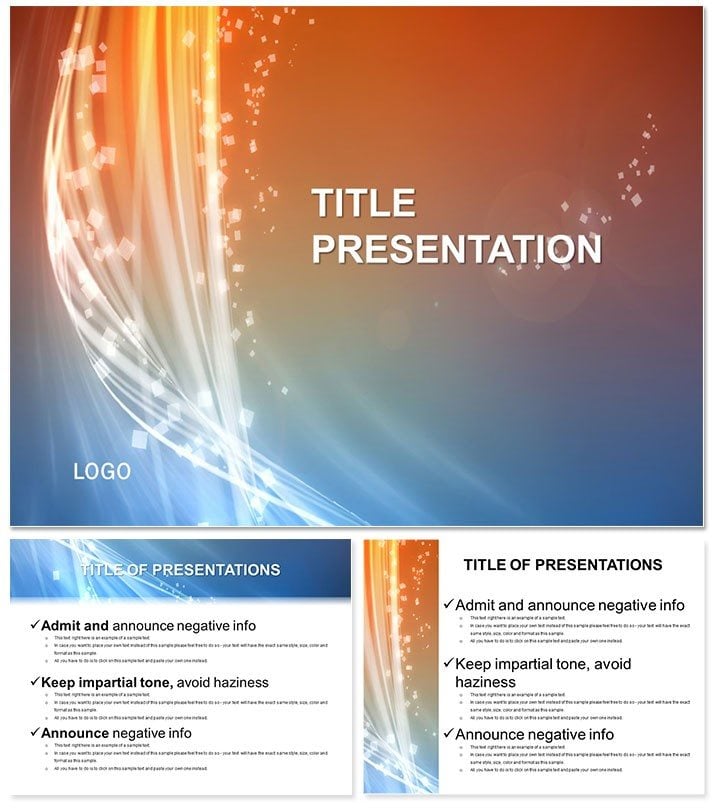
Built on three robust master slides - one for headers, one for body text, and one for visuals - the template pairs with three backgrounds evoking gentle cascades. This setup streamlines your deck`s architecture, from opener to closer.
- 28 Flowing Diagrams: Specialize in waterfall charts for variance analysis, stacked bars for cumulative effects, and cascade timelines for phased progress.
- Seven Thematic Colors: From oceanic blues mimicking water to earthy neutrals for grounded reports.
- Flexible Sizing: 16:9 for modern screens, 4:3 for legacy, 16:10 for hybrids.
- Animation-Ready Vectors: Smooth fades that simulate falling water, enhancing reveal timing.
A favorite among users is the multi-level waterfall, perfect for breaking down P&L statements - stack positives atop negatives for instant clarity.
Use Cases That Drive Results
In finance teams, this shines during earnings calls. Mark, a CFO, stacked revenue streams to show quarterly ebbs and flows; the glowing effect underscored recoveries, impressing analysts and boosting stock chatter. Far superior to PowerPoint defaults, which stack awkwardly without built-in glows.
Project managers leverage it for status updates, using cascade diagrams to track delays and wins - visualizing bottlenecks like water hitting rocks, prompting proactive fixes. For sales leaders? Layer quota achievements to celebrate progress, turning metrics into motivational stories.
Even in education, it`s used for lesson plans on environmental flows, where the theme ties directly to content, making abstract concepts tangible.
Why It Beats Built-In PowerPoint Charts
Standard tools require manual stacking, often leading to misalignments; this template`s pre-calibrated layers and glow filters deliver pro results out-of-the-box, cutting design time in half.
One-time $22 unlocks lifetime edits - invest in flow that flows.
Integrate Seamlessly Into Your Routine
Unzip the .potx, apply to a new presentation, and populate via linked Excel for auto-updates. Fine-tune glow intensity in the format pane for mood matching.
Insider tip: Use the fade-in animation on stacks to mimic real waterfalls, syncing with your verbal pacing for rhythmic delivery.
Let your data descend with grace - grab the Stacked Waterfall Template today and flow through your next presentation effortlessly.
Frequently Asked Questions
Can the waterfall charts handle large datasets?
Yes, vectors scale infinitely, and data links support thousands of points without lag.
Is it compatible with older PowerPoint versions?
Optimized for 2016+, but check animations on pre-2016 for full effect.
How do I customize the glow effects?
Access via Shape Effects in PowerPoint - adjust opacity and color for personalized shine.
Does it include printable versions?
All diagrams export crisply to PDF, maintaining glow in print with vector integrity.
What`s included in the color schemes?
Seven palettes, each with 5-7 hues tuned for high contrast and accessibility.
Lifetime license details?
Covers all future updates and unlimited projects, personal or pro.
Good for
- Project roadmaps and sprint plans
- Product launch timelines
- Quarterly or annual review decks
- Company history and milestone summaries
Licence
reviews
Icons are modern but there's too many different styles mixed together.
Saved me maybe an hour of work, not life-changing but decent.
Honestly just wanted something with a clean timeline, this had it.
The font choices are weird on some slides but overall usable.
Used the diagram templates to explain our workflow, my boss liked it.
FAQ
Will it work in Google Slides?
Are fonts embedded?
Can I use this for client work?
What's the refund policy?
Do you update the template after purchase?
Similar templates
See all PowerPoint Templates →



All 1 slides