 Click to zoom
Social Connection Keynote Diagrams - Editable Keynote
| Format | .pptx |
| Slides | 13 unique layouts |
| Aspect ratio | 16:9 |
| Compatibility | PowerPoint |
| Animated | No |
| Language | English |
| License | Commercial |
| File size | — |
| Version | v1.0 |
| Last updated | March 2026 |
What's inside
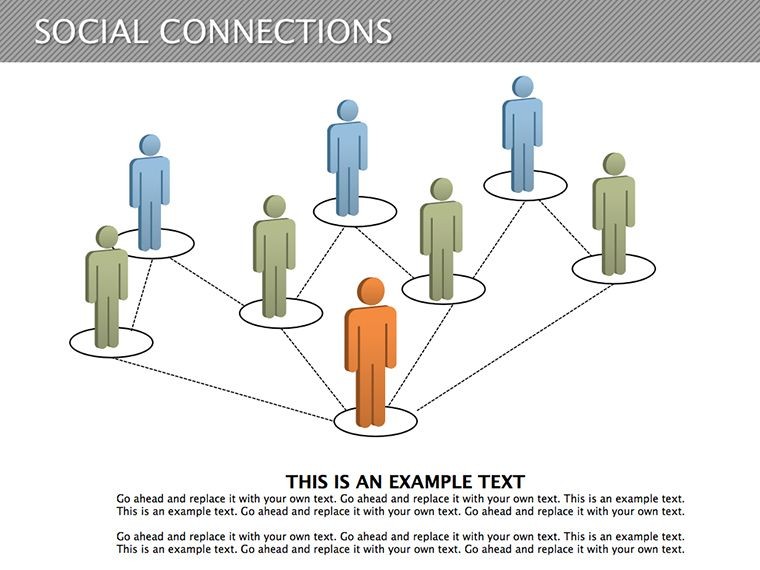
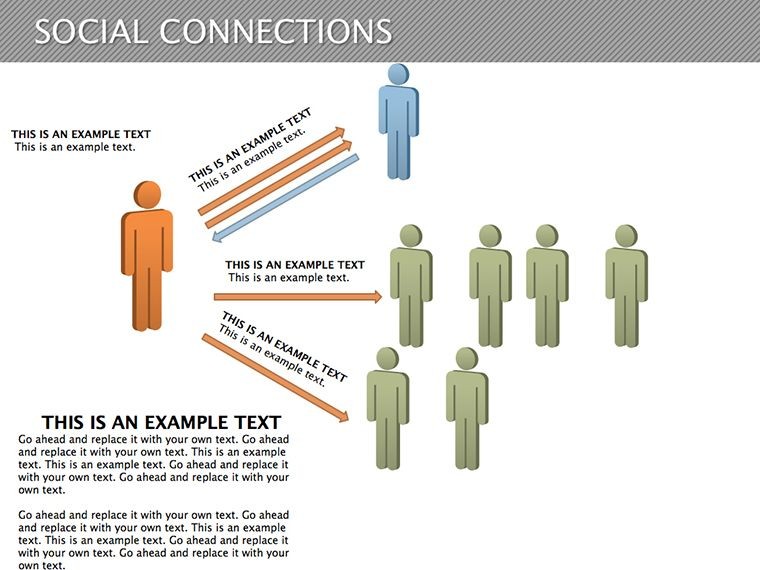
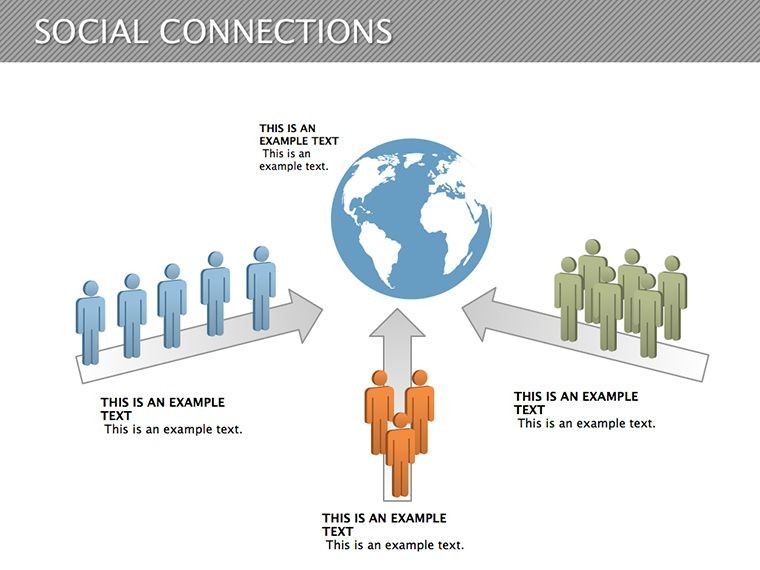
What is a social connection Keynote diagram template? A Keynote diagram template for social connections is a set of pre-built slides that map relationships between people, teams, or nodes - ready to open in Keynote 12 and edit without design software.
What's Inside the Download
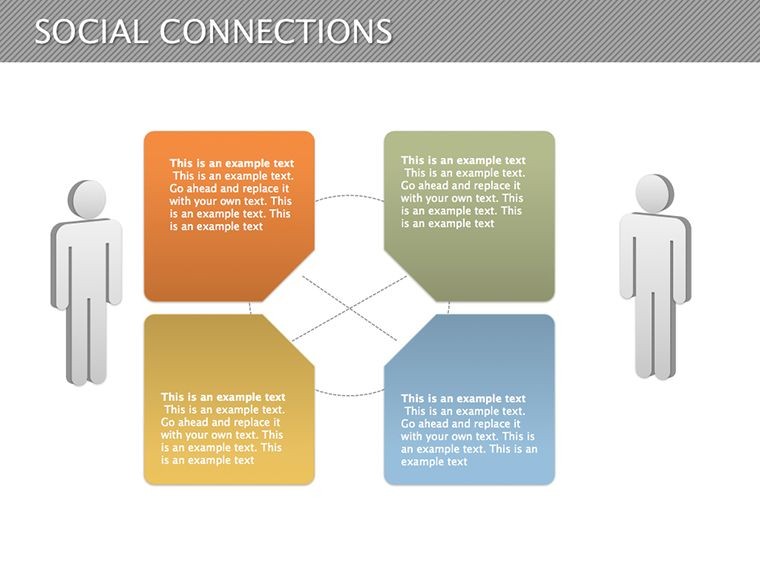
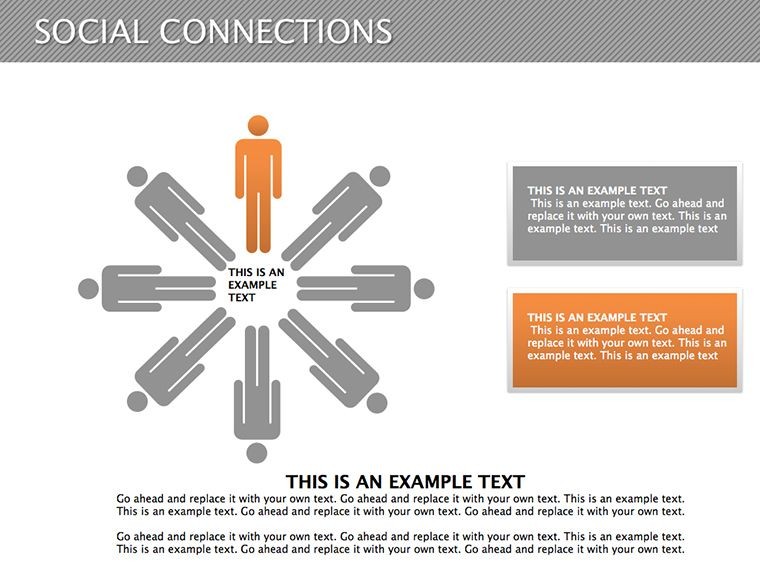
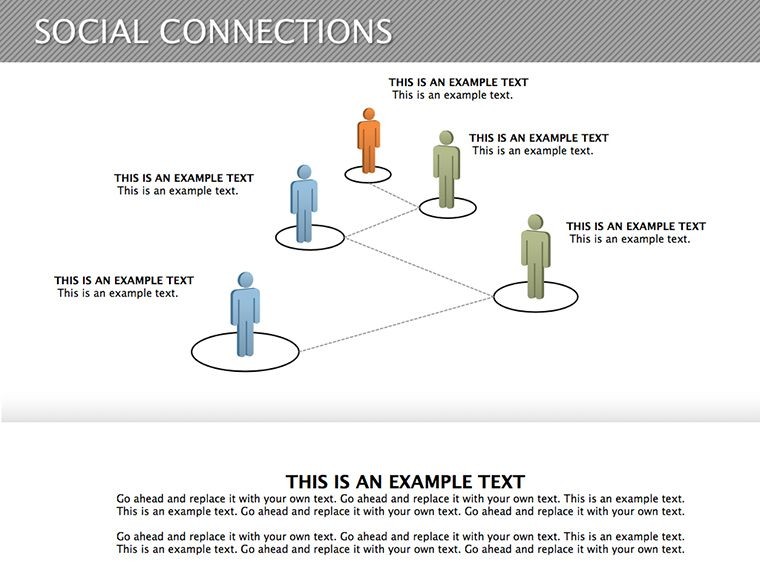
13 editable diagrams arrive in a single KEY file, covering relationship layouts from simple two-node pairs up to full multi-party network graphs. Each slide contains independently editable nodes and connectors that remap without breaking the surrounding layout. The set supports one color scheme per diagram with full access to the Keynote master slide palette for brand-level changes.
The layouts work together as a progression - start with a simple paired connection, then add nodes to build a team map, then expand to a full organizational network within the same deck. That progression makes the set practical for both board briefings and internal team workshops without switching files.
Unlike sets that focus on linear process flows, these diagrams are built around multi-node network structures where relationships radiate outward from central hubs. Labels sit outside diagram shapes and connect via thin lines - a deliberate layout choice that maintains readability on a projection screen without requiring the presenter to zoom into individual nodes.
Editing Capabilities at a Glance
FeatureDetailsDiagrams included13 social connection layouts ranging from paired links to full network graphsEditable nodesEach node resizes and recolors independently without disconnecting its connectorsConnector linesArrow weight, direction, and style adjust per connection without affecting other nodesText placeholdersLabels update in place - no need to unlock grouped elements before editingColor themeSingle master slide update applies the brand palette across all 13 diagrams simultaneouslyFile formatNative KEY file for editing; export to PDF via Keynote for distributionAspect ratio16:9 - standard for both screen and projector displayKeynote compatibilityKeynote 12 or later on macOS 12 or newerFrom Strategy Decks to Boardroom Pitches
Consulting firm - client team mapping
A senior consultant at a management firm needed to visualize stakeholder relationships across three client divisions for a quarterly strategy review. The network diagram slide required only label changes and a single color swap through the master palette. Deck preparation dropped from three hours to under an hour, with the same file reused across two subsequent client engagements by swapping color schemes.
University educator - strategy workshop
A lecturer in organizational behavior applied the multi-node layouts during a live workshop on team dynamics. Participants could follow the connection structure on the projection screen without the presenter needing to point at individual labeled boxes - the external label layout handled legibility at distance. The same diagram set covered five consecutive workshop sessions without modification.
Teams working across Keynote diagram categories frequently combine social connection slides with process-oriented layouts when a single deck needs both relationship mapping and step-by-step flow.
Download and start editing immediately
Customization in 5 Steps
Editing difficulty: Moderate. The file requires no design background - only familiarity with Keynote's master slide view for color changes.
- Open the KEY file in Keynote 12 or later - 1 minute
- Replace placeholder node labels with team names or role titles - 3 minutes
- Open the master slide view and update the color palette to your brand - 2 minutes
- Adjust connector weight or direction on any diagram that needs a structural change - 4 minutes
- Export as KEY for continued editing or PDF for sharing - 1 minute
Total estimated time from download to a presentation-ready deck: under 15 minutes for standard label replacements. Color changes and connector adjustments add time proportionally to how many diagrams require structural edits.
Building From Scratch vs. Starting Here
Drawing a single multi-node connection diagram from scratch in Keynote takes approximately 90 minutes - positioning each node, manually drawing connectors, aligning labels outside shapes, and testing readability on a projected slide. A full set of 13 diagrams represents roughly 20 hours of layout work before any content goes in.
The design reasoning behind external labels is worth noting. Placing text inside a node shape creates a fixed relationship between font size and node size - shrink the node and the label either disappears or overflows. External labels connected by thin lines decouple those two variables: nodes can scale to represent relationship weight while labels remain a consistent size for screen legibility. That structural decision is what makes this set function across both intimate meeting rooms and large conference screens.
- No vector drawing experience required to edit
- Master slide color changes apply globally in under 2 minutes
- Connector groups stay intact during node repositioning
- 16:9 ratio confirmed for projector and widescreen display
Consultants who need a complementary hierarchy view often add 3D stack diagrams alongside the connection layouts when a deck covers both flat network relationships and vertical organizational structures. For feedback loop visualizations, process-cycle diagrams pair directly with these connection slides.
Download and start editing immediately
Frequently Asked Questions
Which Keynote versions open this file?The KEY file opens in Keynote 12 and later on macOS 12 or newer. Older Keynote versions may open the file but will lose access to some master slide features, which affects the global color change workflow. Testing on the first slide immediately after opening confirms whether full editability is available. No external scripts or linked assets affect version compatibility.
How do I change the color scheme across all 13 diagrams?Open the master slide view in Keynote via the View menu. Select the theme color palette and replace the current values with your brand colors. The change propagates instantly across all 13 diagrams in the file. Individual nodes retain independent overrides if a specific connection needs a different color for emphasis - those overrides survive the master update.
What does the license allow?The license covers internal reporting, client proposals, board presentations, and paid consulting deliverables. Reselling the KEY file itself or sublicensing the diagram layouts as standalone assets is not permitted. Attribution to ImagineLayout is not required in commercial work. All edits made to the file remain the property of the buyer.
Is there a free version available?No free tier is listed for this product. The $18 purchase delivers all 13 editable slides in one KEY file with full master slide access from the first open. No watermarks, reduced slide counts, or locked diagrams exist in the delivered file. The download is available immediately after purchase confirmation.
What file formats are included in the download?The download contains one native KEY file compatible with Apple Keynote. No PPTX, PDF, or image formats ship with the package. PDF and image exports are available directly from Keynote after editing. The KEY file supports all standard Keynote export options including widescreen PDF for print distribution.
What is the refund policy?Refunds are available within 14 days of purchase if the KEY file fails to open in Keynote 12 or later on a compatible macOS version. Submit a refund request with your order ID and a screenshot of the error through the ImagineLayout contact page. The policy does not cover edits made after a confirmed successful open. All requests receive a response within 48 hours.
Good for
- Project roadmaps and sprint plans
- Product launch timelines
- Quarterly or annual review decks
- Company history and milestone summaries
Licence
reviews
The process arrows looked clear during my class presentation.
I liked how simple the editing was.
A few pages felt repetitive.
Good template for workflow explanations.
Honestly helped me finish slides faster than usual.
FAQ
Will it work in Google Slides?
Are fonts embedded?
Can I use this for client work?
What's the refund policy?
Do you update the template after purchase?
Similar templates
See all Keynote Diagrams →


All 13 slides