 Click to zoom
Service Help Keynote Template
| Format | .pptx |
| Slides | 3 unique layouts |
| Aspect ratio | 16:9 |
| Compatibility | PowerPoint |
| Animated | No |
| Language | English |
| License | Commercial |
| File size | — |
| Version | v1.0 |
| Last updated | January 2024 |
What's inside
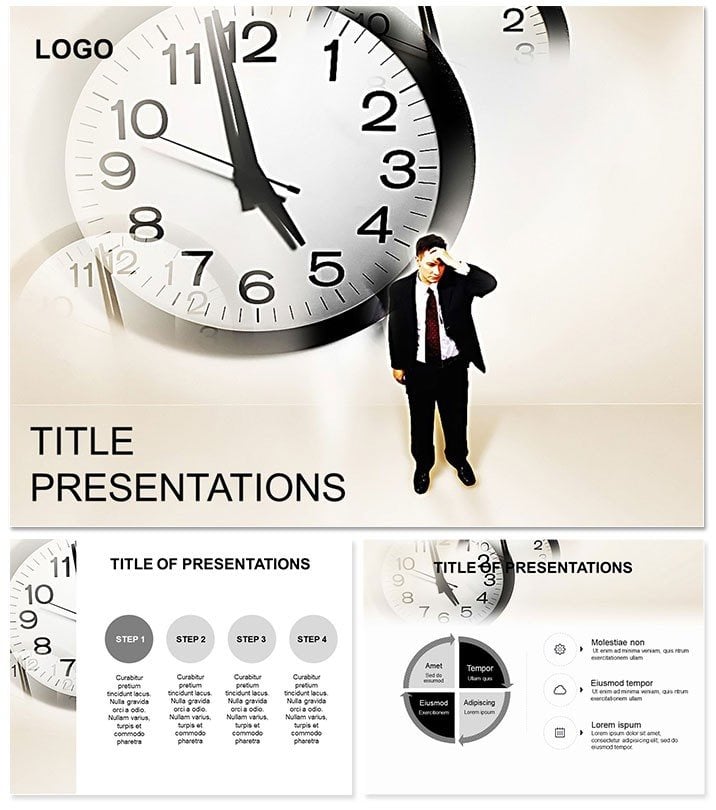
Guide with grace in every gesture. This Service Help Keynote Template assists customer reps, trainers, and helpers with 28 interactive diagrams, 3 masters, and 3 backgrounds. Keynote 2016+ empowered, it supports stories that serve.
For aid-givers, it facilitates flow. One-time purchase, lifetime license - lend a slide.
Supportive Features
7 schemes: Welcoming warms to helpful cools. Interactives click to expand.
- Helpdesk Flows: Decision trees for queries.
- Service Blueprints: Layered support stages.
- Feedback Loops: Circular response models.
- Resolution Radials: Spoke charts for outcomes.
Accessible for all devices.
Service Spotlight Scenarios
Reps blueprint calls for efficiency. Trainers loop feedback in classes. A helper saw 40% retention rise.
From desks to desksides.
Aid Above Keynote Aid
Stock static; this interacts dynamically.
Assist Customization
Hyperlink to FAQs. Animate loops. Share helpfully.
Essential for support. Download Service Help Keynote Template today and help happen.
Serve Up Success
It`s empathetic design. Lifetime support. Assist?
Frequently Asked Questions
Interactive elements?
Clickable for depth.
Scheme selection?
7 service-oriented.
Diagram interactivity?
Help-focused builds.
Accessibility?
High contrast options.
Backgrounds?
Three approachable.
Animations?
Gentle guiding.
Good for
- Project roadmaps and sprint plans
- Product launch timelines
- Quarterly or annual review decks
- Company history and milestone summaries
Licence
reviews
Customer service training – the helpdesk flows mapped our query resolution process perfectly.
The feedback loops are nice but the service blueprints are a bit too detailed for a quick meeting.
Support team loved the resolution radials for tracking outcomes.
It's okay but the interactive click to expand feature didn't work on my older Keynote.
Used the decision trees for a role play session and the agents finally got it.
FAQ
Will it work in Google Slides?
Are fonts embedded?
Can I use this for client work?
What's the refund policy?
Do you update the template after purchase?
Similar templates
See all Keynote templates →

All 1 slides