 Click to zoom
SEO Puzzle Charts Keynote Template - Fully Editable | ImagineLayout
| Format | .pptx |
| Slides | 30 unique layouts |
| Aspect ratio | 16:9 |
| Compatibility | PowerPoint |
| Animated | No |
| Language | English |
| License | Commercial |
| File size | — |
| Version | v1.0 |
| Last updated | March 2026 |
What's inside
What's Inside the Download
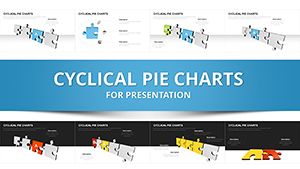
The package contains 30 puzzle chart slides plus timelines and scatter plots.
5 color schemes arrive with 50+ themed icons.
One .key file includes flowcharts and competitor visuals.
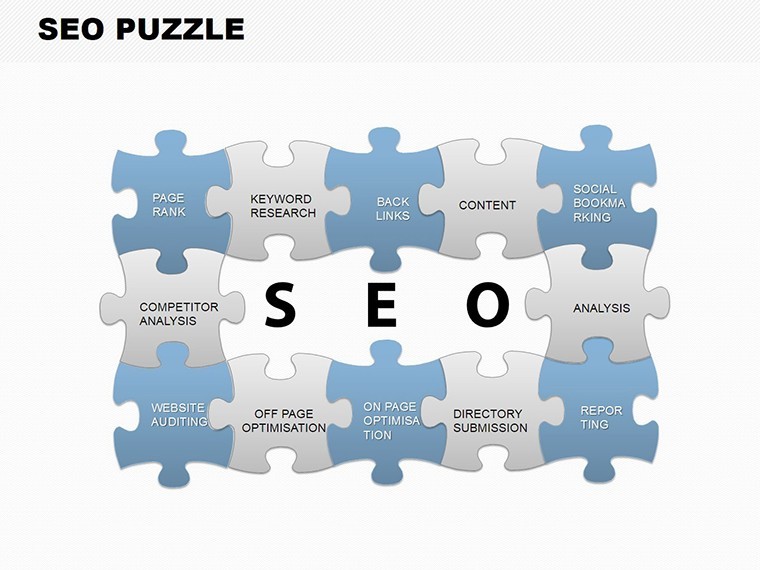
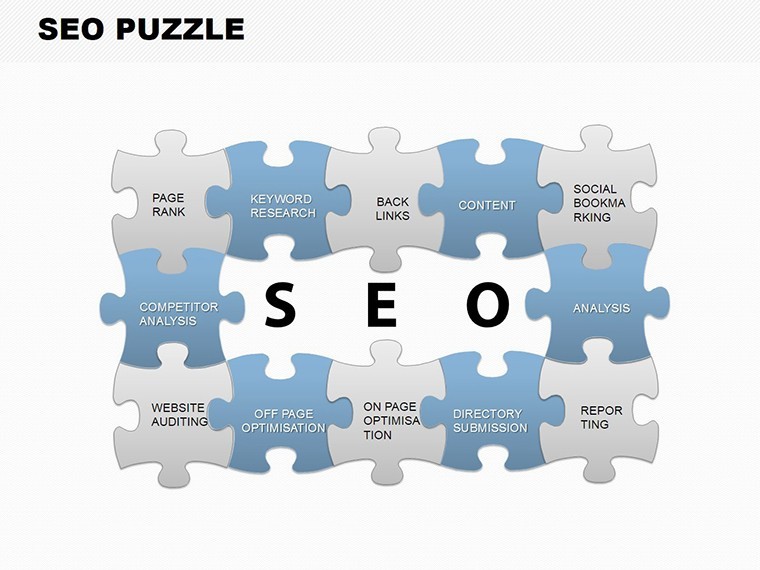
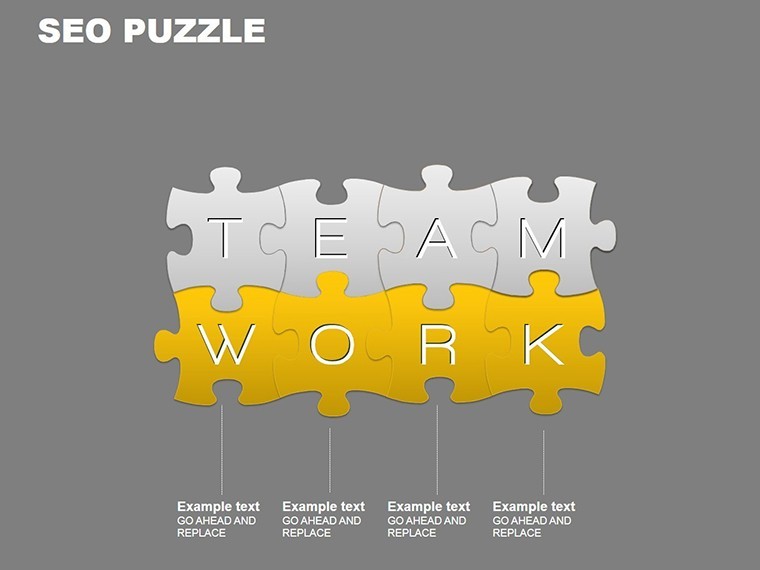
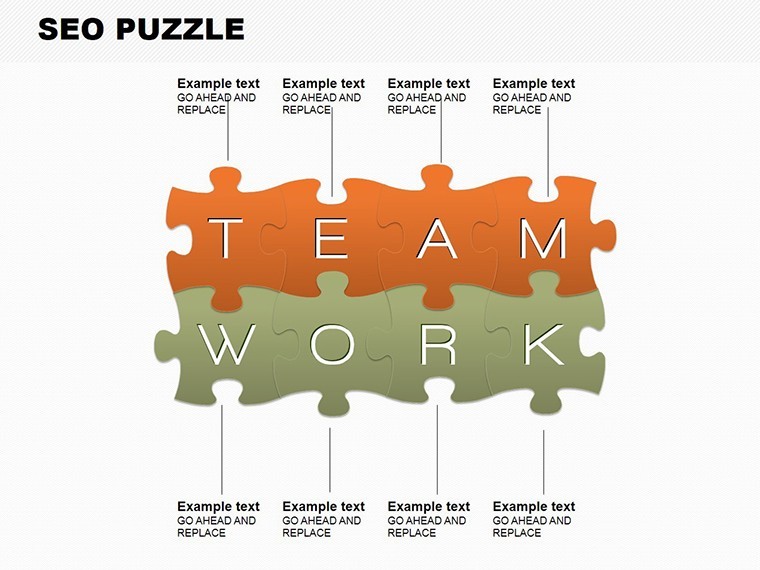
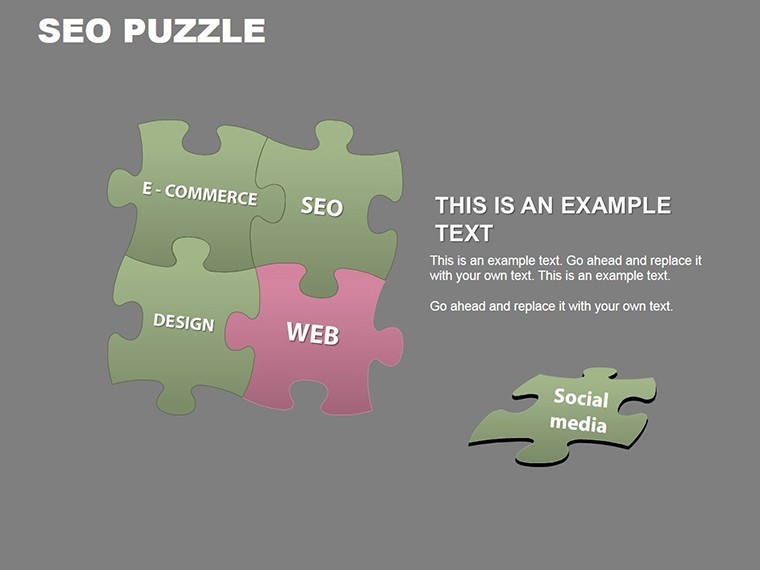
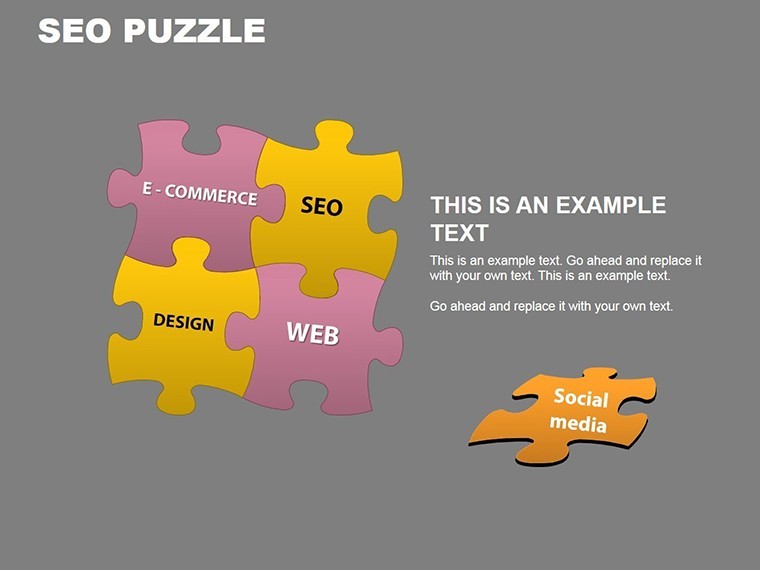
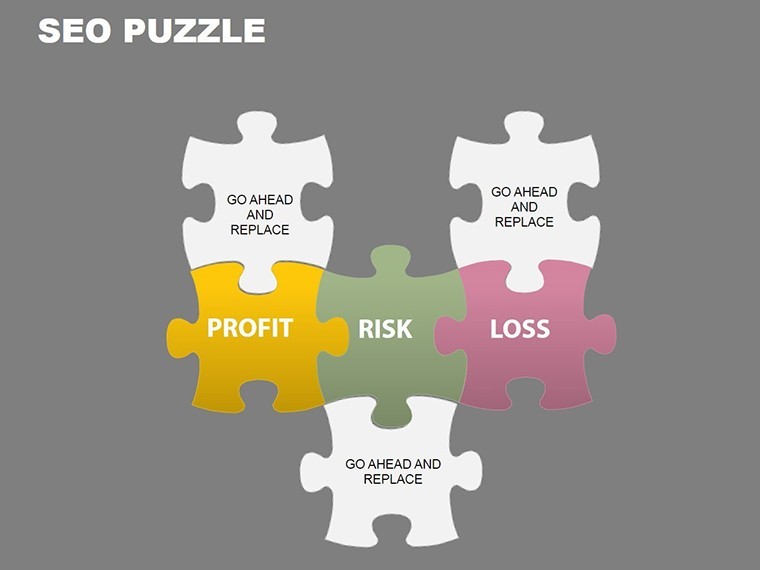
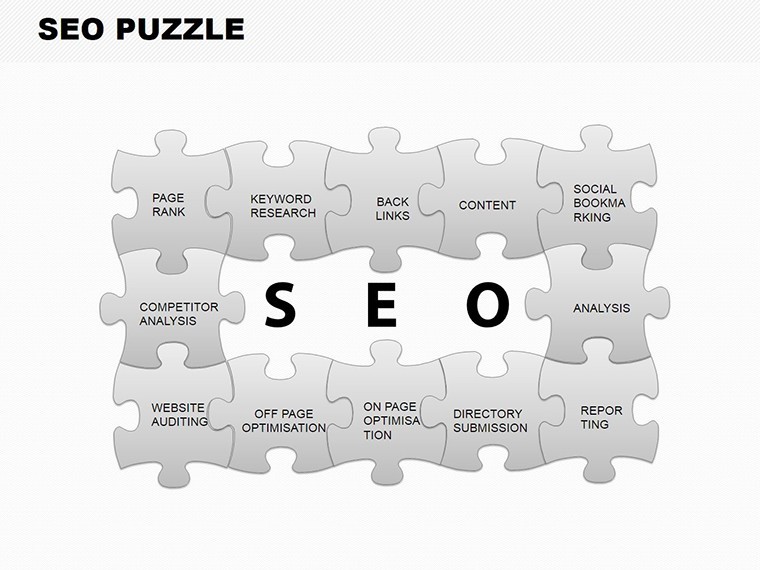
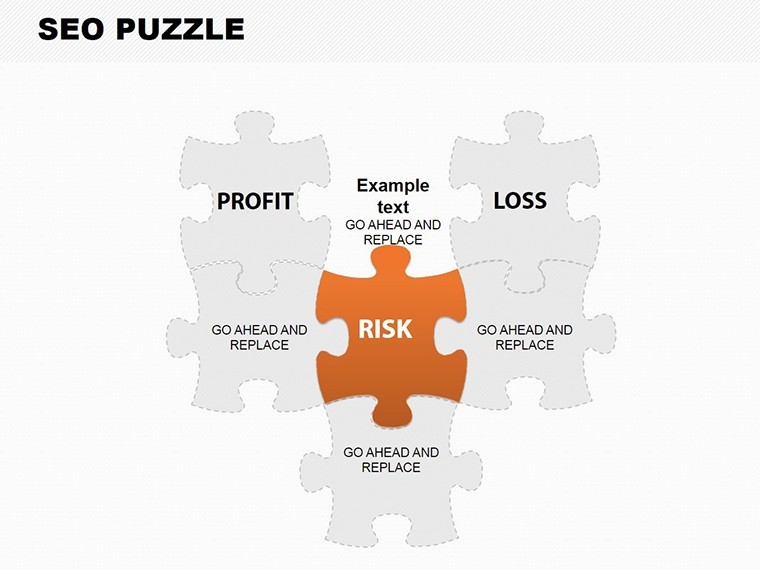
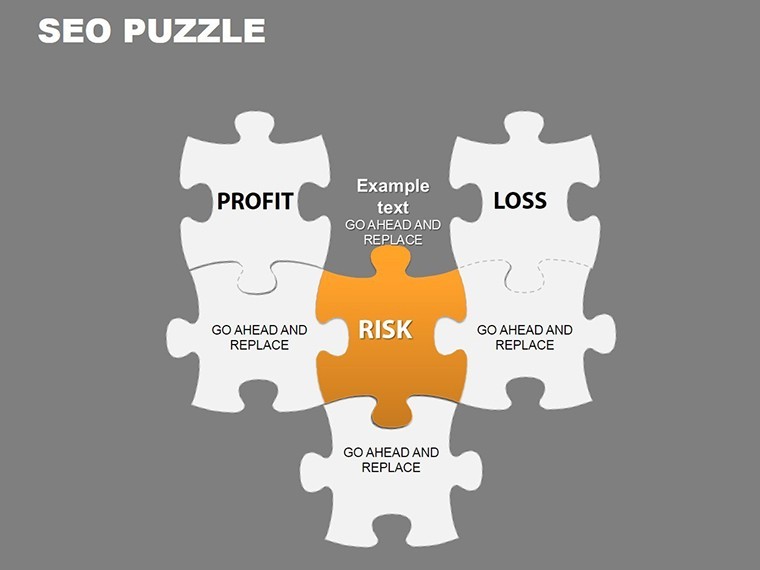
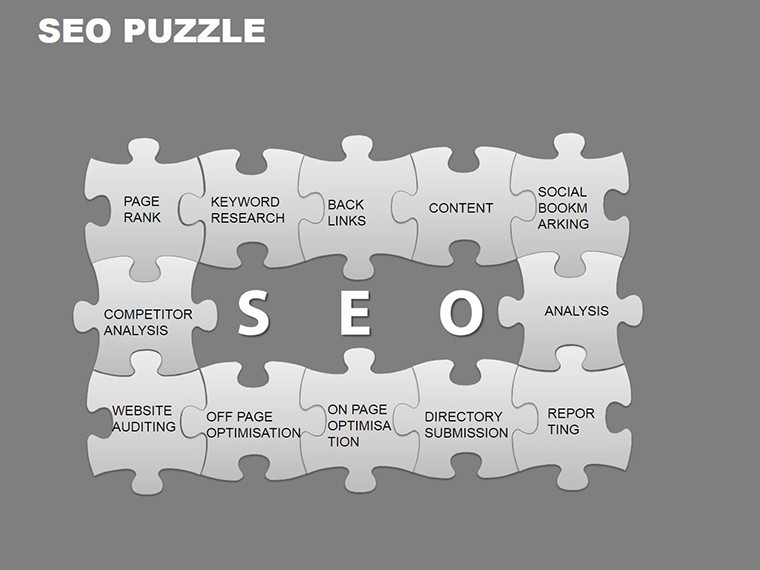
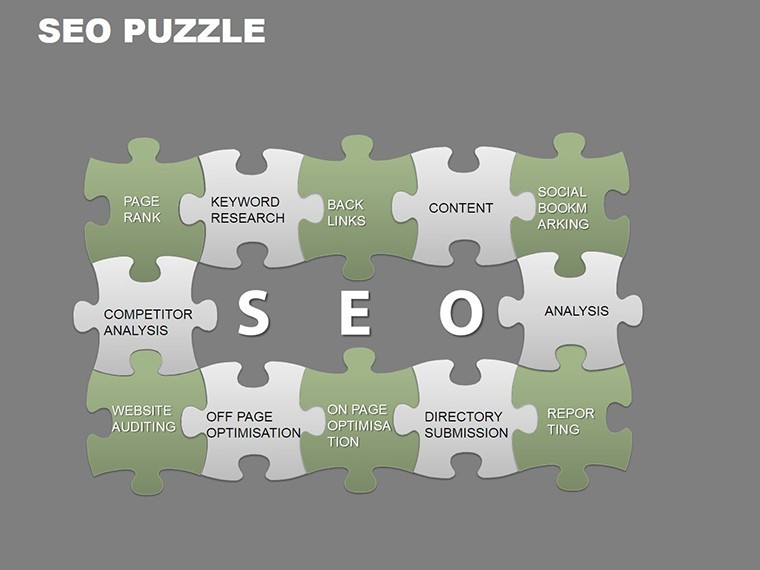
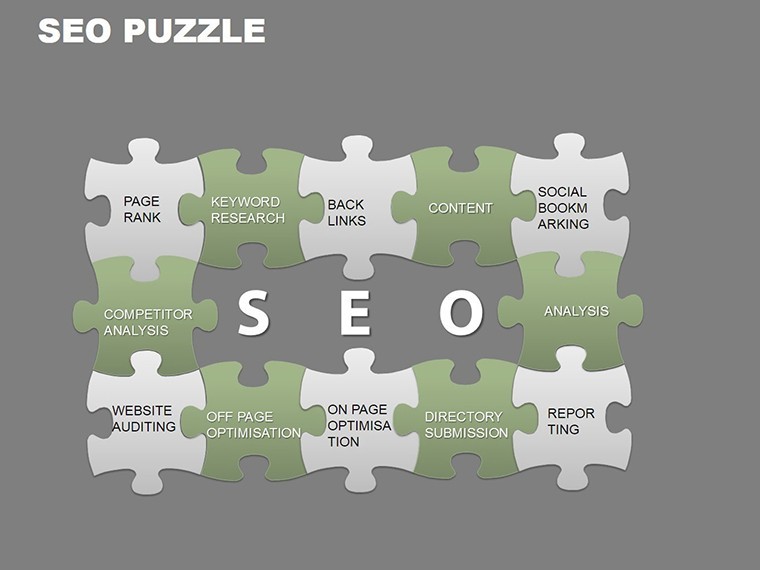
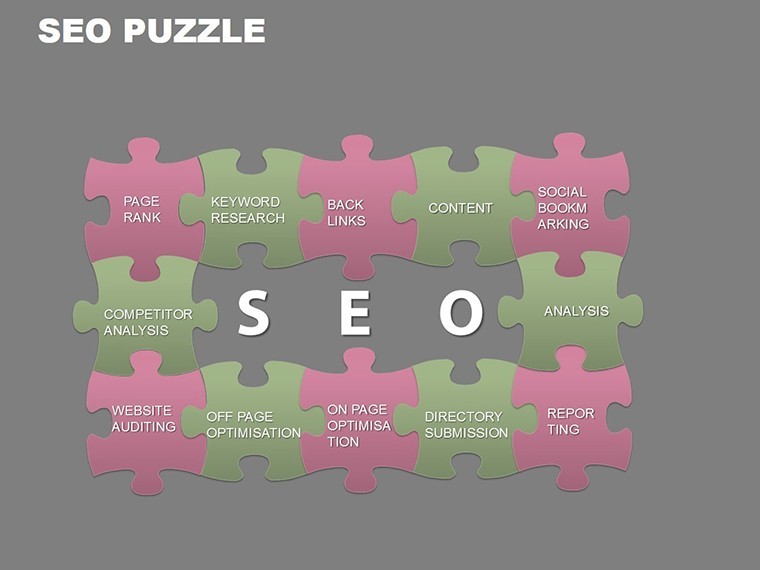
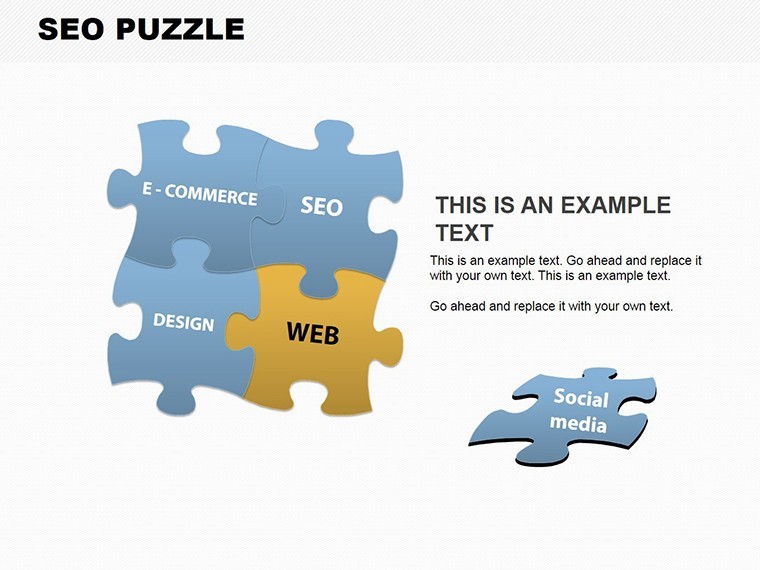
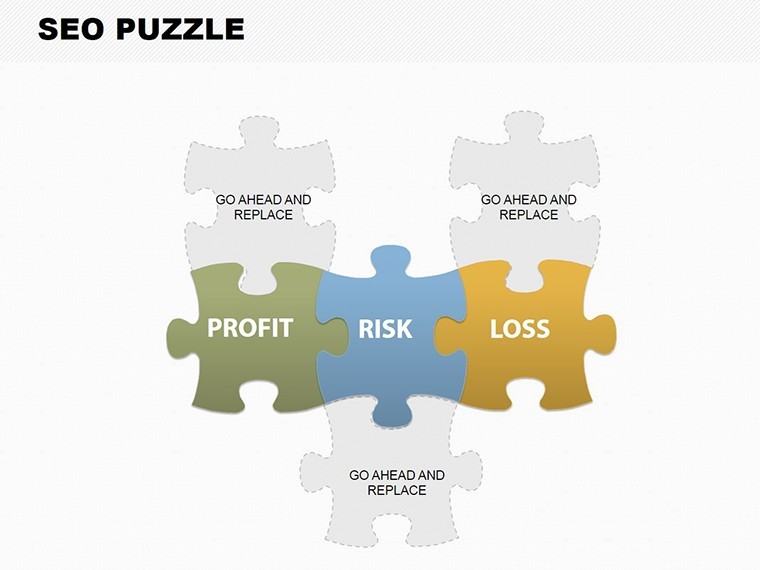
Interlocking pieces with scatter plots set this apart from general 3D Puzzles and Venn Charts by focusing on SEO strategies.
All elements support direct editing.
Technical Specs
FeatureDetailsSlides included30 puzzle chartsDiagram categoriesSEO interlocking piecesEditable elementssegments resize independentlyAspect ratio16:9 widescreenKeynote compatibilityversion 12 and laterColor themes5 built-in schemesIcon layers swap without affecting flow.
Color contrast zones edit easily.
This preserves diagram structure.
Layout composition stays clean.
How to Make It Yours in Under 20 Minutes
1. Open the .key file in Keynote (1 minute).
2. Swap puzzle icons and text (5 minutes).
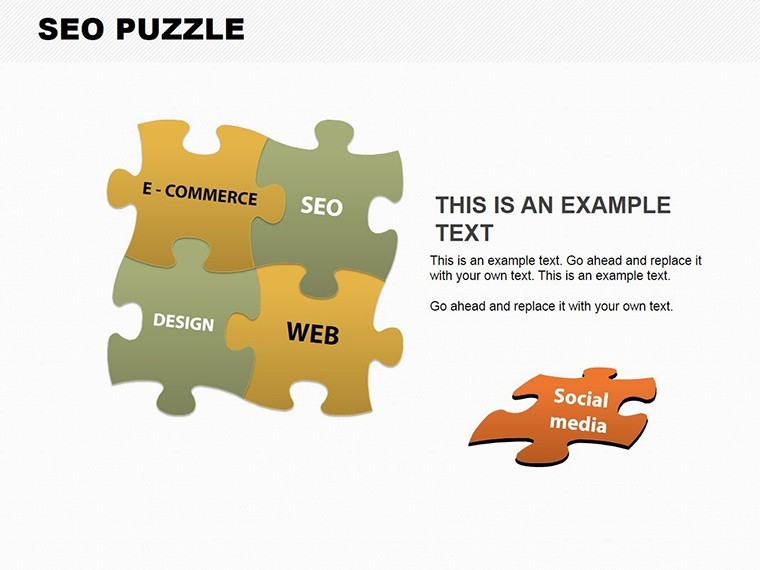
3. Select one of 5 color schemes (3 minutes).
4. Adjust scatter plot data and export (2 minutes).
The process rates moderate for digital marketers.
Connectors remain flexible.
Text placeholders update instantly.
From Strategy Decks to Boardroom Pitches
Digital marketers in agencies use the puzzle pieces to map competitor keywords in client proposals.
They reuse the file across three campaigns by switching color schemes.
SEO specialists in e-commerce apply scatter plots for ranking analysis in performance reviews.
They cut preparation from 3 hours to 45 minutes.
Consultants in marketing firms rely on interlocking timelines for quarterly briefings.
Download the SEO Puzzle Charts Keynote Template now and present in minutes.
Compared to Starting From Zero
Manual puzzle construction takes 6 hours and pixel-perfect alignment.
Errors often include broken interlocks and mismatched scatter points.
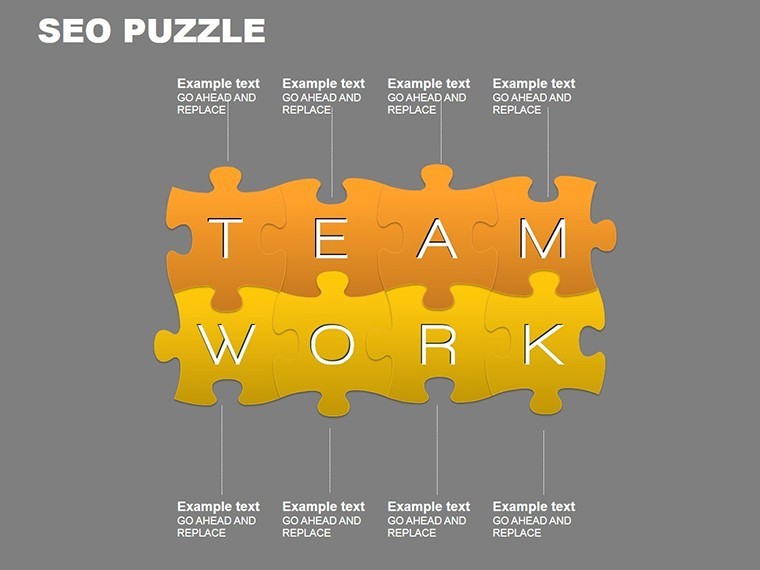
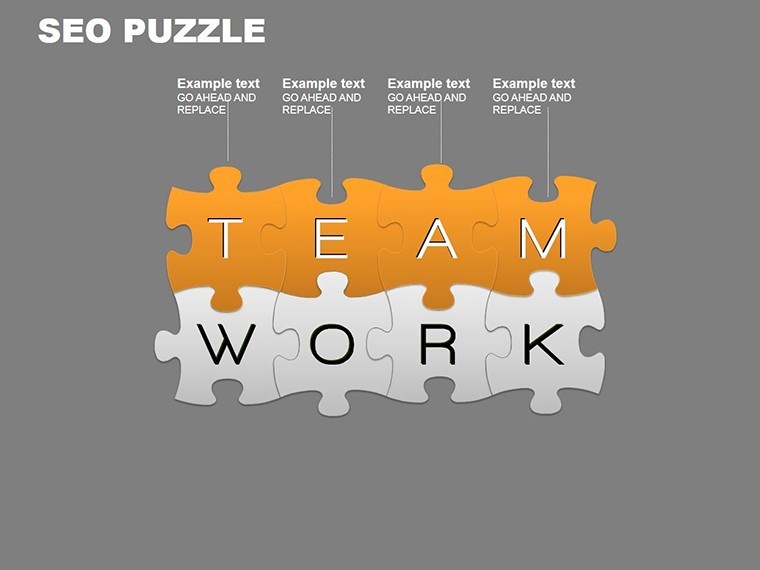
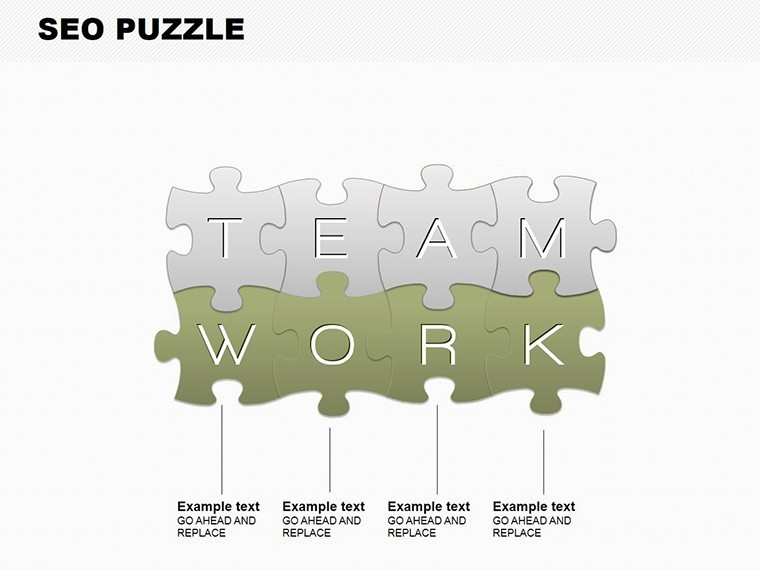
This template positions labels outside pieces with thin connectors.
Many decks embed text inside puzzles which reduces clarity during investor presentations.
The paid version supplies the full 30-slide file with 5 schemes and 50 icons unlike free previews.
Get the SEO Puzzle Charts Keynote Template for $16 and start piecing strategies visually right away.
Which Keynote versions does this template support?Keynote 12 and newer open the file without problems. Older versions may limit icon handling. Check immediately after download. Support resolves version conflicts quickly.
How do I change the color scheme?Open the slide master. Pick one of the 5 built-in schemes. Apply to all puzzle pieces at once. The entire 30-slide deck updates in seconds.
What does the license allow for client work?Client SEO decks and marketing reports stay permitted. Resale of the template is banned. Internal edits remain allowed. Keep the license intact.
What does the paid version include compared to free?The paid version includes the complete 30-slide .key with 5 color schemes and 50 icons. Free previews show images only. Full interlocking and scatter elements unlock on download. No watermarks exist.
What software is required and what is the refund policy?Keynote 12+ remains required. Refunds apply within 7 days for any opening issue. Send version and error info. Support reviews every request.
Good for
- Project roadmaps and sprint plans
- Product launch timelines
- Quarterly or annual review decks
- Company history and milestone summaries
Licence
reviews
Had to make a last minute KPI deck for work and these chart pages helped a lot. The layouts were straightforward.
I mostly used the pie chart and timeline slides for a university project. Looked decent on screen.
Not really into presentation design but this template was easy enough to edit. The icons fit my report okay.
The graph sections were useful but a few text boxes were oddly placed at first. Still usable after small fixes.
I needed something with simple data visuals and this worked better than expected. Didn’t feel too overloaded.
FAQ
Will it work in Google Slides?
Are fonts embedded?
Can I use this for client work?
What's the refund policy?
Do you update the template after purchase?
Similar templates
See all Keynote Charts →
All 30 slides