 Click to zoom
Scrum Process Keynote Diagrams: Agile Visions That Deliver
| Format | .pptx |
| Slides | 25 unique layouts |
| Aspect ratio | 16:9 |
| Compatibility | PowerPoint |
| Animated | No |
| Language | English |
| License | Commercial |
| File size | — |
| Version | v1.0 |
| Last updated | February 2025 |
What's inside
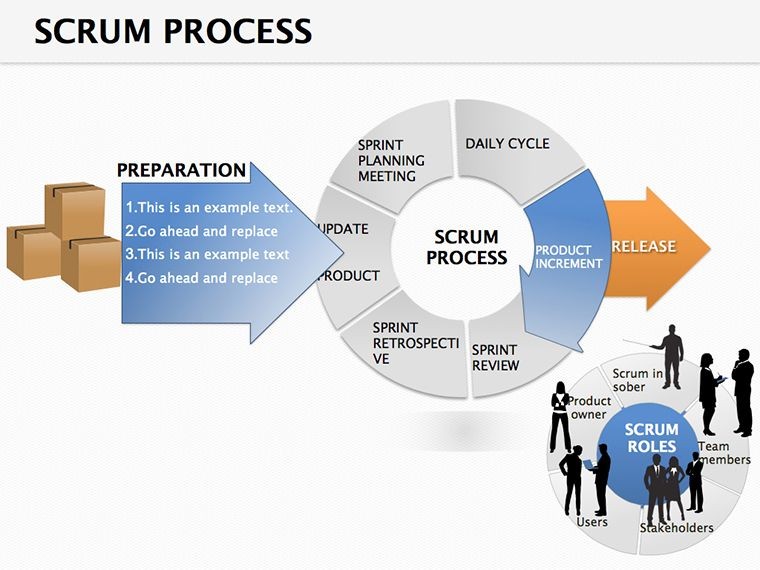
Agile isn't just a buzzword - it's a rhythm that keeps teams in sync, and the Scrum Process Keynote Diagram template captures it in 25 dynamic slides. Geared toward product owners, scrum masters, and dev leads navigating iterative cycles, this .key file turns methodology into visuals that propel progress. Keynote's elegance meets Scrum's structure, making every sprint story sing.
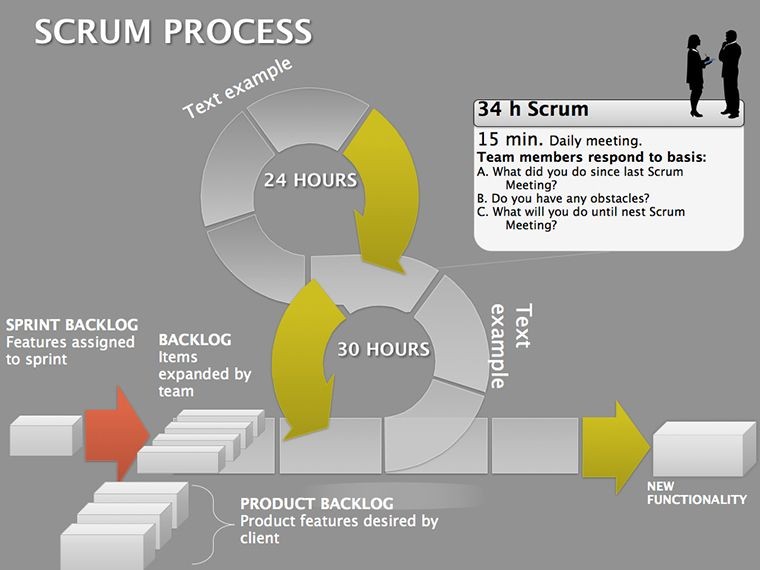
From pie charts for burndowns to flow maps for backlogs, each slide embodies Scrum principles: Fixed sprints, roles, and artifacts rendered in clean lines. Edit relentlessly - reposition events, recolor phases, or embed metrics - for decks that evolve with your iterations. It's the visual backbone for retrospectives or stakeholder updates, fostering that collaborative hum.
Scrum Diagrams: Fueling Focus in Fast-Paced Teams
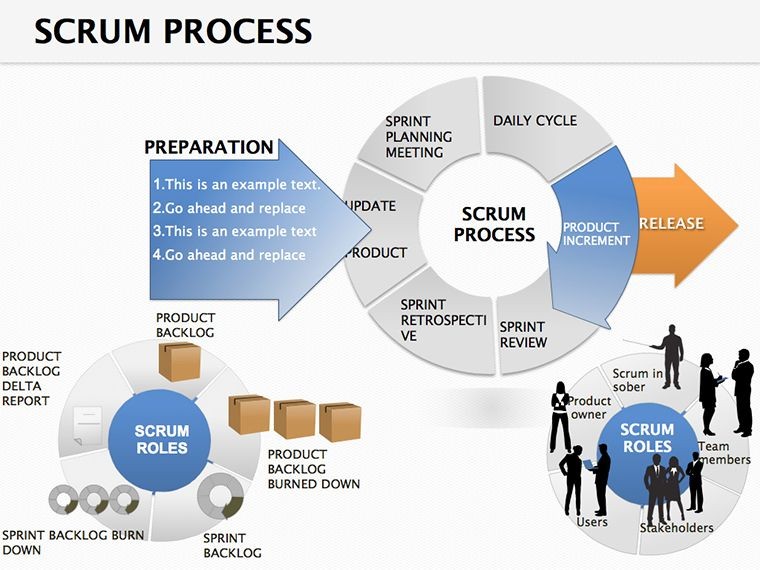
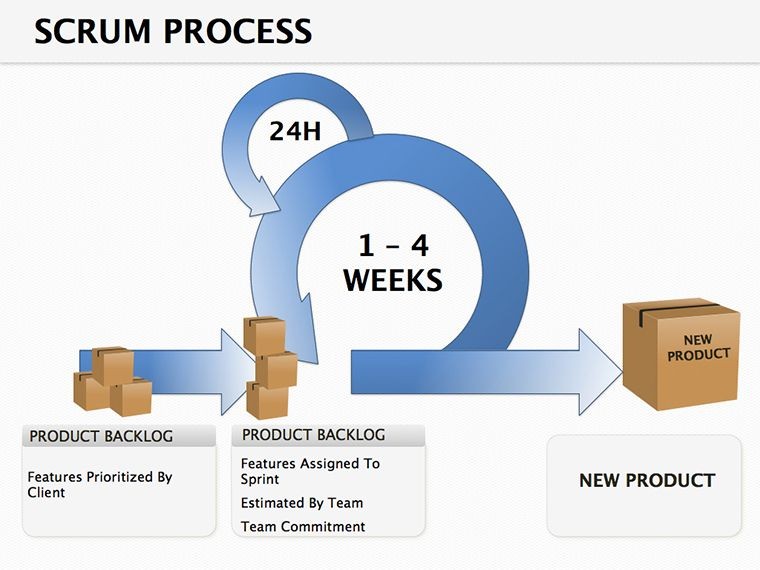
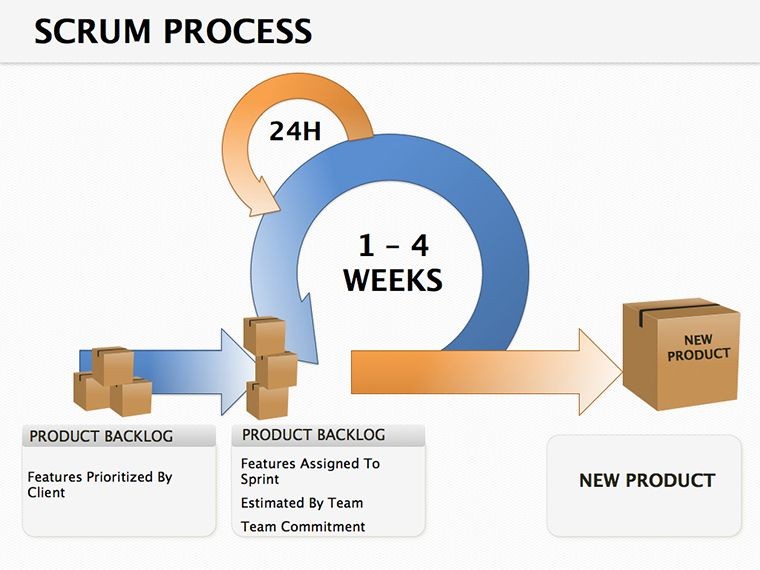
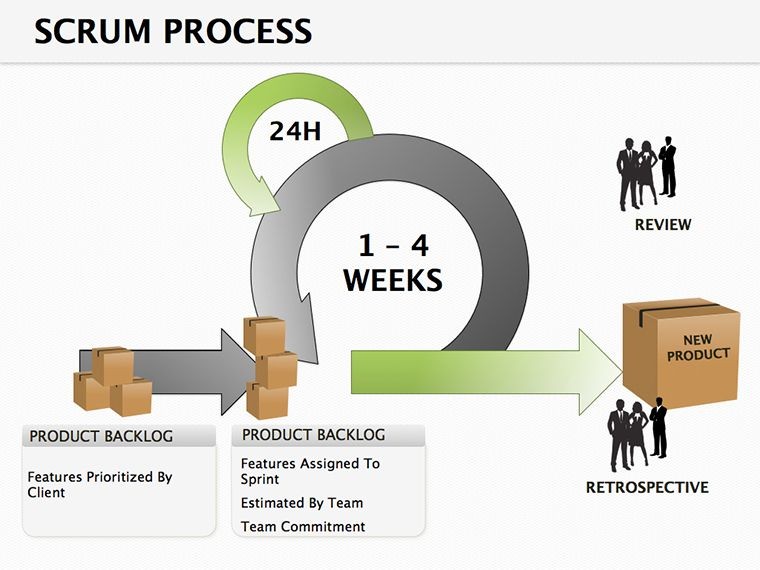
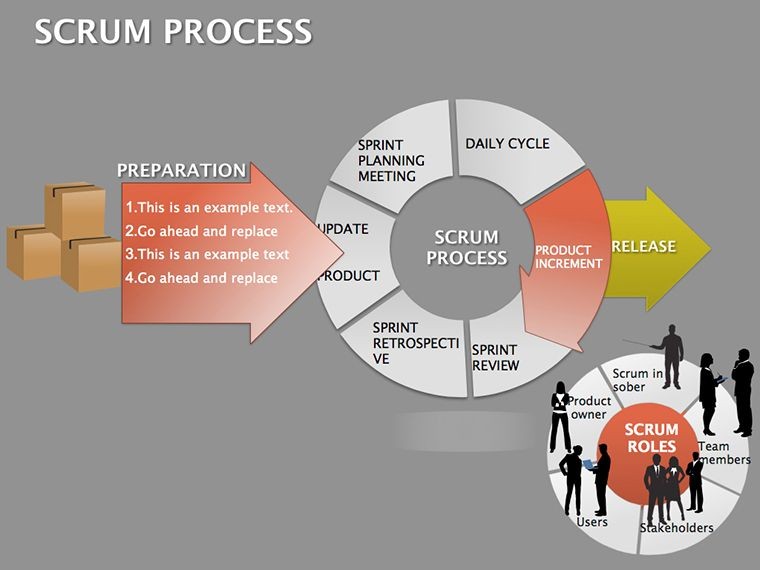
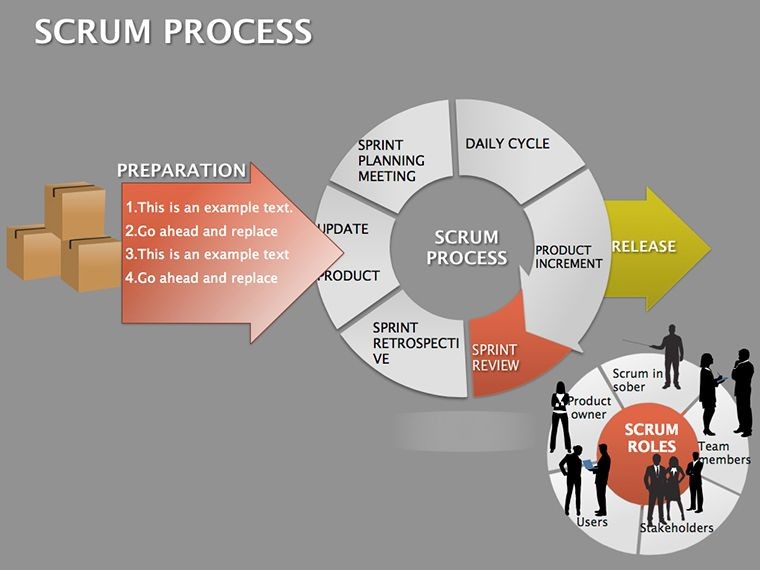
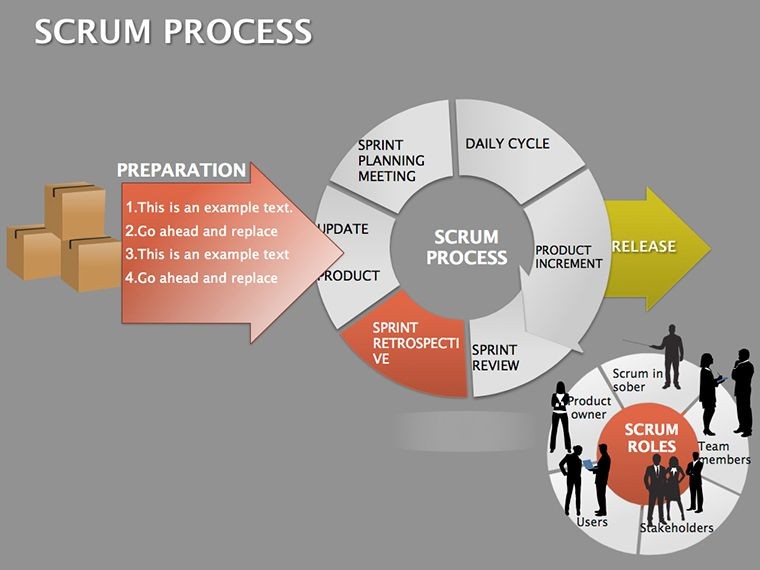
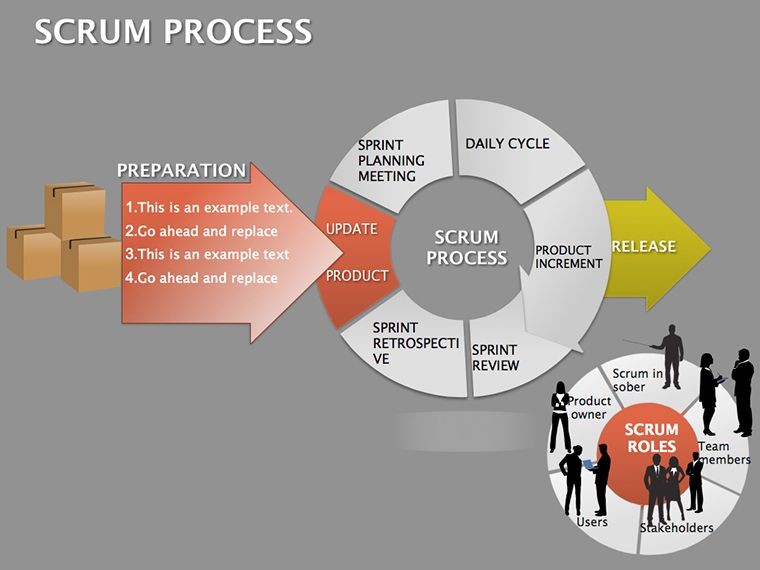
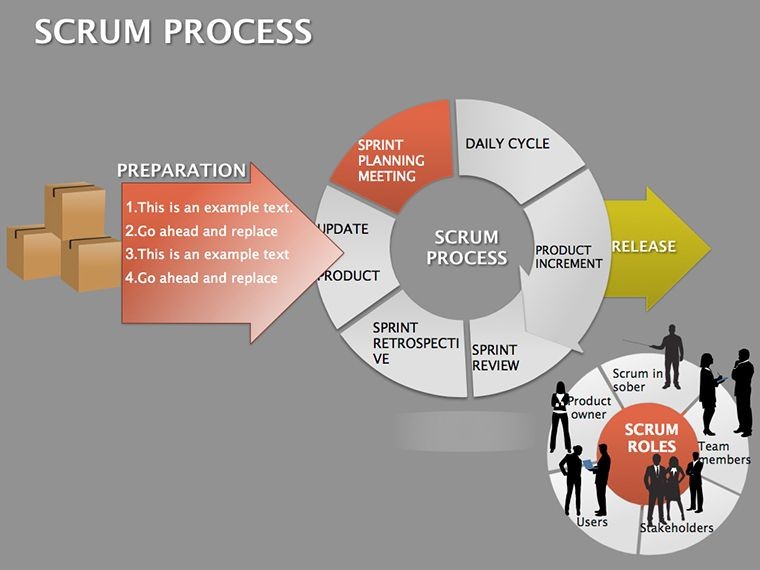
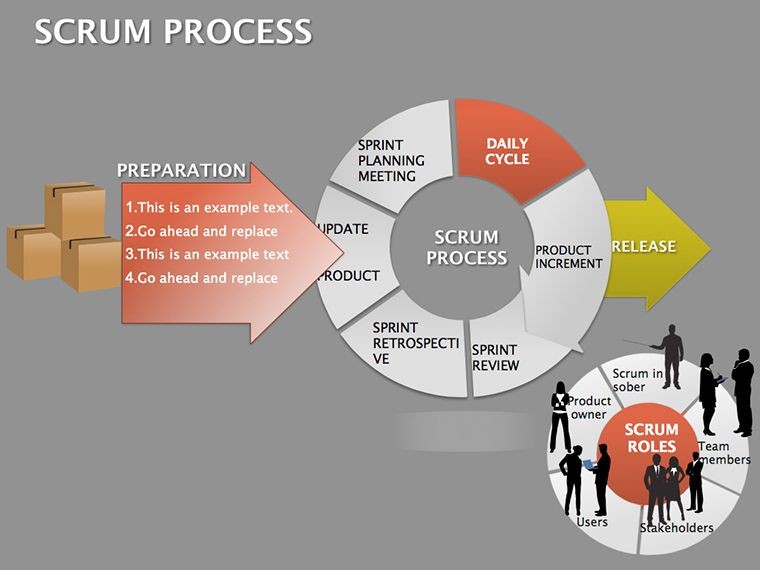
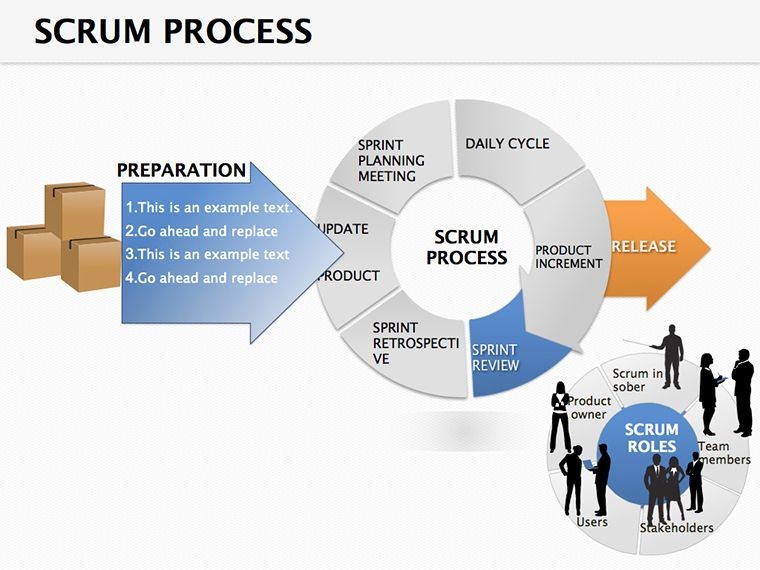
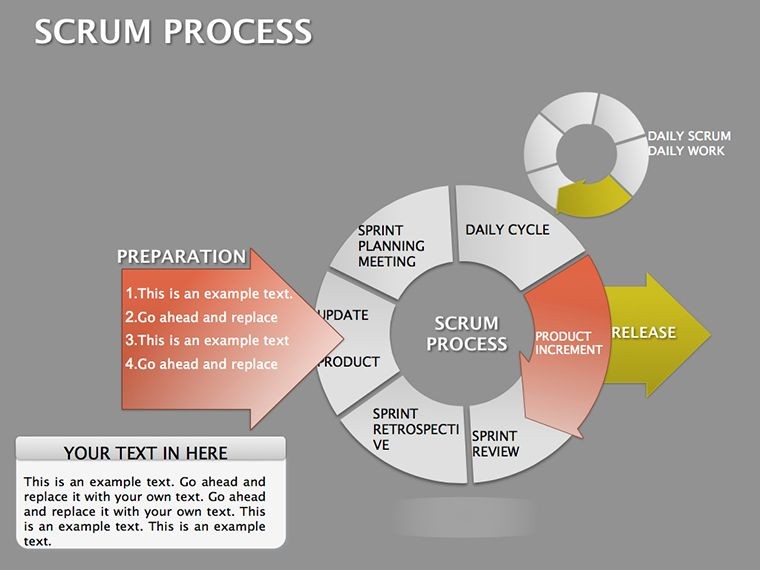
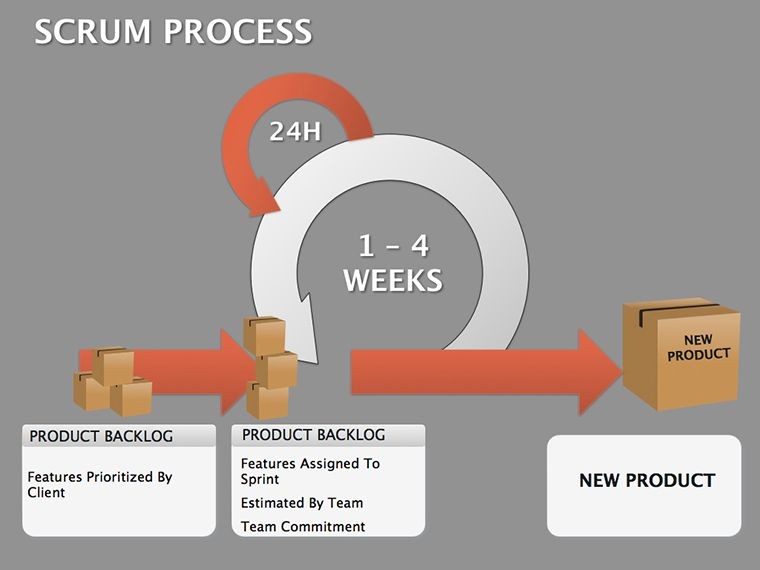
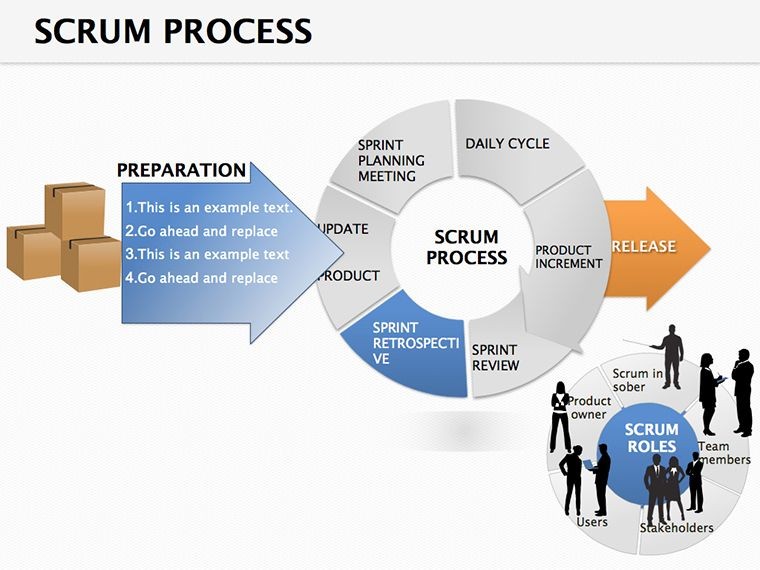
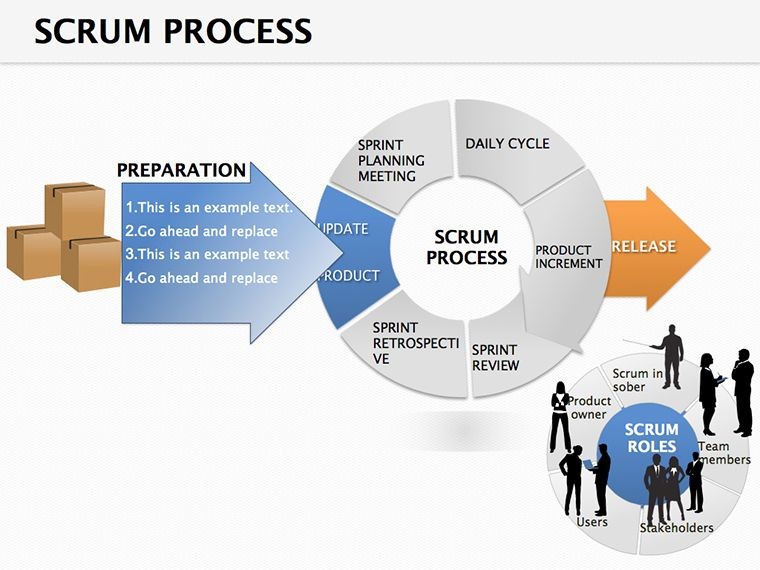
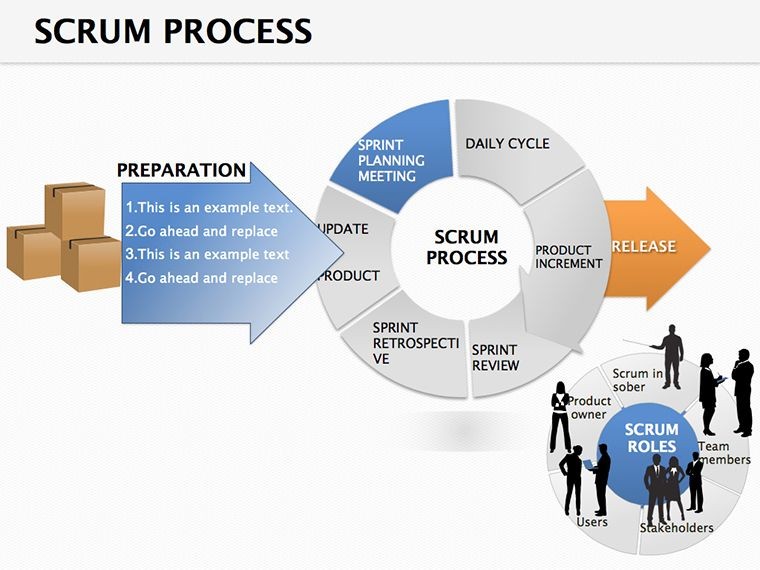
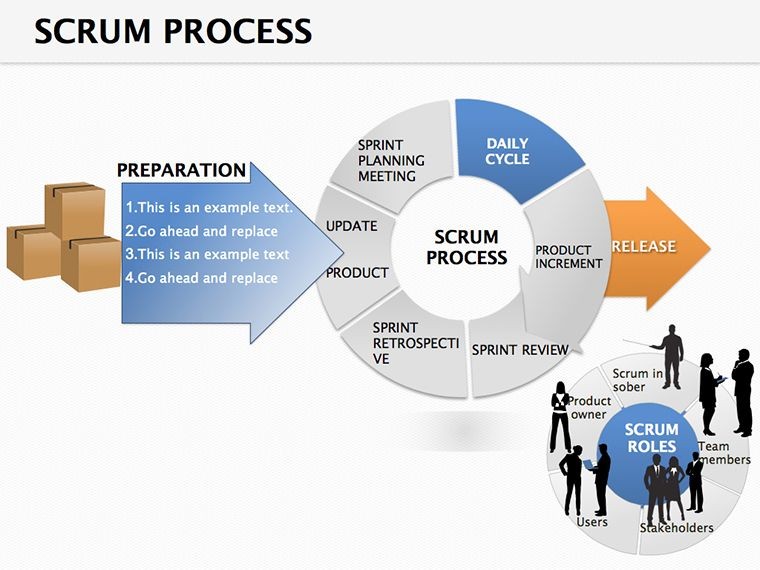
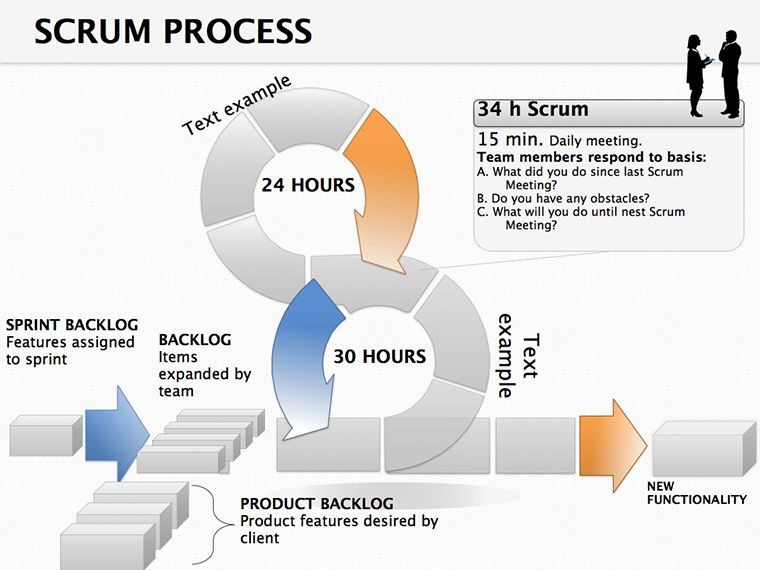
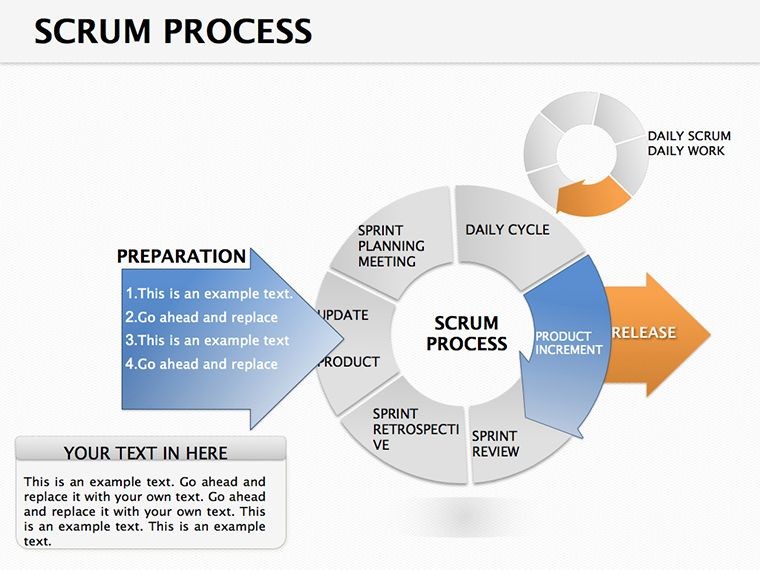
Scrum thrives on transparency, and these diagrams spotlight it by charting the process's heartbeat. A cycle wheel slide loops planning to review, with segments for daily stand-ups - ideal for pinning impediments visually. This clarity curbs overruns, echoing how seasoned agile coaches use visuals to align without verbosity.
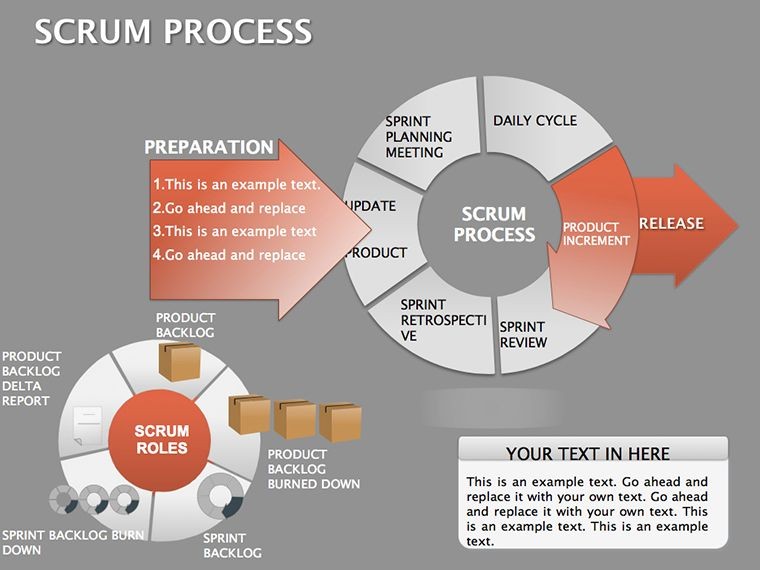
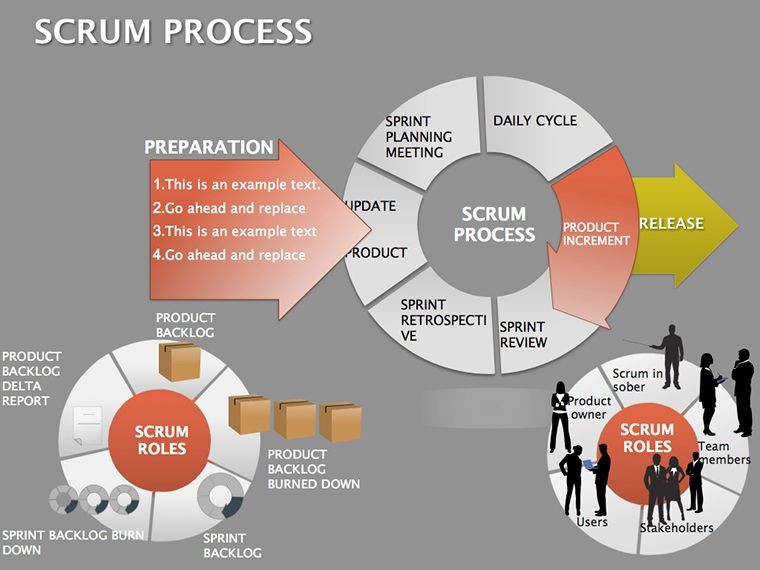
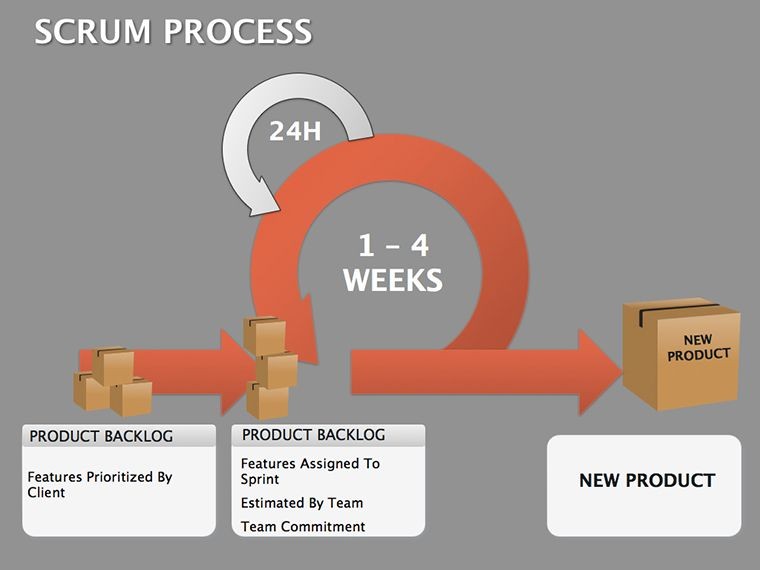
For cross-functional squads, organizational pies slice roles - PO, SM, devs - showing interplay. Business model flows trace value from ideation to release, perfect for investor demos. The fixed-period ethos shines through, helping teams internalize cadences for smoother velocities.
Features Built for Iterative Refinement
- Cycle Integrity: Circular and linear variants that loop seamlessly for ongoing sprints.
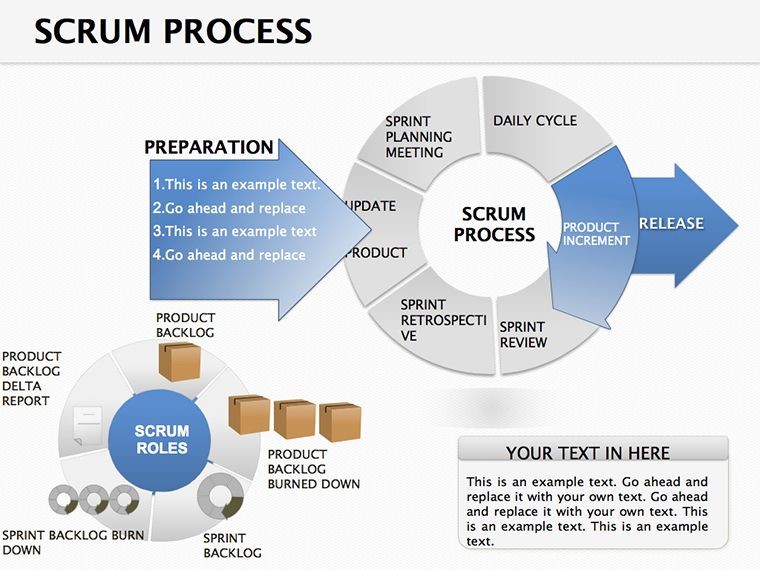
- Artifact Anchors: Prepped spots for product backlogs, sprint goals, and increment previews.
- Flow Fluidity: Arrow-heavy designs for epics to tasks, with drag ease.
- Keynote Native: Leverages builds for phased reveals, like unveiling velocities.
Unzip into Keynote, duplicate a slide for variants, and populate - morphs handle transitions effortlessly. Trumps generic timelines by baking in Scrum lexicon, streamlining jargon-heavy talks.
Core Use Cases: Sprints to Scale
Sprint planning? Deploy a pie for capacity allocation, slices for stories sized by effort. Retrospectives benefit from flow reversals, tracing what worked via backward arrows. In scaling scenarios, org diagrams branch multiple teams under a program umbrella, clarifying dependencies.
Stakeholder reports use model canvases to link outcomes to OKRs, pies quantifying progress. Trainers illustrate ceremonies with sequenced cycles, making abstract rituals concrete. These tools democratize Scrum, empowering even newbies to contribute meaningfully.
Guide to Scrum Slide Setup
- Frame the Sprint: Select a cycle base, marking start/end dates.
- Stock the Backlog: List items in nodes, prioritizing with color bands.
- Role the Dice: Assign icons to positions, linking to responsibilities.
- Animate the Pulse: Build daily increments, fading in impediments as they arise.
- Retrospect and Rinse: Duplicate for next iteration, noting deltas.
This cadence mirrors Scrum itself, embedding visuals into your practice for sustained agility.
Accent with Agile Icons for Vivid Velocity
Tap the icon trove - sprint cars, backlog stacks - for accents that quicken comprehension. Vectors align to grids, maintaining polish. Like agile manifestos visualized, it prioritizes working demos over docs, for slides that iterate as fast as code.
Teams report tighter loops: A master used flows to debug a stalled release, rallying fixes swiftly. From startups to scales, it cultivates cultures of continuous improvement.
Agile your presentations - snag the Scrum Process Keynote for $18 and sprint toward clarity.
Frequently Asked Questions
Does it cover all Scrum artifacts?
Yes, from backlogs to increments, with dedicated slide types.
Editable for custom ceremonies?
Fully - reshape events to fit your hybrid or scaled frameworks.
Best for Keynote novices?
Absolutely, with intuitive layers and tool tips.
Include velocity tracking?
Pie and bar variants ready for burndown inputs.
Shareable across teams?
Export options galore, from Keynote shares to PDFs.
Good for
- Project roadmaps and sprint plans
- Product launch timelines
- Quarterly or annual review decks
- Company history and milestone summaries
Licence
reviews
The decision tree with yes/no branches.
The branch lines are straight and angles are 90 degrees.
Used this for a logic flowchart.
The terminal nodes are diamond-shaped.
Good for programming or logic.
FAQ
Will it work in Google Slides?
Are fonts embedded?
Can I use this for client work?
What's the refund policy?
Do you update the template after purchase?
Similar templates
See all Keynote Diagrams →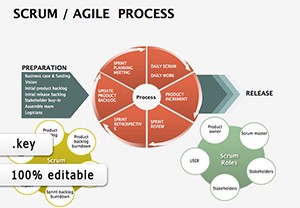

All 25 slides