 Click to zoom
Schedule PowerPoint Diagrams: Editable Tools for Organizational Planning
| Format | .pptx |
| Slides | 12 unique layouts |
| Aspect ratio | 16:9 |
| Compatibility | PowerPoint |
| Animated | No |
| Language | English |
| License | Commercial |
| File size | — |
| Version | v1.0 |
| Last updated | February 2026 |
What's inside
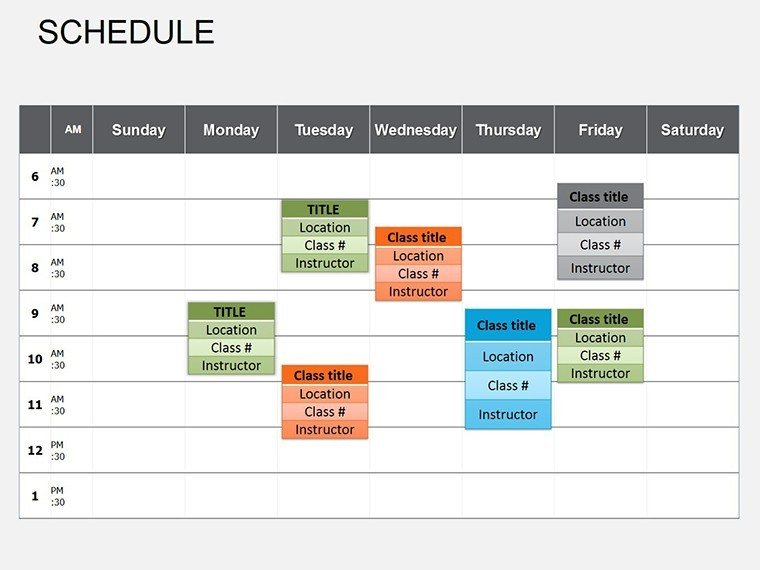
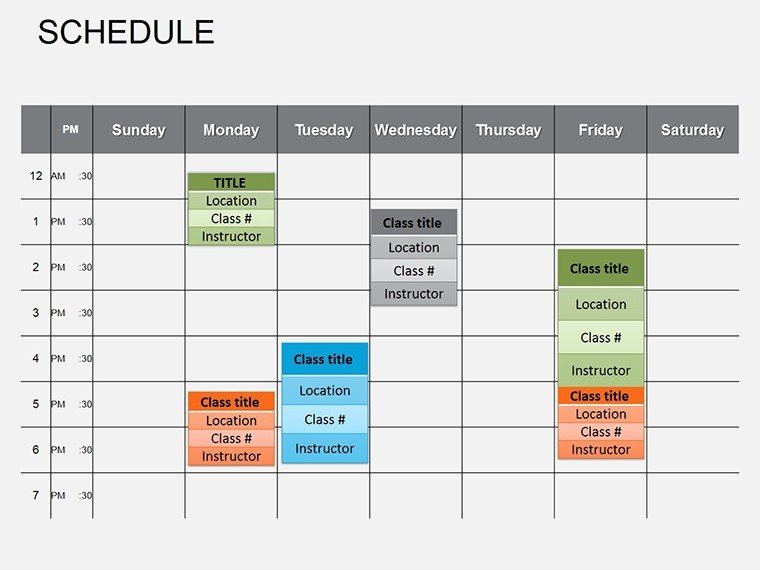
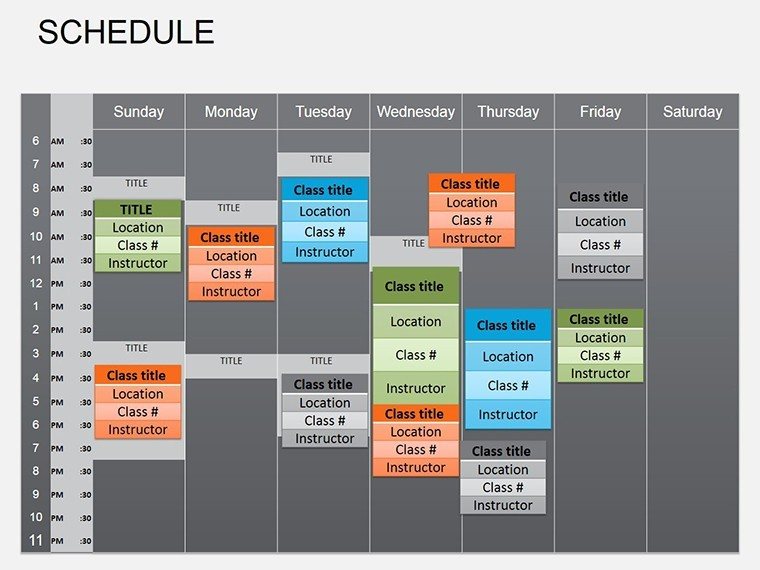
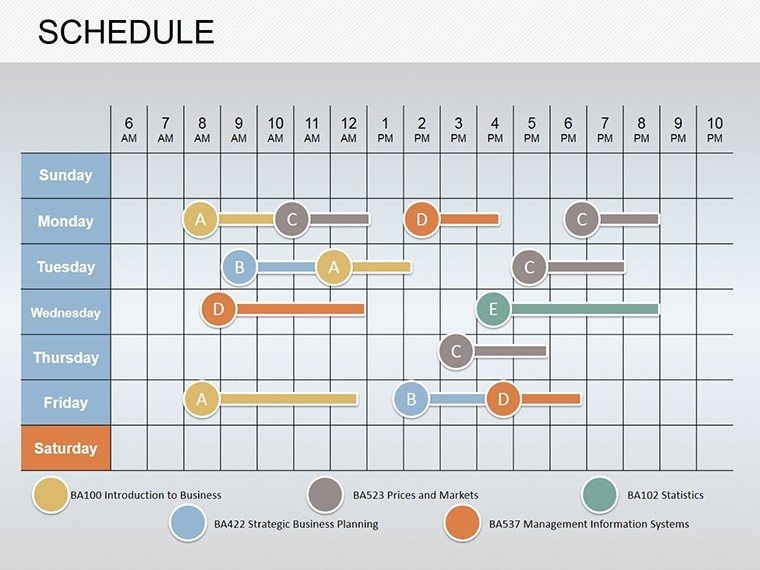
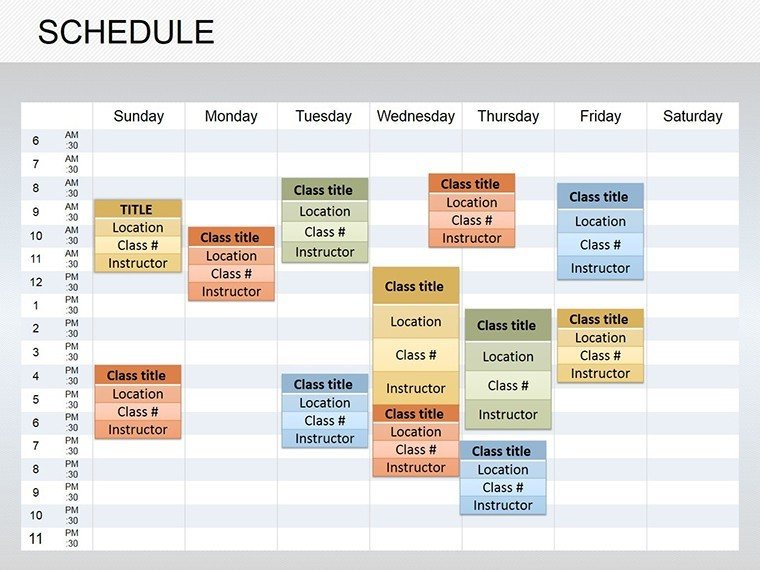
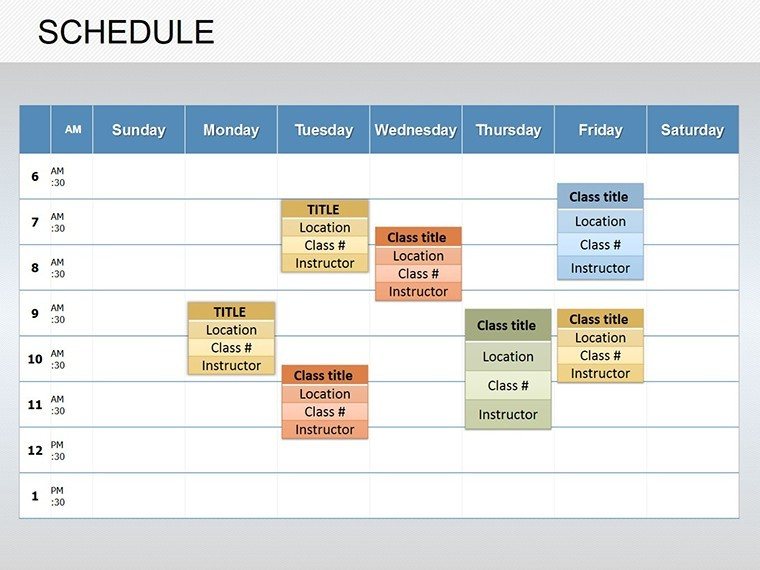
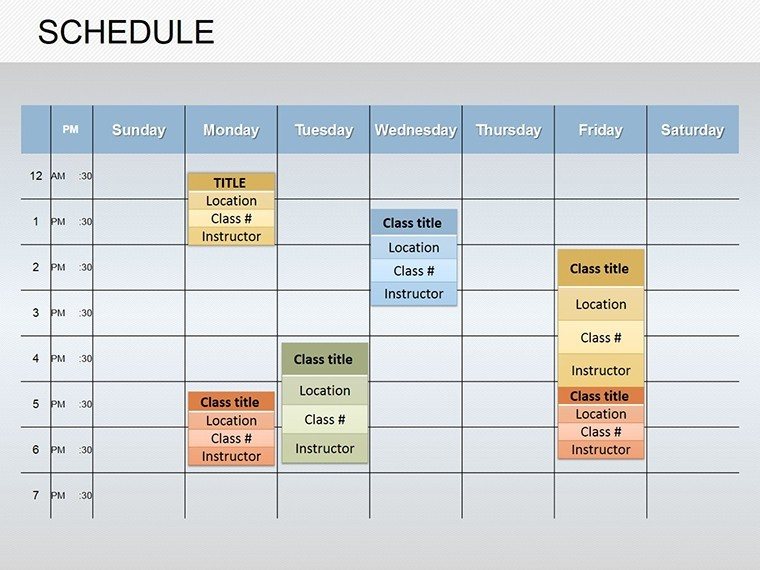
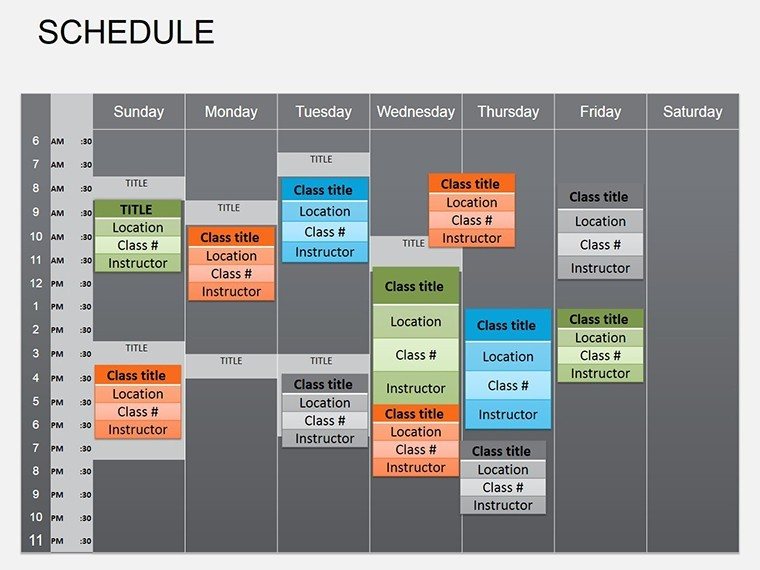
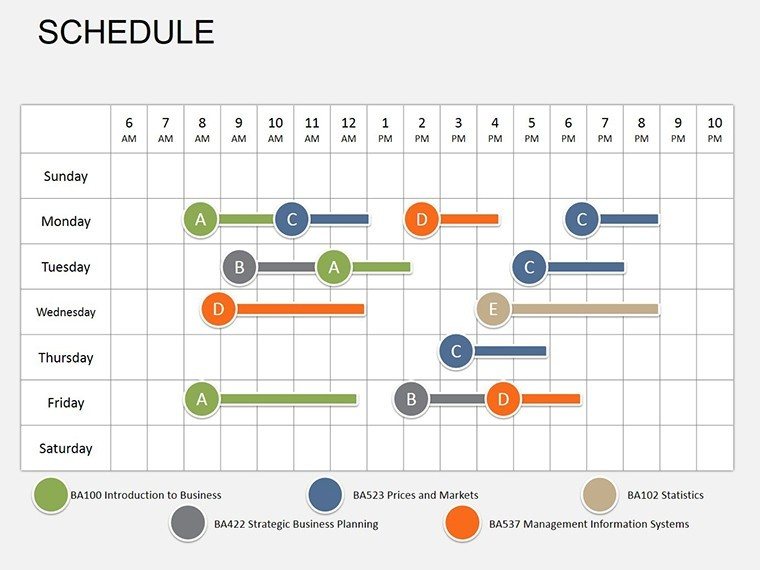
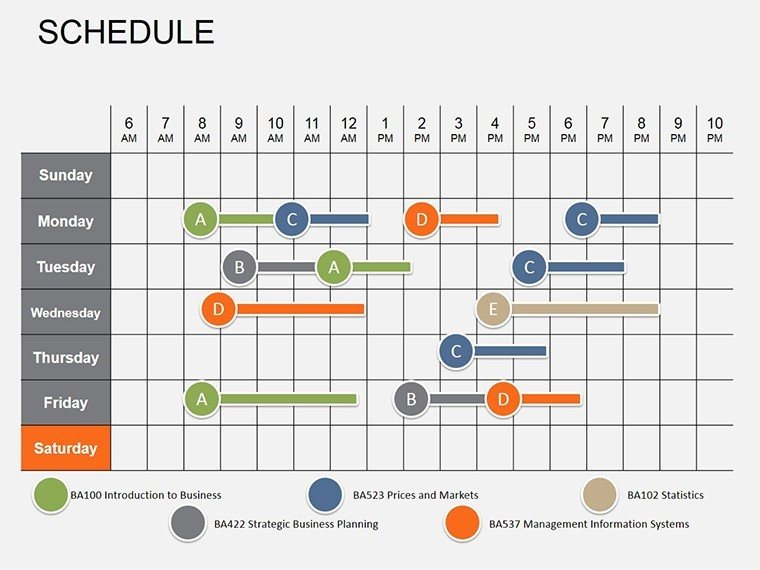
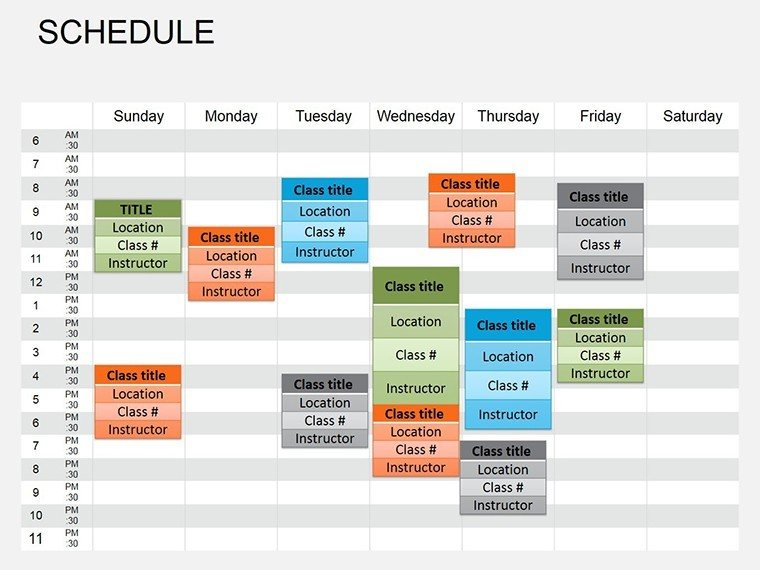
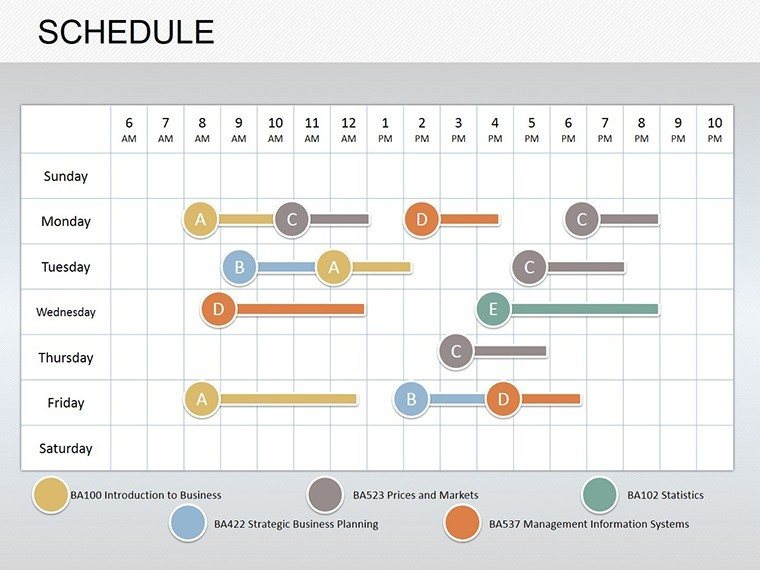
In the structured world of business management, where efficient staffing and resource allocation are key to success, our Schedule PowerPoint diagrams template stands as an indispensable asset. With 12 fully editable slides, this tool is tailored for HR professionals, managers, and consultants to visualize staffing tables, structural positions, salaries, wages, and benefits. Whether you're overhauling company hierarchies or presenting annual budgets, it simplifies complex data into clear, actionable diagrams. Compatible with PowerPoint (.pptx) and Google Slides, it draws from best practices in organizational design, like those from SHRM (Society for Human Resource Management), to ensure your presentations are both informative and persuasive. Save time on manual charting and focus on strategy - transform your workflow today.
Navigating Organizational Structures with Ease
Scheduling goes beyond calendars; it's about aligning people with roles. Categorized under Tables, this template excels in depicting full-time information and unit breakdowns. For example, use it to illustrate departmental hierarchies in a growing firm, highlighting how positions interlink with compensation packages. The editable slides allow for real-time updates, perfect for dynamic environments like startups scaling operations. Managers can reference case studies from companies like Google, where clear staffing visuals aid in talent management, fostering transparency and motivation.
Core Features for Professional Diagrams
- 12 Editable Slides: From basic tables to advanced layered diagrams for benefits overviews.
- High Flexibility: Customize rows, columns, and data points to fit your organization's specifics.
- Table-Centric Designs: Optimized for clarity in presenting salaries and positions without clutter.
- Compatibility: .pptx format ensures smooth use in PowerPoint and Google Slides.
- Data Integration: Easily link to Excel for automated updates.
These elements surpass standard PowerPoint tables, offering pre-formatted professionalism.
Applications in Business and Beyond
Envision an HR director using these diagrams for onboarding: A slide mapping positions and salaries to set expectations clearly. Real-world examples include consulting firms like Deloitte employing similar tools for client audits, ensuring compliance with labor laws. For non-profits, visualize volunteer schedules tied to benefits, as in Red Cross operations. Managers in manufacturing can chart shift schedules with wage details, optimizing productivity. This template's utility spans industries, supporting strategic planning and audits.
Step-by-Step Customization Process
- Select Layout: Choose a table style based on data complexity.
- Populate Data: Input positions, salaries, and benefits using placeholders.
- Refine Visuals: Adjust colors for departmental coding.
- Add Details: Include notes on charters or policies.
- Review and Export: Ensure accuracy before sharing.
This efficient flow minimizes errors in high-stakes presentations.
Expert Advice for Optimal Use
To enhance diagrams, use conditional formatting for salary ranges, highlighting variances. Draw from HR analytics, like Gallup's engagement studies, to tie visuals to performance metrics. Keep designs simple - avoid over-coloring to maintain focus. For remote teams, leverage Google Slides collaboration. Users appreciate how these diagrams clarify complexities, often leading to better-informed decisions. Unlike free templates, this provides robust, error-free structures.
Position your organization for success with precise visuals.
Streamline Your Scheduling Now
Elevate your management game with this essential template. Ready to organize? Download and lead with confidence.
Frequently Asked Questions
How detailed can the tables get?
Highly, with options for multiple columns on positions, salaries, and benefits.
Is it HR-compliant?
Designed with standards in mind, but customize to your policies.
Can I integrate with Excel?
Yes, for dynamic data linking.
Suitable for small businesses?
Absolutely, scalable for any size.
What if I need more slides?
Duplicate and edit as needed.
Good for
- Project roadmaps and sprint plans
- Product launch timelines
- Quarterly or annual review decks
- Company history and milestone summaries
Licence
reviews
Used this for a quick team update and the arrows actually saved me time arranging everything.
Colors were a bit louder than I wanted but the diagram slides worked fine for my class presentation.
Needed something last minute for a finance report and the layout was easy to edit.
I mostly grabbed it because the chart blocks already looked organized and I didn’t want to build slides from scratch.
Some icons felt outdated honestly, but overall it did the job for a short meeting.
FAQ
Will it work in Google Slides?
Are fonts embedded?
Can I use this for client work?
What's the refund policy?
Do you update the template after purchase?
Similar templates
See all Powerpoint Diagrams →

All 12 slides