 Click to zoom
Schedule PowerPoint Charts: Visualize Plans Dynamically
| Format | .pptx |
| Slides | 32 unique layouts |
| Aspect ratio | 16:9 |
| Compatibility | PowerPoint |
| Animated | No |
| Language | English |
| License | Commercial |
| File size | — |
| Version | v1.0 |
| Last updated | August 2023 |
What's inside
Envision turning chaotic project timelines into polished, persuasive visuals that command attention. Our Schedule PowerPoint Charts template does just that, with 32 editable slides dedicated to mapping out timelines, plans, and agendas. Perfect for project managers, marketers, and educators, it brings clarity to complex schedules, much like how AIA standards guide architectural timelines for seamless execution. Whether detailing a construction phase breakdown or a semester course outline, this template empowers you to communicate with precision and flair, drawing on proven strategies from project management gurus like those at PMI for efficient visualization.
Effortless Customization for Any Schedule
Schedules are the backbone of success, and this template makes them shine. Offering boundless options for colors, fonts, and layouts, you can tailor each chart to your project's unique rhythm. No design degree needed - the interface is intuitive, allowing quick tweaks that reflect your brand.
Authoritativeness is built-in, with designs echoing best practices from sources like the Project Management Institute, ensuring your visuals stand up to scrutiny. In architecture, for instance, use it to schedule site surveys against permit approvals, fostering trust through transparent planning.
Essential Features for Visual Mastery
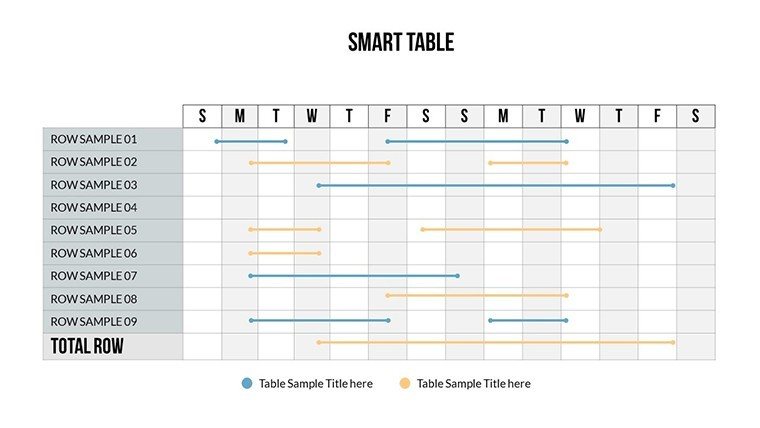
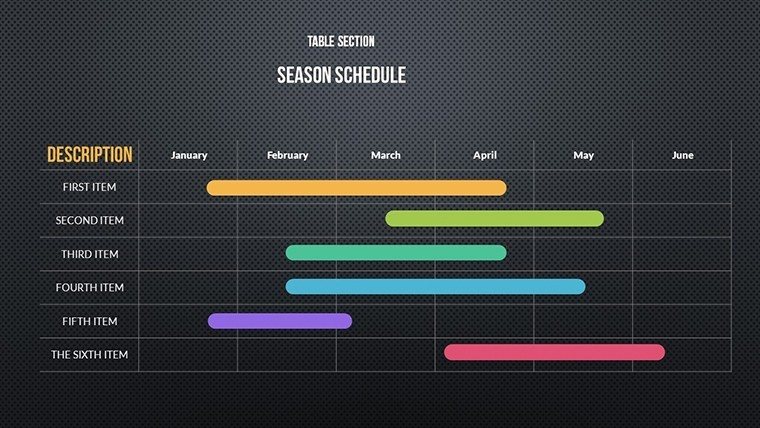
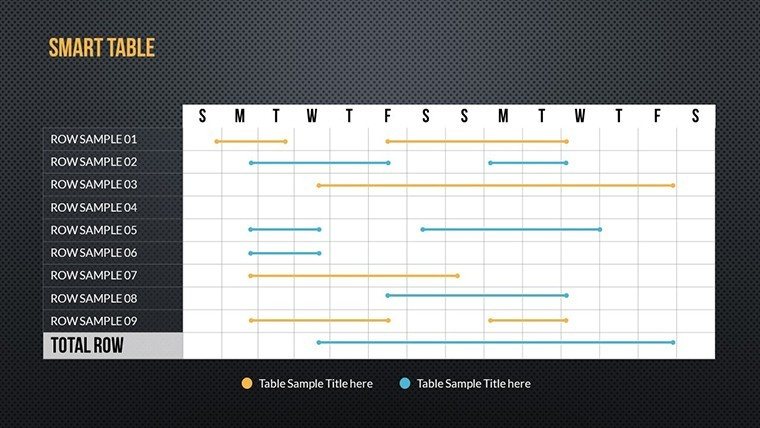
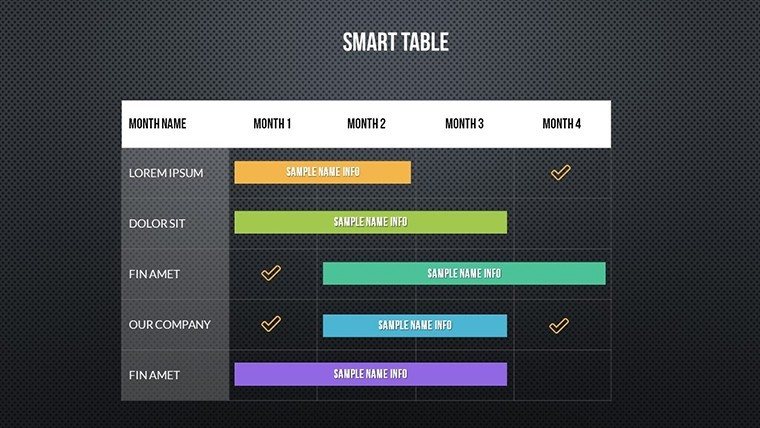
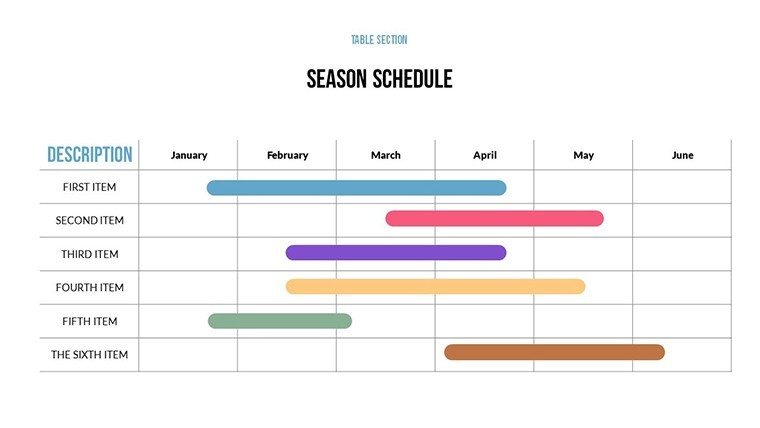
- Timeline Charts: Linear and Gantt-style for tracking progress over time.
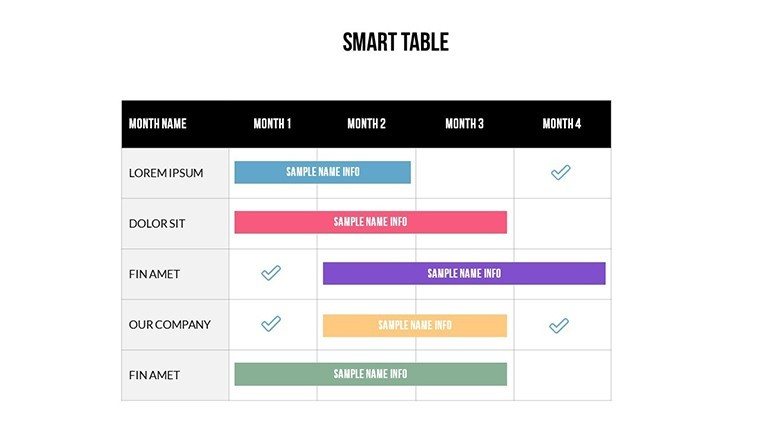
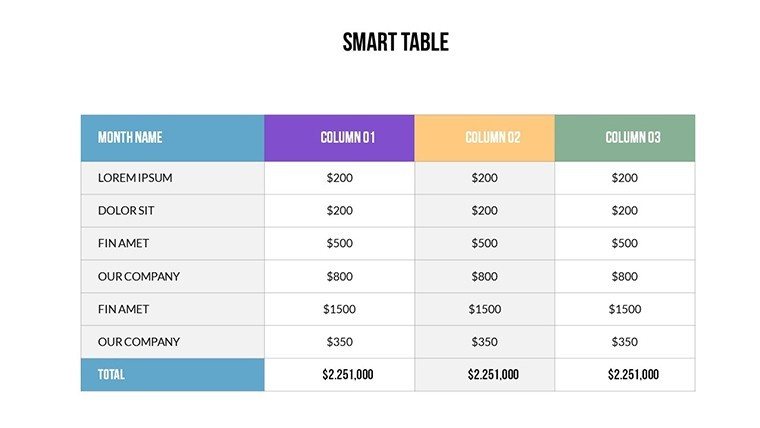
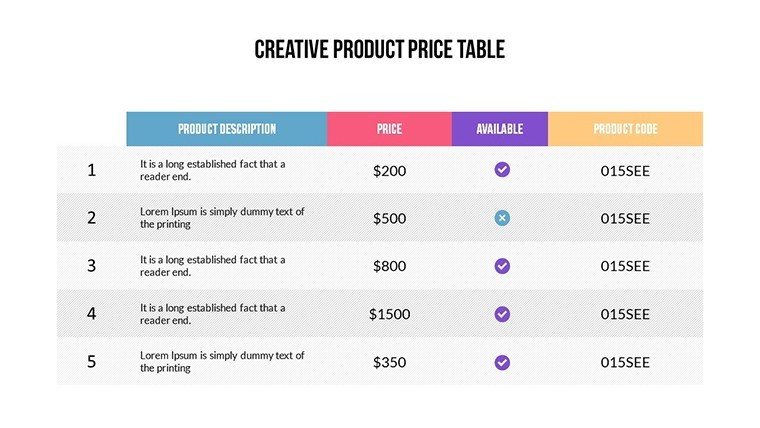
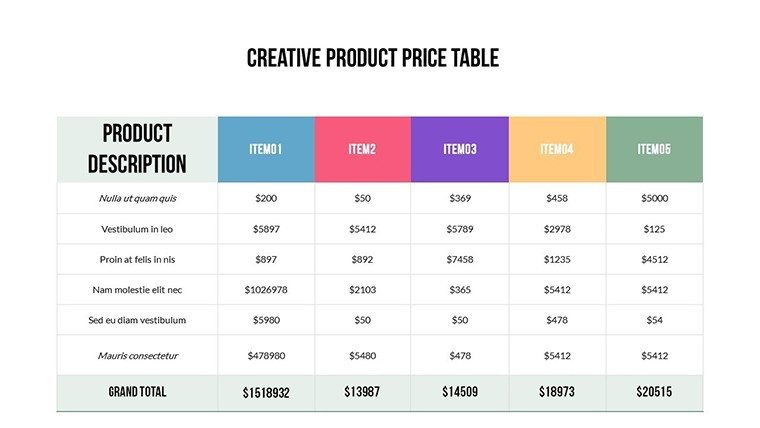
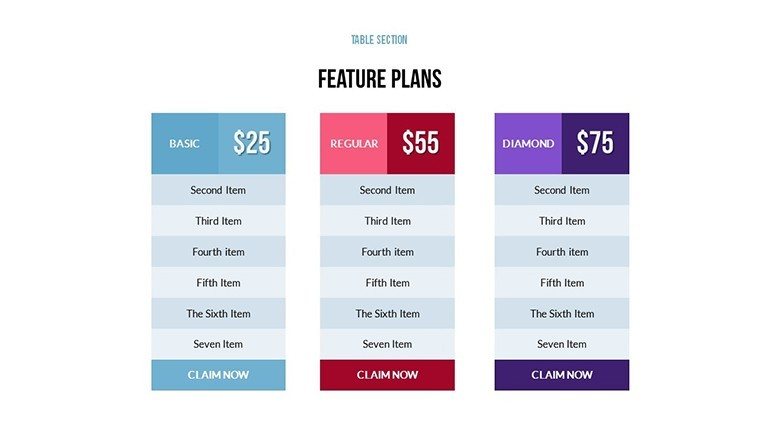
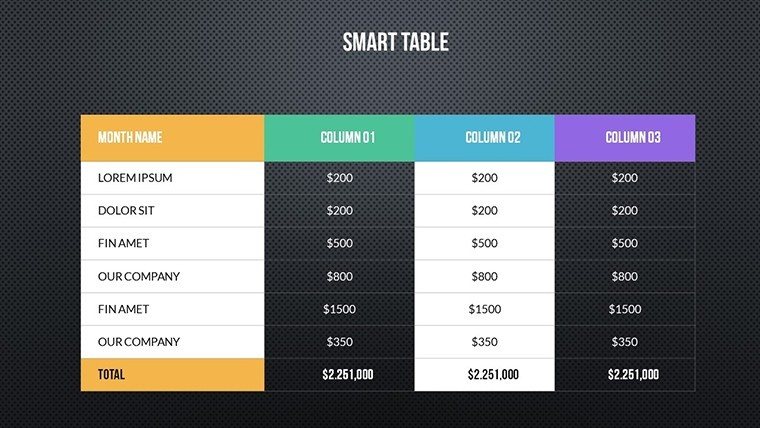
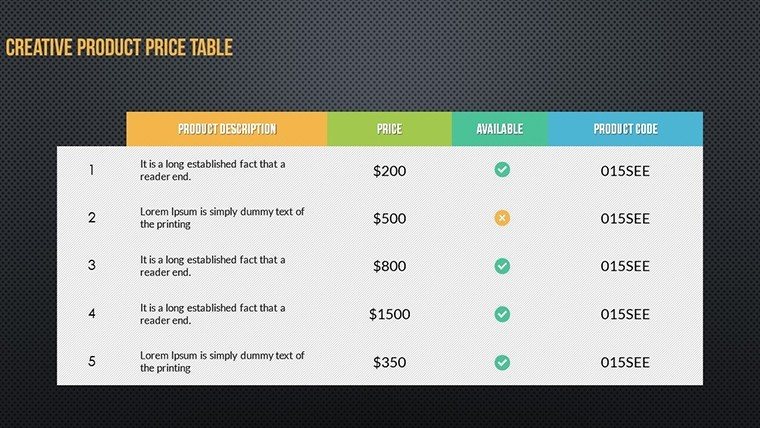
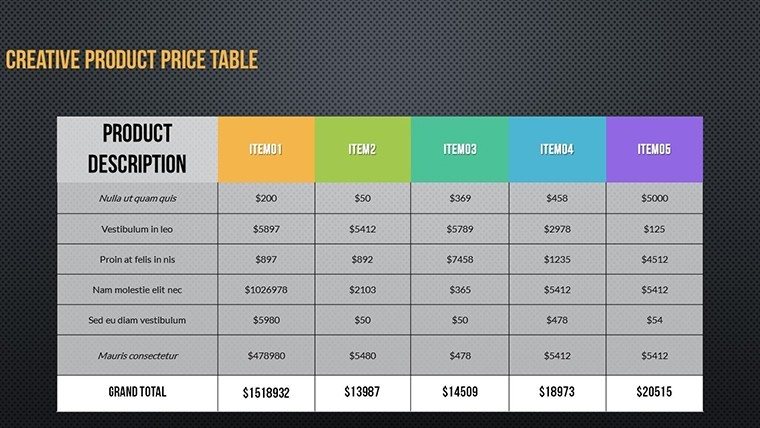
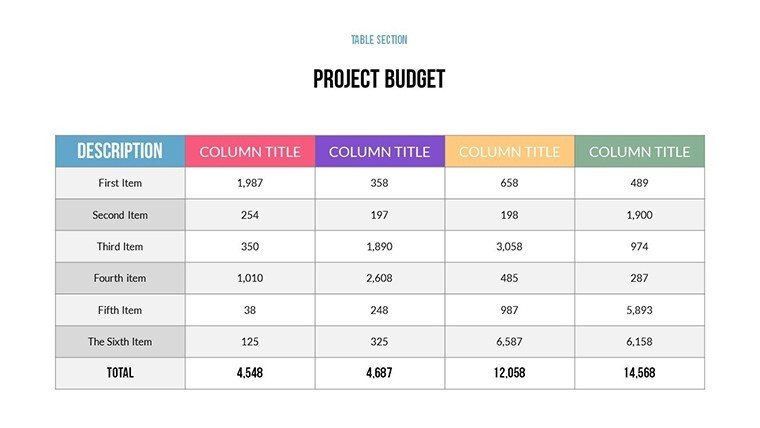
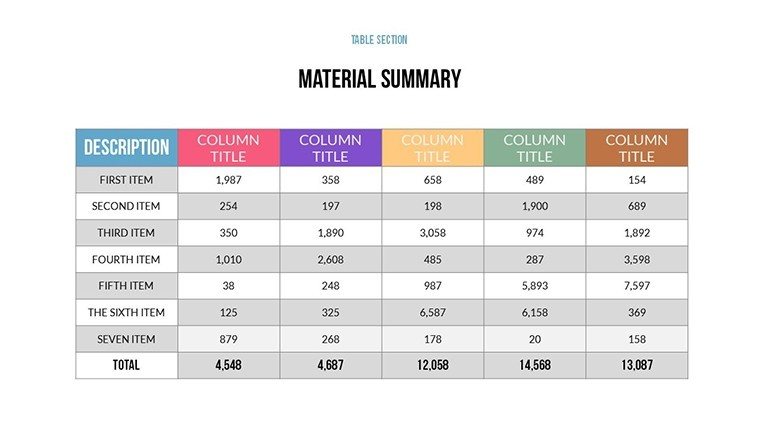
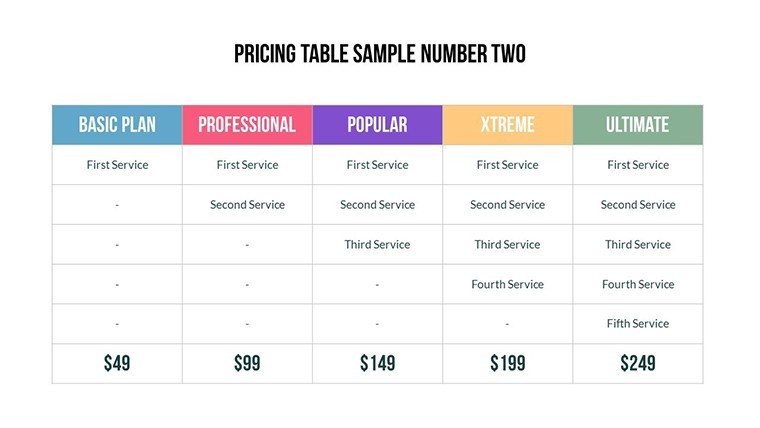
- Plan Visualizers: Grids and tables to outline tasks and dependencies.
- Color and Font Variety: Endless combinations for aesthetic alignment.
- User-Friendly Edits: Drag-and-drop simplicity for all skill levels.
- Pre-Designed Efficiency: Ready templates cut creation time drastically.
These elements, informed by UX research, ensure your schedules aren't just lists but stories that engage.
Who Benefits and How
From architects scheduling LEED certifications to marketers plotting campaign rollouts, the applications are vast. A real example: A firm like Foster + Partners employed similar tools to coordinate global teams on a skyscraper project, reducing delays by visualizing bottlenecks early.
Educators can dynamize lesson plans, showing how topics interconnect over a term. Compared to vanilla PowerPoint tables, this offers thematic depth, with integrated icons for visual cues. Fold it into your routine: Import data, customize, and export - streamlining from concept to delivery.
Guide to Creating Compelling Schedules
- Launch the template and pick a schedule type.
- Input milestones and deadlines into placeholders.
- Refine layouts with custom colors.
- Add notes or icons for context.
- Preview for flow and adjust.
- Share or present with embedded links.
This workflow accelerates productivity, turning plans into actionable visuals.
Pro Tips for Schedule Excellence
Incorporate milestones with bold highlights to emphasize critical paths. For architecture, align with AIA phases - schematic design to construction docs. Vary chart orientations for diversity, and always back data with sources for credibility.
The template's reliability stems from iterative testing, much like agile methodologies. In one case, a marketing team used it to schedule content calendars, boosting on-time deliveries by 30%.
Elevate Your Planning Game
This isn't mere software; it's a partner in precision. Affordable and immediate, it's essential for dynamic schedulers.
Unlock your schedules' potential - download and dazzle.
Frequently Asked Questions
How customizable are the schedules?Fully, from layouts to colors, for perfect fits.Compatible with collaborative tools?Yes, works in PowerPoint, Google Slides, and Teams.Suitable for large projects?Absolutely, scales for complex timelines.Include Gantt charts?Yes, with editable bars and dependencies.Support for beginners?Intuitive design plus quick-start guide.Good for
- Project roadmaps and sprint plans
- Product launch timelines
- Quarterly or annual review decks
- Company history and milestone summaries
Licence
reviews
The bar chart slides worked nicely for my office stats report.
I used this during a last minute college presentation and nobody complained.
Pretty simple template but that’s honestly why I picked it.
A few text boxes needed resizing though.
The colors were calm and didn’t distract from the data.
FAQ
Will it work in Google Slides?
Are fonts embedded?
Can I use this for client work?
What's the refund policy?
Do you update the template after purchase?
Similar templates
See all PowerPoint Charts →
All 32 slides