 Click to zoom
Ribbon Interconnections Charts - Editable | ImagineLayout
| Format | .pptx |
| Slides | 20 unique layouts |
| Aspect ratio | 16:9 |
| Compatibility | PowerPoint |
| Animated | No |
| Language | English |
| License | Commercial |
| File size | — |
| Version | v1.0 |
| Last updated | April 2026 |
What's inside
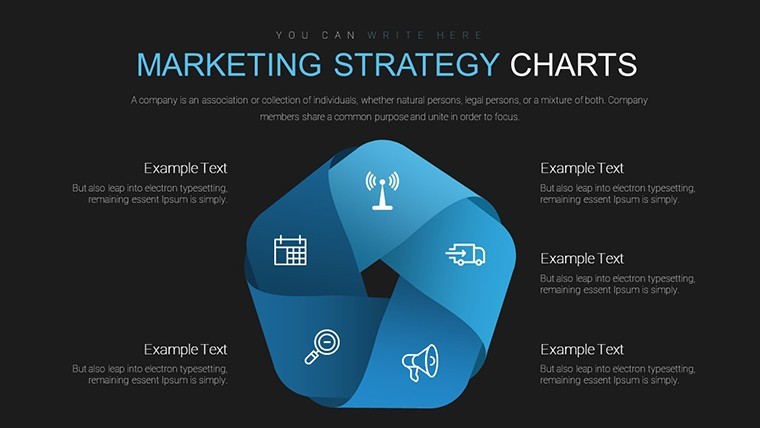
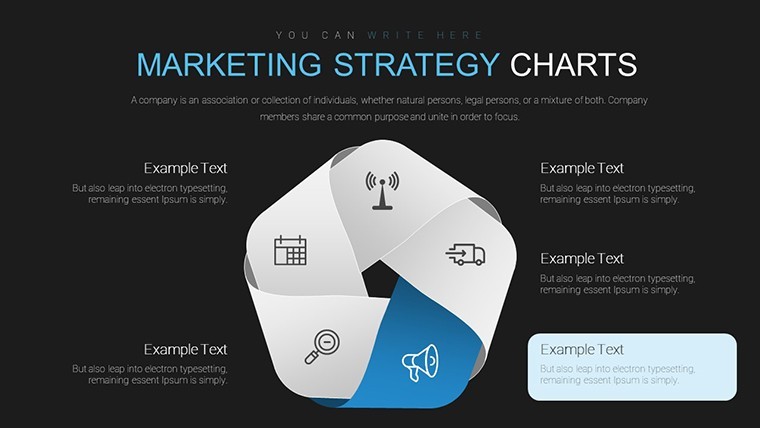
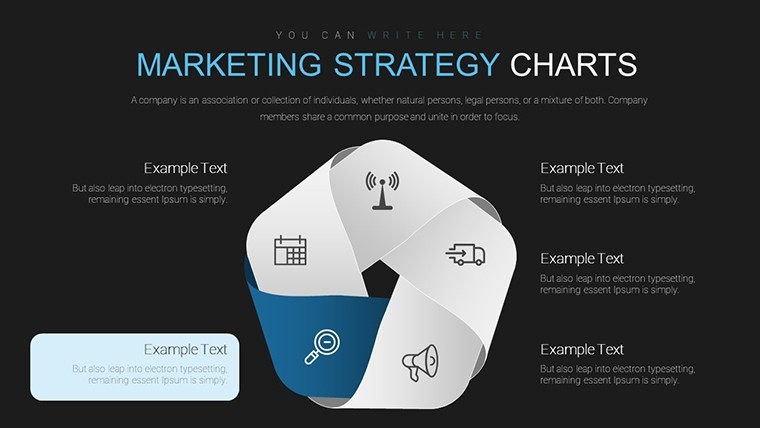
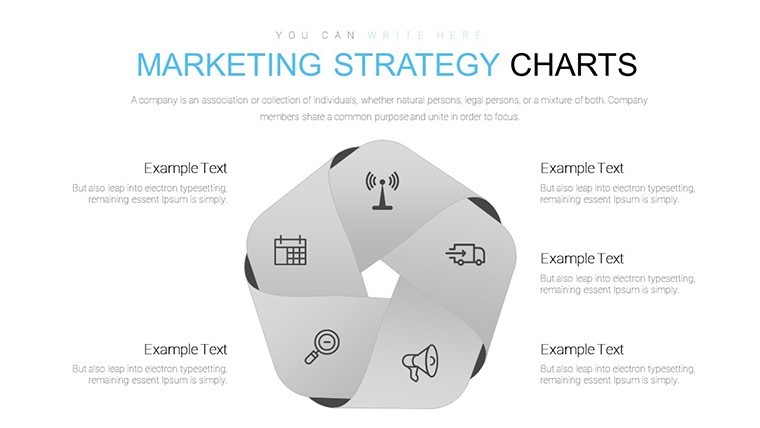
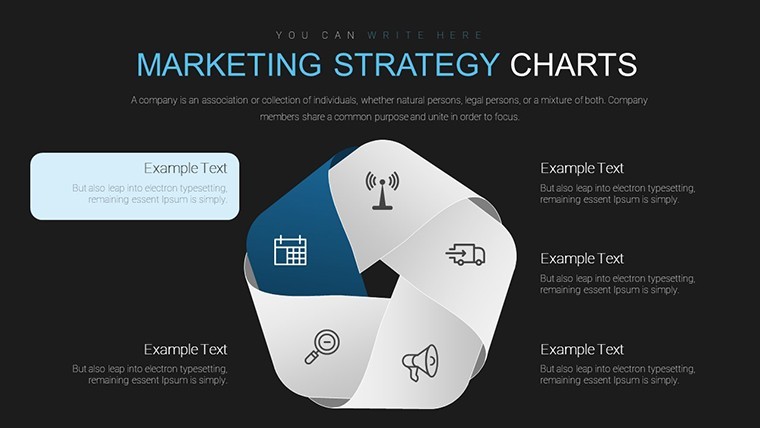
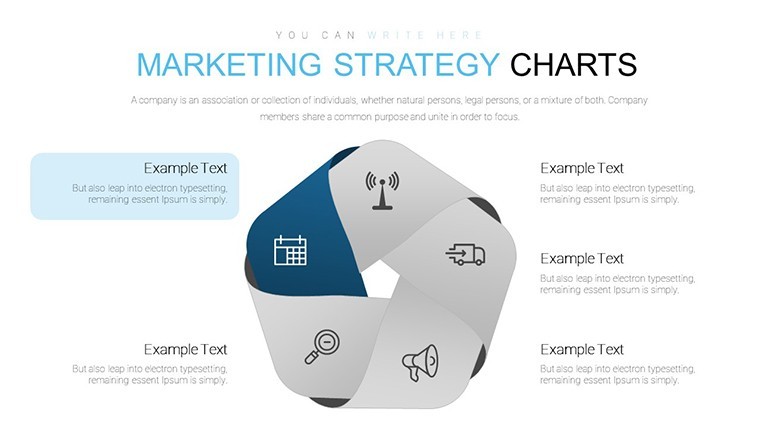
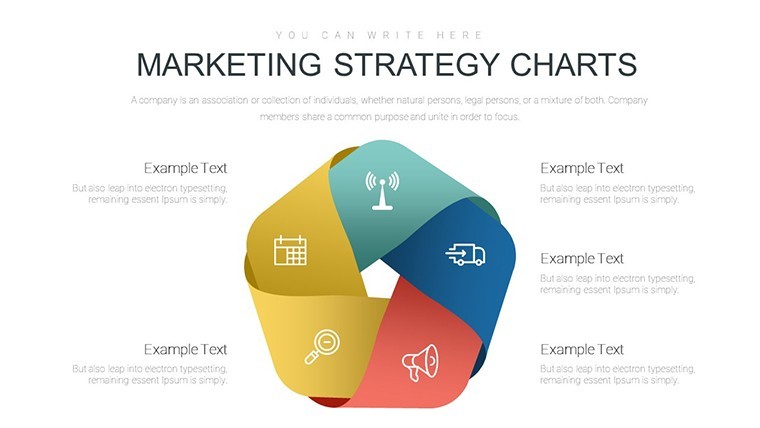
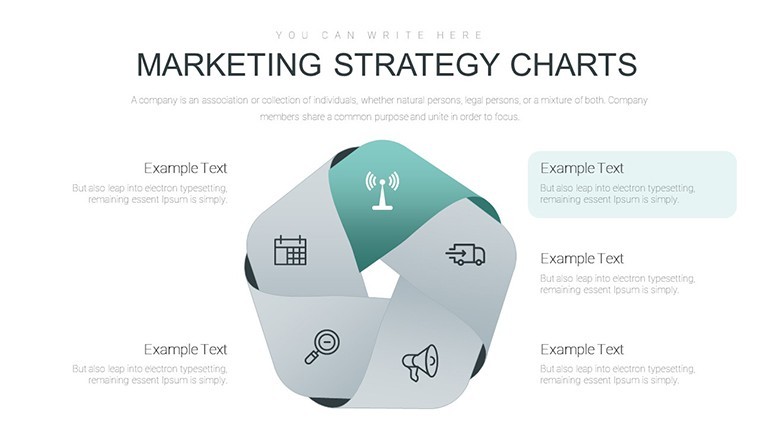
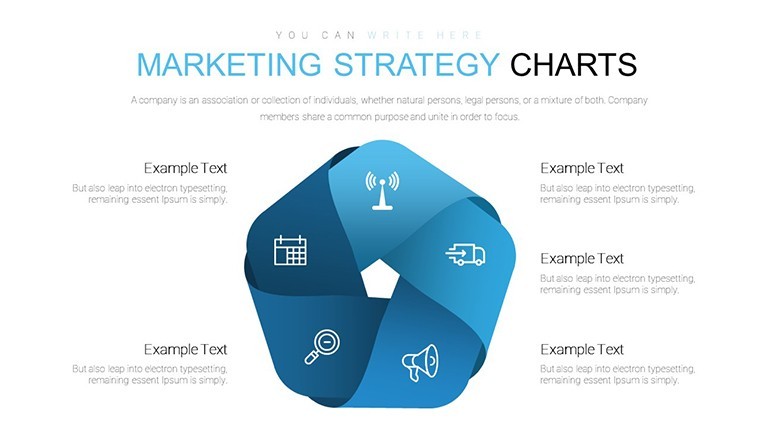
Ribbon Interconnections Keynote Charts for Cycle Mapping
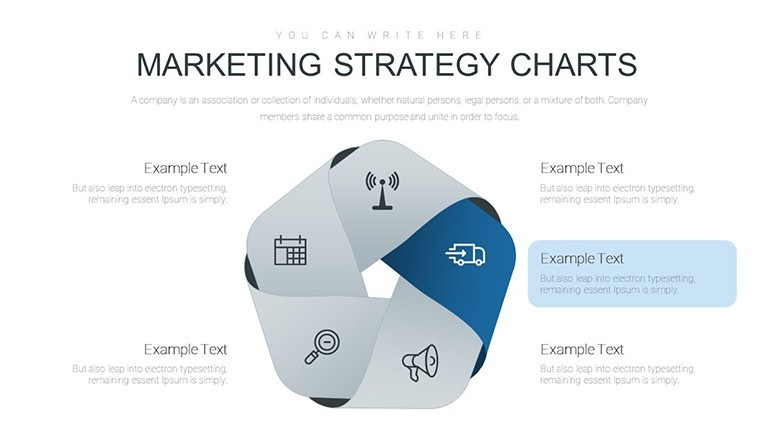
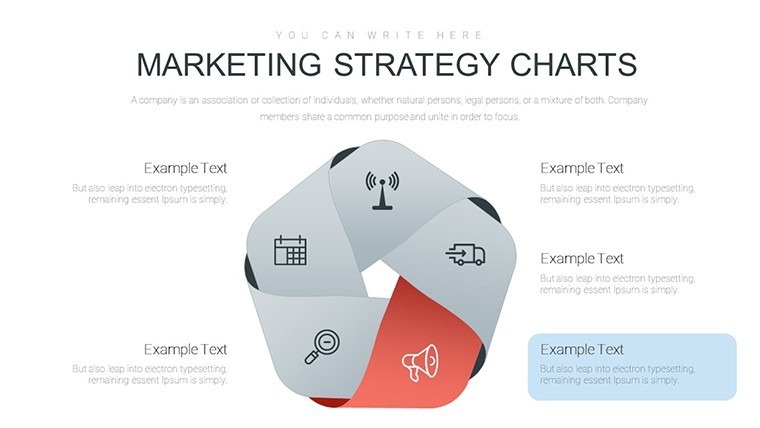
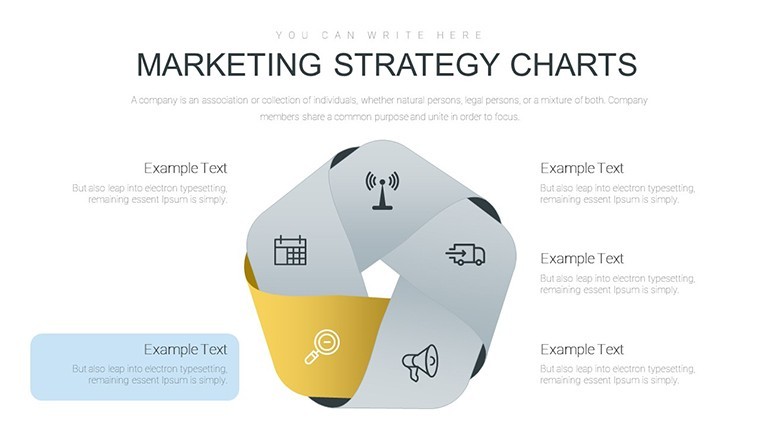
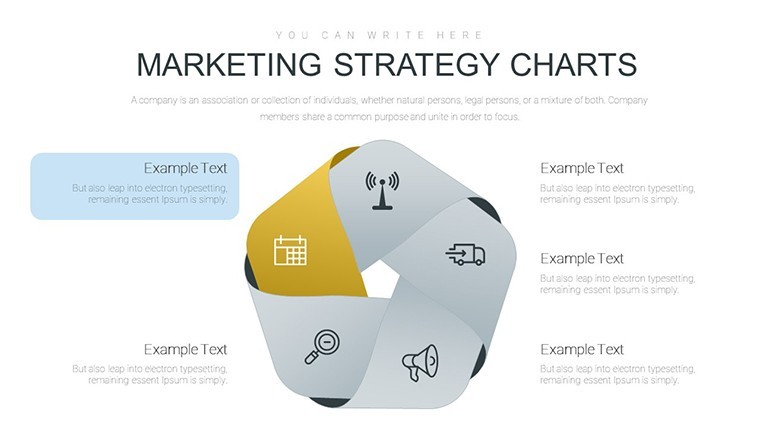
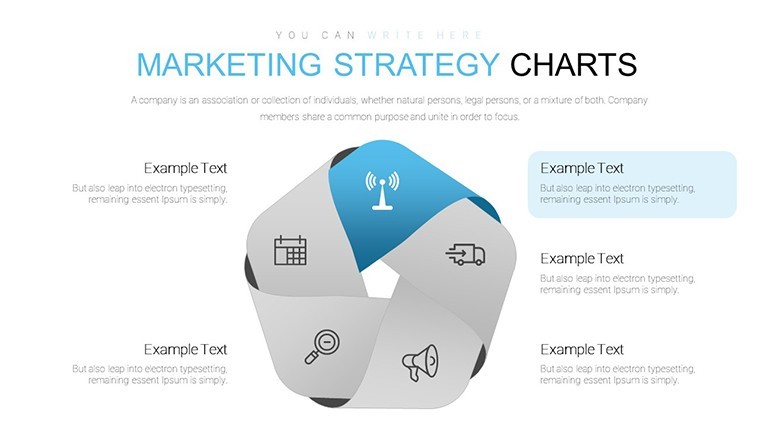
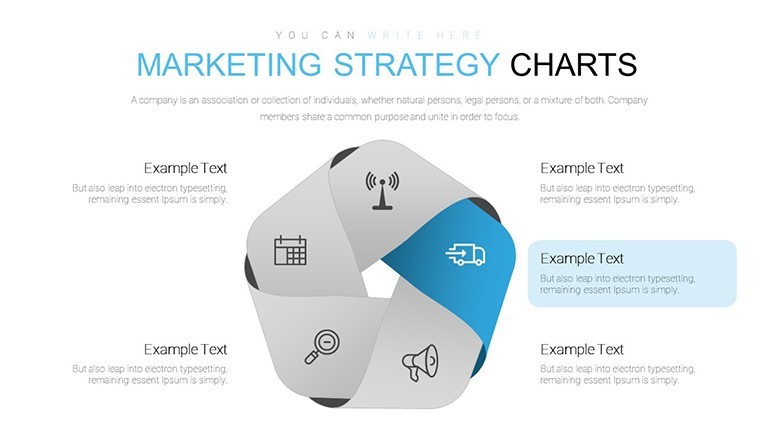
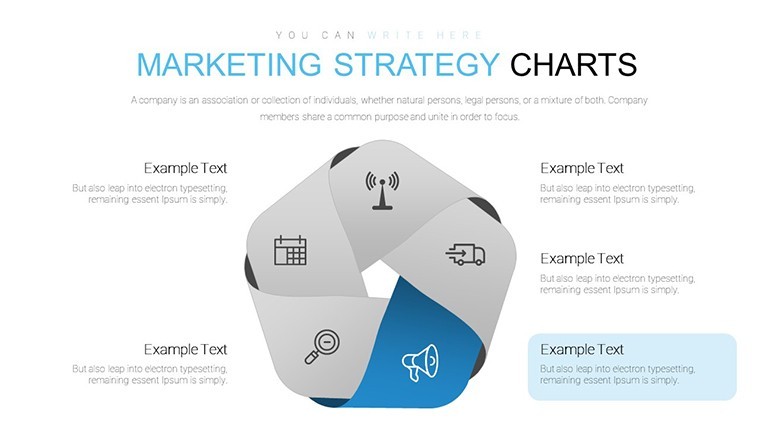
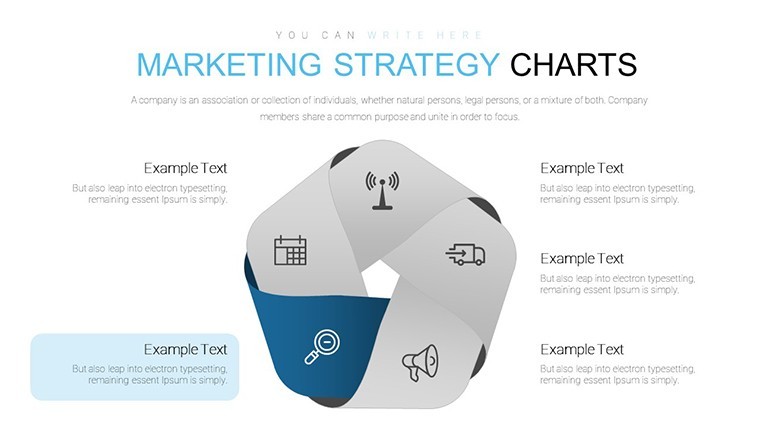
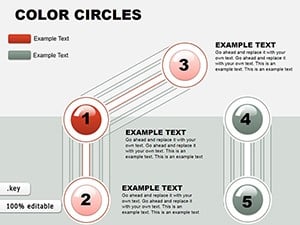
The KEY file with 20 ribbon interconnection diagrams delivers cycle-based infographics for relationship mapping.
The paid version includes all 20 editable slides.
No photo placeholders no gradients - just ribbon interconnections.
Ribbon structures help explain process breakdown to internal teams while you replace text and the cycle flow stays intact typically teams reuse the same diagrams across weekly reports instead of building from scratch.
The file keeps structure readable on one slide and prevents overcrowded layouts.
Use this when you need to show interconnection flows without arranging shapes manually.
The predefined ribbon structure keeps everything aligned so you don`t end up adjusting spacing slide by slide.
This Keynote diagram template supports relationship mapping analysis where cycles reveal dependencies.
After using it viewers can decide process improvements based on the visual flow and it shows connections that are hard to explain in text alone.
The file works best for structured diagrams not creative storytelling slides.
It is not designed for data-heavy dashboards with endless rows and not ideal when you need free-form layouts.
Managers running cycle reviews find it fits their task perfectly.
You can duplicate slides and reuse the same structure.
See also the Pyramid Ribbon Charts Keynote Template: Hierarchies Redefined or explore more in cycle Keynote charts templates.
Everything aligns automatically so decisions come faster.
Specifications
FeatureDetailsSlides / diagrams20 ribbon interconnection chartsFile formatKEYSoftware versionKeynote 12+Color schemesSwitch via slide masterEditable elementsText colors and shapes resize independentlyFree vs PaidPaid version includes 20 editable slidesMasters / BackgroundsSlide masters for global editsYou open the file and start editing.
Download and start editing immediately
Color change via slide master (step-by-step)Color changes happen directly through the slide master in Keynote. Open the file go to View then Master Slides select the master and update the theme colors once. All diagrams update automatically across the deck in practice and you avoid editing each slide individually.
License: client work - yes or no + conditionsThe license permits client work under standard commercial terms. You can use the file in paid projects for one client per purchase. Multiple clients require separate licenses and commercial use is allowed without extra fees in most cases.
Free vs paid - specific differencesThe page does not list free version details but the paid download includes the complete set of editable slides in KEY format. Paid buyers receive all diagrams ready for immediate customization. No free full version is listed on the page.
Refund conditionsRefunds are processed if the template does not match your expectations. Submit a request within 30 days of purchase with your order details. Support reviews each case individually and typically approves valid requests quickly.
Animation: supported or notBasic entrance animations are supported within Keynote. You can add simple transitions between ribbon elements but complex motion paths are not pre-built. Export to video retains the animations you apply manually.
Good for
- Project roadmaps and sprint plans
- Product launch timelines
- Quarterly or annual review decks
- Company history and milestone summaries
Licence
reviews
Used this for a student research presentation.
The diagrams helped explain the process better than paragraphs.
The charts were easy to update.
Good enough for last minute work.
FAQ
Will it work in Google Slides?
Are fonts embedded?
Can I use this for client work?
What's the refund policy?
Do you update the template after purchase?
Similar templates
See all Keynote Charts →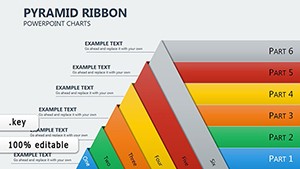
All 20 slides