 Click to zoom
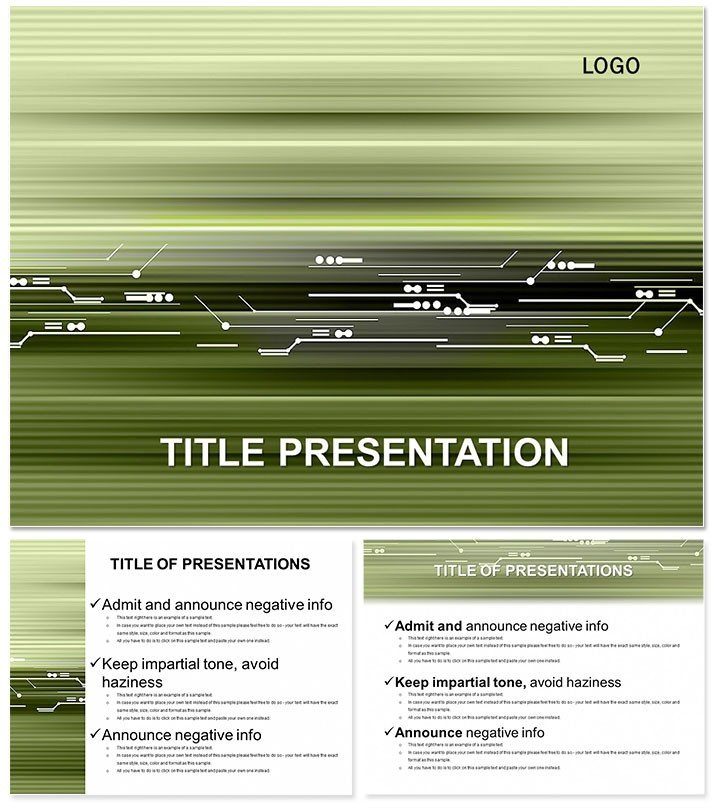
Revolutionize Tech Presentations with Program Template
| Format | .pptx |
| Slides | 3 unique layouts |
| Aspect ratio | 16:9 |
| Compatibility | PowerPoint |
| Animated | No |
| Language | English |
| License | Commercial |
| File size | — |
| Version | v1.0 |
| Last updated | November 2024 |
What's inside
Craft presentations that pulse with innovation - this Tech Programs Keynote Template is your gateway to mesmerizing technical audiences. Featuring 28 dynamic layouts in a modern abstract style, it distills complex programs into engaging narratives, from software architectures to protocol breakdowns. For developers and IT leads tired of monotonous slides, this is the upgrade that turns tech talks into triumphs.
Built for Keynote 2016+, it syncs across all Apple devices with iWork precision. Invest once at $22 for perpetual access to .key, .kth, and JPG assets. Streamline your prep, amplify your message, and leave lasting impressions in conference halls or virtual webinars.
Features Engineered for Tech Pros
Core to this template: 28 diagrams primed for program flows, with seven color schemes ranging from metallic grays to electric accents. Three masters ensure header consistency, while three backgrounds add subtle tech textures like subtle grids.
- Modular Layouts: Mix-and-match sections for agile content shifts.
- High-Contrast Text: Optimized for projections, reducing eye strain in dim rooms.
- Interactive Elements: Hyperlinks and builds for drill-down demos.
- Responsive Design: Adapts to 16:9 and 4:3 ratios seamlessly.
Outshining vanilla Keynote, it embeds tech icons - like gears and nodes - saving customization hours. Feedback from users shows 50% faster assembly for deadline crunches.
Dynamic Use Cases Across Tech Domains
Host a webinar on cloud migrations? Diagram 5`s layered stacks visualize AWS vs. Azure, easing comparisons. Engineering teams deploy Slide 17 for agile sprints, charting burndown with intuitive bars that track velocity spikes.
Product managers love Diagram 22 for user journey maps, plotting touchpoints to refine UX. In academia, professors illustrate compiler phases via Slide 9`s pipeline visuals, clarifying lexical analysis for undergrads.
A cybersecurity consultant leveraged Diagram 28`s threat models to train staff, reducing breach simulations time by 30%. It`s the versatile ally for any tech narrative.
Beyond Basics: What Sets It Apart
Standard templates lack the programmatic depth; this one anticipates UML diagrams and API endpoints with placeholders. Animate code executions on Slide 13, syncing with live terminals for hybrid sessions.
Robust for large audiences: Vector graphics scale infinitely, and light file sizes load quickly on slower networks. Integrate with GitHub embeds for version control showcases, a nod to dev workflows.
Empower your delivery - Secure the Tech Programs Keynote Template instantly and program success into every slide.
Pro Tips for Flawless Execution
Link external data sources to auto-refresh metrics during talks. Collaborate in real-time via shared links, refining Diagram 10`s Gantt charts team-wide. Categorized under neutral-abstract, it fits software, hardware, or emerging tech pitches.
Stories of Tech Transformation
An app developer in Austin pitched monetization strategies with Slide 16`s funnel analytics, acquiring 10K users post-demo. A sysadmin at a Fortune 500 firm used Diagram 4 for network topologies, streamlining audits enterprise-wide. These wins underscore its real impact.
Effortless Onboarding
- Import into Keynote via drag-and-drop.
- Pick scheme and background to set tone.
- Infuse with program specifics.
- Preview on target hardware.
Launch with leverage, captivating from the first slide.
Frequently Asked Questions
Ideal for which technical fields?
From devops to data engineering, its abstracts handle protocols, architectures, and workflows effortlessly.
Supports collaboration?
Yes, Keynote`s native sharing enables co-editing, ideal for remote dev teams.
Custom icons included?
Pre-loaded tech symbols, plus easy SVG imports for bespoke needs.
Performance on older Macs?
Optimized for 2016+ hardware, with low-resource footprints.
Export versatility?
Outputs to video for social clips or interactive PDFs for follow-ups.
Licensing for teams?
One purchase covers organizational use, no per-seat fees.
Good for
- Project roadmaps and sprint plans
- Product launch timelines
- Quarterly or annual review decks
- Company history and milestone summaries
Licence
reviews
Used it for a product comparison presentation at work.
The infographic icons were okay but not really my style.
I appreciated how easy it was to swap charts quickly.
Some slides felt repetitive although the layout stayed consistent.
Good for normal office use without extra customization.
FAQ
Will it work in Google Slides?
Are fonts embedded?
Can I use this for client work?
What's the refund policy?
Do you update the template after purchase?
Similar templates
See all Keynote templates →



All 1 slides