 Click to zoom
Responsive Style PowerPoint Diagram Template: Adapt and Captivate
| Format | .pptx |
| Slides | 11 unique layouts |
| Aspect ratio | 16:9 |
| Compatibility | PowerPoint |
| Animated | No |
| Language | English |
| License | Commercial |
| File size | — |
| Version | v1.0 |
| Last updated | January 2022 |
What's inside
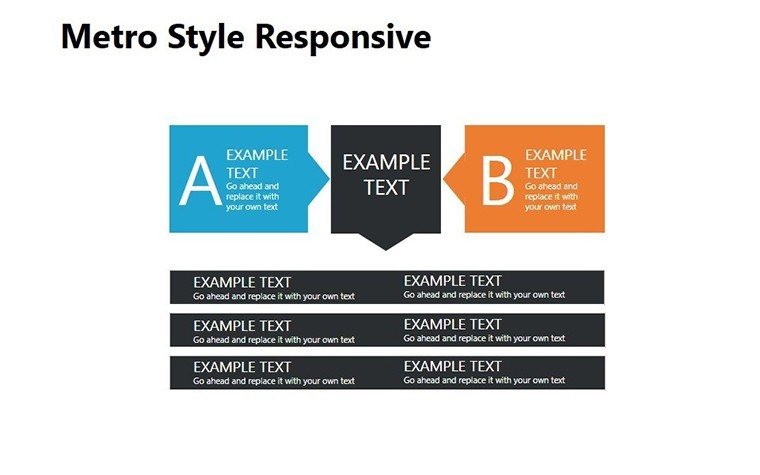
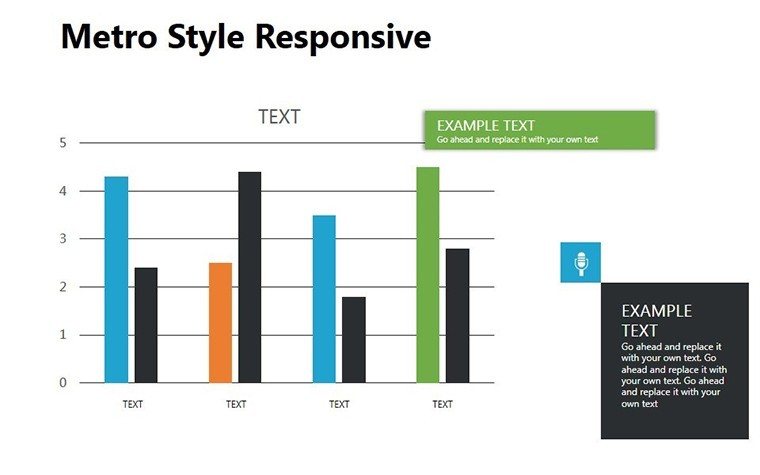
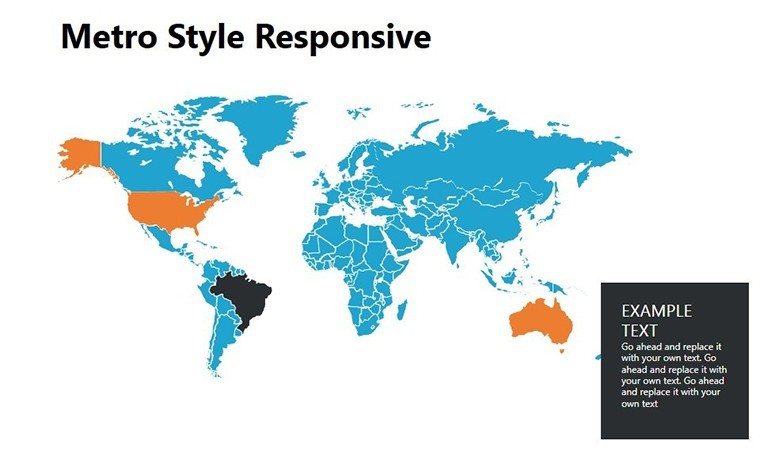
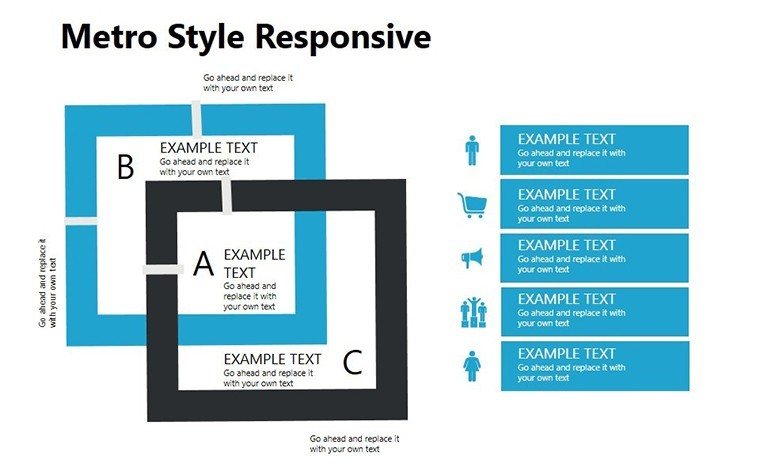
In the ever-shifting sands of data-driven decisions, rigidity is the enemy. Our Responsive Style PowerPoint Diagram Template flips the script with 11 slides of fluid, illustrative genius - cycles that spin stories and shapes that shift to fit your flow. Geared for analysts, creatives, and consultants who thrive on adaptability, this template reimagines static charts as living narratives, responsive to every twist in your tale.
Inspired by design doctrines from Adobe's adaptive aesthetics, these editable wonders in PPTX (with Google Slides grace) let you morph illustrations on the fly. No more mismatched mocks; here, cycles loop through processes with illustrative panache, turning metrics into mesmerizing cycles of insight. Ideal for brainstorming sessions where ideas bounce or reports that must flex for feedback, it empowers you to present with poise that pivots. Ditch the one-size-fits-none - embrace elasticity that engages. Let's cycle through its charms.
Dynamic Designs That Bend, Don't Break
This responsive style PowerPoint template excels in illustrative elegance, with cycle diagrams that rotate revelations and vectors that vibe with your vision. Key? Unyielding flexibility: Stretch, stylize, and sync without seams, all in a user-hug interface.
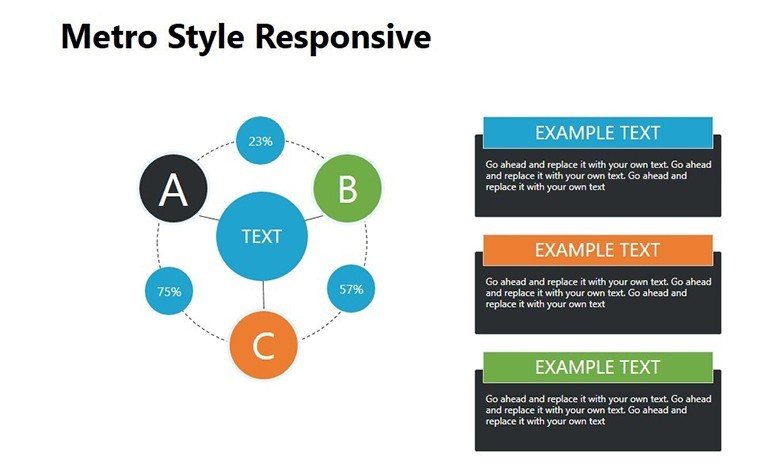
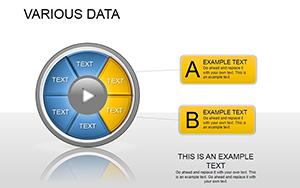
- Cycle Core Visuals: Circular loops delineate phases, editable segments for phased progress like product lifecycles.
- Illustrative Infusions: Hand-drawn-esque icons add whimsy, customizable to match moods from minimalist to maximalist.
- Adaptive Arcs: Curved paths for non-linear narratives, bending to highlight deviations or delights.
- Layered Loops: Nested cycles for multi-tier topics, peeling back for progressive reveals.
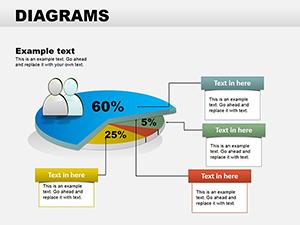
- Stylized Segments: Wedge charts with illustrative flair, animating slices for sequential storytelling.
- Responsive Radiants: Spoke diagrams radiate relations, resizing spokes for emphasis on evolutions.
Pro tweak: Pair with morph transitions for seamless shifts, making your deck dance to data's rhythm.
Cycling Through Contexts: Impactful Implementations
Think of a marketing maven modeling customer loops: They curve the cycle slide to capture retention ripples, landing a campaign revamp that boosts engagement 25%. Or a designer in dev huddles - illustrations visualize UI iterations, sparking synergies that speed ships.
For consultative cadences, arcs adapt to client curves, personalizing pitches on the spot. In creative critiques, layered loops unpack inspirations, fostering feedback that fuels. Outshining stock shapes, it weaves "responsive diagram illustrations" naturally, charming search and spectators alike.
- Map Your Motion: Pinpoint cycles; select illustrative fits for flair.
- Style Your Story: Tint and texture to tone, ensuring harmony.
- Animate Adaptability: Fade facets for fluid unfolds.
- Iterate Intently: Solicit scans; swivel for sharpness.
- Evolve Endlessly: Remix for remakes, keeping current.
"From rigid routines to rhythmic reveals - this template transforms," quips a UX specialist.
Harmonizing with Your Creative Core
Link to Figma for finesse or embed SVGs for scalability. Virtual? Vectors vanquish pixelation. Refresh for trends, like sustainable cycles, sustaining style.
It's illustrative innovation: Visuals that vibe, not vise.
Flex Your Flow, Forge Futures
Responsiveness isn't reactive - it's revolutionary. This template tunes your tells to tempos that triumph, for visionaries valuing versatility.
Adapt now: Acquire the Responsive Style PowerPoint Diagram Template instantly and let your diagrams delight dynamically. Evolution starts here.
Frequently Asked Questions
Ideal for creative fields?
Spot-on; illustrations and cycles spark in design and marketing realms.
Works with Google Slides?
Seamlessly - import and illustrate collaboratively.
Ease of adaptation?
Effortless: Reshape and restyle with simple selections.
For data-heavy decks?
Yes; stylize stats into engaging, eye-catching cycles.
Size and format?
Snappy PPTX, 2.5MB for speedy spins.
Extra edges post-purchase?
Style sheets and support for stylistic successes.
Good for
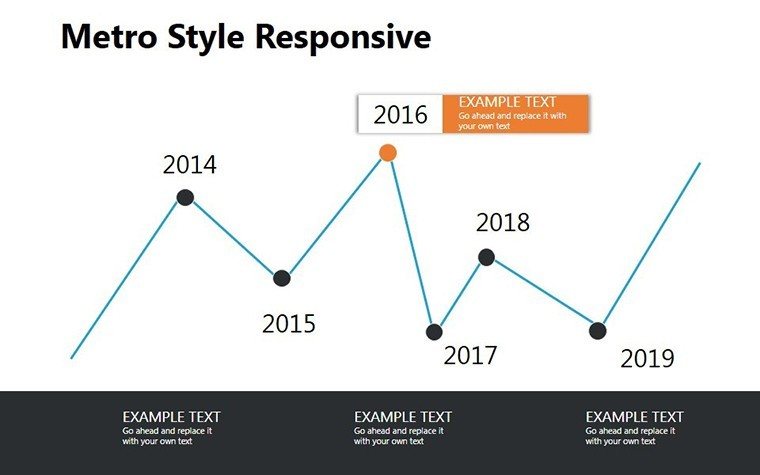
- Project roadmaps and sprint plans
- Product launch timelines
- Quarterly or annual review decks
- Company history and milestone summaries
Licence
reviews
Pretty useful for quick business decks.
Used it for a presentation about workflow automation.
The diagrams looked clear on screen.
I changed the fonts and it improved a lot.
A few shapes were hard to align.
FAQ
Will it work in Google Slides?
Are fonts embedded?
Can I use this for client work?
What's the refund policy?
Do you update the template after purchase?
Similar templates
See all Powerpoint Diagrams →

All 11 slides