 Click to zoom
Related Sequence PowerPoint Charts Template: Connect Ideas with Flow
| Format | .pptx |
| Slides | 15 unique layouts |
| Aspect ratio | 16:9 |
| Compatibility | PowerPoint |
| Animated | No |
| Language | English |
| License | Commercial |
| File size | — |
| Version | v1.0 |
| Last updated | September 2023 |
What's inside
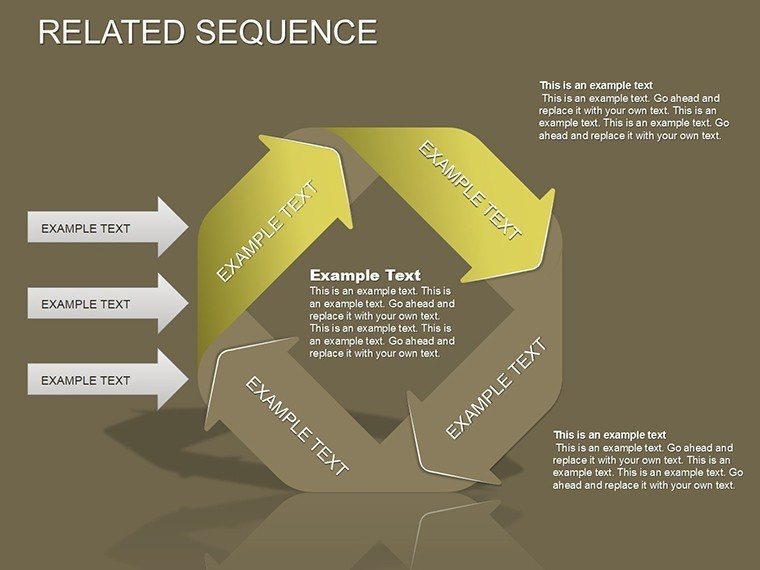
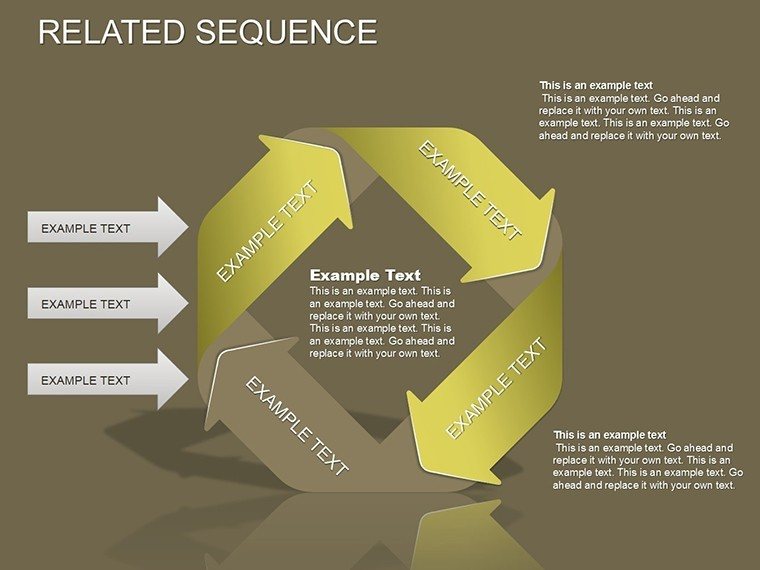
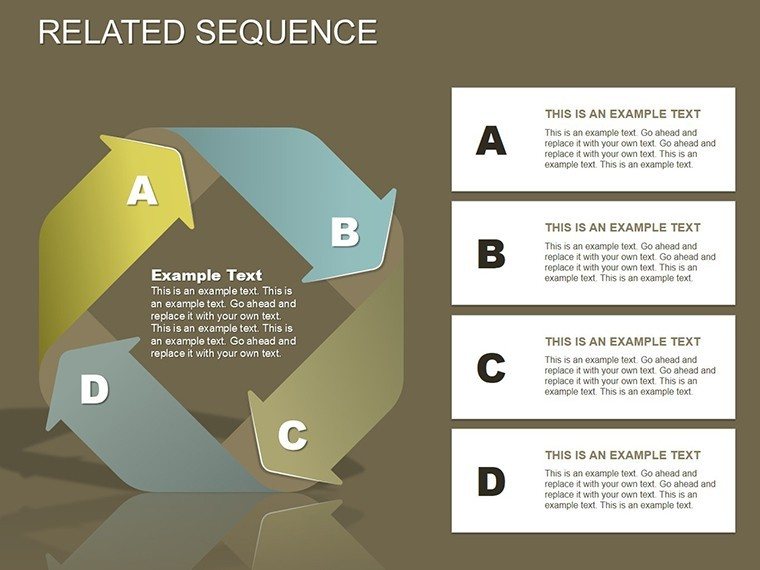
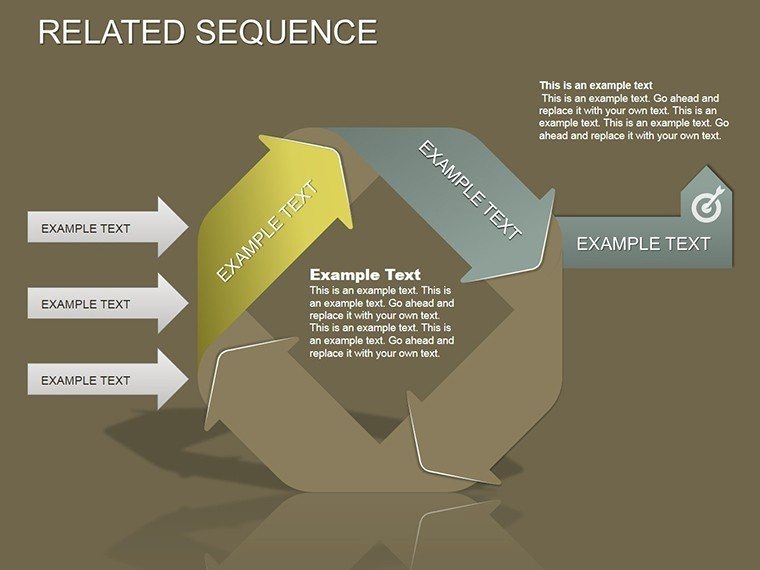
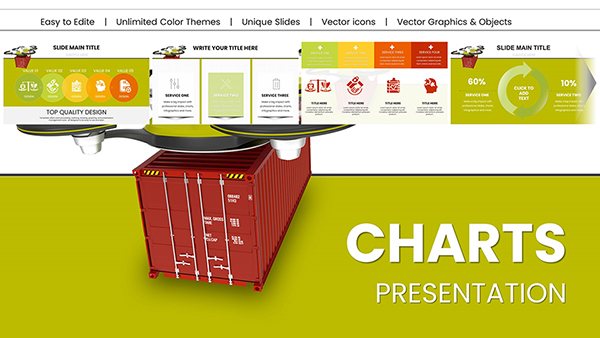
Unlock the art of sequential storytelling, where ideas link effortlessly like chains in a grand design. This Related Sequence PowerPoint Charts Template is a game-changer for project managers charting timelines or educators outlining curricula, featuring 15 editable slides that weave cycles and processes into coherent visuals. Compatible with PowerPoint and Google Slides, it tackles the chaos of disjointed narratives by offering structured, customizable paths. Dive in to create presentations that guide audiences through journeys, sparking connections and clarity that linger long after the last slide.
Standout Qualities of Our Sequence Designs
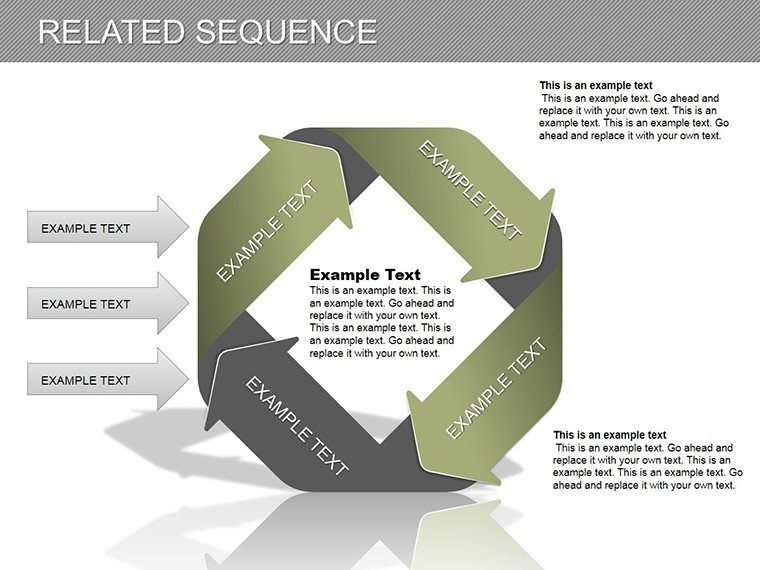
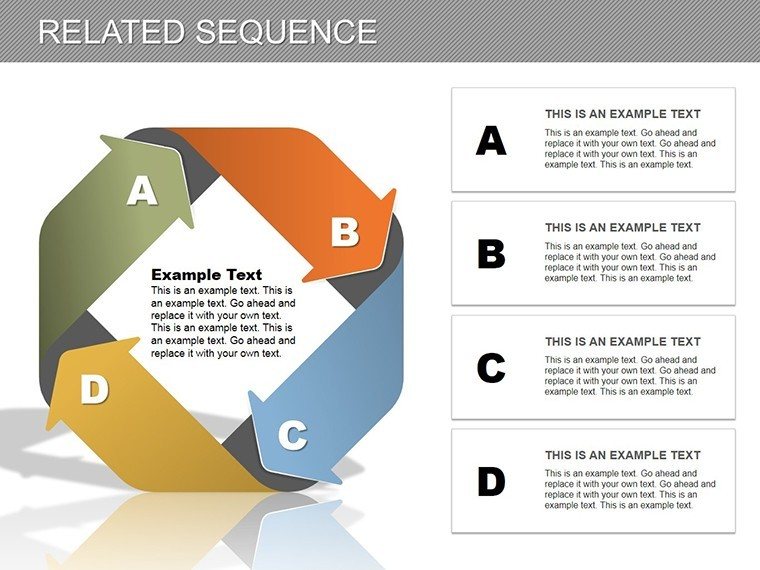
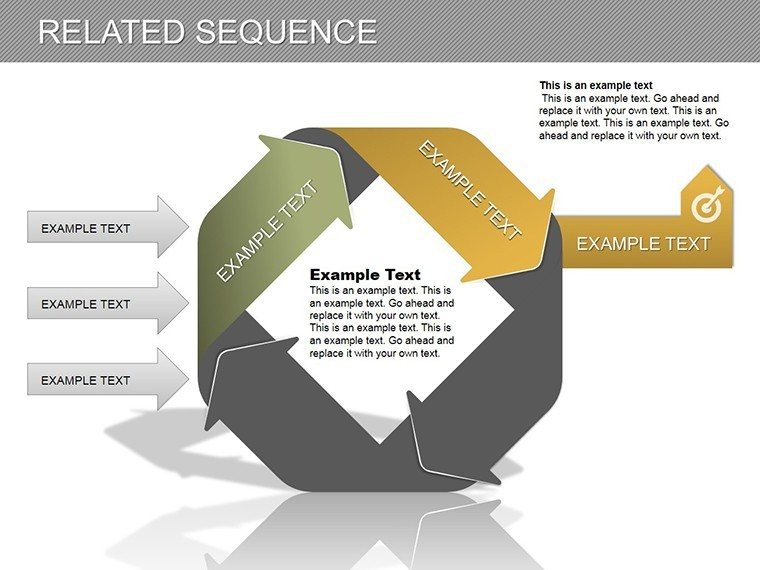
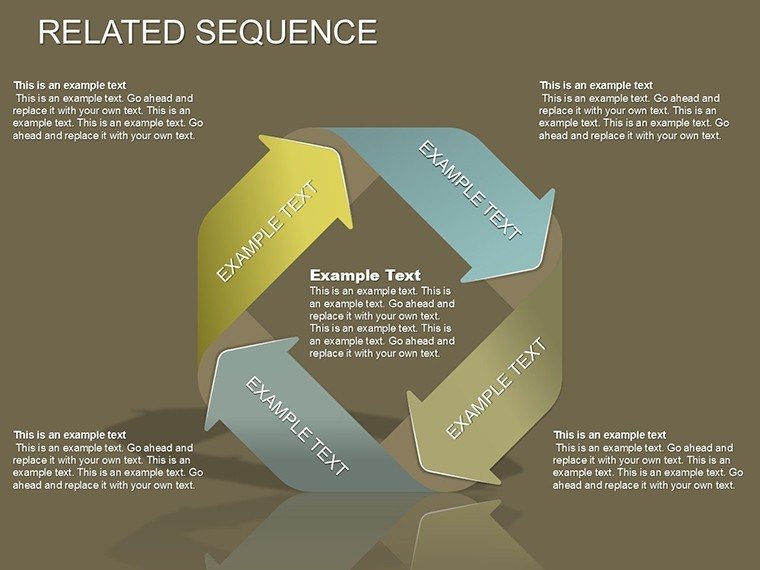
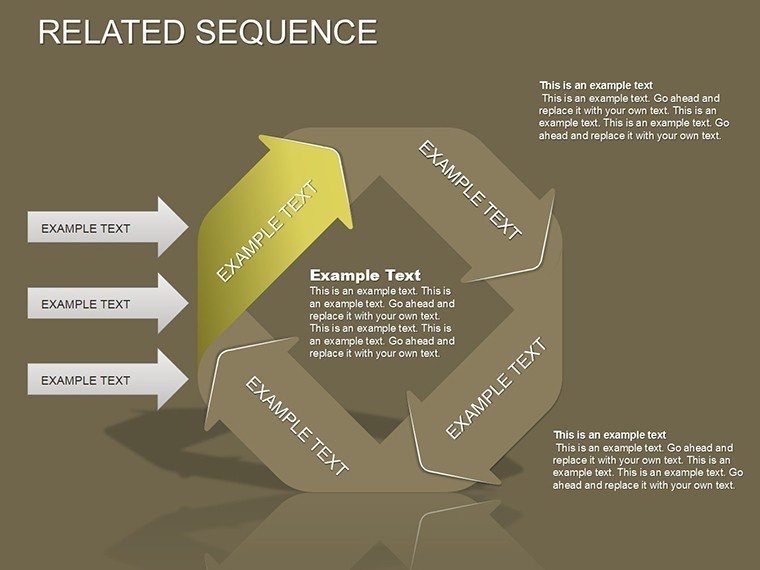
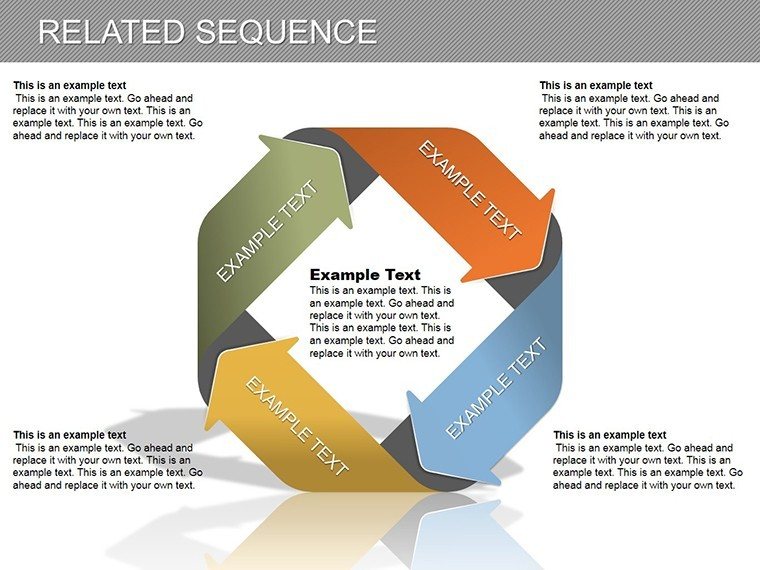
The magic lies in interconnected elements - arrows that branch, cycles that loop, fostering a sense of progression. Adjust layouts for branching decisions or color-code phases for emphasis. Surpassing plain timelines, it draws from PMI project management frameworks, ensuring logical integrity. In software development, map agile sprints; in marketing, sequence campaign phases, as in Adobe's workflow examples, turning abstract plans into visual roadmaps that align teams.
Fundamental Features for Narrative Building
Enjoy intuitive editing with drag-to-connect arrows and resizable cycles. Benefits include streamlined planning and heightened comprehension, minimizing misunderstandings. Informed by authoritative sources like the Project Management Institute, the charts support Gantt-like sequences without complexity. Apply in strategy sessions or training modules, where related elements highlight dependencies, elevating your content's cohesion.
In-Depth Slide Analysis: Sequencing Mastery
- Slide 1-3: Basic Sequences - Linear arrows for straightforward steps, like onboarding processes.
- Slide 4-7: Branching Paths - Decision trees for scenario planning.
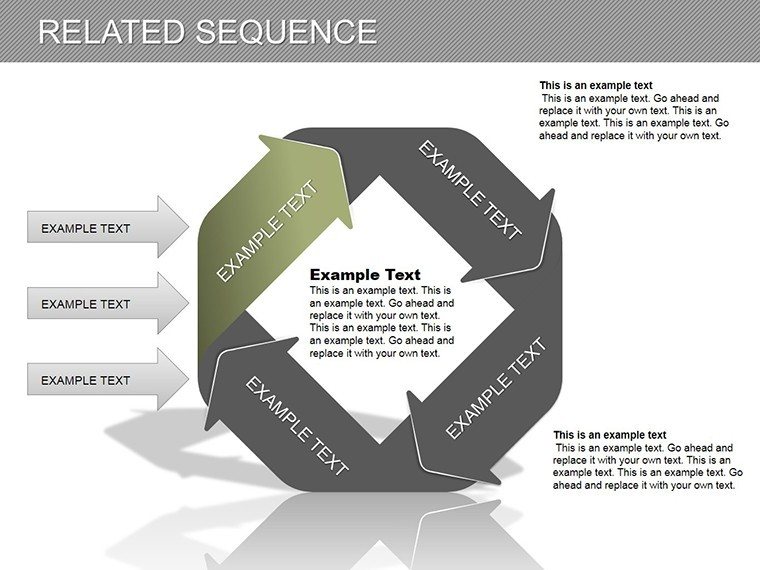
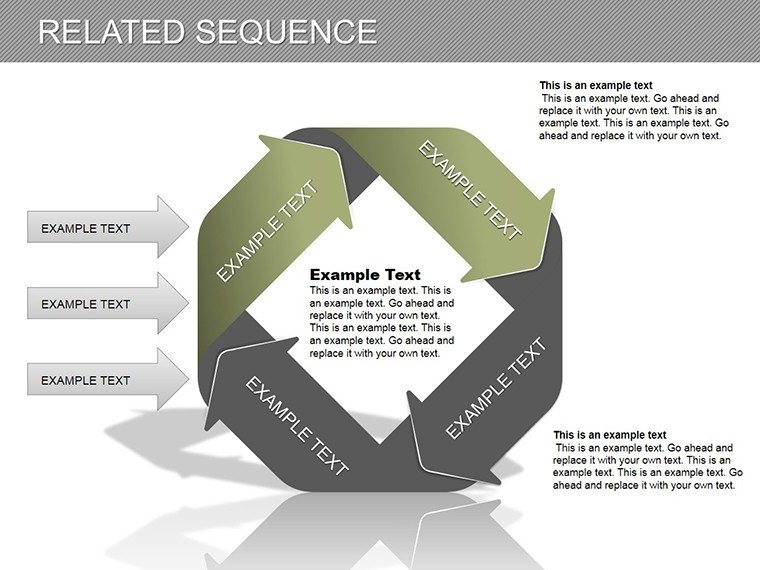
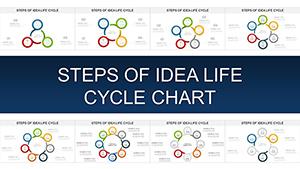
- Slide 8-11: Cyclic Loops - Repeating processes, ideal for iterative designs.
- Slide 12-15: Integrated Networks - Complex relations for holistic views.
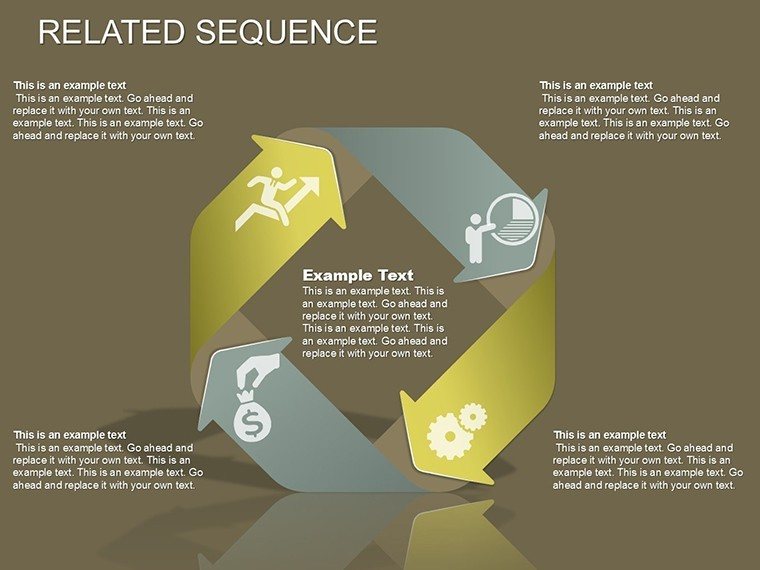
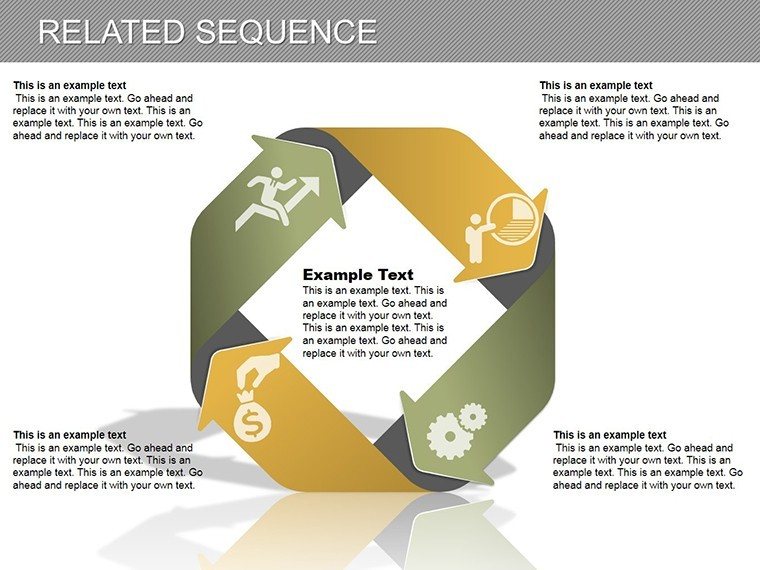
Thematic icons aid in quick recognition, accelerating customization.
Everyday Applications Across Industries
A product manager outlines launch phases: sequences reveal interdependencies, mirroring Google’s OKR frameworks. Creatives in design firms use cycles for feedback loops, per IDEO methodologies. This template adapts these, fostering expertise through versatile, real-world-aligned visuals.
Steps to Craft Compelling Sequences
- Open and select a base slide.
- Map your steps with connectors.
- Customize aesthetics for brand fit.
- Add details via text boxes.
- Animate for paced reveals.
- Review for logical flow.
Works with collaboration platforms like Slack for feedback.
Insights for Superior Sequence Presentations
Balance detail with simplicity - use hierarchies to avoid overload. Per UX principles from Nielsen Norman Group, ensure intuitive navigation. In education, these tips make lessons interactive and memorable.
Link your ideas powerfully - secure this template and sequence success today.
Frequently Asked Questions
How to connect sequence elements?Use smart connectors that auto-adjust for clean links.Google Slides friendly?Fully, with preserved interactions.Expandable for larger sequences?Yes, duplicate and extend as needed.Includes icons or graphics?Yes, a library of thematic visuals.Animation support?Pre-built for smooth transitions.Good for
- Project roadmaps and sprint plans
- Product launch timelines
- Quarterly or annual review decks
- Company history and milestone summaries
Licence
reviews
Helped me survive a last minute presentation before work.
The chart colors were simple and not distracting.
I liked the process arrows because they explained the workflow clearly.
Not every slide matched the rest perfectly but it still worked.
Pretty straightforward template with no weird animations.
FAQ
Will it work in Google Slides?
Are fonts embedded?
Can I use this for client work?
What's the refund policy?
Do you update the template after purchase?
Similar templates
See all PowerPoint Charts →
All 15 slides