 Click to zoom
Project Management PowerPoint Template: Master Your Plans
| Format | .pptx |
| Slides | 3 unique layouts |
| Aspect ratio | 16:9 |
| Compatibility | PowerPoint |
| Animated | No |
| Language | English |
| License | Commercial |
| File size | — |
| Version | v1.0 |
| Last updated | March 2025 |
What's inside
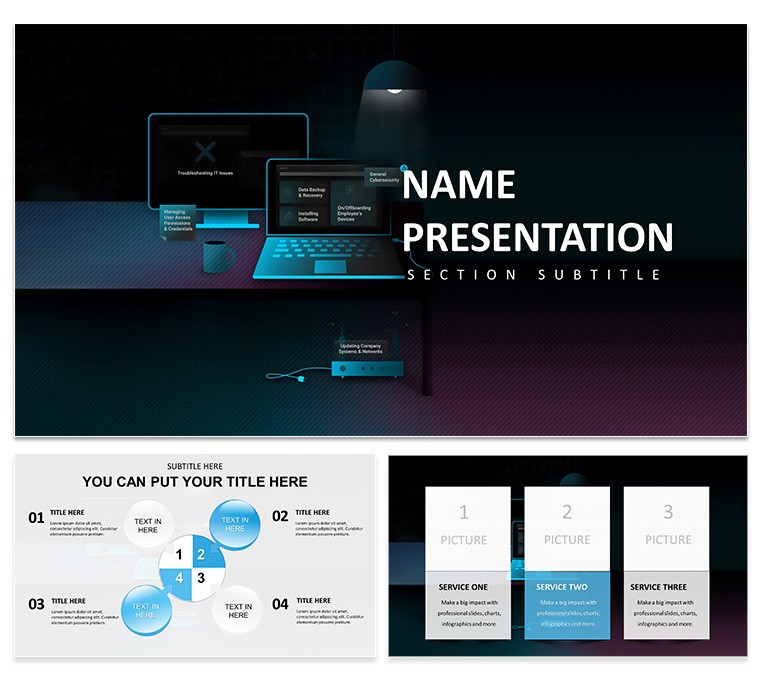
Navigating project complexities demands tools that clarify chaos, and this Project Management PowerPoint Template does exactly that. Tailored for project managers, executives, teams, and consultants, it offers sharp, structured slides to showcase objectives, progress, and strategies. With contemporary layouts emphasizing clarity, it includes timelines, Gantt charts, and progress indicators for effective tracking. Fully editable with 28 diagrams in 7 color schemes, 3 masters, and backgrounds, it's compatible with PowerPoint and Google Slides. Whether organizing corporate initiatives or consulting gigs, this template turns intricate details into visually appealing narratives, saving hours and enhancing communication. Embrace a design that prioritizes order, helping you hold attention and ensure project success from kickoff to completion.
Building Robust Project Narratives
This template's organized visuals make complex projects accessible, using icons and diagrams for clear communication. Customize colors to align with corporate branding, ensuring consistency. For teams, roadmaps illustrate workflows, fostering alignment.
Standout Features for Project Pros
- Infographic Tools: Timelines and Gantt for tracking.
- Customization: Edit everything to fit your needs.
- High-Quality Elements: Icons and layouts for professionalism.
- Cross-Platform: PowerPoint and Google Slides ready.
- Drag-and-Drop: Easy content insertion.
Applications in Project Ecosystems
Use for status updates or planning, as in PMI's case studies where structured practices improved outcomes. UpGrad's 30 studies show real-world strategies.
Use Cases and Insights
For executives, dashboards summarize KPIs; tip: Use colors for risk levels. SlideTeam examples enhance engagement.
Customization Workflow
- Base Selection: Choose master.
- Data Entry: Populate charts.
- Visual Tune: Adjust schemes.
- Narrative Build: Add text.
- Validate: Review flow.
Superior Choice for Management
Outperforms basics with specialized tools, boosting efficiency.
Download to lead projects confidently.
Frequently Asked Questions
Compatible with Google Slides?
Yes, seamlessly.
How many diagrams?
28, with 7 colors.
Editable charts?
Fully, for custom data.
Formats?
.jpg, .potx, .pptx.
Suitable for teams?
Ideal for collaboration.
Animations included?
Customizable for impact.
Good for
- Project roadmaps and sprint plans
- Product launch timelines
- Quarterly or annual review decks
- Company history and milestone summaries
Licence
reviews
The Gantt charts and progress indicators saved my project management presentation - the team actually understood the timeline after seeing the visual instead of just reading bullet points.
Used the infographic tools for tracking KPIs in our quarterly review - the 28 diagrams in 7 color schemes let me customize for each department without starting from scratch.
Good for project managers who need to show status updates - the roadmaps illustrating workflows kept everyone aligned during our weekly standup meeting.
The contemporary layouts emphasizing clarity worked well for our consulting gig presentation, but I wish the templates included more risk assessment visuals.
Seven color schemes let me match corporate branding easily - the drag-and-drop content insertion made last-minute changes much less painful than usual.
FAQ
Will it work in Google Slides?
Are fonts embedded?
Can I use this for client work?
What's the refund policy?
Do you update the template after purchase?
Similar templates
See all PowerPoint Templates →



All 1 slides