 Click to zoom
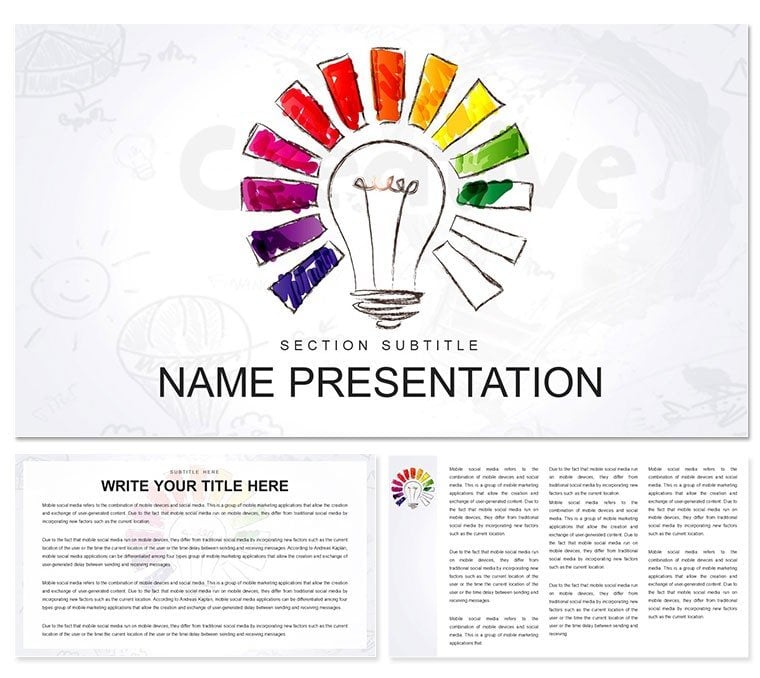
Project Creative Ideas PowerPoint Template: Spark Innovation Across Projects
| Format | .pptx |
| Slides | 3 unique layouts |
| Aspect ratio | 16:9 |
| Compatibility | PowerPoint |
| Animated | No |
| Language | English |
| License | Commercial |
| File size | — |
| Version | v1.0 |
| Last updated | March 2023 |
What's inside
Projects don't succeed on plans alone - they thrive on the spark of creativity that turns "what if" into "watch this." Tailored for project managers, consultants, and educators navigating complex initiatives, the Project Creative Ideas PowerPoint template brings that spark to life. With 28 innovative diagrams, three adaptable masters, and three thematic backgrounds, it equips you to overview business landscapes, global trends, or virtual collaborations with flair and focus. Say goodbye to bland updates; hello to slides that propel discussions forward.
Versatility defines this deck. Diagrams evolve with your needs - morph a global map into a virtual network by swapping nodes for avatars. Seven color schemes range from earthy tones for grounded strategies to electric hues for forward-thinking visions, all applied template-wide. It's engineered for the hybrid world, where presentations bridge physical and digital divides, making your ideas as connected as your teams.
Key Components for Project Mastery
Unpack the elements that empower your workflow. Masters include a global-view setup for expansive topics, a virtual-reality frame for tech integrations, and a business-centric layout for ROI spotlights. Backgrounds offer map-like textures, circuit patterns, or clean voids, each enhancing without distracting.
The 28 diagrams cover breadth: Network graphs link stakeholders in world projects, Gantt variants adapt for virtual timelines with drag-able bars, and bubble charts cluster ideas by impact. Icons - globes, nodes, light rays - are baked in, scalable for any zoom.
- Adaptive Layouts: Grids auto-adjust to content volume, preventing overcrowding.
- Icon Fusion: 40+ project-themed assets, mix-and-match ready.
- Reveal Dynamics: Phased animations simulate project phases unfolding.
Full support for PowerPoint 2016+, with cloud-sync for remote edits.
Hands-On: Assembling a Virtual Project Roadmap
- Load the template; pick the virtual master for remote-friendly vibes.
- Drop in a timeline diagram, extending bars for phases like "Ideation Sprint."
- Add nodes: Link tasks with arrows, color-code by team (e.g., purple for design).
- Choose a scheme - neon accents - and embed video placeholders for demos.
- Animate paths: Trace the project flow, pausing at risks for emphasis.
- Collaborate: Share for inputs, merge changes in real-time.
A staple in agile training, this cuts revision cycles dramatically.
Versatile Scenarios: Business to Beyond
For business overviews, radial diagrams fan out market opportunities, centralizing your project thesis - far superior to static lists, as interactivity draws eyes. Consultants use it for world scans, plotting geopolitical risks on scatter plots with tooltip hovers.
In education, virtual reality modules come alive via layered org charts, simulating team structures. Adapt for breakout activities: Clone slides for hypothesis testing, where groups visualize "idea clusters."
Global Rollouts: Map overlays for phased launches, icons marking locales.
Idea Brainstorms: Mind maps branching from core objectives, editable live.
Progress Reports: Dashboard dials for metrics, updating via links.
Inspired by project management best practices, these keep momentum high.
Enhancement Strategies for Peak Creativity
Infuse personality with custom gradients on bubbles, or hyperlink diagrams to appendices for depth. Fonts: Pair modern sans with script accents for creative flair, ensuring legibility at distance.
Pro move: Use shape grouping for reusable modules, like a "risk block" draggable across slides. Optimized for web exports, it shines in LMS integrations.
Unleash your project's potential - Secure the Project Creative Ideas template for $22 and innovate without limits.
Frequently Asked Questions
How does it support global business presentations?
With map-based diagrams and multi-node networks, ideal for illustrating international scopes and connections.
Are virtual elements customizable?
Yes, avatars and links adjust easily, supporting hybrid or remote project visuals.
What's the diagram variety like?
28 types, from timelines to clusters, all vector-editable for precise project tailoring.
Which scheme for creative overviews?
Vibrant ones energize; seven options fit any mood or brand.
Compatible with project tools?
Yes, import from MS Project or Excel for seamless data flow.
Best for team updates?
Animated progress bars and dashboards keep everyone aligned effortlessly.
Good for
- Project roadmaps and sprint plans
- Product launch timelines
- Quarterly or annual review decks
- Company history and milestone summaries
Licence
reviews
Used the matrix diagram for a stakeholder analysis.
The four quadrants were well labeled.
Helped me prioritize who to talk to first.
Simple and effective, no complaints.
The bubble size option was a nice extra.
FAQ
Will it work in Google Slides?
Are fonts embedded?
Can I use this for client work?
What's the refund policy?
Do you update the template after purchase?
Similar templates
See all PowerPoint Templates →

All 1 slides