 Click to zoom
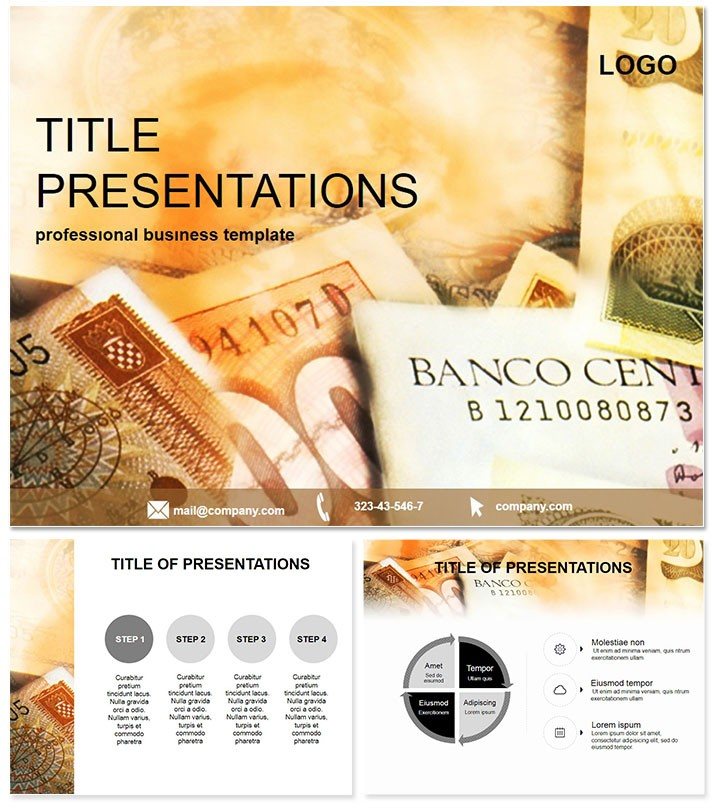
Professional Bank Assets Keynote Template
| Format | .pptx |
| Slides | 3 unique layouts |
| Aspect ratio | 16:9 |
| Compatibility | PowerPoint |
| Animated | No |
| Language | English |
| License | Commercial |
| File size | — |
| Version | v1.0 |
| Last updated | October 2021 |
What's inside
Imagine delivering a financial presentation that not only informs but captivates your audience, turning complex bank asset data into clear, compelling visuals. The Bank Assets Keynote Template is your key to achieving just that - crafted specifically for finance professionals who need to showcase investments, accounts, and banking strategies with precision and style.
This template stands out by combining sleek, modern design with practical functionality, ensuring your slides resonate with stakeholders, from board members to clients. Whether you`re analyzing asset portfolios or projecting growth in banking sectors, these tools save you hours of design time while boosting your credibility. Compatible with Keynote 2016 and later versions, it`s a one-time purchase at $22 for lifetime use across all your projects.
Unlock the Power of Tailored Financial Visuals
At the heart of this template are 28 meticulously designed diagrams, each adaptable to your specific banking narrative. From pie charts breaking down asset allocations to flowcharts illustrating investment flows, every element is built to handle real-world financial data effortlessly. With three master slides and three background options, you can maintain brand consistency while experimenting with layouts that fit your story.
What sets this apart from default Keynote tools? While built-in options work for basics, they often lack the polish needed for high-stakes finance talks. This template bridges that gap, offering seven vibrant color schemes that align with corporate palettes - think deep blues for trust and greens for growth. Customize colors, fonts, and data points in minutes, no advanced skills required.
Key Features That Drive Impact
- 28 Versatile Diagrams: Cover everything from balance sheets to risk assessments, ready to populate with your figures.
- 7 Color Schemes: Switch effortlessly between professional tones to match your company`s branding.
- Fully Editable Elements: Drag-and-drop functionality for seamless updates, ensuring your presentation evolves with your data.
- High-Resolution Exports: Crisp outputs for screens, prints, or shared decks, maintaining quality at any scale.
Integrate this into your workflow by importing your Excel sheets directly - watch as raw numbers transform into engaging visuals that hold attention longer than text-heavy slides ever could.
Real-World Applications in Banking and Beyond
Picture a quarterly review meeting where your team presents asset growth strategies. Using the Bank Assets template, you highlight key metrics with interconnected diagrams that show how deposits fuel loans, making abstract concepts tangible. Clients nod in understanding, questions turn into opportunities, and your pitch lands stronger.
In academic settings, finance educators use it to illustrate banking models, helping students grasp concepts like liquidity ratios through interactive slides. For consultants, it`s a staple in client reports, where visualizing asset diversification turns dense reports into strategic conversations. One user shared how it streamlined their merger analysis presentation, cutting prep time by 40% and earning praise for its clarity.
Beyond traditional banking, adapt it for fintech startups pitching to investors - show user acquisition costs against asset yields in a single, cohesive deck. Or in non-profit financial planning, where demonstrating fund allocations builds donor trust. The versatility ensures it`s not just a tool, but a conversation starter.
Why It Outshines Standard Options
Default Keynote charts are functional but forgettable; this template adds narrative depth. Where a basic bar graph falls flat, our layered diagrams reveal trends and forecasts, empowering you to tell a story backed by data. Plus, with built-in animations that reveal insights progressively, your audience stays engaged from slide one.
Customize instantly to reflect seasonal themes - swap to warmer tones for year-end summaries. It`s designed for pros who value efficiency: load, edit, present, done.
Streamline Your Presentation Process
Starting a new deck? Begin with the master slides for a unified look, then layer in diagrams as your outline demands. For complex topics like asset liability matching, use the timeline views to project future scenarios. Export to PDF for handouts or share via link for collaborative feedback - flexibility at every step.
Pro tip: Pair it with Keynote`s transitions for subtle emphasis on key assets, like fading in growth projections to build anticipation. This isn`t just about looks; it`s about making your financial expertise shine.
Ready to Transform Your Finance Talks?
Don`t settle for generic slides when you can command the room with precision-crafted visuals. Download the Bank Assets Keynote Template today and watch your presentations gain the edge they deserve. One-time $22 unlocks endless possibilities - start customizing now.
Frequently Asked Questions
What software versions does this template support?
It`s fully compatible with Keynote 2016 and newer versions on macOS, ensuring smooth performance across updates.
How many slides are included?
The template features 28 diagram slides, plus masters and backgrounds, giving you a robust starting point for expansion.
Can I change the colors to match my brand?
Absolutely - seven schemes are pre-set, but every element is editable for perfect alignment.
Is this suitable for non-finance presentations?
While optimized for banking, its diagrams adapt well to any data-driven talk, like project timelines.
What file formats are provided?
You`ll receive .key files for Keynote, plus .jpg previews and .kth themes for easy import.
Does it include animations?
Yes, subtle built-in animations enhance flow without overwhelming your content.
Good for
- Project roadmaps and sprint plans
- Product launch timelines
- Quarterly or annual review decks
- Company history and milestone summaries
Licence
reviews
Used the candlestick charts to track volatility for a trading group – the network maps of trading platforms really tied the presentation together.
The portfolio pie charts are fine, but the 'alert reds' scheme is so aggressive it made my conservative investors nervous.
I needed a scatter plot for a webinar on algo-trading and the drag-and-drop data import from Excel worked flawlessly.
I liked the dark mode compatibility for late-night sessions, though the volume bars were too thick for my high-frequency data.
but the animated trade sequences were glitchy on my iPad. I had to present from my laptop instead.
FAQ
Will it work in Google Slides?
Are fonts embedded?
Can I use this for client work?
What's the refund policy?
Do you update the template after purchase?
Similar templates
See all Keynote templates →


All 1 slides