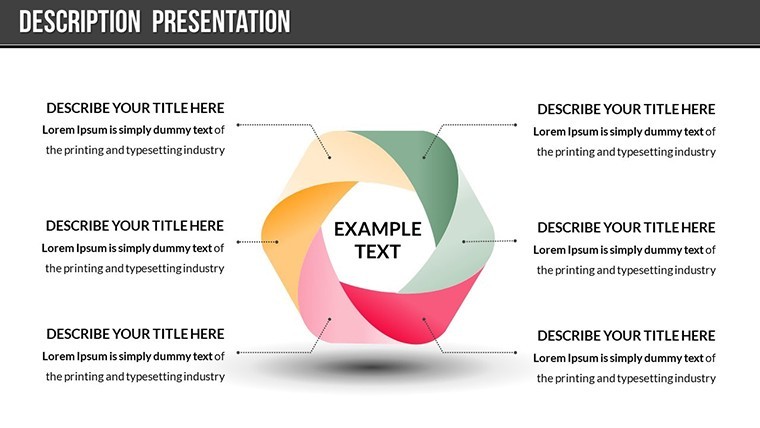
 Click to zoom
Present Meaning Keynote Charts Template - Editable
| Format | .pptx |
| Slides | 21 unique layouts |
| Aspect ratio | 16:9 |
| Compatibility | PowerPoint |
| Animated | No |
| Language | English |
| License | Commercial |
| File size | — |
| Version | v1.0 |
| Last updated | November 2017 |
What's inside
Ever struggled to make your product pitch feel truly significant? The Present Meaning Keynote Charts template changes that, offering 21 editable slides designed to infuse depth and dignity into your presentations. Tailored for introducing novel ideas or unfamiliar products, this template helps you demonstrate value with elegance, turning skepticism into conviction. Whether you're a startup founder unveiling a groundbreaking app, a sales rep showcasing innovative gadgets, or an inventor pitching to investors, these slides provide the framework to highlight uniqueness without overwhelming details. With built-in animations that reveal insights progressively and vector icons that symbolize concepts like innovation or reliability, you'll create narratives that resonate on an emotional level, fostering trust and excitement among your audience.
Core Features That Add Depth to Your Message
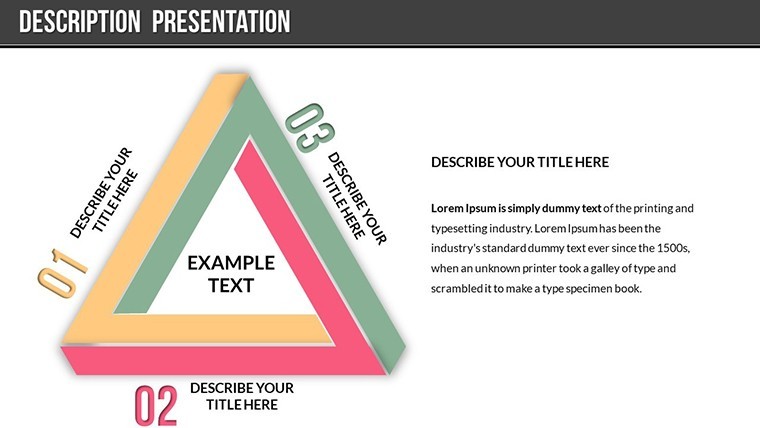
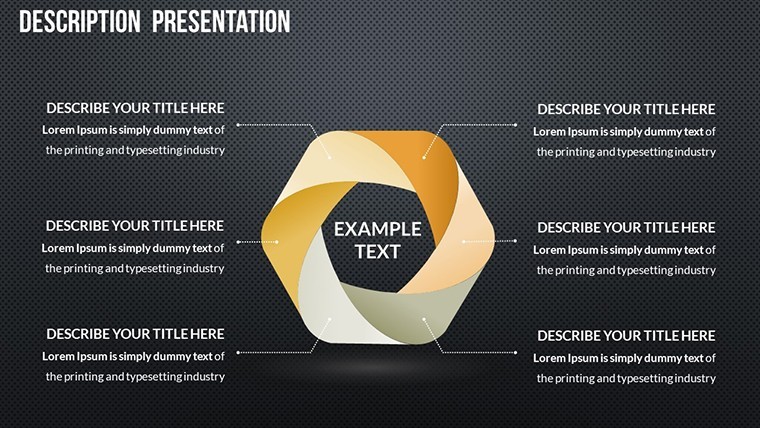
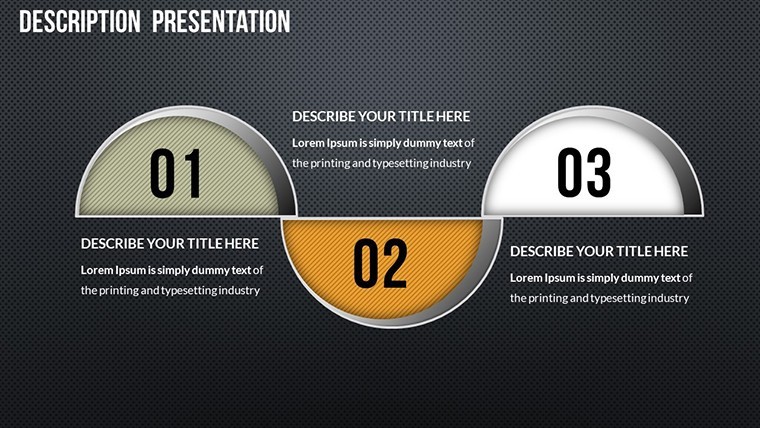
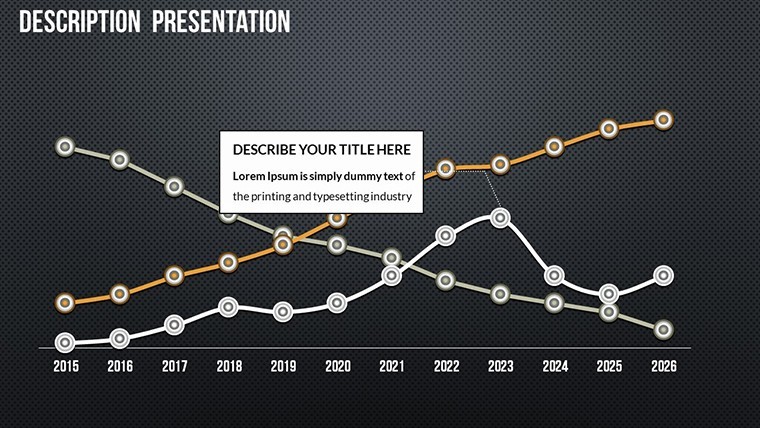
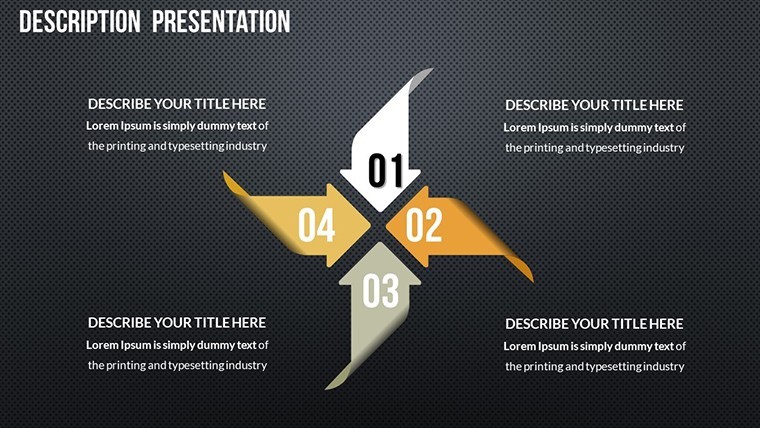
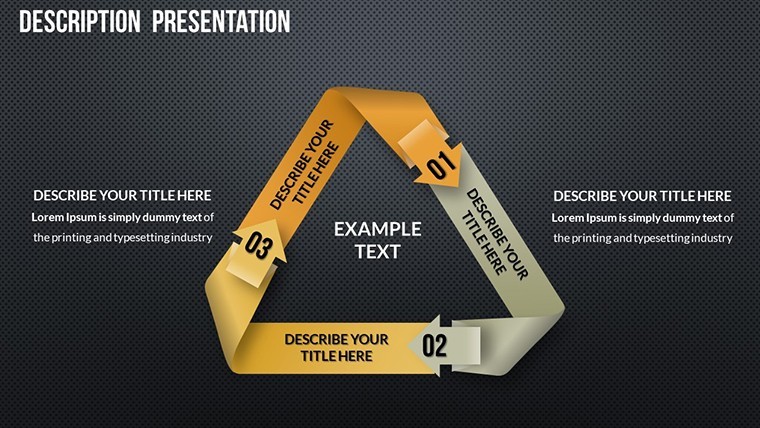
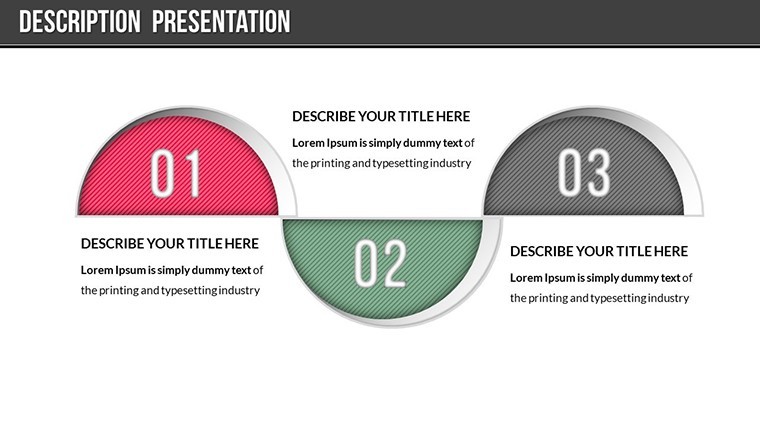
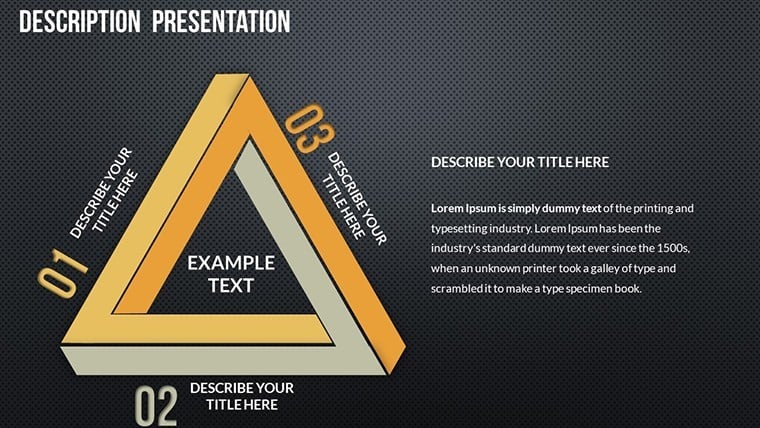
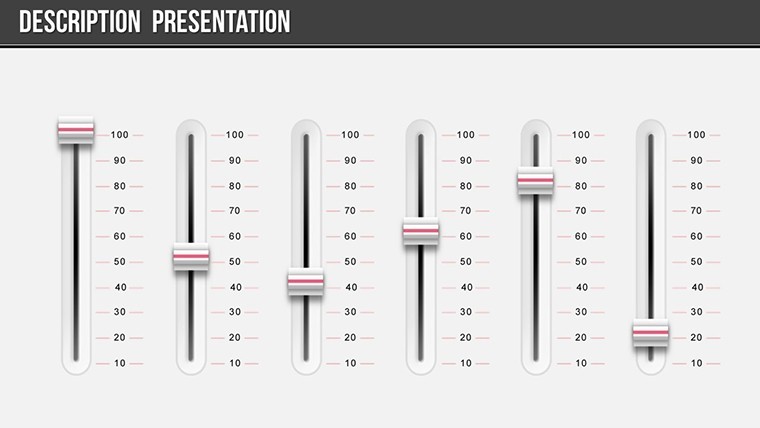
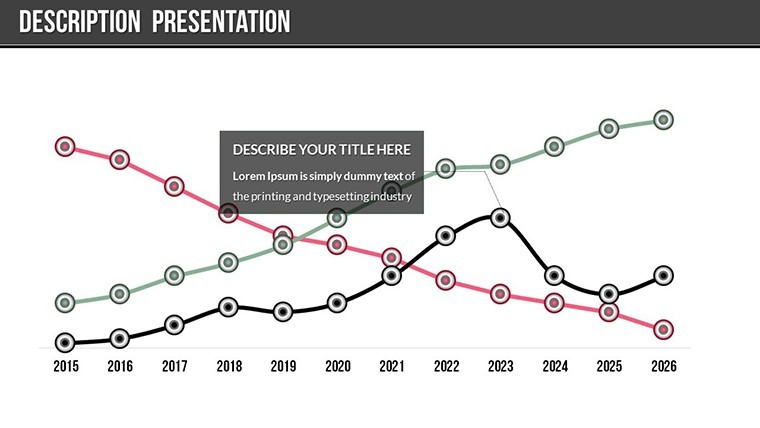
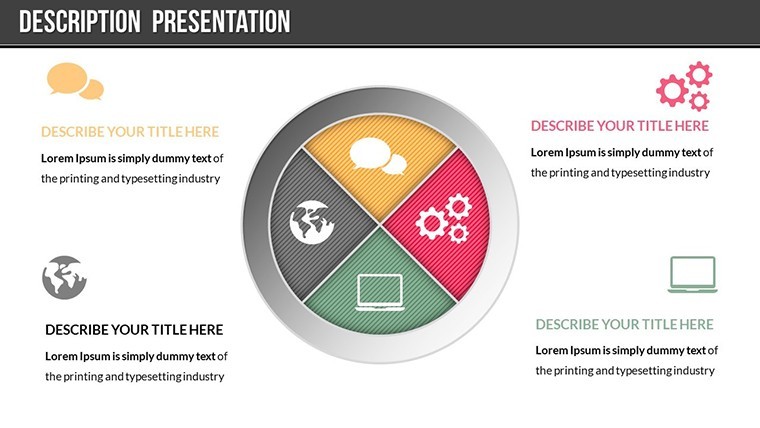
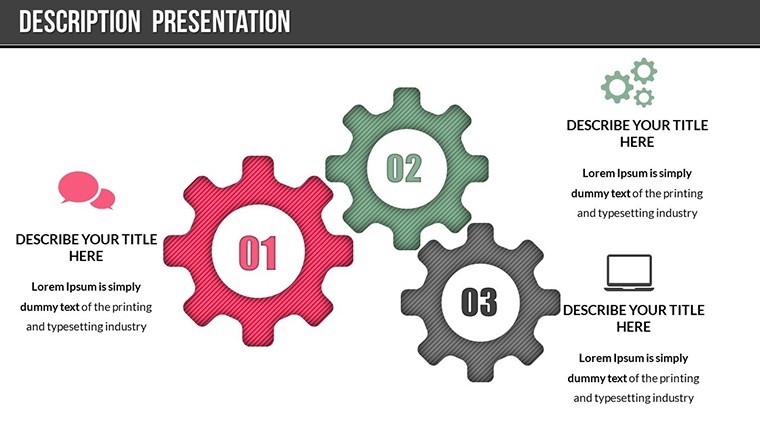
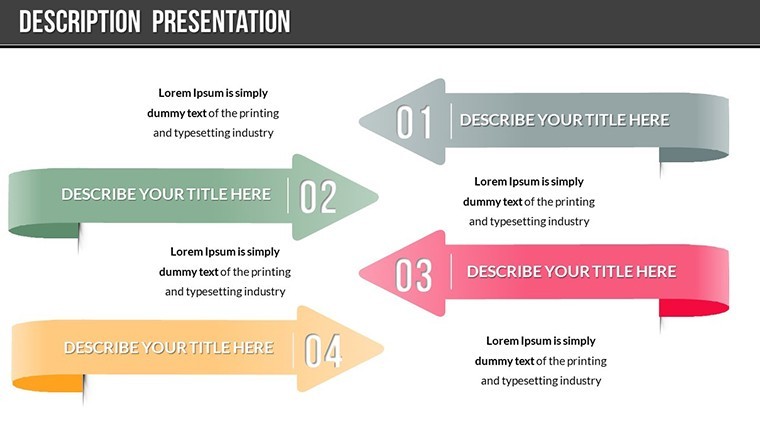
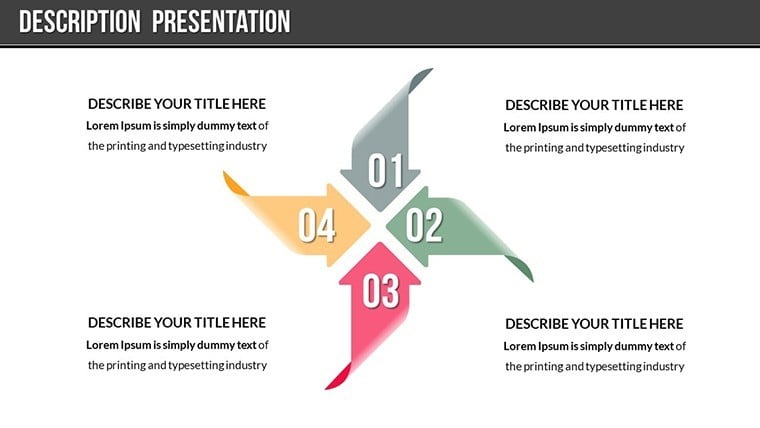
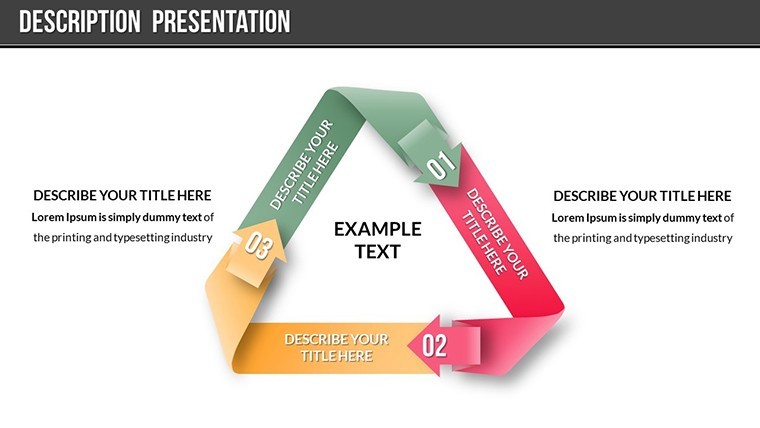
This template's strength lies in its thoughtful design elements. Across 21 slides, you'll find a mix of chart styles - radial diagrams for interconnected ideas, progress bars for development stages, and bubble charts for idea clustering - all fully editable for precise tailoring. Color variations allow thematic consistency; for a tech product, opt for sleek metallics, while eco-friendly items might use earthy greens. Custom animations bring elements to life, such as fading in testimonials or scaling up key benefits, enhancing the storytelling flow. Included PNGs and vector icons expand your visual vocabulary, from lightbulbs for ideas to gears for mechanics, ensuring every slide contributes to a cohesive, meaningful whole. This setup outperforms generic templates by focusing on persuasive psychology, drawing from principles in books like 'Made to Stick' by Chip and Dan Heath, where memorable ideas are simple yet profound.
Editing Tools for Seamless Adaptation
Customization here is intuitive and powerful. Change texts to articulate your product's 'outstanding rule' - its unique selling proposition - with bold highlights. Photos integrate easily, allowing you to swap placeholders with real prototypes or user scenarios. For a medical device demo, animate a flowchart showing patient journey improvements, with editable nodes for data tweaks. This flexibility addresses common hurdles like mismatched visuals, enabling quick revisions that keep your presentation fresh for each audience. Professionals note that such adaptability leads to more dynamic sessions, where feedback can be incorporated on the fly, boosting overall effectiveness.
Practical Applications in Product Showcasing
Apply this template where meaning matters most. In sales demos, use it to present a new software tool: start with a problem-solution matrix chart, then transition to benefit timelines with animated reveals. For trade shows, craft slides that emphasize product dignity through comparative graphs, showing how your offering outshines competitors in efficiency or sustainability. Educators introducing concepts in workshops can adapt for abstract ideas, like ethical AI, with icon-driven mind maps. A case in point: a fintech startup used analogous charts to explain blockchain's value, resulting in accelerated investor interest. By tackling the challenge of unfamiliarity head-on, Present Meaning ensures your audience grasps not just features, but the deeper impact, aligning with consumer behavior insights from Nielsen reports on trust-building.
Step-by-Step Usage for Optimal Results
- Launch in Keynote and review the slide deck for structure familiarity.
- Input your content: populate charts with product data and adjust icons to match themes.
- Apply animations selectively to underscore key meanings without distraction.
- Refine visuals: test color contrasts for readability and photo integrations for relevance.
- Rehearse and export, ready for impactful delivery.
Blend with apps like MindMeister for initial brainstorming or Unsplash for imagery, creating a robust preparation ecosystem. Expert tips from presentation gurus like Nancy Duarte suggest layering meaning through visuals, which this template facilitates effortlessly.
Standing Out with Meaningful Design
Unlike bare-bones options, Present Meaning prioritizes narrative integrity with features like layered animations for depth and icon sets for symbolism. This approach builds authoritativeness, as well-structured presentations signal thorough preparation. For edge cases, like pitching to diverse cultures, customize icons for universal appeal, avoiding misinterpretations. Ultimately, it transforms routine demos into memorable experiences, encouraging shares and referrals.
Embrace the power of meaningful presentations - secure your Present Meaning Keynote Charts template now and start convincing with clarity.
Frequently Asked Questions
How do the animations enhance product presentations?
Custom animations reveal elements progressively, building suspense and emphasizing key meanings for better audience retention.
Are the icons and PNGs royalty-free?
Yes, included assets are ready for commercial use, allowing worry-free integration into your slides.
Can this template handle complex data sets?
Certainly; editable charts support detailed inputs, ideal for showcasing multifaceted product features.
Is it compatible with older Keynote versions?
It works best with recent versions but is backward-compatible with basic features in older ones.
What if I need more slides?
Duplicate and customize existing ones easily to expand your deck as needed.
Good for
- Project roadmaps and sprint plans
- Product launch timelines
- Quarterly or annual review decks
- Company history and milestone summaries
Licence
reviews
Used for a school project last minute it was fine
Chart layout made data comparison quick and easy to read
Put it in a client report it was easy to edit
Used it for quick slides nothing complicated
Not bad but I had to adjust some layouts
FAQ
Will it work in Google Slides?
Are fonts embedded?
Can I use this for client work?
What's the refund policy?
Do you update the template after purchase?
Similar templates
See all Keynote Charts →
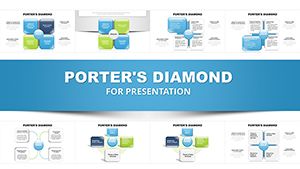
All 21 slides