 Click to zoom
Partnership PowerPoint Diagrams: Visualize Synergies with Puzzles
| Format | .pptx |
| Slides | 13 unique layouts |
| Aspect ratio | 16:9 |
| Compatibility | PowerPoint |
| Animated | No |
| Language | English |
| License | Commercial |
| File size | — |
| Version | v1.0 |
| Last updated | July 2022 |
What's inside
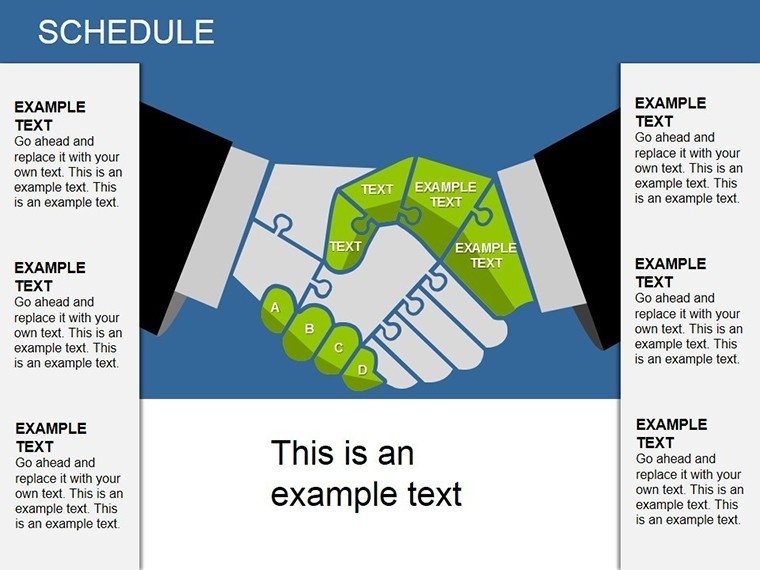
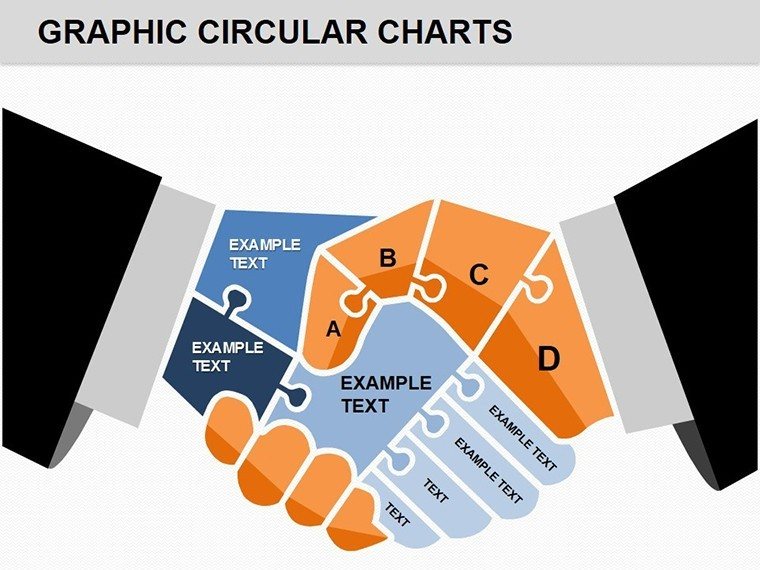
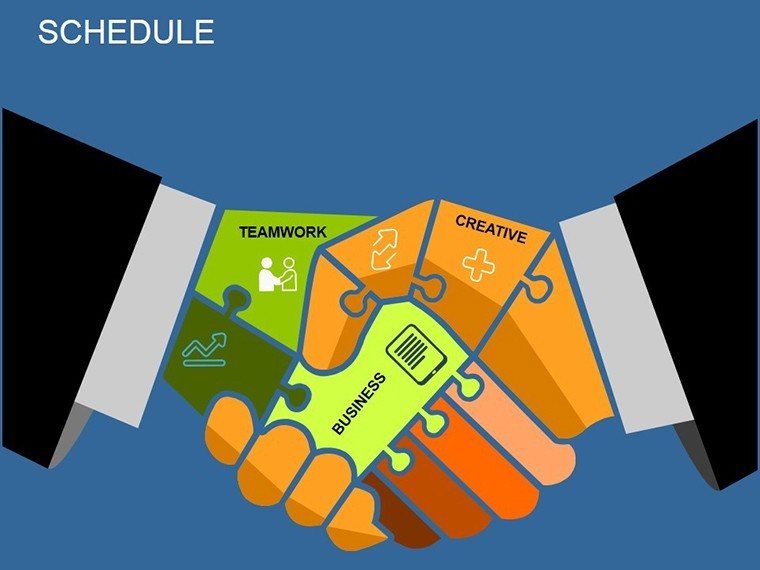
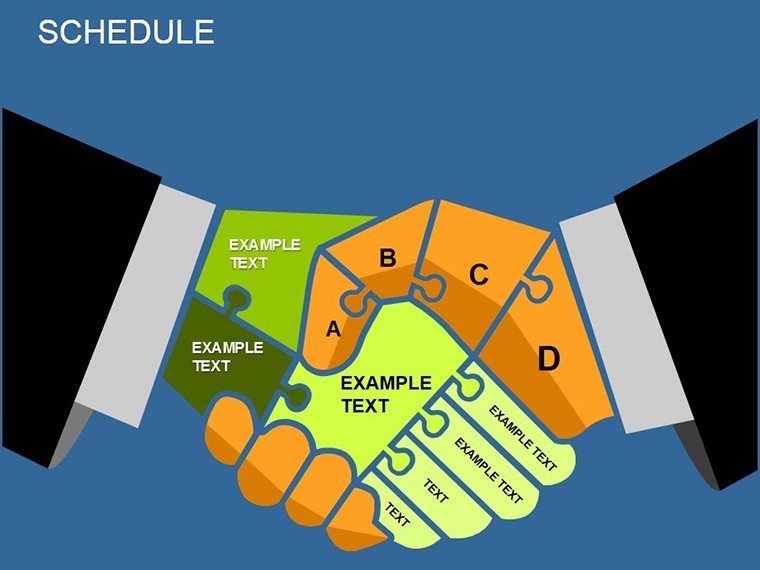
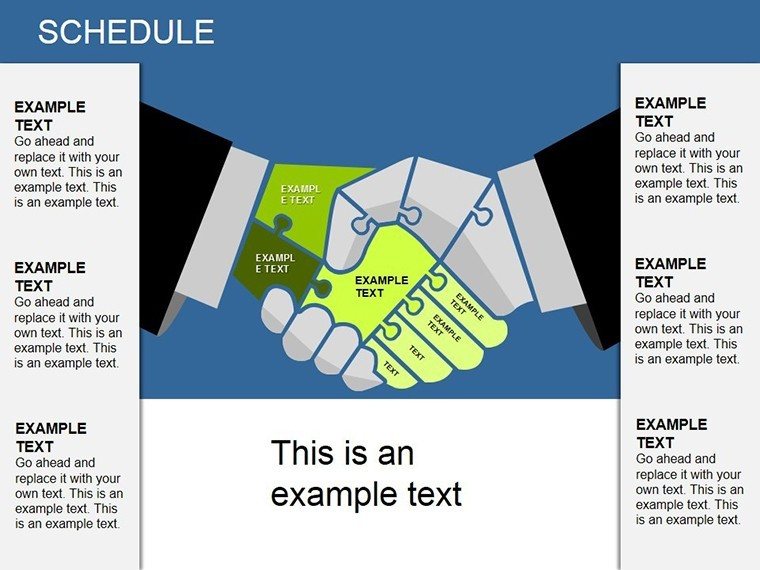
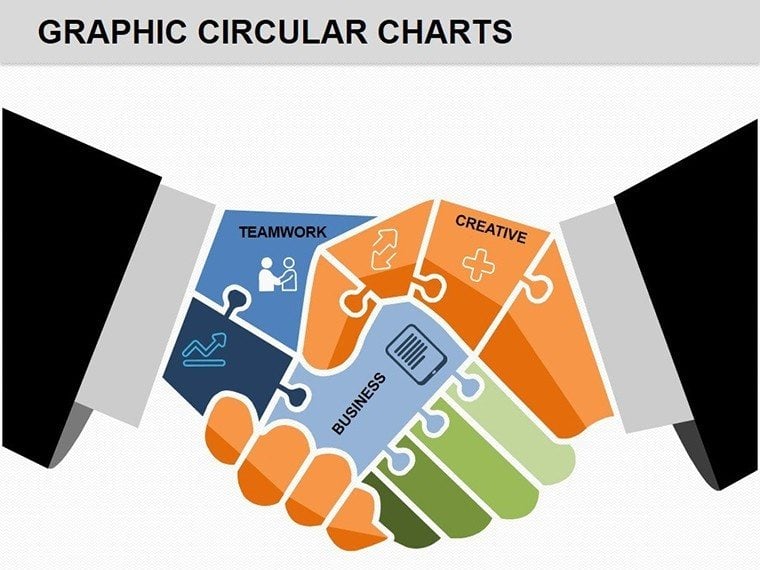
Picture this: You're in a boardroom, pitching a strategic alliance, and instead of dry bullet points, your slide reveals a vibrant puzzle forming a handshake - each piece representing a key partnership element. That's the power of the Partnership PowerPoint Diagrams template, featuring 13 editable slides tailored for business professionals. From entrepreneurs forging joint ventures to executives outlining mergers, this template turns abstract concepts into tangible visuals. With universal puzzle designs that symbolize unity, you can color-code pieces to denote importance, making your message stick. Compatible with all PowerPoint versions, including Microsoft 365, these diagrams offer easy customization, saving you from hours of manual creation. Benefits? Clearer communication, stronger stakeholder buy-in, and presentations that close deals faster. Dive in and see how these tools elevate your business narratives.
Essential Features for Impactful Presentations
At the heart of this template are its innovative puzzle mechanics: each slide builds on combination puzzles that culminate in a handshake icon, perfect for illustrating mutual benefits. Features include vector graphics for sharp scaling, layered elements for depth, and pre-built color schemes that evoke collaboration - think harmonious blues and oranges. Editability is king; drag pieces, add labels, or resize without distortion. Beyond aesthetics, these diagrams provide functional value, like integrating data labels for metrics such as revenue shares in partnerships. In contrast to PowerPoint's default shapes, these offer thematic consistency, ensuring your deck flows seamlessly. Imagine using them in a sales pitch to show how your company's strengths puzzle-fit with a partner's, leading to a 20% efficiency gain, as seen in real merger case studies from firms like Deloitte.
In-Depth Slide Explorations
- Slide 1: Basic Handshake Puzzle - Two-piece setup for simple partnerships, with text boxes for company names.
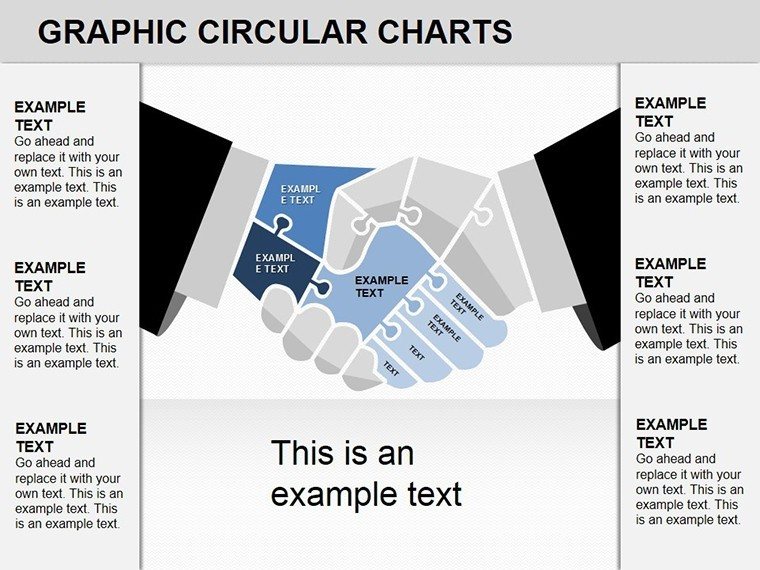
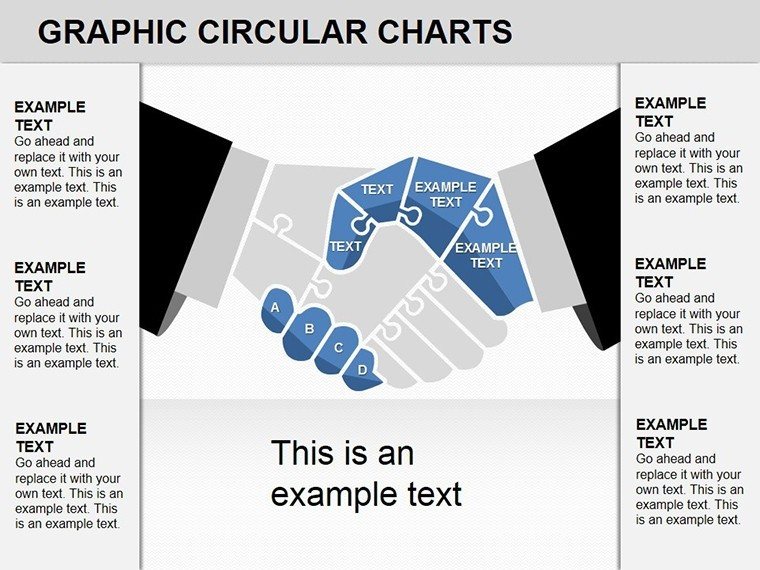
- Slide 2: Multi-Element Synergy Map - Four interlocking puzzles, color-coded for roles like finance, tech, marketing.
- Slide 3: Value Chain Assembly - Linear puzzle flow showing partnership progression from ideation to execution.
- Slide 4: Risk-Sharing Diagram - Puzzle with shaded areas for shared risks and rewards.
- Slide 5: Global Alliance Globe - Puzzle pieces forming a world map handshake, ideal for international deals.
- Slide 6: Timeline Integration - Chronological puzzles linking partnership milestones.
- Slide 7: SWOT Puzzle Fit - Pieces for strengths, weaknesses, opportunities, threats in collaborations.
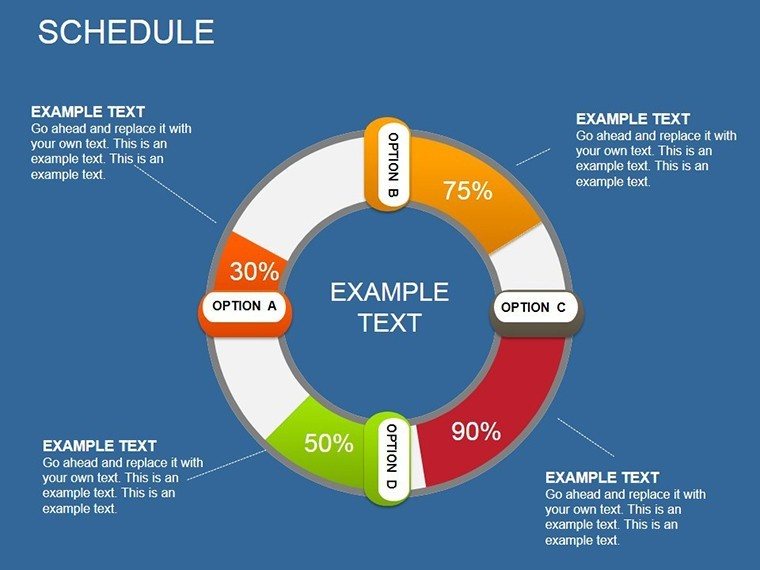
- Slide 8: Revenue Model Breakdown - Financial puzzles with editable charts for profit distribution.
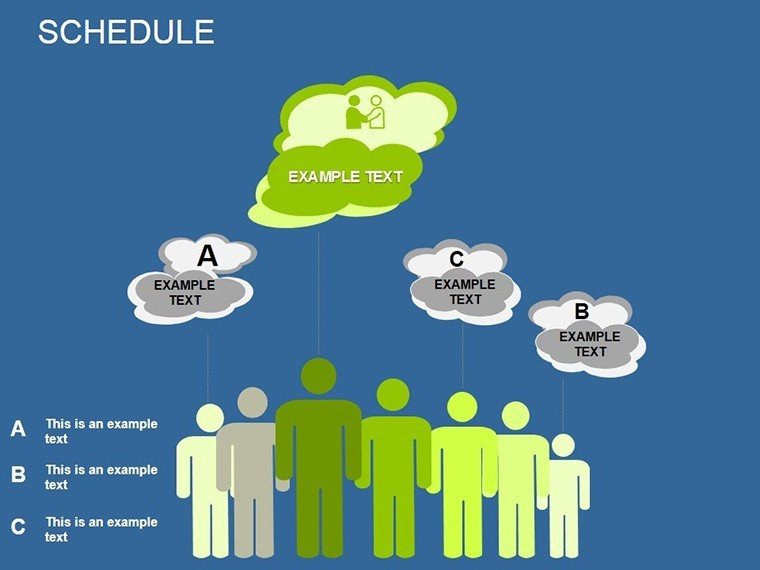
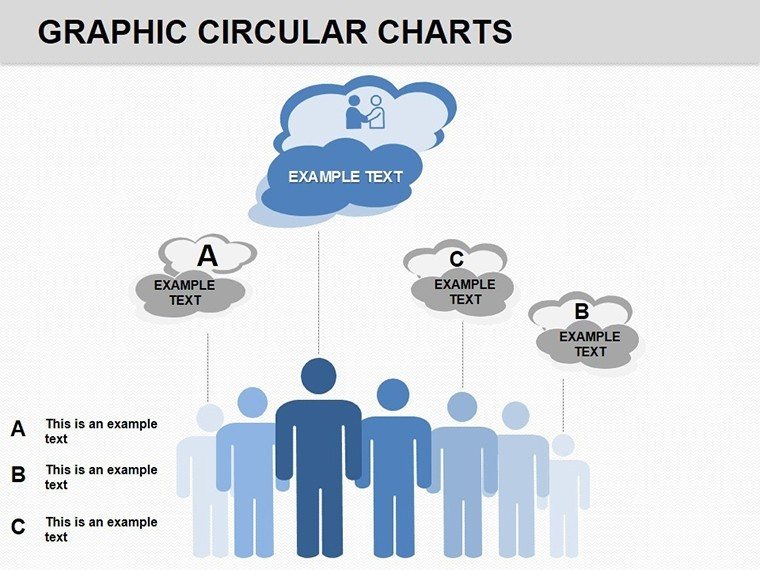
- Slide 9: Team Role Interlock - Human-figure puzzles representing cross-team synergies.
- Slide 10: Exit Strategy Puzzle - Disassembling view for partnership dissolution planning.
- Slide 11: Case Study Showcase - Customizable puzzle for real-world examples.
- Slide 12: Call-to-Action Closer - Final handshake with embedded CTA buttons.
- Slide 13: Variations Master - Template for creating custom puzzle configurations.
These breakdowns allow for storytelling; for example, in Slide 2, highlight how a tech startup and a manufacturing giant puzzle together for innovation.
Versatile Applications in Business Scenarios
Harness these diagrams for diverse use cases. In corporate strategy sessions, use them to map out B2B alliances, where color-labeled pieces clarify contributions - think a retailer partnering with a logistics firm to optimize supply chains. A real example: A consulting firm used similar visuals to secure a multi-million deal by visually demonstrating synergy, per Harvard Business Review insights. For nonprofits, adapt to donor collaborations, showing how funds and expertise interlock for impact. Compared to text-heavy slides, puzzles engage visually, boosting retention by up to 65% according to design studies. Tips: Pair with PowerPoint's morph transitions for animated assembly, revealing partnerships dynamically. Workflow: Import, customize labels, rehearse, and deploy - simple yet transformative.
Guided Implementation Steps
- Open in PowerPoint and select a slide like the Synergy Map.
- Input specifics: Company logos, key metrics via smart art tools.
- Adjust colors and fonts to align with your brand guidelines.
- Add animations for piece-by-piece reveals in presentations.
- Export or share, then refine based on feedback for future uses.
This approach addresses common hurdles, like vague partnership proposals, by providing concrete visuals that inspire confidence.
Superior Value and Differentiation
Why this over competitors? It's not just puzzles - it's a functional toolkit aligned with business best practices, like those from PMI for project partnerships. Value includes cross-platform export (PDF, video), and internal links to puzzle variations enhance navigation. Trust signals: Editable without watermarks, backed by professional design standards. CTA: Forge stronger bonds - download now. Link to related categories for expanded options, building a robust presentation library.
Ultimately, these diagrams turn partnerships from concepts to compelling realities, driving your business forward.
Frequently Asked Questions
How customizable are the puzzle pieces?Completely - resize, recolor, and relabel individually or in groups using PowerPoint tools.Does it work with Google Slides?Yes, import .pptx files seamlessly, though some animations may need adjustment.Ideal for what industries?Business, consulting, nonprofits - anywhere partnerships drive growth.Can I add my own images?Sure, insert logos or photos into puzzle slots for personalization.Are there theme variations?Base template includes one, but easy to create dark/light modes.What if puzzles don't fit my narrative?Modify shapes or duplicate slides for bespoke designs.Good for
- Project roadmaps and sprint plans
- Product launch timelines
- Quarterly or annual review decks
- Company history and milestone summaries
Licence
reviews
Used it for a process overview presentation.
The connected diagram slides looked clean on screen.
Editing shapes was easier than expected.
Some icons looked kind of old.
The structure still worked well.
FAQ
Will it work in Google Slides?
Are fonts embedded?
Can I use this for client work?
What's the refund policy?
Do you update the template after purchase?
Similar templates
See all Powerpoint Diagrams →
All 13 slides