 Click to zoom
Painting Ideas PowerPoint Charts Template
| Format | .pptx |
| Slides | 10 unique layouts |
| Aspect ratio | 16:9 |
| Compatibility | PowerPoint |
| Animated | No |
| Language | English |
| License | Commercial |
| File size | — |
| Version | v1.0 |
| Last updated | September 2023 |
What's inside
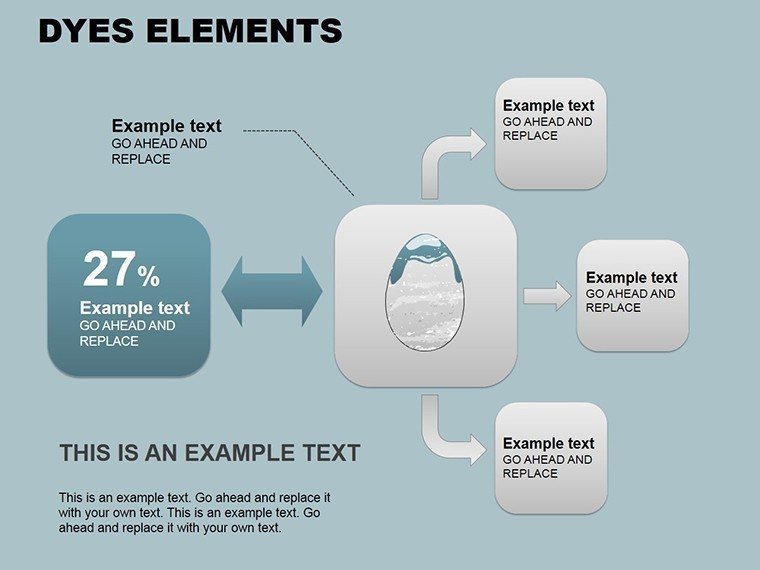
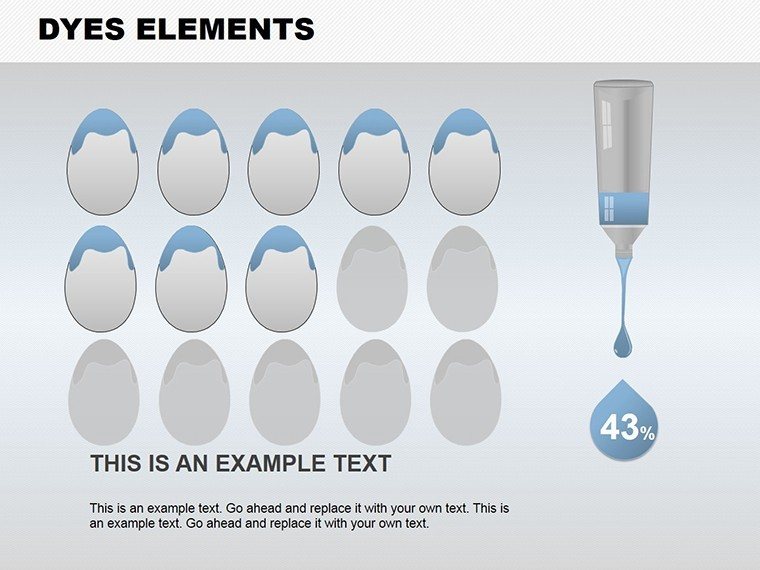
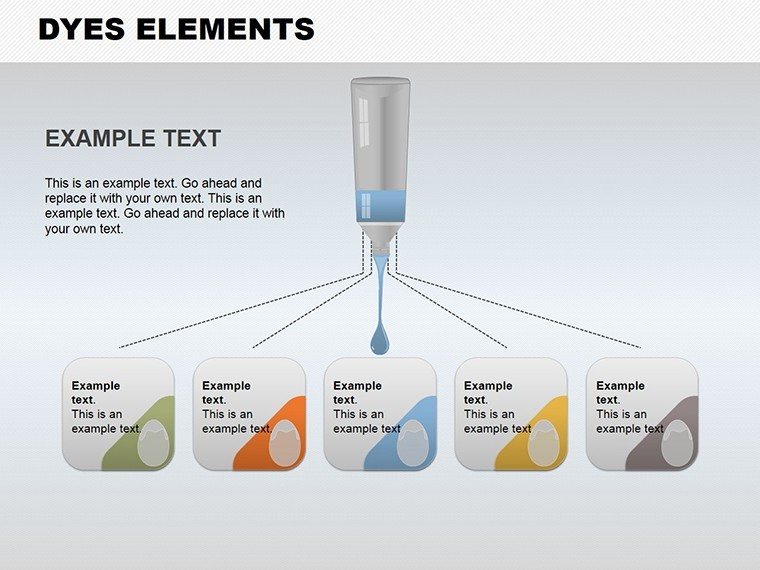
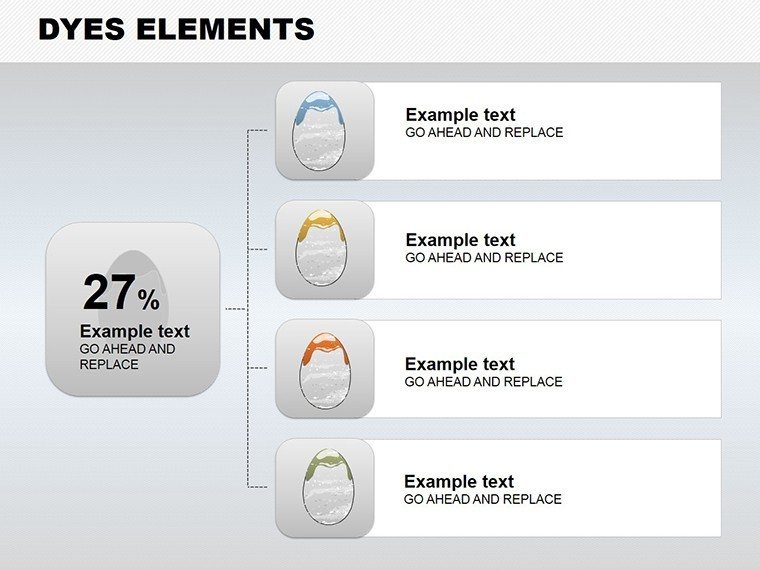
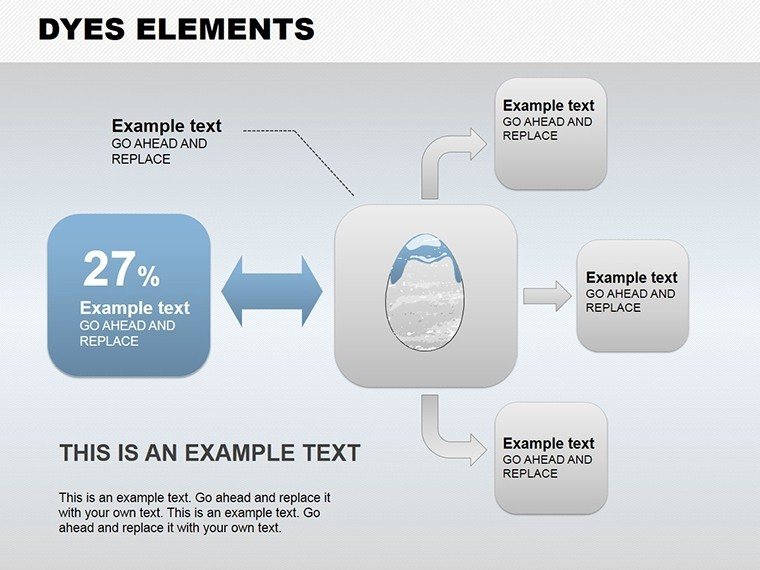
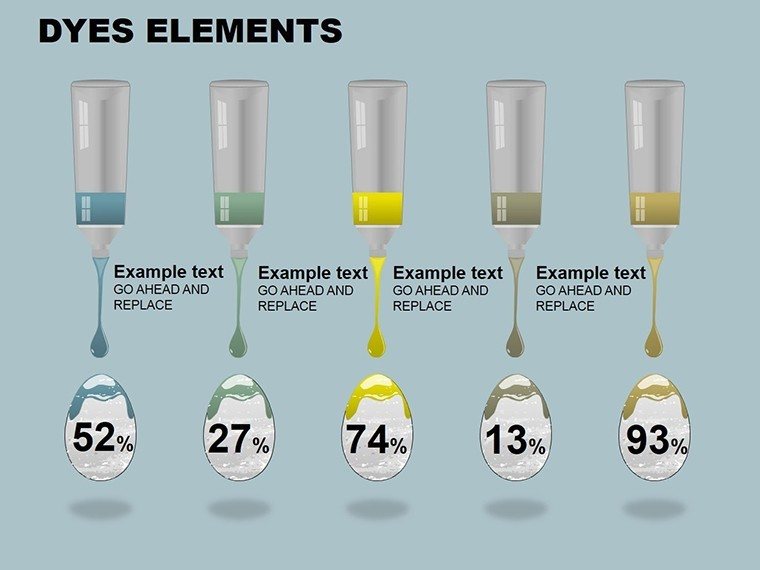
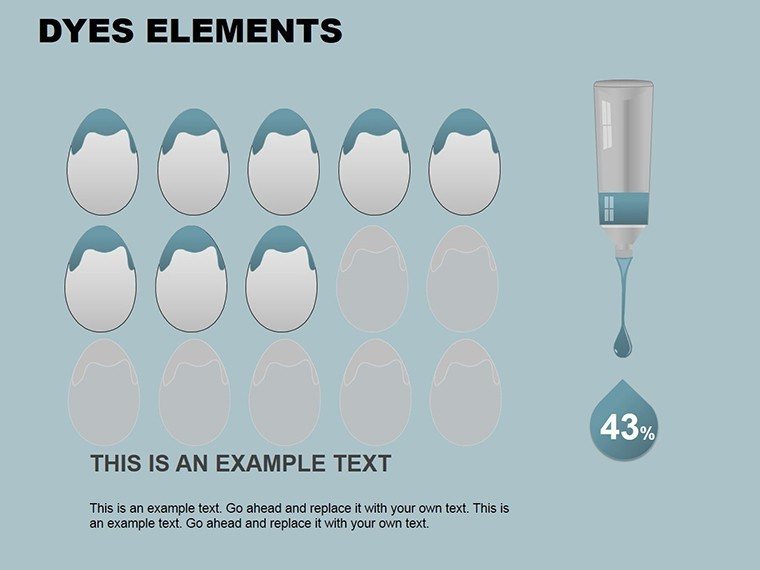
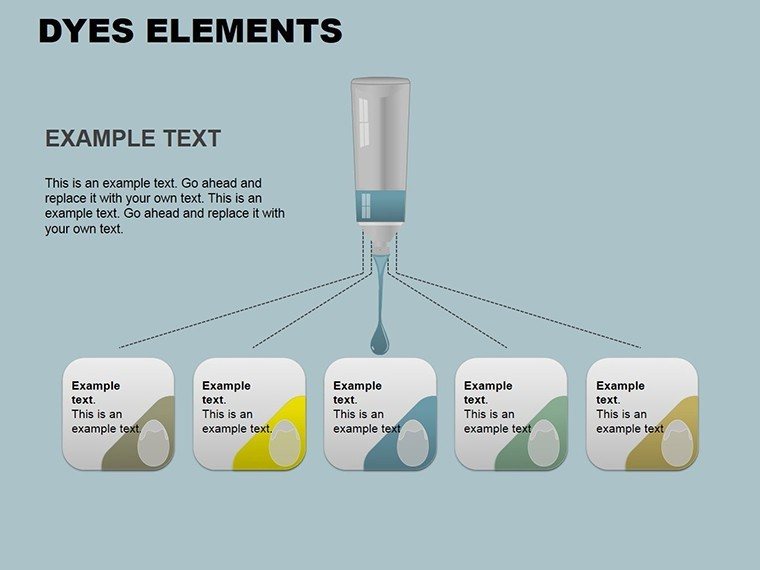
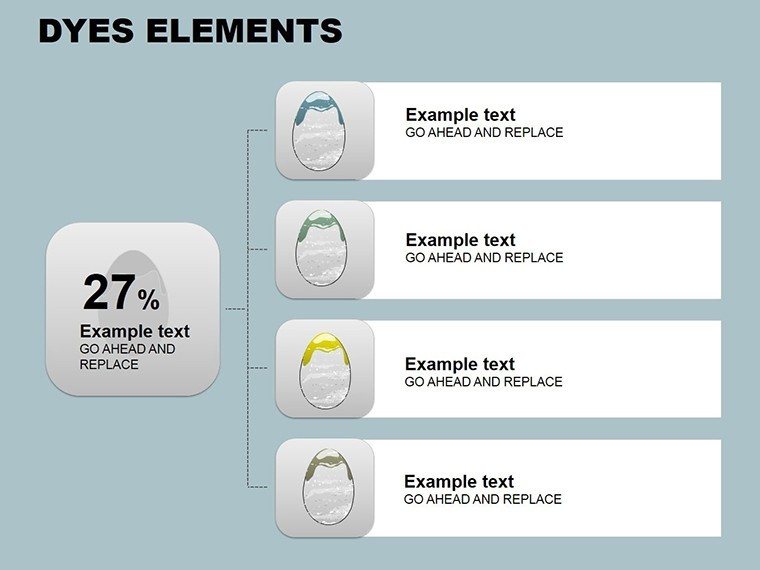
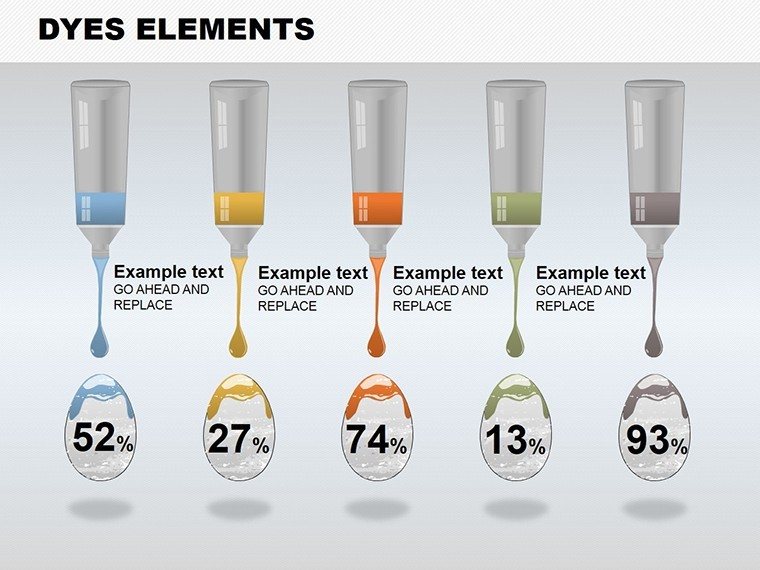
Blend artistry with analytics using the Painting Ideas PowerPoint Charts Template, where charts become canvases for your data. This 10-slide set draws from painting themes to create visually arresting presentations that engage and inspire. Perfect for creatives, marketers, and educators, it allows seamless edits in PowerPoint for personalized touches. Architects can "paint" project visions, turning stats into stories. This template elevates standard charts with high-quality graphics, ensuring your message isn't just seen but felt.
Artistic Data: Painting-Themed Chart Magic
Each slide embodies painting motifs, like brushstrokes enhancing bar charts for material palettes in architecture. Full editability lets you adapt for brand, with sharp graphics for clarity. For teachers, illustrate concepts artistically; sales pros showcase products vividly. Rooted in design expertise, it transforms data delivery.
Highlight Features for Creative Flow
- Painting Themes: Unique artistic overlays.
- Edit Ease: Intuitive customization.
- Quality Graphics: Crisp displays.
- Brand Flexibility: Tailor to identity.
Example: A startup pitched innovatively, captivating investors.
Creative Applications: Brushstrokes of Success
Use for pitches: Paint growth trajectories. Steps: Edit, theme, present. Tips: Mix mediums for variety. Better than basics for memorability.
Painting Your Presentation Path
- Start in PowerPoint.
- Add data/art.
- Customize style.
- Refine.
- Share.
Streamlines artistic expression.
The Canvas of Innovation in Charts
Unique in artistry, outperforms for engagement. Benefits: Inspiration, impact. CTA: "Paint your success."
Download and create your masterpiece today.
Frequently Asked Questions
How artistic are the charts?
Infused with painting elements for creativity.
PowerPoint only?
Mainly, but adaptable.
Add own images?
Yes, integrate easily.
Theme variations?
Multiple for diversity.
Tutorials?
Basic included.
Good for
- Project roadmaps and sprint plans
- Product launch timelines
- Quarterly or annual review decks
- Company history and milestone summaries
Licence
reviews
Finished my presentation faster because the chart pages were already arranged.
The icons and lines looked decent during our team meeting.
I liked that I could move the blocks around without ruining the layout.
Not perfect but good enough for internal company slides.
One slide had too much empty space so I deleted it.
FAQ
Will it work in Google Slides?
Are fonts embedded?
Can I use this for client work?
What's the refund policy?
Do you update the template after purchase?
Similar templates
See all PowerPoint Charts →
All 10 slides