 Click to zoom
Nuclear Energy Physics Keynote Template: Powering Scientific Discovery
| Format | .pptx |
| Slides | 3 unique layouts |
| Aspect ratio | 16:9 |
| Compatibility | PowerPoint |
| Animated | No |
| Language | English |
| License | Commercial |
| File size | — |
| Version | v1.0 |
| Last updated | January 2023 |
What's inside
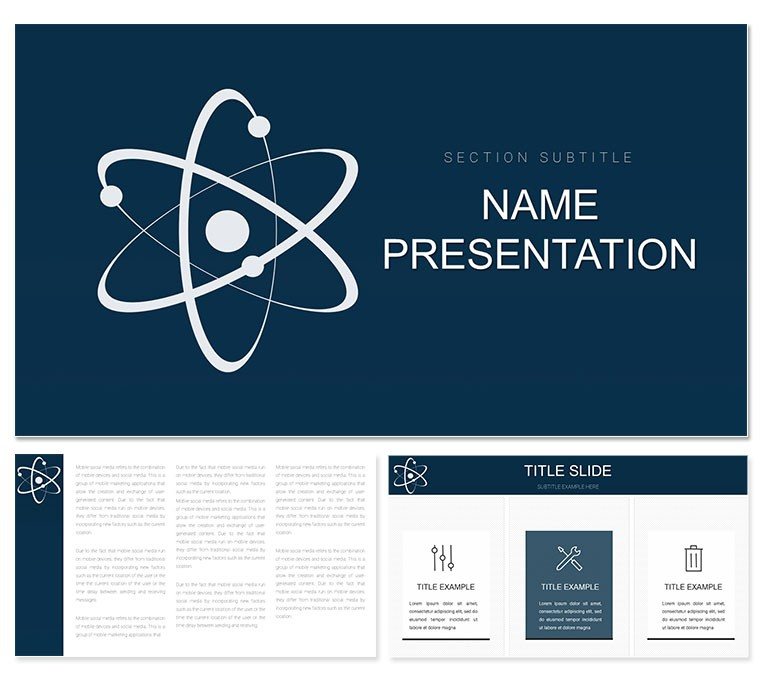
Unleash the energy of atoms in your presentations with the Nuclear Energy Physics Keynote Template, crafted for physicists, lab instructors, and energy consultants. Featuring 28 diagrams nestled in three masters and backgrounds, it illuminates fission, fusion, and reactor dynamics with elegant precision. From school labs to research symposiums, this tool, optimized for Keynote 2016+, equips you to convey high-stakes science accessibly and authoritatively.
Standout is Diagram 5's reactor core schematic, layers peeling back to reveal fuel rods and control mechanisms - ideal for safety protocol breakdowns. Or the chain reaction cascade in Diagram 17, where domino-like elements simulate neutron paths, ripe for your half-life annotations. Seven color schemes, evoking plasma glows and shielding grays, adapt to any venue's lighting.
Core Components for Nuclear Narratives
Diversity defines the diagrams: radial explosions for blast radii in Diagram 23, or flowcharts mapping waste cycles in Diagram 12. The backgrounds - reactor halls, particle trails, or clean labs - frame your content with thematic depth.
- Dynamic Diagrams: 28 variants, from cross-sections to energy yield graphs.
- Master Options: Three for consistent nuclear-themed headers.
- Palette Power: Seven hues for highlighting radiation zones or efficiency metrics.
Practicality prevails - a nuclear engineer might employ Diagram 8's containment bubble to outline breach scenarios.
Structuring a Physics Lab Demo: Your Roadmap
- Foundation Lay: Choose the particle trail background for momentum themes.
- Core Insertion: Slot in Diagram 13's fission split for reaction overviews.
- Pathway Links: Connect to expansion slides on applications like power generation.
- Energy Tune: Select a warm scheme to visualize heat transfers vividly.
Such steps forge decks that energize, mirroring the template's fusion of form and function.
Versatile Scenarios in Nuclear Contexts
For university courses, use Diagram 21's spectrum analyzer to dissect gamma emissions. In policy briefings, the balance wheel in Diagram 7 weighs pros of renewables against nuclear reliability.
Lab teams find value in simulation slides, like Diagram 28's modular grid for experiment setups. It scales from introductory overviews to advanced simulations, always crisp.
Strategies for Compelling Physics Talks
Build tension with sequential reveals, unveiling particle paths gradually. Sync with lab demos via embedded videos. Over basic tools, this offers physics-specific vectors, hastening assembly. Ensure labels are legible, prioritizing safety icons for emphasis.
The Edge for Nuclear Communicators
With motifs like shielding veils and bolt icons, it instills credibility. Merge with simulation software exports or share via Keynote Live for remote collaborations. It's the spark for decks that propel discourse forward.
Fuel your scientific visions - acquire the Nuclear Energy Physics Keynote Template and ignite engaging explorations.
Frequently Asked Questions
Are diagrams based on real nuclear models?
Yes, drawing from standard PWR and BWR representations, fully adjustable.
Can animations simulate reactions?
Indeed, use Keynote's sequences for cascading effects.
Suitable for energy policy talks?
Perfectly, with adaptable charts for sustainability comparisons.
Vector scalability for prints?
100%, maintaining resolution in posters or reports.
Integration with data tools?
Effortless with Numbers or CSV imports for live updates.
Background editability?
High - swap elements or opacity for custom labs.
Good for
- Project roadmaps and sprint plans
- Product launch timelines
- Quarterly or annual review decks
- Company history and milestone summaries
Licence
reviews
Prepared my startup investor update with this one and the timeline slides made progress tracking easy to visualize. Received positive feedback from the partners.
Design is minimalist which keeps focus on the content rather than flashy elements. Typography hierarchy is spot on.
Pros include fast customization but I missed having more map slides for our expansion plans. Worked fine overall.
The icons are nice but some felt a bit generic for our industry niche.
FAQ
Will it work in Google Slides?
Are fonts embedded?
Can I use this for client work?
What's the refund policy?
Do you update the template after purchase?
Similar templates
See all Keynote templates →

All 1 slides