 Click to zoom
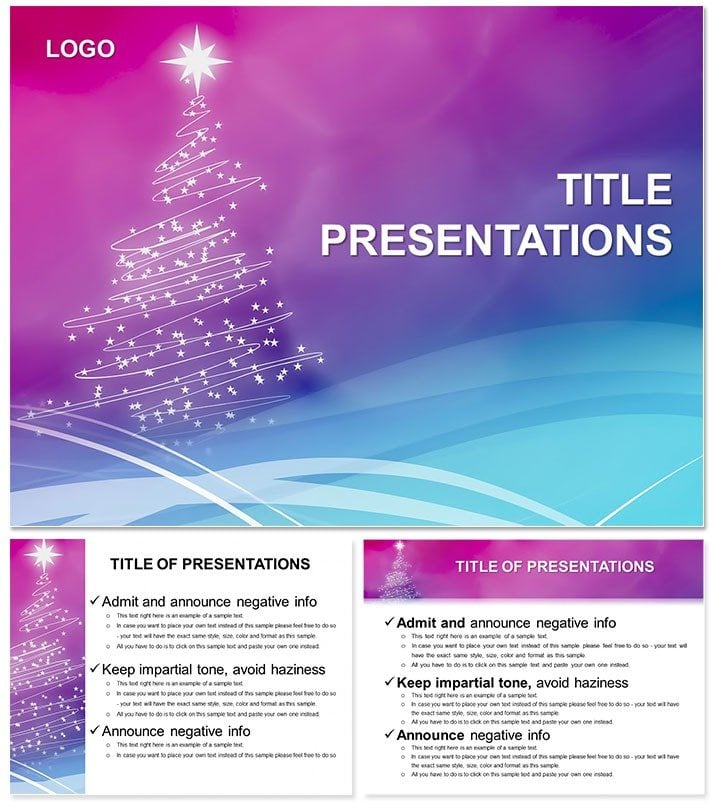
Neon Christmas Tree Keynote: Glow Up
| Format | .pptx |
| Slides | 3 unique layouts |
| Aspect ratio | 16:9 |
| Compatibility | PowerPoint |
| Animated | No |
| Language | English |
| License | Commercial |
| File size | — |
| Version | v1.0 |
| Last updated | October 2018 |
What's inside
Branch out boldly with the Neon Christmas Tree Keynote template, electrifying festivities for DJs, decorators, and directors. 28 luminous diagrams, three masters with neon outlines, three starry backgrounds, seven electric schemes from lime to violet - charge your content with vibrant voltage.
Keynote 2016+, hyperlink lights, pulse animations - sparking shows that outshine the ordinary.
Branches of Brilliance
Masters: Trunk for bases, limb for extensions, topper for peaks. Backgrounds: Night skies or circuit pines.
Diagrams: LED bars, wire flows - neon and nimble.
Plug In and Play
Launch .key, master, mod: Wire data to LED line, buzz with color.
Electric Event Engagements
DJs sequence sets via timelines; decorators diagram designs.
For plans: Circuit schedules, light paths. Surpasses standards with glow icons.
Bright Blueprints
- Timeline Trunk: Branch events; neon highlights.
- Budget Bulbs: Cluster costs; flicker variances.
- Venue Map: Light layouts; trace routes.
Suggestion: Dim for contrast; sync to beats.
Illuminate Ideas
Story as surge: Slides as sparks. Vivids for hype, cools for calm.
Power up - download Neon Christmas Tree now.
Frequently Asked Questions
Dynamic lighting?
Animate glows for pulse effects.
Team syncing?
Cloud .key for co-edits.
Everyday adaptable?
Neon for modern non-fests.
Effect options?
Flashes, trails, statics.
Spectrum span?
Seven neons, blendable.
Good for
- Project roadmaps and sprint plans
- Product launch timelines
- Quarterly or annual review decks
- Company history and milestone summaries
Licence
reviews
Needed a fast presentation layout and this worked.
The text sections and graphics were easy to move around.
A few slides looked too busy with shapes.
Still usable after minor cleanup.
FAQ
Will it work in Google Slides?
Are fonts embedded?
Can I use this for client work?
What's the refund policy?
Do you update the template after purchase?
Similar templates
See all Keynote templates →

All 1 slides