 Click to zoom
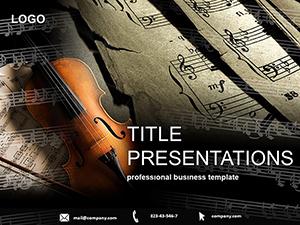
Music PowerPoint Template: Composing Visual Harmonies
| Format | .pptx |
| Slides | 3 unique layouts |
| Aspect ratio | 16:9 |
| Compatibility | PowerPoint |
| Animated | No |
| Language | English |
| License | Commercial |
| File size | — |
| Version | v1.0 |
| Last updated | December 2023 |
What's inside
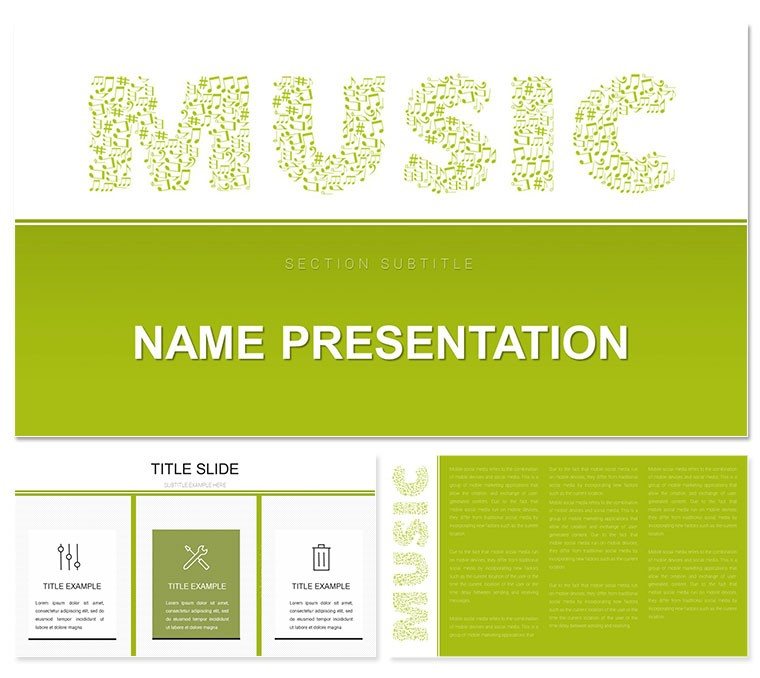
Strike a chord with presentations that pulse with energy - enter the Music PowerPoint template, where every slide sings. Tailored for those who live and breathe melody, this deck turns flat talks into dynamic performances. With 28 rhythm-infused diagrams, three harmonious masters, and three stage-ready backgrounds, it's your backstage pass to captivating content. Musicians unveiling new tracks, teachers breaking down scales, or planners hyping festivals will find their perfect setlist here.
What sets this apart? It's the seamless blend of musical motifs with professional polish. Edit notes into timelines or crescendo bars into progress charts, all while seven color schemes - from electric blues to golden ambers - keep the vibe alive. Fully vector-based, these elements resize effortlessly in PowerPoint, ensuring your visuals scale with your ambition. Envision a slide where guitar strings morph into a flowchart for album production; it's that level of intuitive design that makes complex ideas groove.
Key Elements That Make Your Deck Rock
At its core, the template's three masters anchor your flow, from spotlight intros to encore closes. Backgrounds evoke venues - from intimate jazz clubs to roaring arenas - while the 28 diagrams cover the spectrum: pie charts as vinyl records, line graphs as waveforms, and icons that nod to instruments without cliché overload.
- Customizable Graphics: Swap treble clefs for data points or drum kits for bullet hierarchies, all editable down to the finest detail.
- Scheme Symphony: Seven palettes tuned for contrast and emotion, working flawlessly in PowerPoint 2016 and beyond.
- Animation-Ready: Built-in paths for builds that mimic musical builds, adding flair without extra effort.
An event planner once orchestrated a festival lineup using the timeline diagram, layering soundwave overlays to visualize set times - the crowd's applause echoed the slide's crescendo.
Versatile Setlists: Use Cases Across the Stage
This template takes center stage in diverse scenarios. For musicians, map your tour with a Gantt chart disguised as a sheet music staff, highlighting stops like refrains. Educators can dissect theory with radial diagrams that fan out like chord progressions, making abstract concepts tangible and fun.
In the planning realm, craft invitations where RSVP flows mimic call-and-response lyrics, or promo decks that build hype with stacked bar graphs as amplifier stacks. Step-by-step: Launch PowerPoint, apply a master for thematic unity, insert a diagram, and tweak fills to match your palette - watch as your narrative hits high notes effortlessly.
- Setup: Import the .pptx and select a background to set the scene.
- Tune Up: Populate diagrams with your metrics, adjusting scales for precision.
- Rehearse: Test animations in slideshow mode to ensure timing syncs with your delivery.
Unlike stock PowerPoint themes, this one infuses personality, turning data dumps into dialogues that resonate. It's for anyone ready to let their presentations play on repeat.
Workflow Wins and Insider Riffs
Slot this into your routine like a favorite riff - drag-and-drop simplicity meets pro-grade control. Vectors ensure crisp exports to PDF or video, while font pairings evoke sheet music elegance. A tip for max impact: Layer subtle audio cues externally, syncing slide advances to beats for hybrid events.
Recall a music educator who revamped lesson plans with waveform infographics to plot pitch variations; students not only grasped the material but started composing their own visuals. Elevate your next gig - grab this template and let the music lead.
Frequently Asked Questions
Can I customize the music icons in this PowerPoint template?
Definitely - icons and diagrams are vector-based, allowing full edits like color swaps or shape morphs in PowerPoint.
What versions of PowerPoint does it support?
It's optimized for PowerPoint 2016 and newer, with full backward compatibility for essential features.
Is it suitable for non-music presentations?
Yes, the rhythmic elements adapt well to any dynamic content, like marketing timelines or creative brainstorming.
How do the color schemes work?
Seven schemes are pre-set for quick application, each balancing vibrancy with professionalism across themes.
Does it include animation presets?
While not pre-animated, the structure supports PowerPoint's entrance and emphasis effects for musical flair.
Are there format options beyond .pptx?
Yes, includes .potx for themes and .jpg previews for quick references.
Good for
- Project roadmaps and sprint plans
- Product launch timelines
- Quarterly or annual review decks
- Company history and milestone summaries
Licence
reviews
Grabbed this for a quick project update, the milestone markers were clear.
Had to tweak the arrow styles but overall decent.
The status traffic lights saved me from writing paragraphs.
It's okay, a bit plain but my manager didn't care.
Used the completion percentage donuts, they worked fine.
FAQ
Will it work in Google Slides?
Are fonts embedded?
Can I use this for client work?
What's the refund policy?
Do you update the template after purchase?
Similar templates
See all PowerPoint Templates →
All 1 slides