 Click to zoom
Monthly Gantt Keynote Charts - Instant Download | ImagineLayout
| Format | .pptx |
| Slides | 12 unique layouts |
| Aspect ratio | 16:9 |
| Compatibility | PowerPoint |
| Animated | No |
| Language | English |
| License | Commercial |
| File size | — |
| Version | v1.0 |
| Last updated | March 2026 |
What's inside
Files and Formats Included
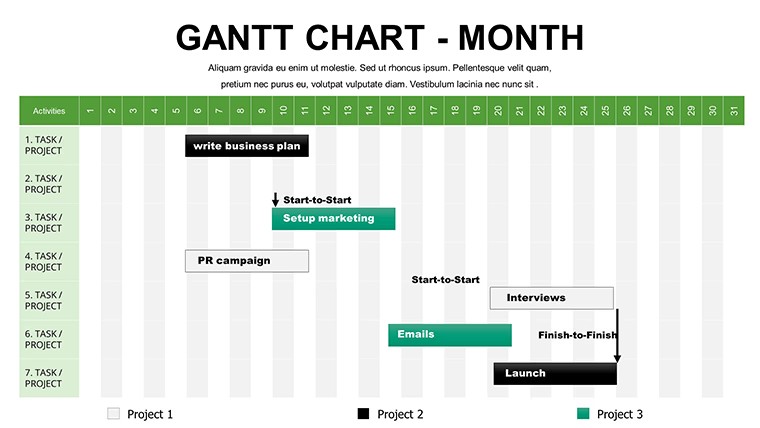
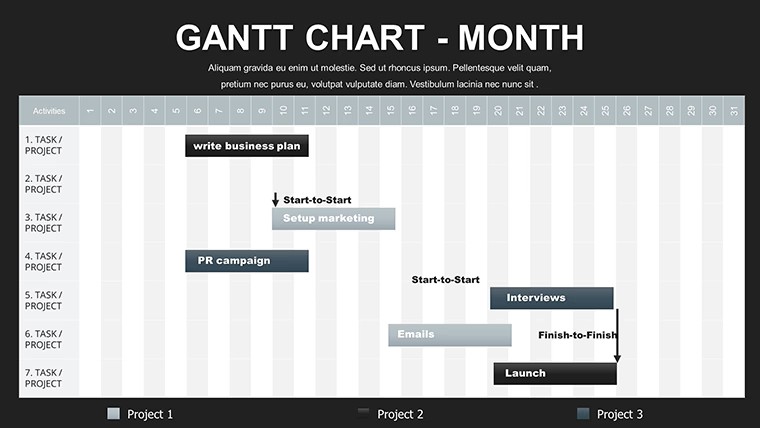
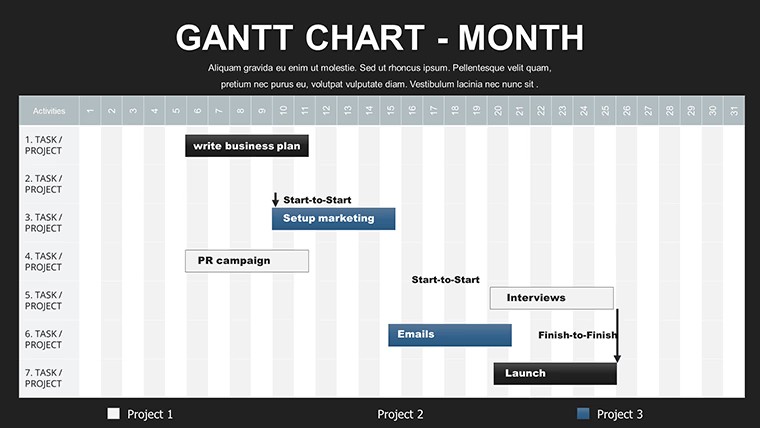
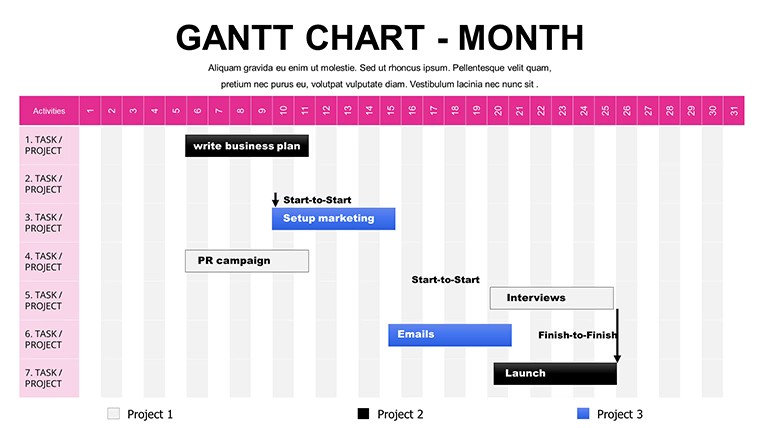
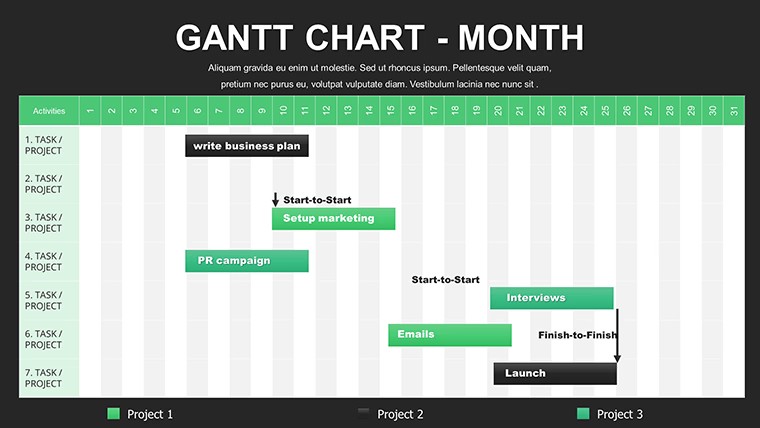
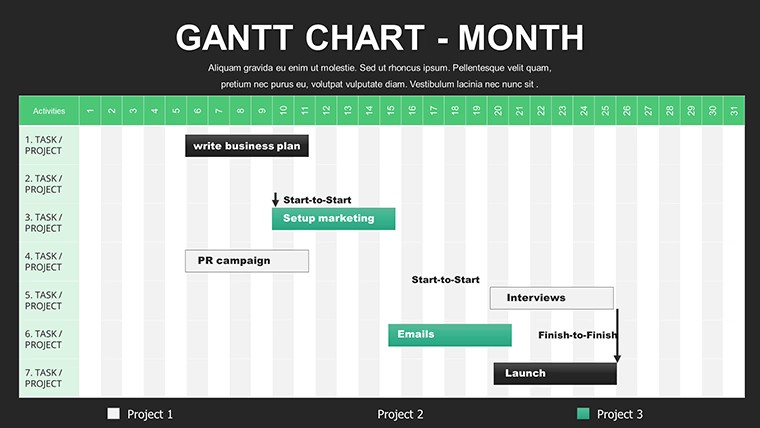
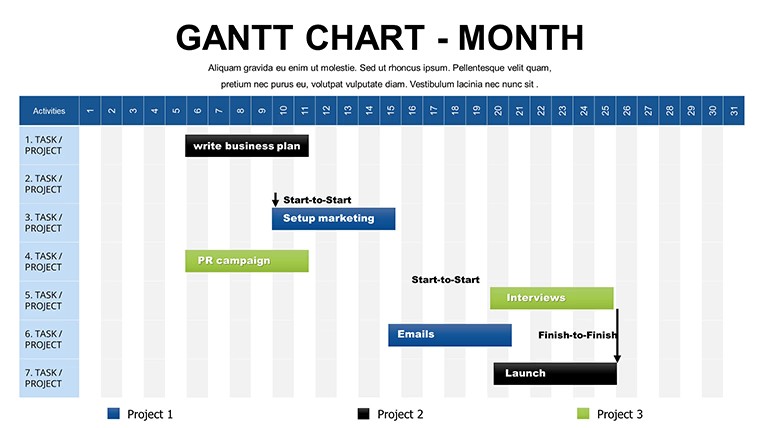
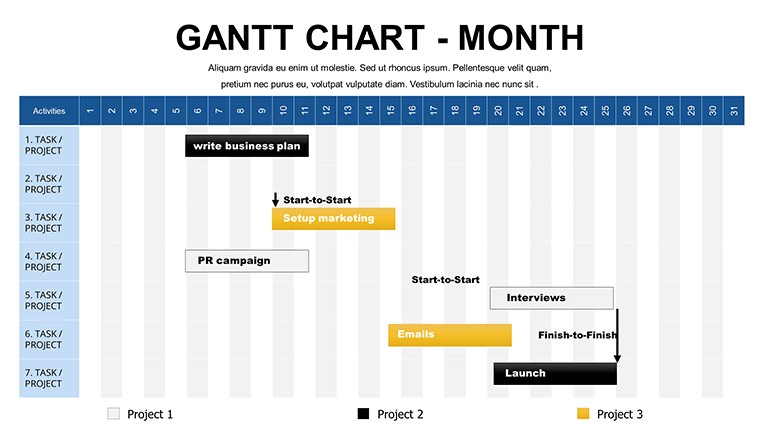
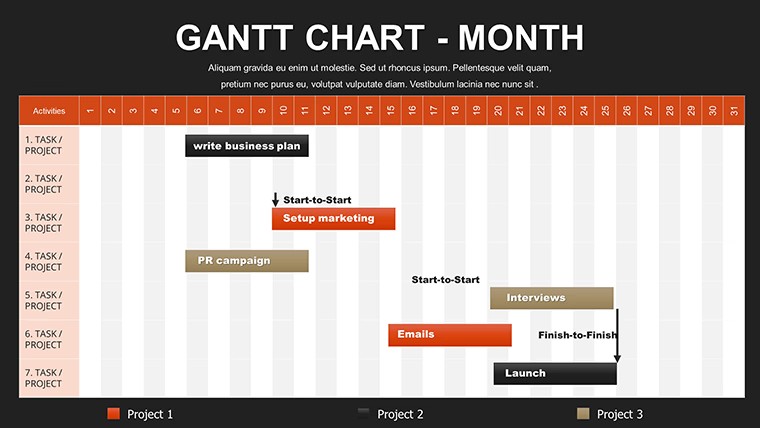
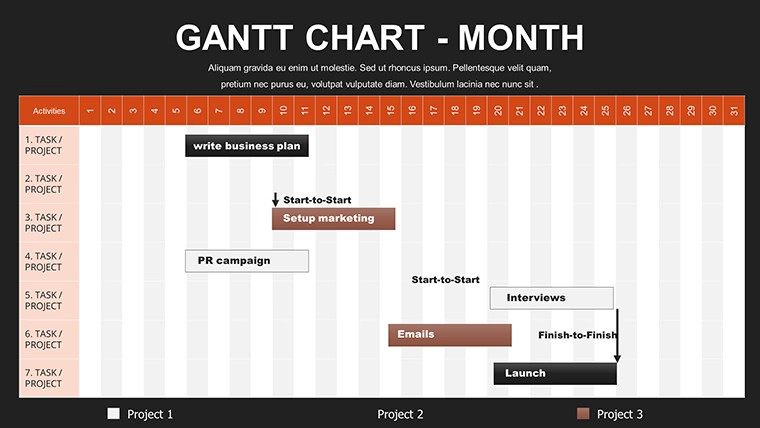
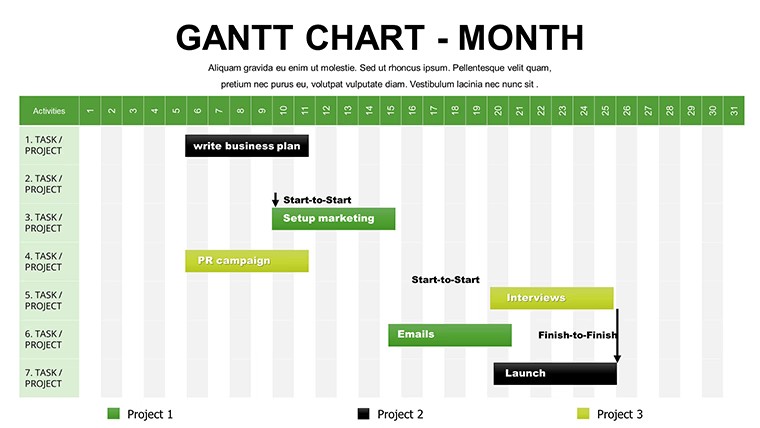
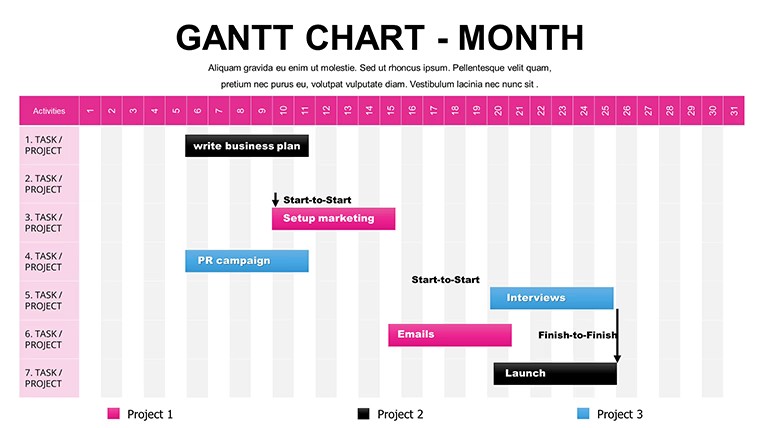
12 editable slides map full-month panorama timelines week-zoom views dependency arrows legend panels and milestone markers.
One free .key file contains every horizontal bar and vertical stack element.
Diagram structure uses zone segmentation for clear task dependencies in project management.
Key Specifications
FeatureDetailsEditable shapesTask bars resize recolor and relabel independently while keeping week-zoom alignmentDiagram connectorsDependency arrows add remove or redirect without unlocking groupsText placeholdersMilestone markers update legends automatically on any slideColor theme adjustmentsBrand palette applies to all horizontal bars via slide masterIcon layersStatus icons in legend panel swap without affecting timeline flowExport optionsPDF output preserves visual hierarchy for board briefingsCustomization in 5 Steps
Open the free .key file in Keynote.
- Edit task bar labels and durations (3 minutes)
- Adjust brand colors on the master (2 minutes)
- Add dependency arrows and milestone markers (5 minutes)
- Update week-zoom details (4 minutes)
- Export for distribution (1 minute)
Difficulty level is moderate for project managers with basic Keynote experience.
Typical Use Cases by Role
A project manager in construction tracked monthly tasks for a client proposal and reused the auto-updating legend across three performance reviews by swapping color themes.
An HR specialist in software mapped team dependencies during a training session and reduced deck preparation from 3 hours to 45 minutes.
Download the Monthly Gantt Chart Keynote Template for free
Compared to Starting From Zero
Manual Gantt creation usually misaligns dependency arrows and breaks legend updates when timelines shift.
This layout places milestone markers outside bars connected by thin lines for projection clarity.
Regional sales directors often pair it with the 6-Month Gantt Keynote Template for extended horizons.
Engineers combine it with Audit Process Flowchart Keynote Template when linking project phases.
Which Keynote versions does this template support?Keynote 12 and newer handle the .key file natively on Apple devices. Older versions import successfully yet keep task bars and legends intact. Verify before quarterly briefings. Native format guarantees week-zoom views remain precise.
How do I change the color scheme?Open slide master and edit the theme palette once. All task bars dependency arrows and legend panels update together. Milestone markers reflect the new colors instantly. The complete monthly panorama adapts in under two minutes.
What does the license allow for client work?Client work and internal reports are allowed without limits. Resale of the file is prohibited. No sublicensing permitted. This free version supports unlimited personal and professional projects.
What software is required to open the file?Keynote 12+ on macOS or iOS is required for full editing. The .key format does not work in PowerPoint. PDF export is available from Keynote. Editing task bars and arrows needs the native app.
What does the free version include versus the paid version?This free version delivers the complete 12 slides with full task bars dependency arrows and auto-updating legends. Paid alternatives on the site extend to 6-month horizons but lack monthly zoom detail. No watermarks or restrictions apply here. The download is ready for immediate use.
Does the template support animations?Build order reveals on dependency arrows and milestone markers function in Keynote. Legend panels update live during presentation mode. Turn animations off for static PDF exports. The feature applies to week-zoom views seamlessly.
Good for
- Project roadmaps and sprint plans
- Product launch timelines
- Quarterly or annual review decks
- Company history and milestone summaries
Licence
reviews
Used it for a university assignment because I was too tired to design charts myself.
The colors were softer than I expected which was nice.
A couple slides had weird spacing when exported.
The chart icons were simple but useful.
It worked fine for presenting statistics in class.
FAQ
Will it work in Google Slides?
Are fonts embedded?
Can I use this for client work?
What's the refund policy?
Do you update the template after purchase?
Similar templates
See all Keynote Charts →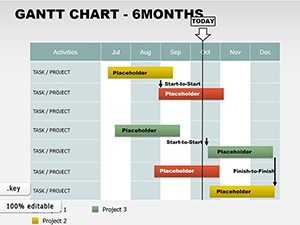
All 12 slides