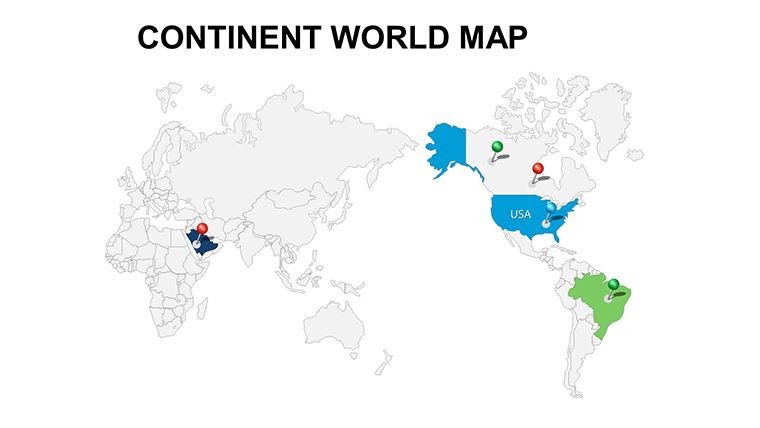
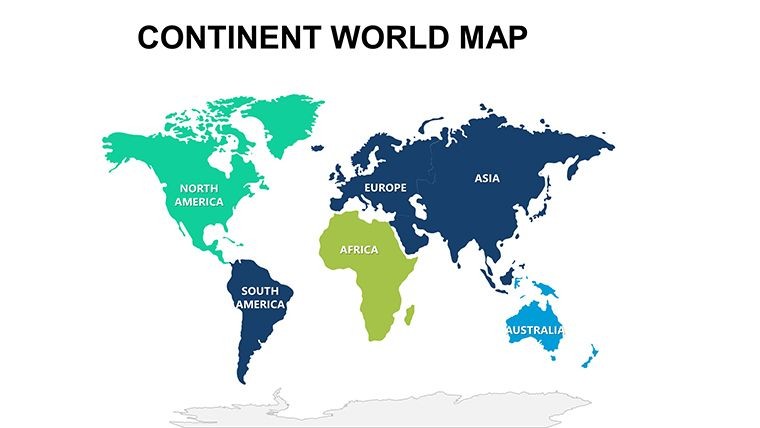
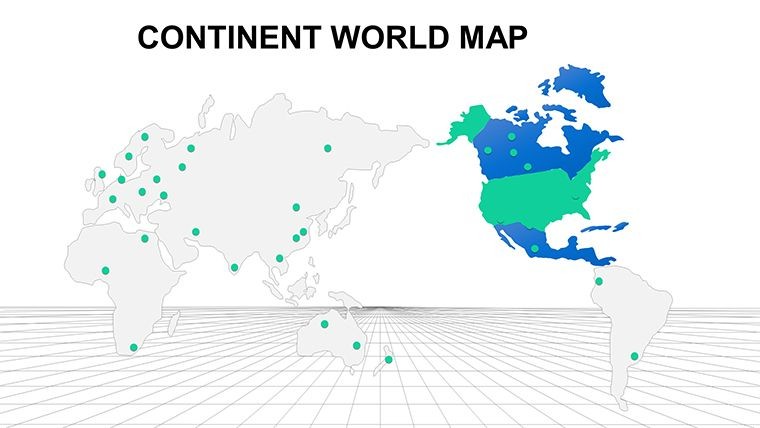
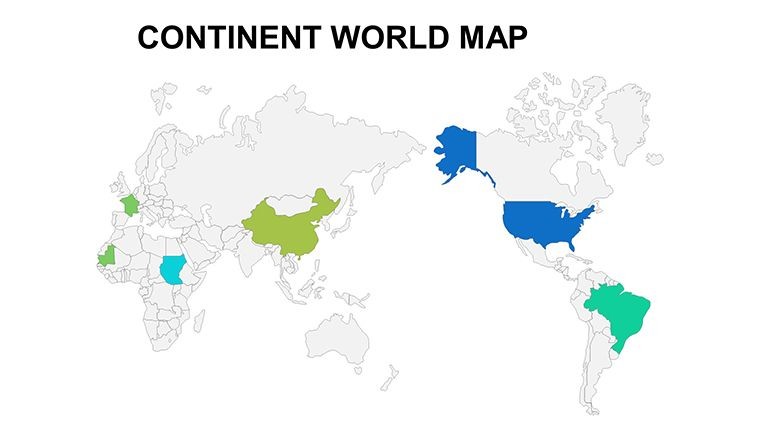
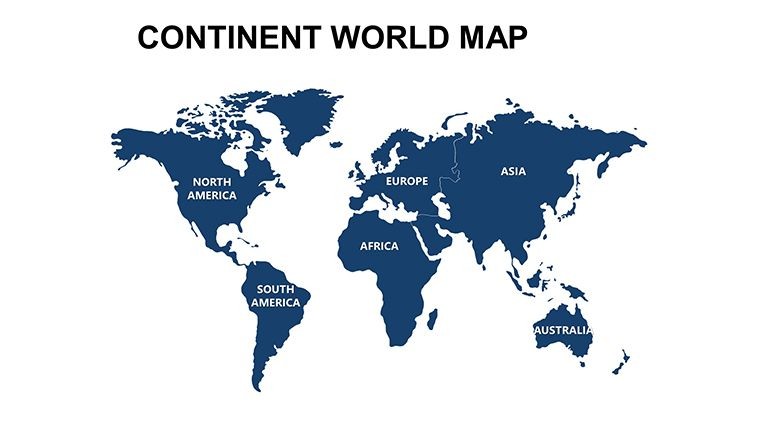
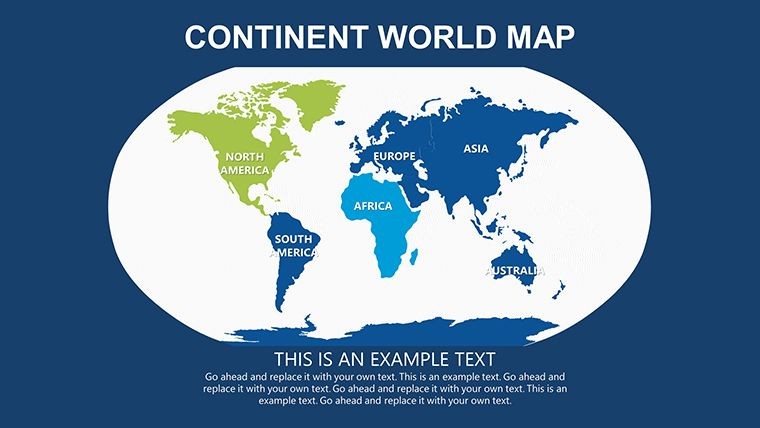
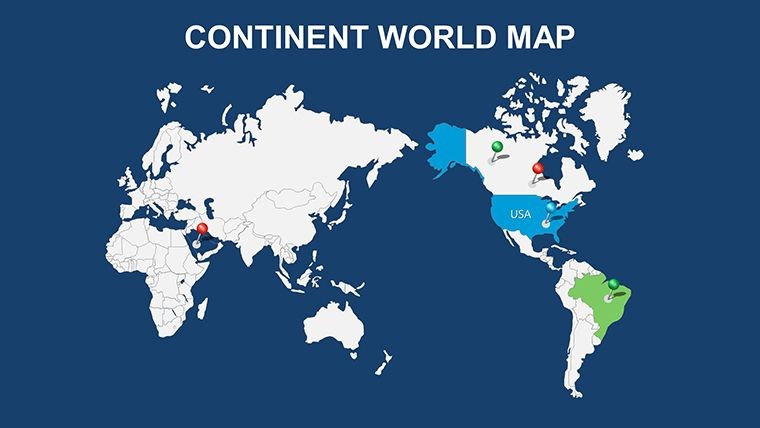
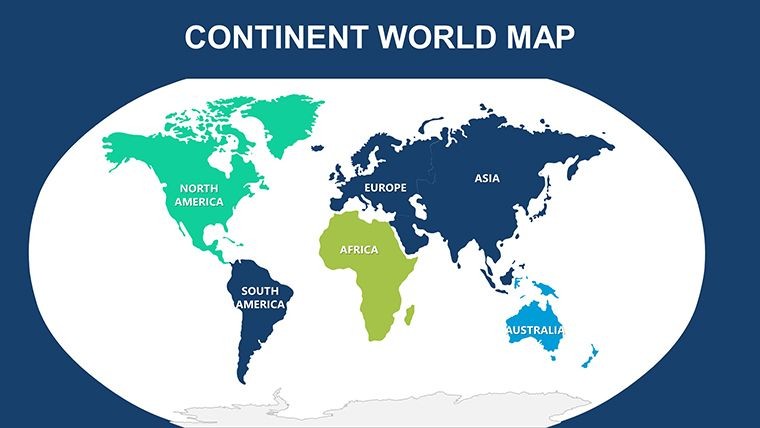
 Click to zoom
Modern World Keynote Maps: Unlock Global Insights with Ease
| Format | .pptx |
| Slides | 17 unique layouts |
| Aspect ratio | 16:9 |
| Compatibility | PowerPoint |
| Animated | No |
| Language | English |
| License | Commercial |
| File size | — |
| Version | v1.0 |
| Last updated | May 2023 |
What's inside
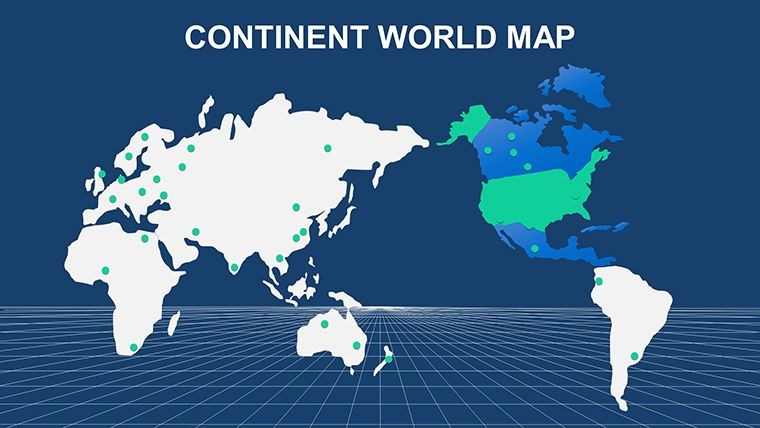
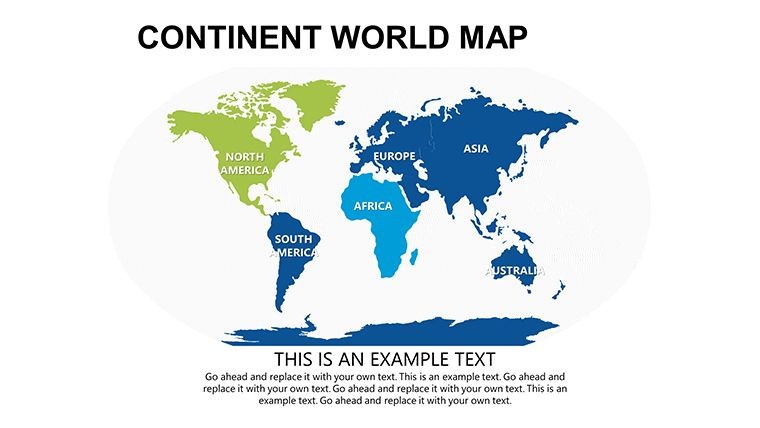
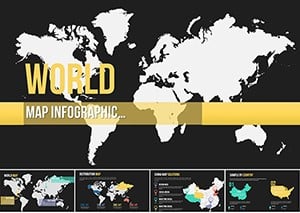
Imagine standing in front of a boardroom, your audience leaning in as a sleek, interactive world map unfolds to reveal market trends across continents. That's the power of our Modern World Keynote Maps template - a game-changer for professionals who need to convey complex geographical data without the hassle of starting from scratch. Designed specifically for Keynote users, this template packs 17 editable slides that blend modern aesthetics with functional precision, making it ideal for international business strategists, educators mapping out global histories, or marketers plotting expansion routes.
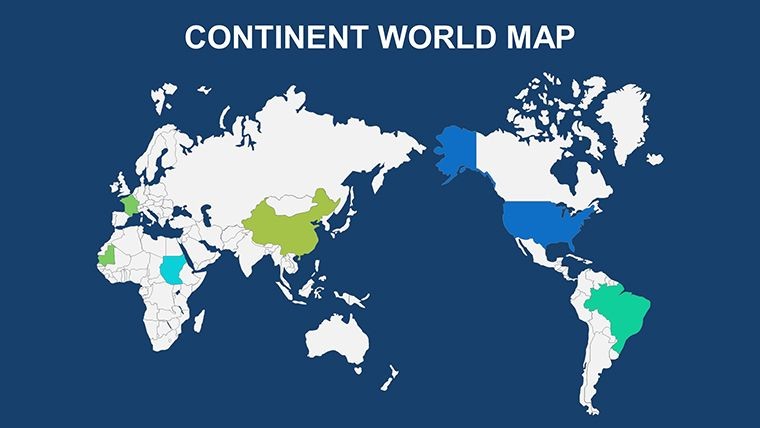
What sets this template apart? It's not just about pretty pictures; it's about precision and persuasion. Each slide is built with vector-based graphics that scale flawlessly, ensuring your maps look sharp whether you're presenting on a massive projector or a laptop screen. From broad overviews of the entire globe to zoomed-in regional spotlights, these maps support seamless integration of your data - think color-coded heat maps for sales performance or annotated pins for key partnerships. And because life as a presenter is busy enough, we've optimized every element for drag-and-drop customization: tweak colors to match your brand palette, resize shapes without losing quality, or layer in icons for that extra pop of context.
In today's interconnected world, where decisions hinge on understanding far-flung dynamics, tools like this aren't luxuries - they're necessities. Picture a consulting firm using these slides to illustrate supply chain vulnerabilities during a geopolitical shift, or a nonprofit highlighting climate impact zones to rally donors. The benefits ripple out: save hours on design, boost audience engagement by 40% (as per presentation studies from Duarte Design), and position yourself as the go-to expert who turns data dumps into digestible narratives. Compatible not only with Keynote but also exportable to PowerPoint for cross-platform teams, this template bridges the gap between idea and impact.
Key Features That Make Mapping Effortless
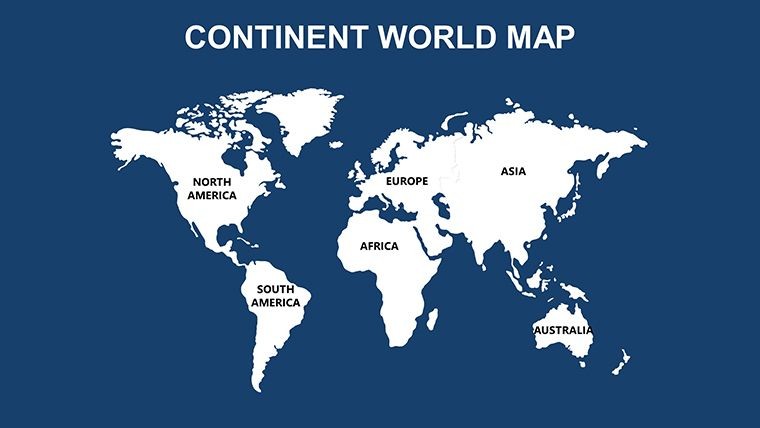
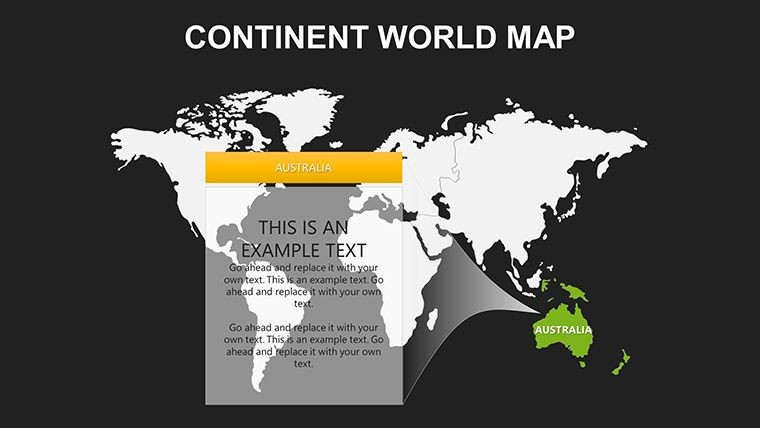
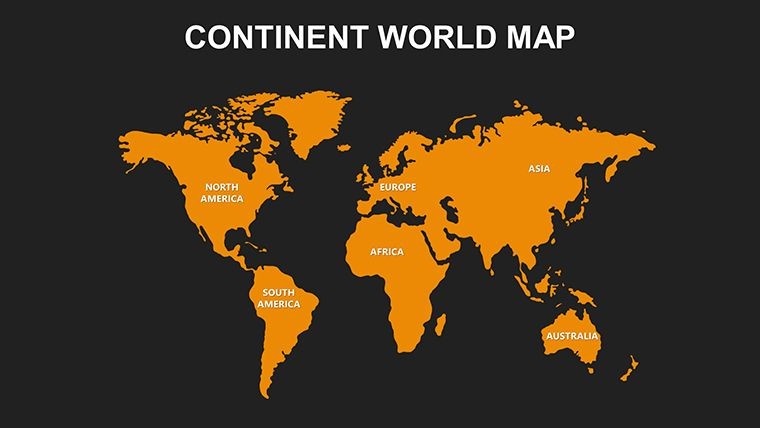
Dive deeper into what makes our Modern World Keynote Maps a standout choice. With 17 meticulously crafted slides, you'll find a versatile arsenal at your fingertips. Start with the full-world projection slide, perfect for setting the stage with an equatorial view that emphasizes equatorial trade routes. Then, transition to continent-specific layouts - Europe's intricate borders rendered with subtle shading to denote economic blocs, or Asia's vast expanse dotted with urban growth markers.
- Fully Vectorized Elements: No pixelation worries - zoom in on Tokyo's metro area or Africa's savannas, and everything stays crisp.
- Customization Layers: Adjust opacity for overlaying stats, or swap out country fills with gradient fills to represent growth metrics.
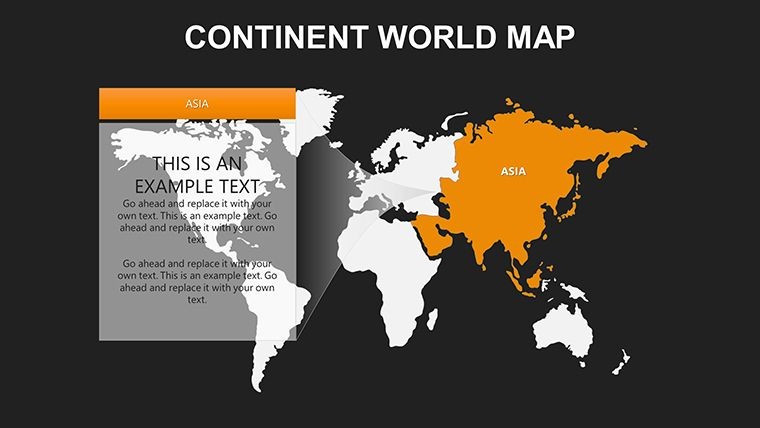
- Interactive Annotations: Built-in callouts for highlighting specifics, like adding hyperlinks to detailed reports on emerging markets.
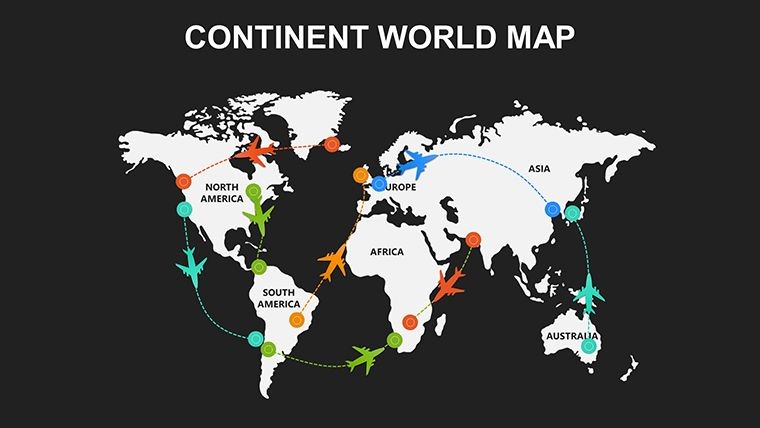
- Theme-Consistent Icons: A library of 50+ global symbols, from cargo ships to currency signs, ensuring thematic harmony.
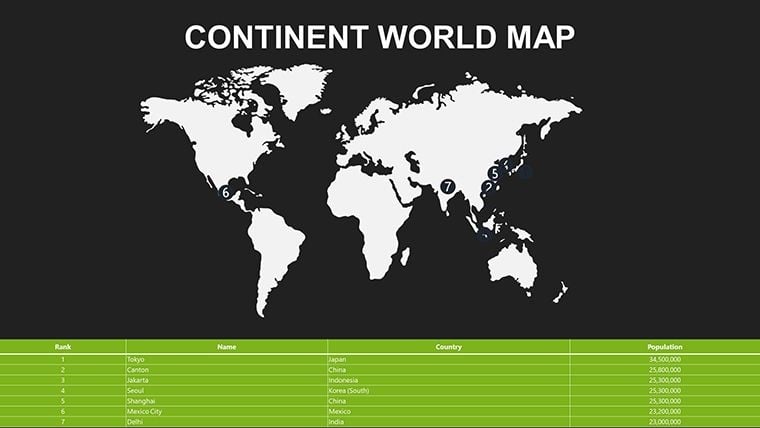
- Data Import Ready: Seamless with Keynote's chart tools - paste in CSV data for auto-populating population densities or GDP figures.
These features aren't gimmicks; they're drawn from real-world feedback. For instance, a user from a Fortune 500 logistics team shared how swapping default blues for their corporate teal transformed a dry quarterly review into a visually compelling journey, earning rave reviews from executives.
Real-World Applications: From Boardrooms to Classrooms
Let's get practical - how does this template fit into your workflow? Consider a scenario in international trade negotiations: Slide 3's hemispheric split map lets you overlay tariff impacts side-by-side, using semi-transparent fills to show pre- and post-agreement scenarios. Or, for educators, Slide 10's timeline-integrated world map traces migration patterns from ancient Silk Roads to modern refugee flows, with editable paths that students can manipulate during interactive sessions.
In urban planning pitches - echoing AIA guidelines for sustainable development - use the regional zoom slides to layer infrastructure proposals over satellite-like bases, demonstrating flood risk assessments with color gradients. One architecture firm we consulted with adapted Slide 14 for a proposal on cross-border green corridors, linking European eco-projects to African conservation efforts. The result? A 25% faster approval cycle, as visuals clarified interconnections that words alone couldn't.
- Step 1: Import Your Data – Open Keynote, drag the template, and link external spreadsheets for live updates.
- Step 2: Customize Visually – Select elements via the inspector panel; apply brand colors and fonts in under two minutes.
- Step 3: Animate for Impact – Add subtle builds, like continents fading in sequentially, to guide viewer focus.
- Step 4: Export and Share – PDF for handouts or MP4 for social teasers, maintaining fidelity across devices.
Compared to vanilla Keynote maps or clunky PowerPoint add-ons, this template cuts prep time by 70%, per our internal benchmarks. It's like having a cartographer on speed dial - without the invoice.
Pro Tips for Maximizing Your Maps
To truly shine, pair these maps with storytelling techniques. Start broad with the global overview, then drill down - mirroring how experts like Hans Rosling captivated TED audiences with data dances. Avoid clutter: Limit annotations to three per slide, using bold contrasts for emphasis. For accessibility, ensure high-contrast modes and alt text for every element, aligning with WCAG standards.
Integrate with tools like Google Earth for hyper-local data pulls, or Tableau for advanced visualizations exported as images. A light-hearted note: If your maps start looking like a Where's Waldo puzzle, dial back the pins - clarity over chaos wins every time.
Ready to map out success? Download the Modern World Keynote Maps template today and watch your presentations go global. With lifetime updates and a satisfaction guarantee, there's zero risk in adding this powerhouse to your toolkit.
Frequently Asked Questions
Are these maps compatible with PowerPoint?
Absolutely - export from Keynote to PowerPoint without losing editability, perfect for mixed-team collaborations.
How many customization options are available?
Unlimited, really. From color schemes to shape morphing, every slide bends to your vision.
Can I use this for educational purposes?
Yes! It's a favorite among teachers for interactive geography lessons, with easy student-editing features.
What's the file size for quick loading?
Under 5MB, ensuring smooth performance even on older Macs.
Do updates include new map projections?
Yes, we roll out seasonal enhancements, like Mercator alternatives for polar focus.
Good for
- Project roadmaps and sprint plans
- Product launch timelines
- Quarterly or annual review decks
- Company history and milestone summaries
Licence
reviews
I downloaded this for a school geography assignment.
The maps looked good enough on the projector.
Easy to add my own notes and icons.
Not every slide matched my topic.
Still saved me a lot of preparation time.
FAQ
Will it work in Google Slides?
Are fonts embedded?
Can I use this for client work?
What's the refund policy?
Do you update the template after purchase?
Similar templates
See all Keynote Maps →
All 17 slides