 Click to zoom
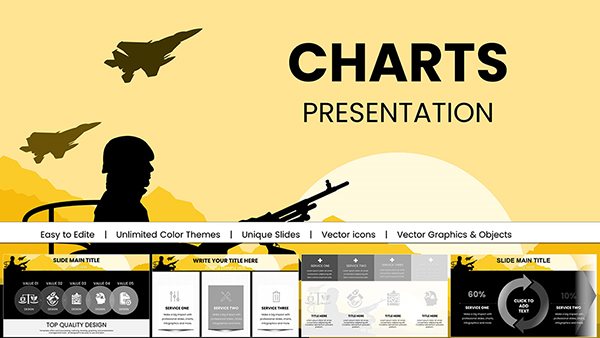
Military Operation PowerPoint Charts and Templates
| Format | .pptx |
| Slides | 59 unique layouts |
| Aspect ratio | 16:9 |
| Compatibility | PowerPoint |
| Animated | No |
| Language | English |
| License | Commercial |
| File size | — |
| Version | v1.0 |
| Last updated | April 2025 |
What's inside
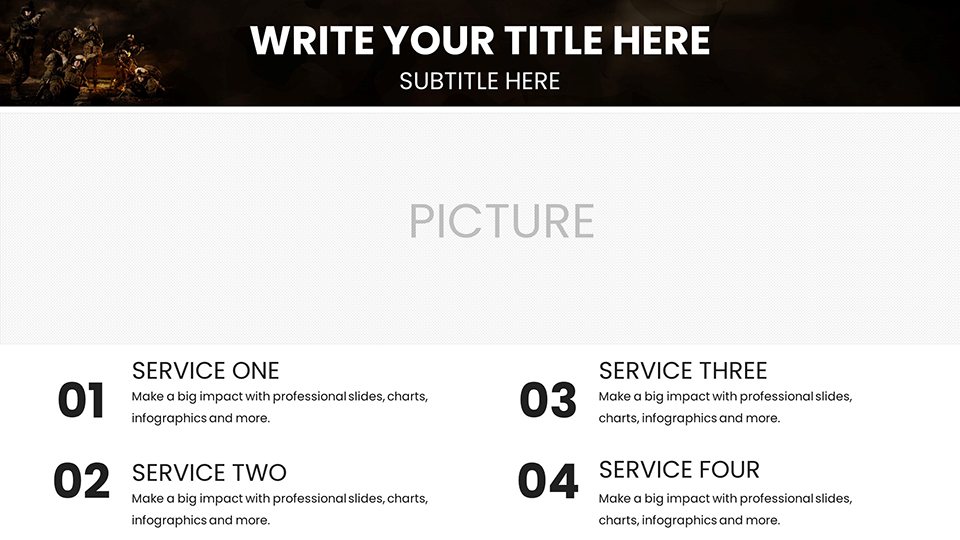
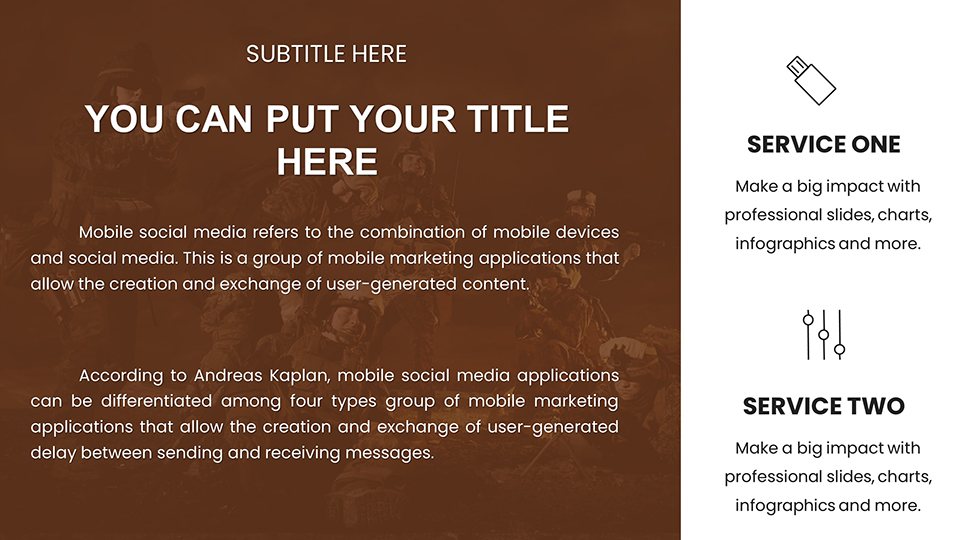
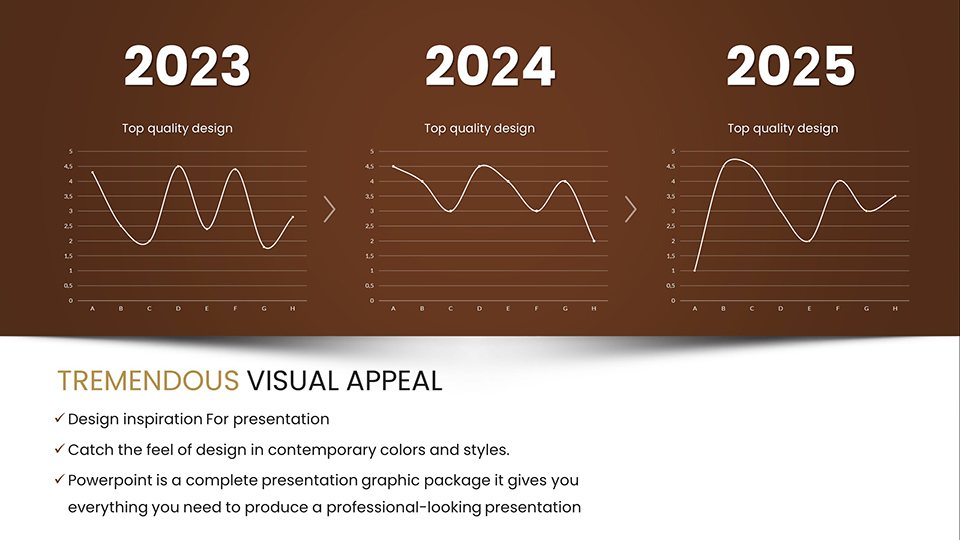
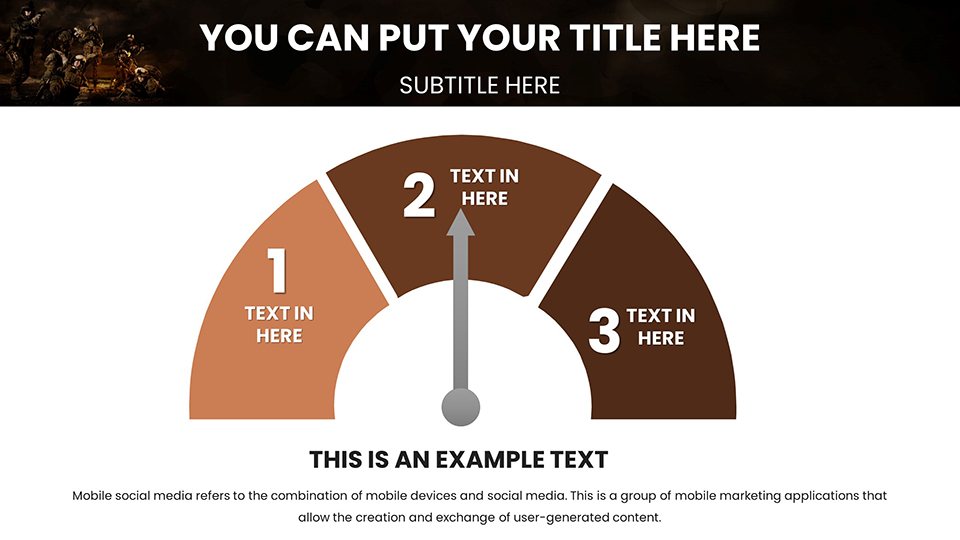
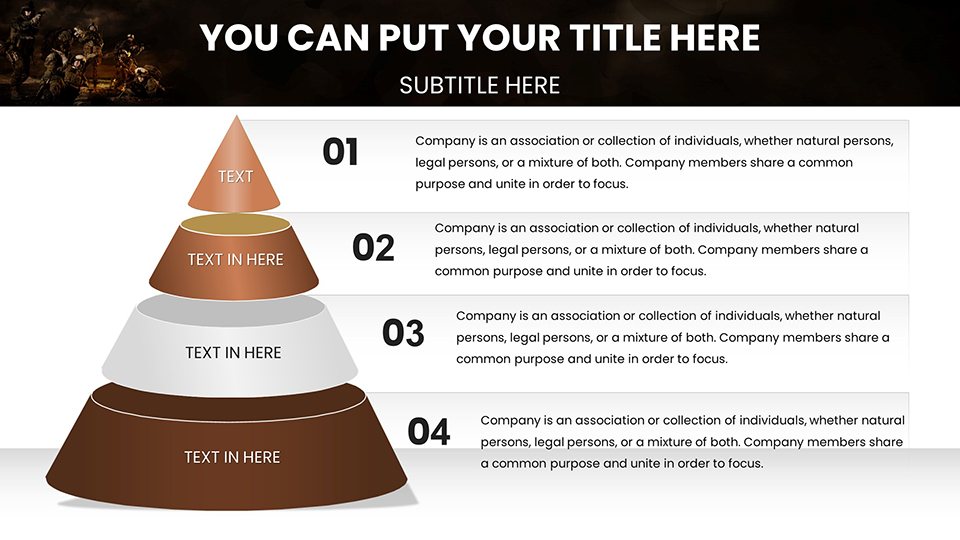
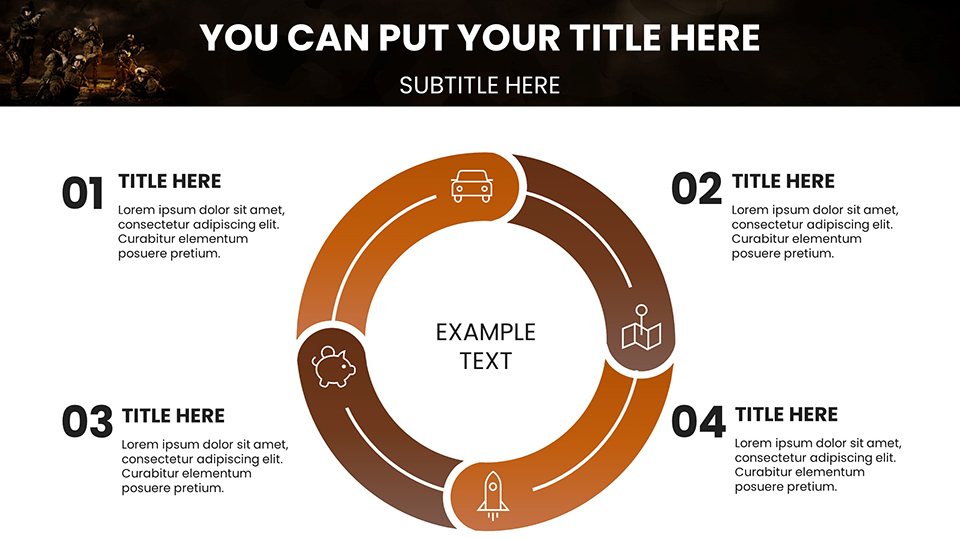
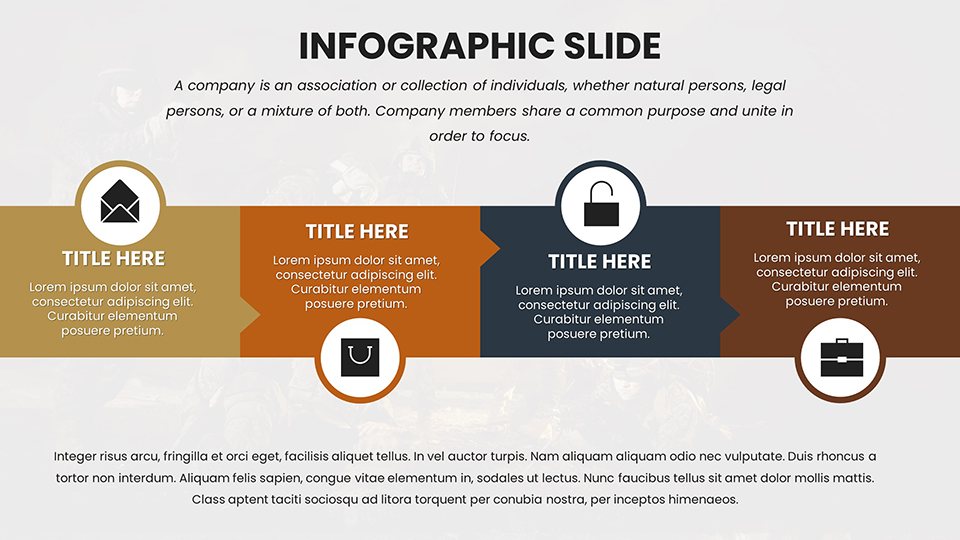
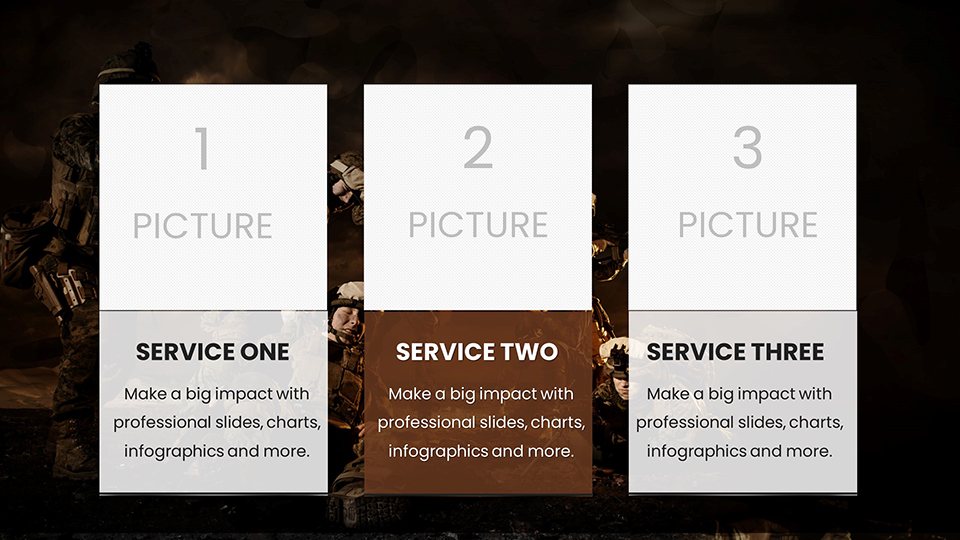
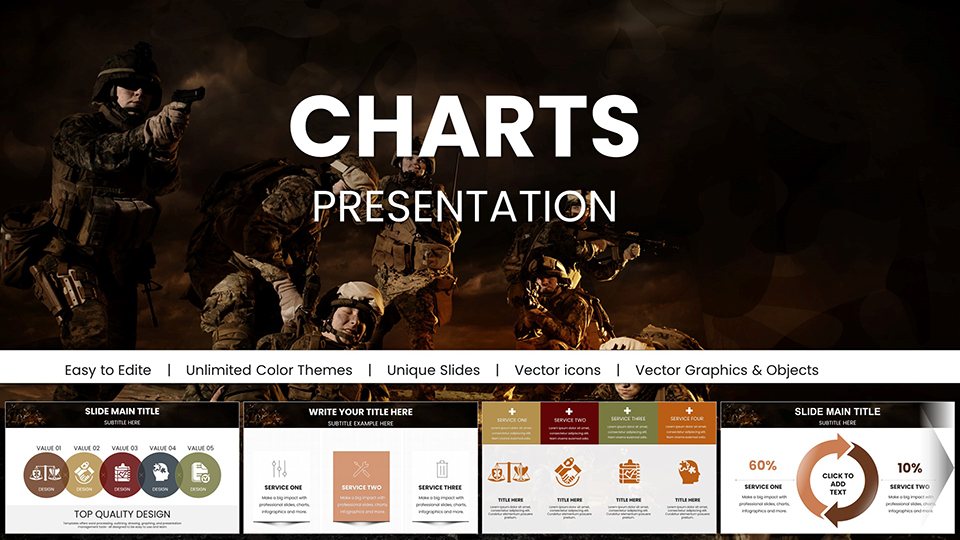
When orchestrating military operations, clarity in communication can tip the scales of success. Our Military Operation PowerPoint Charts template equips strategists, officers, and defense experts with 59 editable slides designed to distill complex operational data into actionable insights. Tailored for high-stakes environments, this tool features intuitive diagrams that map out troop movements, resource allocations, and risk assessments, all within a robust, camouflage-infused theme that evokes operational readiness. Defense contractors bidding on contracts can leverage these charts to showcase logistical efficiencies, while trainers use them to simulate scenarios in boot camps. By blending professional design with user-friendly edits, the template addresses common challenges like time constraints in mission prep, ensuring your presentations are not just informative but persuasive. Fully compatible with PowerPoint and Google Slides, it supports seamless collaboration, making it a go-to resource for those who operate where precision matters most.
Strategic Design Elements for Operational Excellence
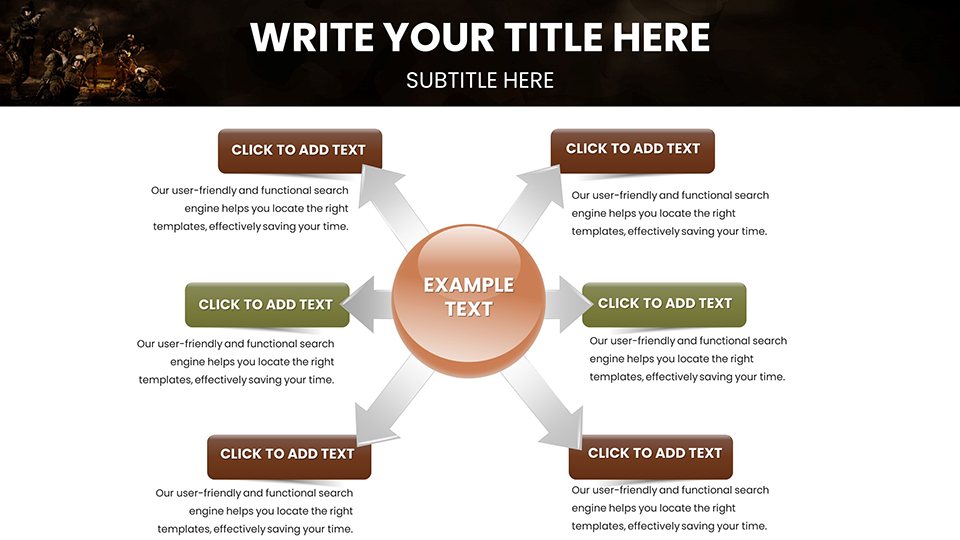
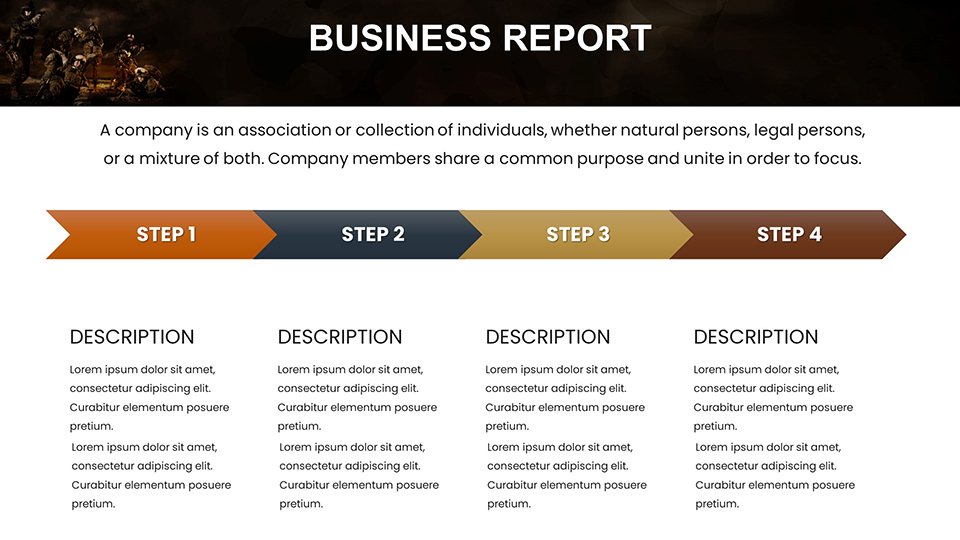
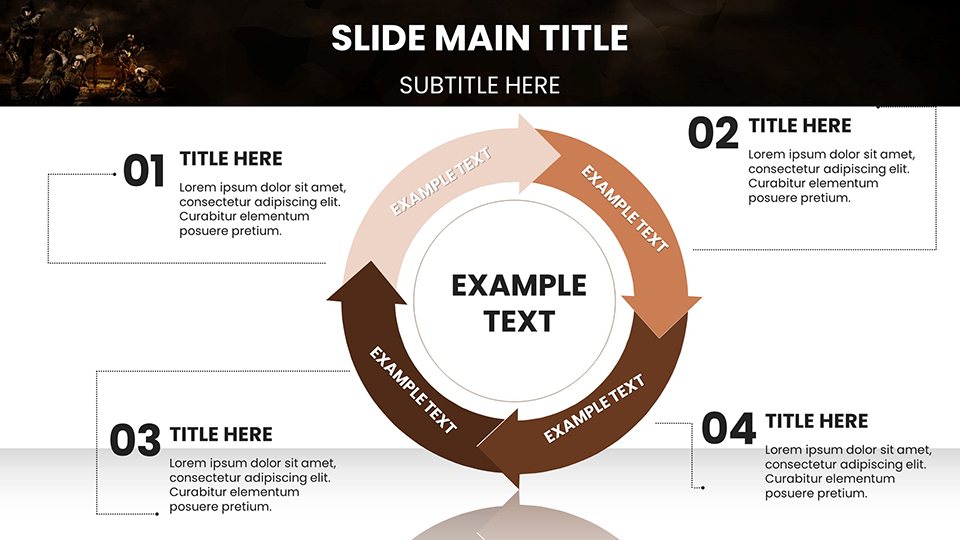
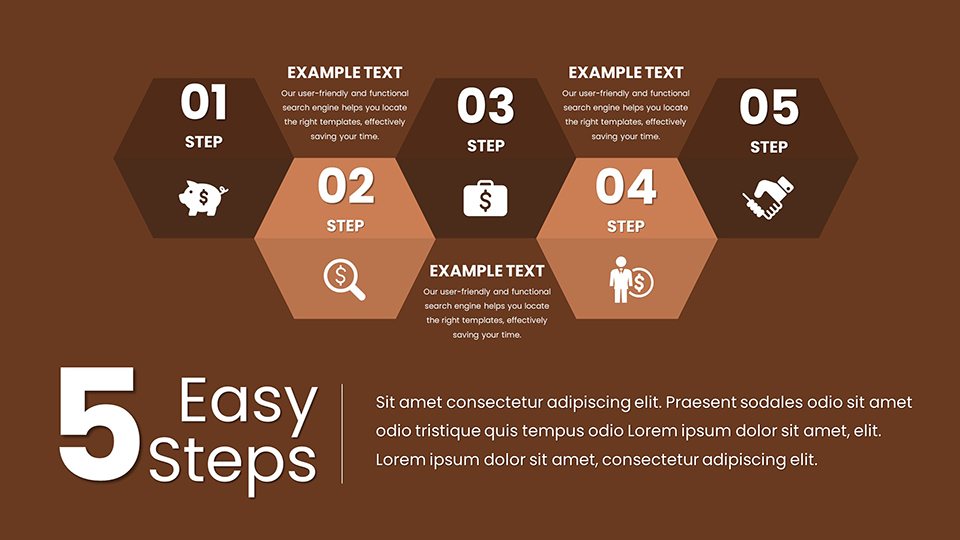
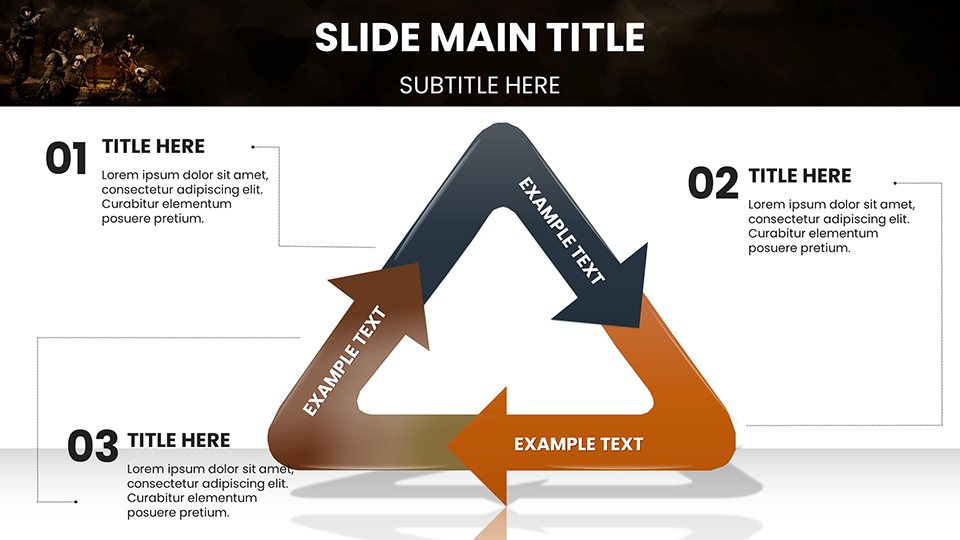
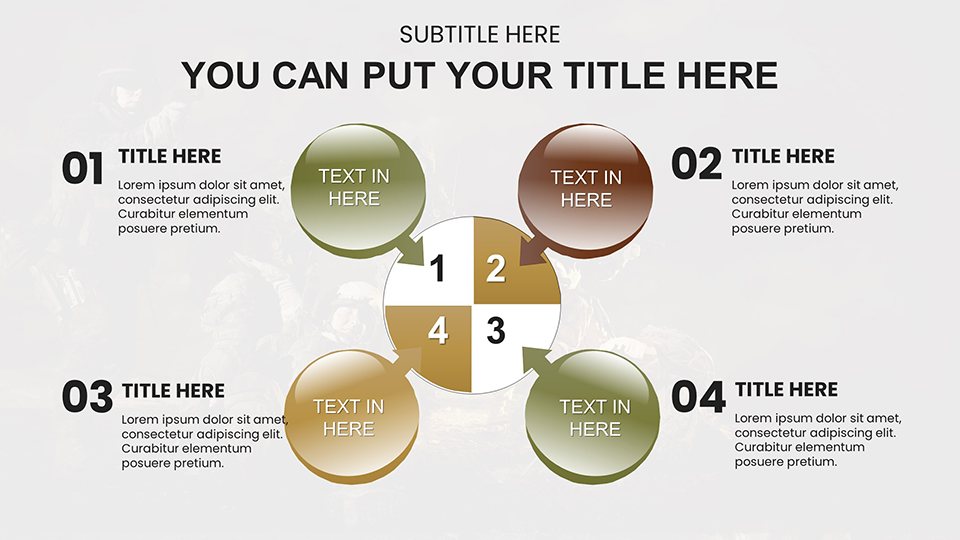
The essence of effective military presentations lies in their ability to convey strategy without ambiguity. This template excels with specialized charts like hierarchical org charts for command structures and flow diagrams for supply chain logistics, each customizable to reflect real-time data from field reports. Drawing from doctrines like those in the U.S. Army Field Manual, the designs prioritize readability, using bold lines and strategic color coding to highlight critical paths. For example, a joint operations center might employ the Gantt charts to timeline multi-force coordinations, incorporating icons of vehicles and personnel for immediate visual recognition. The editable infographics allow for quick updates during evolving situations, such as adjusting for terrain variables in urban warfare planning. This not only boosts efficiency but also enhances trustworthiness by aligning with established military visualization standards, fostering confidence among stakeholders.
Standout Features for Mission-Critical Presentations
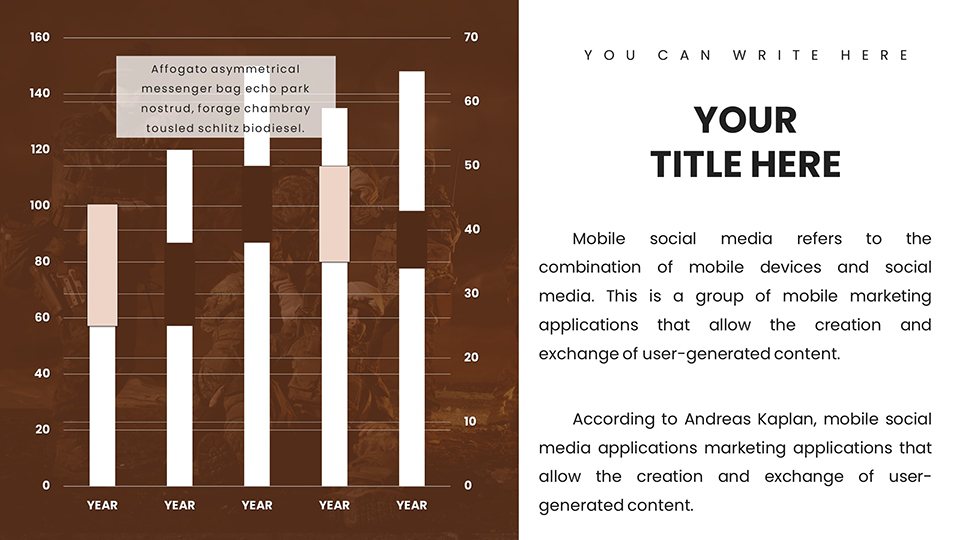
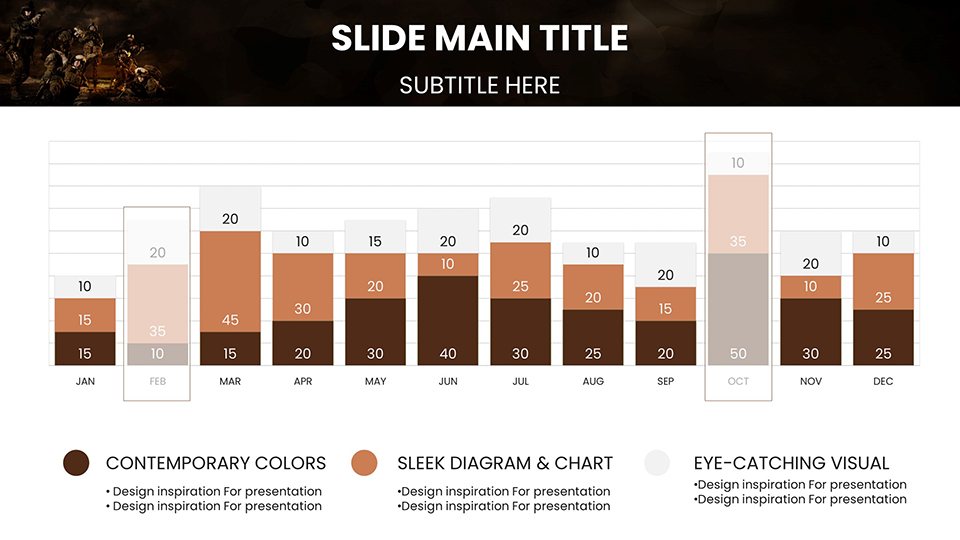
- Tactical Chart Diversity: Includes radar charts for threat evaluations and bubble charts for resource distribution, covering all operational facets.
- Branding Adaptability: Modify themes to incorporate unit insignias or national colors, maintaining uniformity across briefs.
- Visual Clarity: High-contrast elements ensure legibility in low-light command tents or digital shares.
- Quick Edits: Drag-and-drop data integration speeds up revisions during rapid deployment phases.
- Animation Options: Subtle transitions reveal sequential strategies, keeping audiences engaged without distraction.
These attributes position the template as an authoritative aid, reflecting deep industry knowledge in defense communications.
Tailored Use Cases in the Field
Envision preparing for a multinational exercise: start with an overview slide charting alliance contributions, then drill down into pie charts allocating air support. Inspired by operations like Enduring Freedom, this setup allows analysts to present after-action reviews with quantifiable metrics on effectiveness. In academic settings, professors at war colleges can adapt slides for case studies on historical battles, embedding hyperlinks to archival footage for enriched learning. Security firms might repurpose the templates for corporate risk management pitches, demonstrating how military-grade visuals translate to civilian applications like crisis response planning. Organically incorporating terms like joint task forces, operational tempo, and force multipliers enhances search relevance while delivering value to users seeking practical tools.
Workflow Optimization Tips
- Initial Setup: Download the .pptx and import your operational data sets.
- Content Mapping: Align slides with mission objectives, using dashboards for at-a-glance overviews.
- Customization Phase: Adjust visuals to scenario specifics, like desert vs. arctic ops.
- Collaboration: Share via Google Slides for input from remote teams.
- Final Polish: Add notes for speaker cues, ensuring flawless delivery.
- Deployment: Export as PDF for secure distribution in classified environments.
This structured approach minimizes errors, maximizing the template's utility in time-sensitive contexts.
Expert Insights for Superior Briefings
To truly harness this template, infuse your narratives with storytelling - frame data as a mission arc, from planning to execution. Steer clear of dense text; let charts speak, supported by succinct bullets. For virtual ops reviews, utilize screen-sharing features in PowerPoint to annotate live. Build trust by citing sources like the Joint Chiefs of Staff publications, subtly woven into footnotes. Unlike generic slides, these offer defense-specific icons, reducing design overhead and elevating professionalism in proposals. In essence, this tool isn't just about presenting data - it's about shaping outcomes in military arenas.
Step up your operational communications with slides that command attention. From barracks to boardrooms, empower your strategies today - secure your template and orchestrate success.
Frequently Asked Questions
What makes these charts suitable for military use?
They feature tactical designs with editable elements tailored for strategy, logistics, and analysis, aligning with defense needs.
Can I collaborate on these slides?
Yes, full compatibility with Google Slides enables real-time team edits for joint operations planning.
Are the templates fully customizable?
Absolutely - change colors, fonts, and data to match specific mission requirements.
What formats are supported?
Primarily .pptx, with easy exports to PDF for secure sharing.
Do they include training-specific slides?
Yes, with timelines and diagrams ideal for personnel instruction sessions.
Good for
- Project roadmaps and sprint plans
- Product launch timelines
- Quarterly or annual review decks
- Company history and milestone summaries
Licence
reviews
Presented knowledge management effectiveness. The sharing network charts revealed usage patterns.
Modern KM design with connection and flow visualization.
The selection met needs with minor taxonomy category adjustments.
Facilitated discussion on improving knowledge accessibility.
FAQ
Will it work in Google Slides?
Are fonts embedded?
Can I use this for client work?
What's the refund policy?
Do you update the template after purchase?
Similar templates
See all PowerPoint Charts →

All 59 slides