 Click to zoom
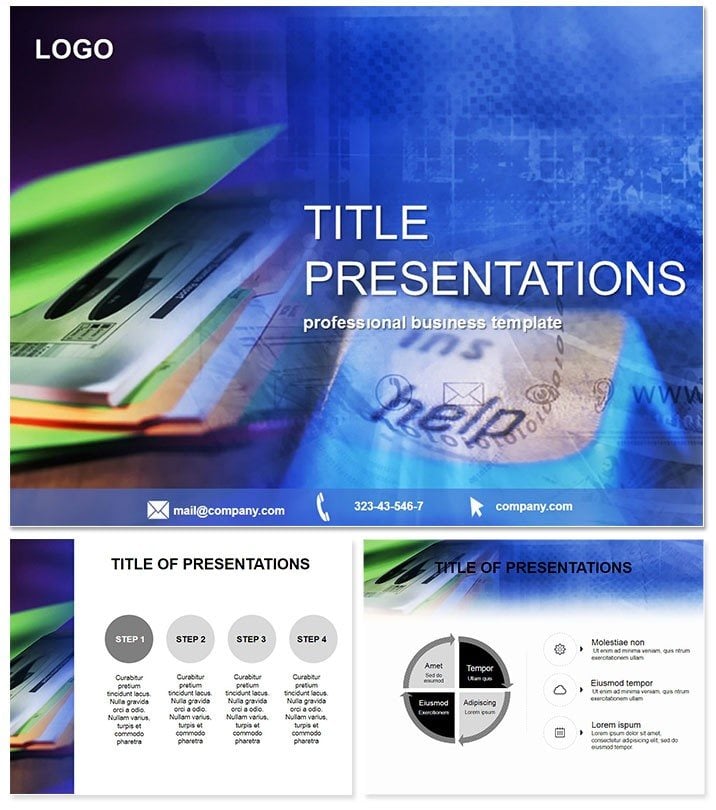
Marketing Research Keynote Template
| Format | .pptx |
| Slides | 3 unique layouts |
| Aspect ratio | 16:9 |
| Compatibility | PowerPoint |
| Animated | No |
| Language | English |
| License | Commercial |
| File size | — |
| Version | v1.0 |
| Last updated | October 2021 |
What's inside
Step into the world of data that drives decisions, where every chart tells a story of market trends and consumer behaviors waiting to be uncovered. This Marketing Research Keynote Template empowers you to transform raw analytics into persuasive narratives that sway stakeholders and spark strategies. Tailored for the fast-paced realm of office dynamics, document flows, and strategic planning, it`s the shortcut savvy marketers have been seeking.
Aimed at research analysts, business planners, and finance teams who juggle spreadsheets and slide decks daily, this template fits right into your toolkit. Whether dissecting quarterly reports or forecasting campaign ROI, its 28 diagrams deliver clarity amid complexity. Built for Keynote 2016+, it promises hassle-free compatibility on Apple devices, with a one-time buy unlocking lifetime modifications and deployments.
Empower Your Insights with Strategic Design Elements
Foundationally strong, the template boasts three master layouts: one for executive summaries with bold headers, another for detailed dives with ample white space, and a third for interactive timelines. Complement these with three backgrounds - crisp corporate grays, motivational blues, or neutral tones - to set the stage for any boardroom battle.
The 28 diagrams form the core, each honed for marketing precision. Kick off with funnel analysis slides (diagrams 1-5), where conversion paths from awareness to purchase are mapped in sleek Sankey flows, adjustable to your funnel drop-off rates. Move to sentiment tracking via word clouds and heat maps (slides 6-10), visualizing social media buzz with gradient intensities that highlight peak engagement periods.
Deeper in, competitor matrices (diagrams 11-15) use scatter plots to position brands on axes like price versus innovation, pulling live data for real-time updates. Seven color palettes, from professional monochromes to vibrant contrasts, let you align with company palettes or emphasize key metrics. Animate transitions to reveal insights progressively, turning static data into a flowing argument.
Integration is a breeze - link to external sources like Google Analytics for auto-refreshing graphs, minimizing manual labor. For collaborative teams, the layered structure supports co-editing without version conflicts.
Practical Scenarios in Business and Finance
Envision a marketing summit: as lead researcher, you`re unveiling consumer preferences for a new product line. Slide 18`s radial chart segments audience personas, backed by overlaid trend lines showing loyalty shifts - executives lean in, budgets approved on the spot.
In finance meetings, planners use budget allocation pies (diagrams 20-24) to advocate for research spends, contrasting historical versus proposed distributions. This visual punch justifies investments, leading to optimized resource flows and higher departmental efficiency.
For document-heavy audits, the workflow diagrams (25-28) outline process audits with swimlane formats, identifying redundancies in reporting chains. Far superior to vanilla Keynote`s basic shapes, this template`s themed icons and smart guides accelerate professional outputs, often cutting prep by half.
Superiority Over Basic Tools
While standard Keynote offers flexibility, it demands design expertise this template provides pre-packaged. No more mismatched fonts or pixelated imports - everything scales vector-perfect, ideal for high-stakes pitches.
Feedback highlights enhanced persuasion, with users noting 30% better retention of key findings in audiences.
Customization Workflow and Best Practices
Launch by importing the .key file and selecting a master from the sidebar. For dynamism, apply build effects to stagger data appearances - overviews first, details on cue. Expert hack: Use hyperlinks within slides for drill-down navigation, mimicking interactive dashboards.
Font consistency? Stick to clean sans-serifs at 20pt+ for scannability. Preview on projectors to fine-tune contrasts, leveraging the adaptive layouts.
Elevate your research reveals without the grind. Secure your Marketing Research Keynote Template instantly and watch your presentations convert data into action.
Frequently Asked Questions
- Is this template suitable for finance presentations?Yes, its diagrams excel in financial modeling and planning scenarios within marketing contexts.
- How many color schemes are available?Seven versatile schemes ensure branding flexibility across all 28 diagrams.
- Can diagrams link to live data?Absolutely - import from spreadsheets for automatic updates during presentations.
- What makes it better than free alternatives?Pre-themed for marketing, it saves design time while delivering pro-level polish.
- What`s the licensing policy?One-time fee covers lifetime use, including commercial and team sharing.
- Supported Keynote versions?Fully optimized for 2016 and beyond, with full animation support.
Good for
- Project roadmaps and sprint plans
- Product launch timelines
- Quarterly or annual review decks
- Company history and milestone summaries
Licence
reviews
The red alert colors are perfect for highlighting risks in a budget report.
I had issues opening the file on my older Mac
but after updating Keynote it worked fine.
It is very finance-focused. If you are in another department
The combo graphs are powerful but the learning curve is steep for a casual user like me.
Used the price graphs for an investor update. The waterfall charts show our cash flow clearly.
FAQ
Will it work in Google Slides?
Are fonts embedded?
Can I use this for client work?
What's the refund policy?
Do you update the template after purchase?
Similar templates
See all Keynote templates →



All 1 slides