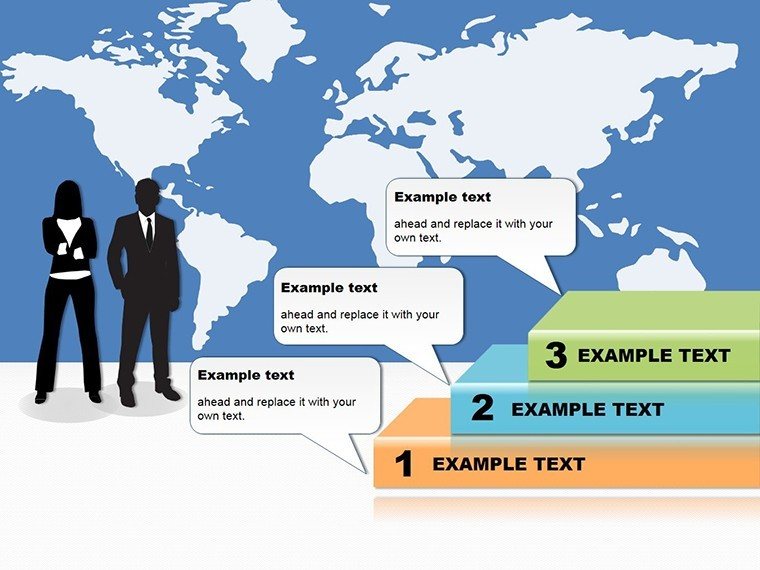
 Click to zoom
Marketing Plan Steps PowerPoint Diagrams
| Format | .pptx |
| Slides | 25 unique layouts |
| Aspect ratio | 16:9 |
| Compatibility | PowerPoint |
| Animated | No |
| Language | English |
| License | Commercial |
| File size | — |
| Version | v1.0 |
| Last updated | January 2025 |
What's inside
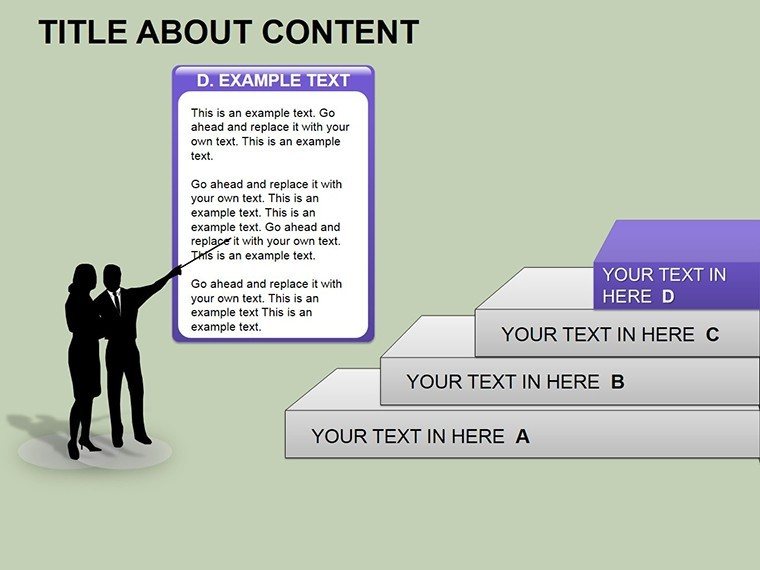
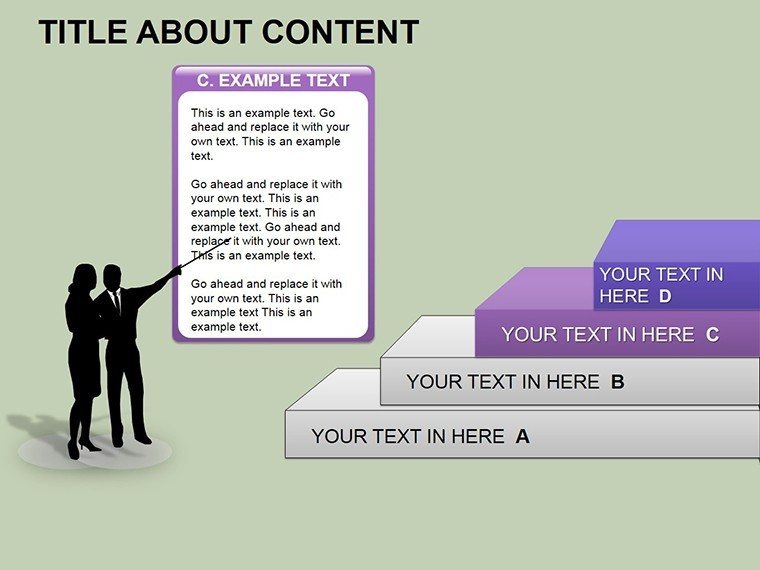
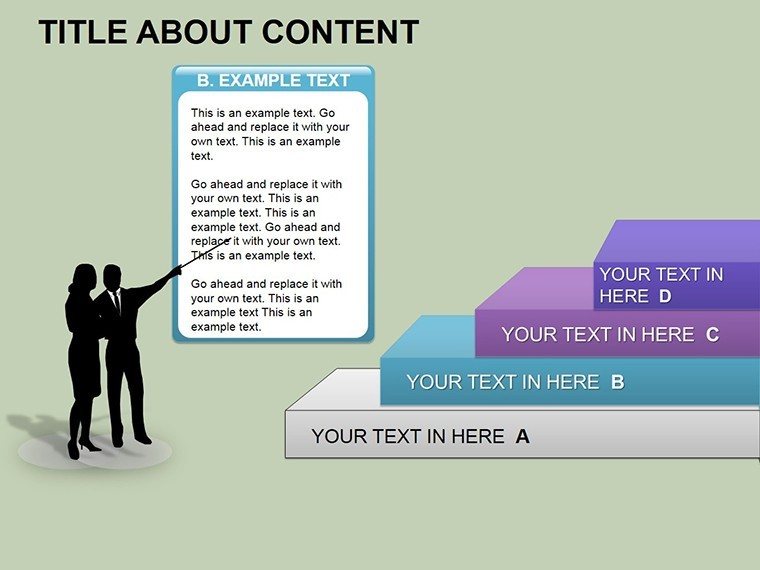
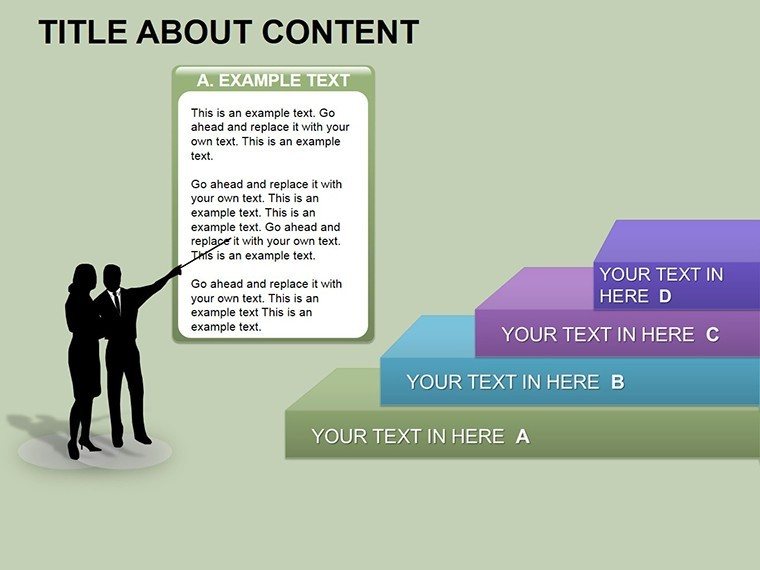
Imagine mapping out your next big marketing campaign with clarity and precision, turning abstract ideas into a visual roadmap that captivates your team and stakeholders. That's the power of the Marketing Plan Steps PowerPoint Diagrams template - a ready-to-use set of 25 editable slides designed specifically for marketers, startup founders, and business leaders who need to articulate strategies that stick. Whether you're pitching to investors or aligning your team on quarterly goals, this template transforms complex planning into straightforward, engaging visuals. From outlining key stages like market research and content distribution to forecasting budgets and measuring ROI, every slide is built to help you communicate with confidence.
Compatible with PowerPoint 2016 and later versions, including seamless integration with Google Slides, this .potx file lets you dive right in without starting from scratch. You'll find a mix of 3D cubes, pyramids, and process flows that add depth without overwhelming your audience. Think of it as your secret weapon for startup presentations, where every detail counts toward building brand loyalty and profitability. A marketing director at a growing e-commerce firm once shared how swapping out generic bullet points for these structured diagrams turned a routine strategy session into a dynamic discussion that sparked immediate action.
Unlocking the Core Features of Your Marketing Blueprint
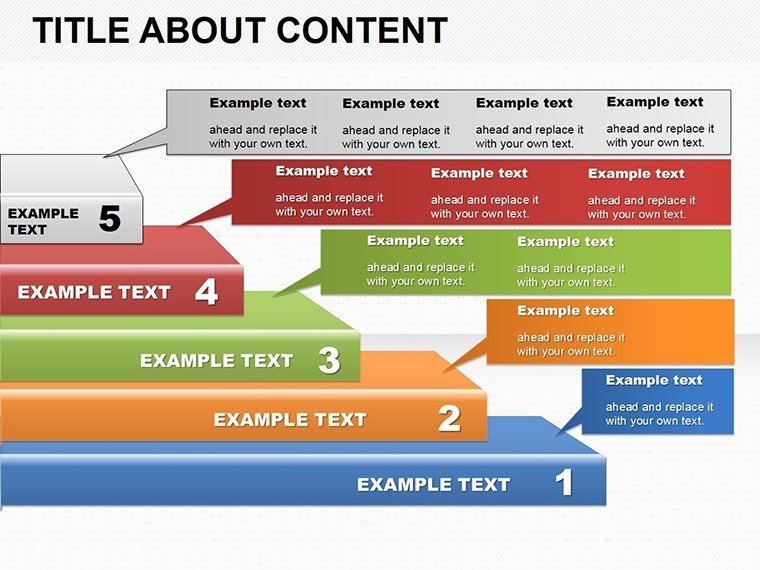
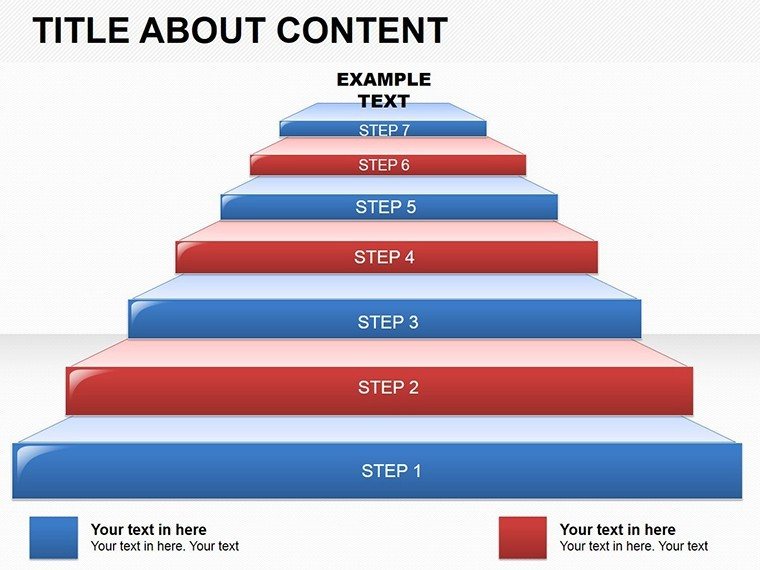
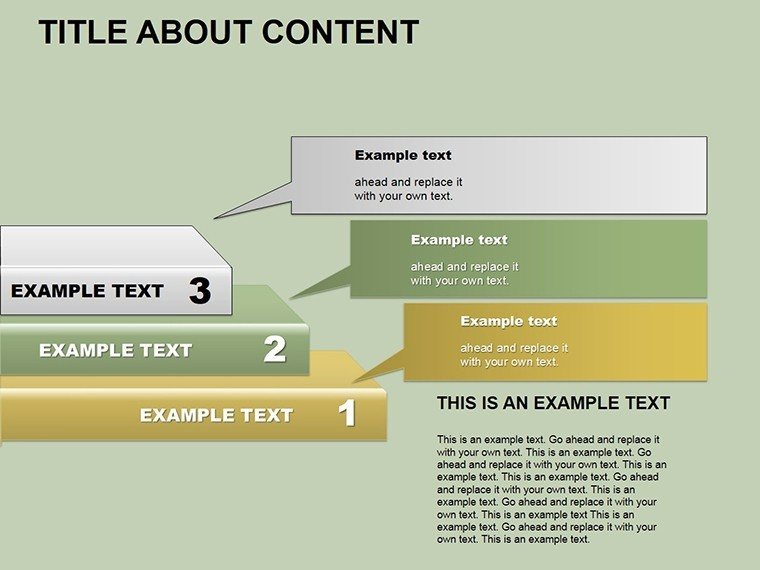
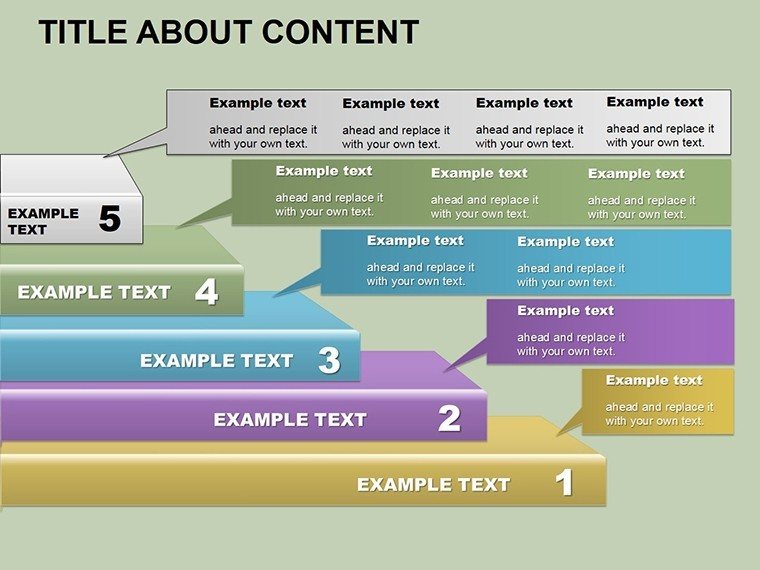
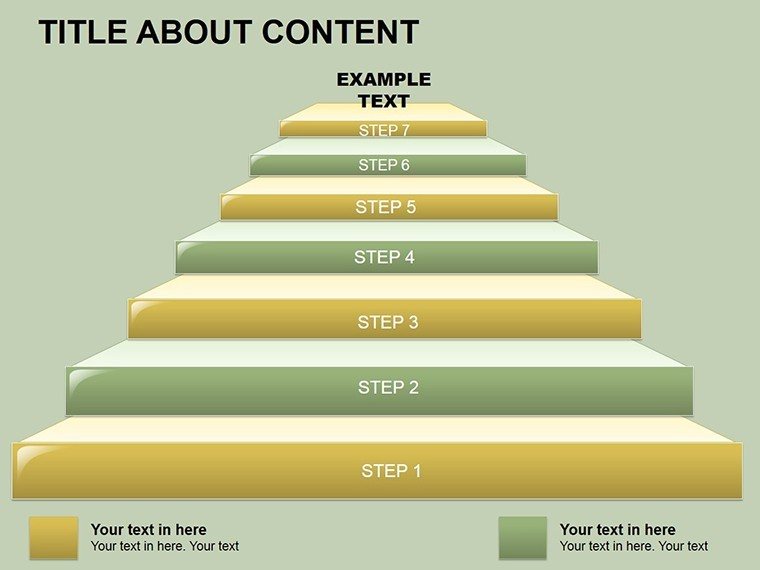
At the heart of this template lies its versatility in breaking down the marketing funnel into digestible parts. Slide 1 kicks off with a high-level overview pyramid, stacking awareness at the base and conversion at the peak - ideal for setting the stage in any boardroom. As you progress, you'll encounter timeline arrows that map out phased rollouts, complete with placeholders for milestones like launch dates or A/B test results. What sets these apart? The built-in icons and color-coded segments that make it easy to highlight pain points, such as budget overruns or channel underperformance.
Customization is effortless: resize elements, tweak hues to match your brand palette, or layer in data via simple drag-and-drop. For instance, the budget allocation slide uses interconnected cubes to show spend distribution across paid ads, SEO, and email campaigns - far more intuitive than a flat spreadsheet. And with 25 slides in total, you have room to expand: dedicate a few to SWOT analysis grids or customer journey maps, ensuring your plan feels comprehensive yet concise.
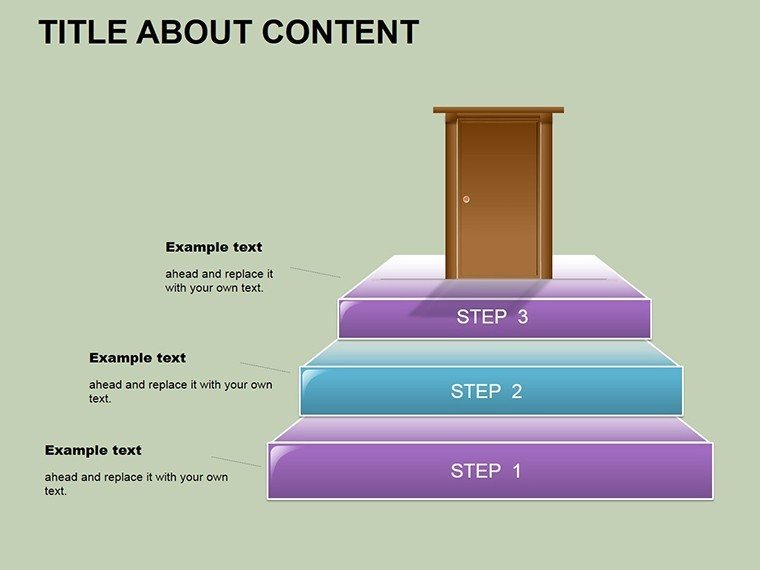
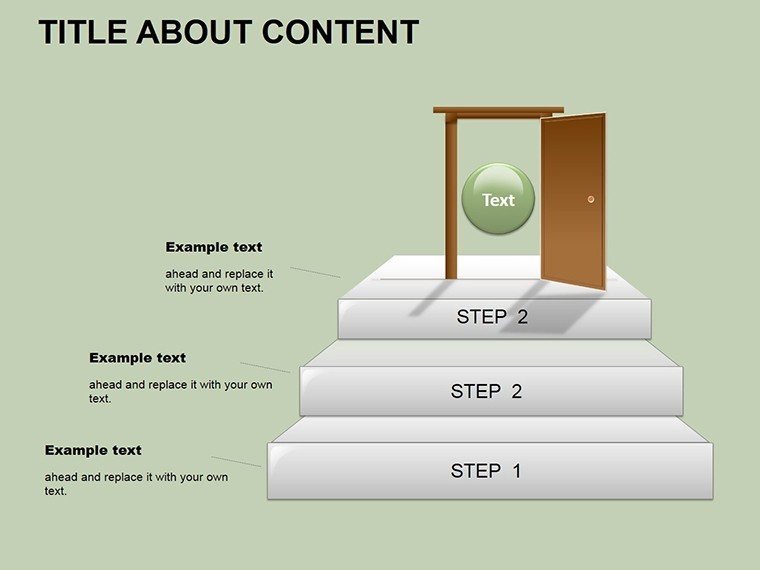
- Process-Focused Layouts: Linear steps for sequential planning, from ideation to execution.
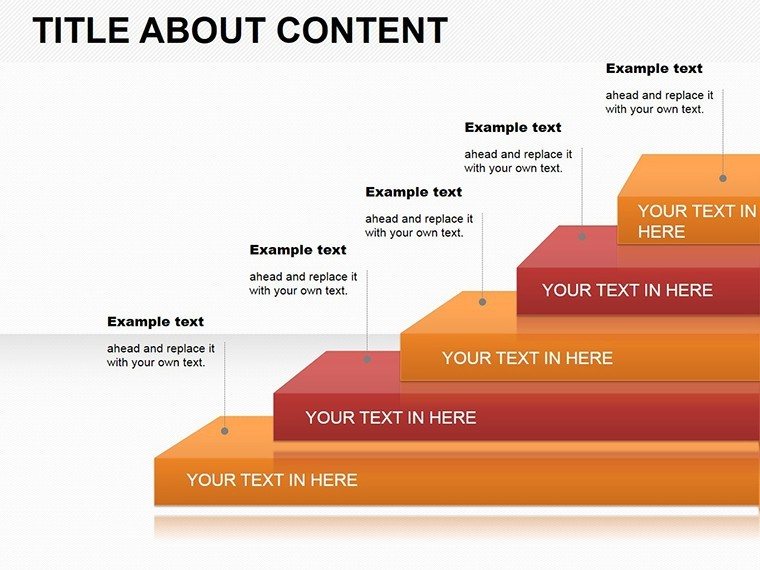
- 3D Visuals for Impact: Cubes and pyramids that add dimension, making abstract concepts tangible.
- Editable Text and Data Fields: Swap in your specifics without reformatting.
- Icon Library Integration: Pre-loaded symbols for quick enhancements, like megaphones for promotion phases.
Real-World Applications: From Startup Pitches to Team Huddles
Picture this: You're a startup founder preparing for a seed round, and investors are grilling you on go-to-market tactics. Pull up slide 12's circular process diagram to illustrate how your content strategy feeds into lead nurturing, looping back with feedback metrics. This isn't just pretty - it's persuasive, showing how small steps compound into scalable growth. Or, in a corporate setting, use the pyramid breakdown in slide 18 to dissect multi-channel campaigns, proving why reallocating 20% of your budget to social media could boost engagement.
For team alignment, the template shines in weekly stand-ups. Assign the arrow timeline to track progress against KPIs, with color shifts indicating on-track versus at-risk elements. A practical tip from seasoned marketers: Always start with the end in mind - populate the goal-setting slide first to ensure every subsequent visual ladders up to your north star, whether that's 10x customer acquisition or seasonal sales spikes.
- Assess Your Objectives: Open the template and input core goals on the overview slide.
- Map the Stages: Use process flows to detail research, strategy, and rollout.
- Incorporate Metrics: Layer in charts for budget and performance tracking.
- Refine and Present: Animate transitions for smooth flow, then rehearse with your deck.
Compared to vanilla PowerPoint shapes, these diagrams save hours of alignment tweaking, letting you focus on storytelling. They're podium-ready, with clean lines that project well even in large venues, and fully responsive for virtual shares via Teams or Zoom.
Tailoring for Maximum Impact: Pro Tips for Marketers
To elevate your delivery, pair these slides with narrative hooks - start each section with a question like, "What if we could double our reach without doubling the spend?" The template's 3D elements respond beautifully to subtle animations, revealing layers progressively to build suspense. For budget slides, embed live links to Google Sheets for real-time updates, keeping your plan agile.
In one application, a mid-sized agency's creative lead adapted the cube stack for a client RFP response, visually stacking value props from ideation to measurement. The result? A win that credited the diagram's clarity for cutting through the noise. Remember, the goal is resonance: These tools help you not just present data, but paint a picture of success that lingers.
Ready to map your path to marketing mastery? Grab this template for $18 today and watch your strategies come alive.
Frequently Asked Questions
What makes these marketing plan diagrams stand out from standard PowerPoint tools?
They combine 3D visuals and pre-built processes tailored for marketing workflows, offering quick customization over basic shapes.
Can I use this template in Google Slides?
Yes, the .potx format imports smoothly into Google Slides for collaborative editing.
How many slides come with the download?
You get 25 fully editable slides, covering everything from overviews to detailed breakdowns.
Is it suitable for non-marketing professionals?
Absolutely - adapt it for any step-by-step planning, like product launches or project timelines.
Does the template include animation options?
Slides are pre-animated for smooth transitions, but you can adjust or add more in PowerPoint.
Good for
- Project roadmaps and sprint plans
- Product launch timelines
- Quarterly or annual review decks
- Company history and milestone summaries
Licence
reviews
Needed a timeline for a history report and the milestone markers were clear and editable.
The default dates were in 2020 so I had to change them all but that took two minutes.
Used the arrow timeline with photo placeholders and it looked good after I added my images.
I'm not picky about design this worked fine for my presentation.
The template opened without any errors and I could edit it on my Chromebook using the web version.
FAQ
Will it work in Google Slides?
Are fonts embedded?
Can I use this for client work?
What's the refund policy?
Do you update the template after purchase?
Similar templates
See all Powerpoint Diagrams →

All 25 slides