 Click to zoom
"Marketing Basics Keynote Template: Simplify Strategies, Amplify Impact"
| Format | .pptx |
| Slides | 3 unique layouts |
| Aspect ratio | 16:9 |
| Compatibility | PowerPoint |
| Animated | No |
| Language | English |
| License | Commercial |
| File size | — |
| Version | v1.0 |
| Last updated | January 2023 |
What's inside
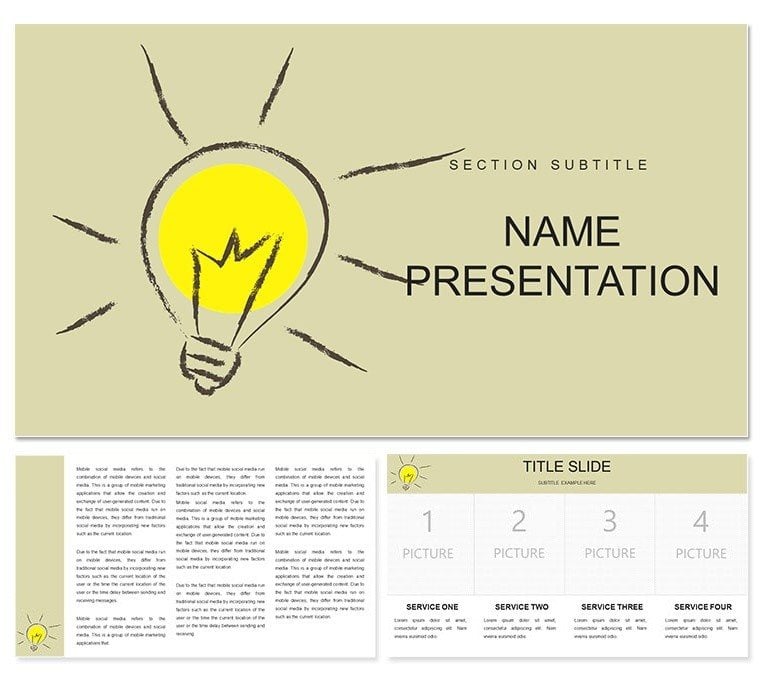
Distill the art of persuasion into slides that sell themselves. The Marketing Basics Keynote Template empowers seminar leaders, business coaches, and aspiring marketers to unpack core concepts with finesse. Packed with 28 diagram slides, three masters, three backgrounds, and seven color schemes, it's a Keynote powerhouse for turning theories into takeaways. Whether dissecting the 4Ps or mapping customer funnels, this template crafts narratives that nod and convert.
It rises to the occasion of overcrowded agendas, where clarity cuts through clutter. Visualize a slide funneling leads through touchpoints, or a matrix plotting price vs. promotion - echoing timeless models from Philip Kotler, reimagined for digital eras. Tailored for workshops where questions fly and insights land.
Foundational Features for Marketing Mastery
Three masters anchor: a hook slide with tagline spotlights, a tactics tray for lists, and a recap reel with icons. Backgrounds span vibrant yellows for creativity, steady grays for analytics, and pops of green for growth - calibrated for screen pops.
Slide 3's persona builder assembles profiles with photo slots. Slide 9's campaign calendar grids months, color-coded for channels.
- Scheme Spectrum: Seven hues, from bold primaries to subtle pastels, for mood matching.
- Icon Arsenal: Megaphones, carts, and graphs at your fingertips.
- Connective Tissue: Lines and flows that adapt to content shifts.
Refine via sidebar swipes: fonts scale, alignments hug. For facilitators, it's seminar-ready in sessions.
Seminar Scenarios: Bringing Basics to Life
A coach uses slide 16's AIDA arc to stage awareness builds, arcs curving to action calls - attendees map their own. In biz classes, slide 24's SWOT wheel spins quadrants, rotatable for emphasis.
Your seminar setup:
- Prep: Keynote open, master pick, background blend.
- Load: Metrics to slide 5's pie via drag.
- Boost: Video testimonial on slide 11's bay.
- Wrap: Animate arcs, share via link.
For launches, slide 20's journey map traces paths, igniting tweaks. Virtual-friendly - snappy for Teams.
Slide Essentials: Marketing in Motion
Slide 1 blueprints overviews. Slide 7 balances budgets in scales. Slide 28 horizons goals, beacons lit.
Tip: Sequence pops on slide 14's tag cloud for buzz builds. Beats blanks by bounding briefs. Trainers tweak slide 21's segment pies for niches.
Mesh with Canva pulls for extras. It markets methods memorably.
Basics That Build Brands
Space spotlights metrics on slide 12's gauge. Coaches copy masters for mods. Pitches pulse with progress.
Launch your lore - download the Marketing Basics Keynote Template for $22 and baseline brilliance.
Frequently Asked Questions
Keynote version fit?
From 2016 up, iPad too.
Edit depth?
Total: shapes, shades, scripts.
Seminar scale?
From small groups to large halls.
Data docks?
Google Sheets, CSV seamless.
Motion modes?
Prepped paths, personalizable.
Good for
- Project roadmaps and sprint plans
- Product launch timelines
- Quarterly or annual review decks
- Company history and milestone summaries
Licence
reviews
Marketing Basics Keynote simplified my seminar perfectly. The funnel and target audience diagrams with bright schemes really engaged the room. Practical choice.
Loved the strategy amplification icons and clean layouts. As a small biz owner, it made complex basics visual. Seven colors matched my brand easily.
Solid for beginners. Some slides felt basic but the 28 diagrams covered essentials well. Professional finish under time pressure.
Marketing team used this - the impact visuals and color options shone. Easy navigation in Keynote. Good value overall.
The seminar slide flow is logical. Vibrant yet not overwhelming design. Helped clarify concepts for non-experts.
Deadline saver. Diagrams like customer journey maps were ready-to-go. Slightly repetitive icons but functional.
FAQ
Will it work in Google Slides?
Are fonts embedded?
Can I use this for client work?
What's the refund policy?
Do you update the template after purchase?
Similar templates
See all Keynote templates →



All 1 slides