 Click to zoom
Managed Security Services Provider Keynote Chart Template
| Format | .pptx |
| Slides | 31 unique layouts |
| Aspect ratio | 16:9 |
| Compatibility | PowerPoint |
| Animated | No |
| Language | English |
| License | Commercial |
| File size | — |
| Version | v1.0 |
| Last updated | February 2023 |
What's inside
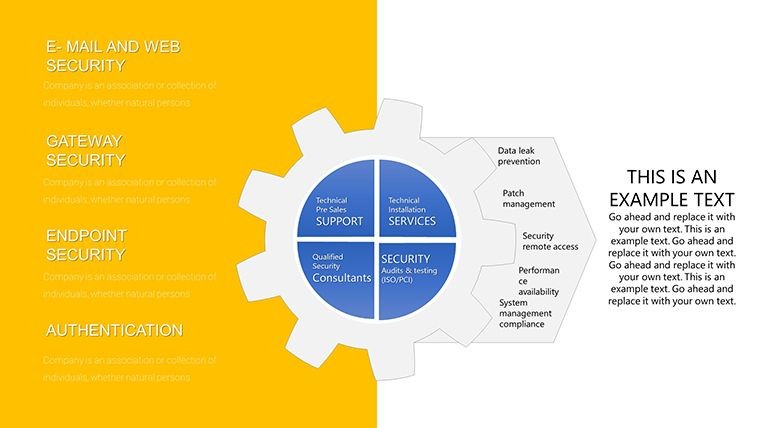
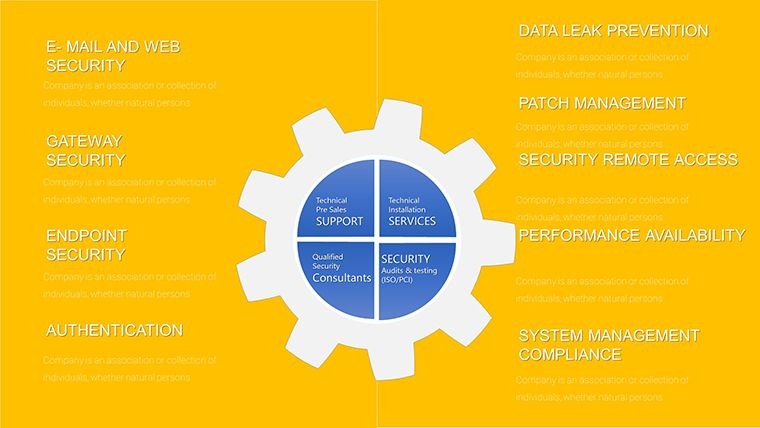
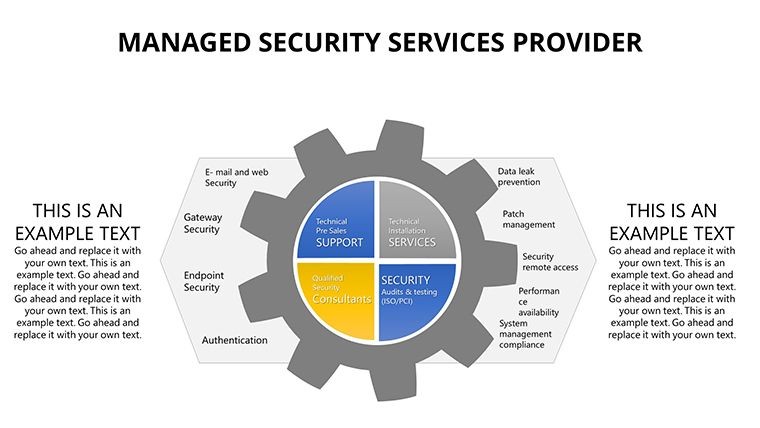
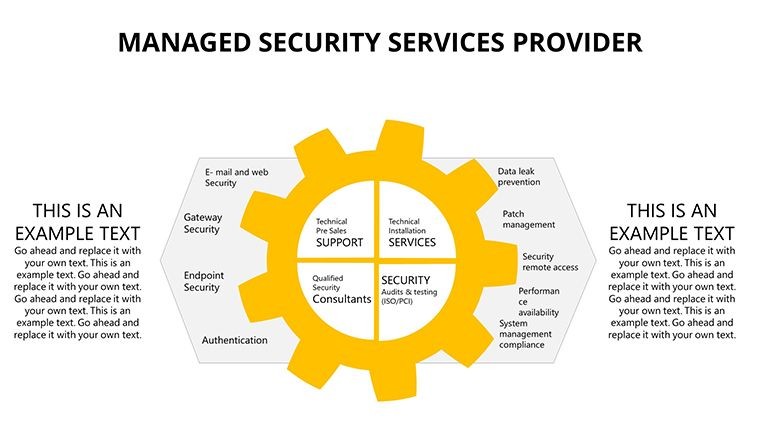
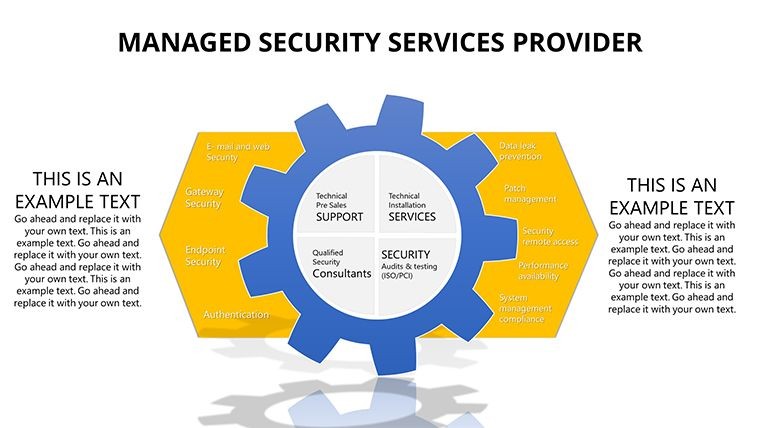
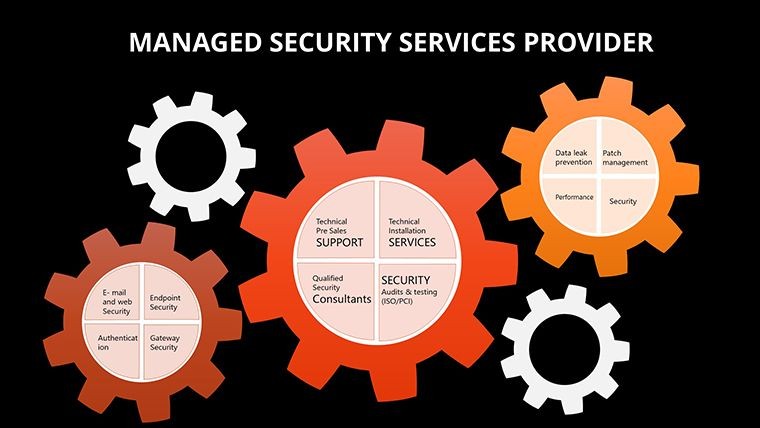
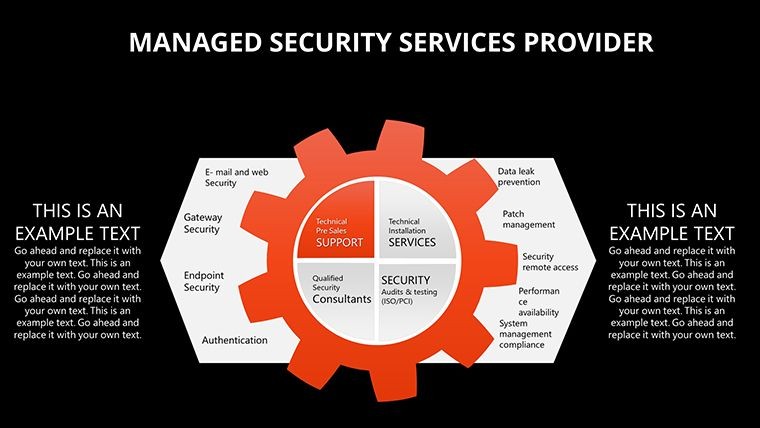
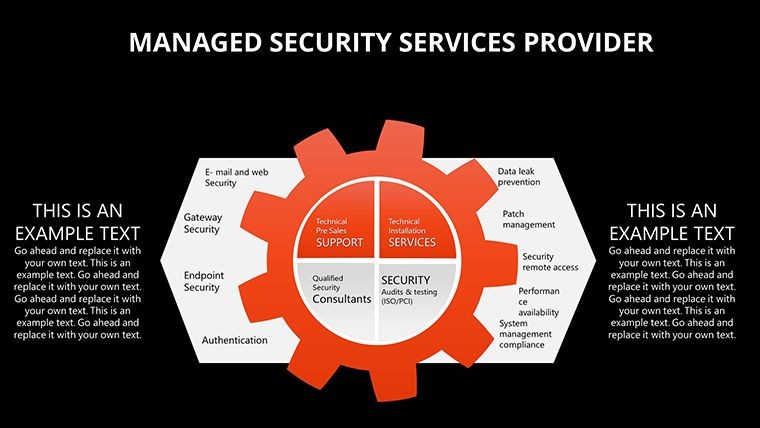
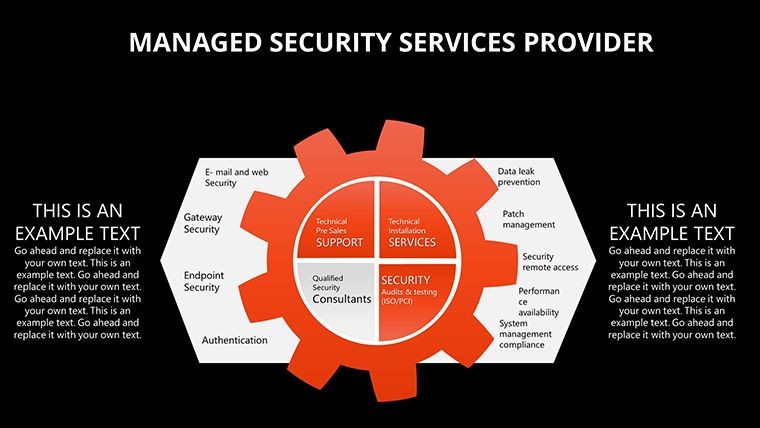
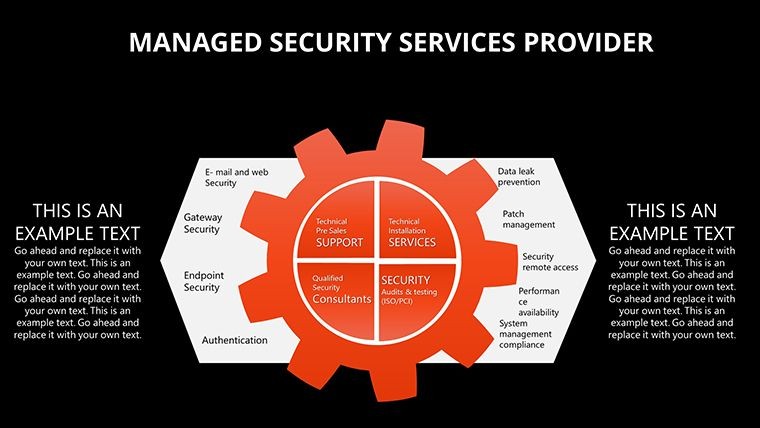
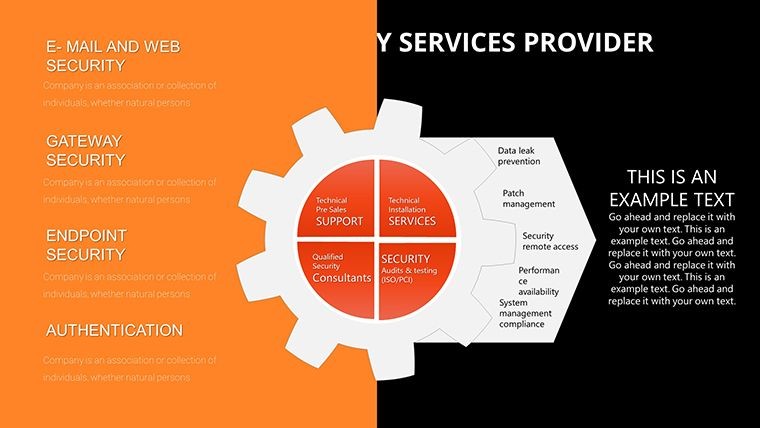
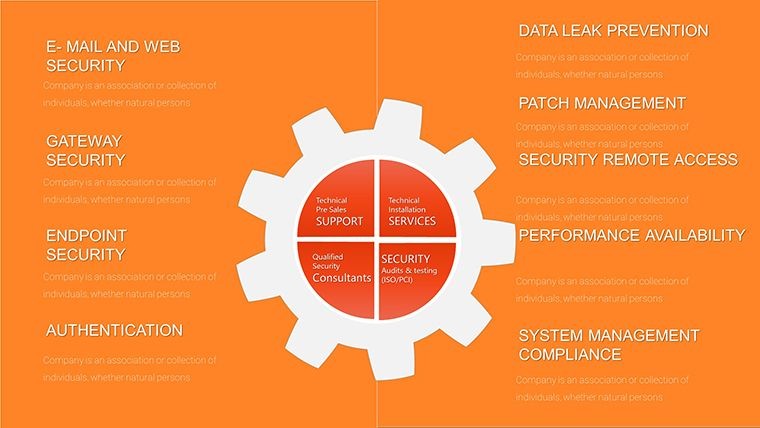
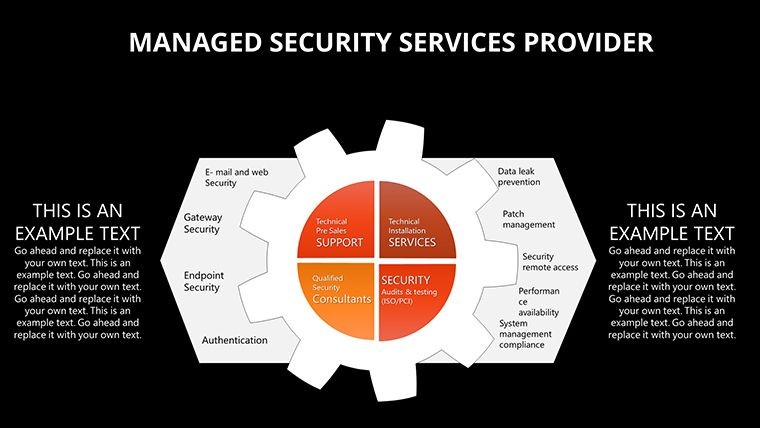
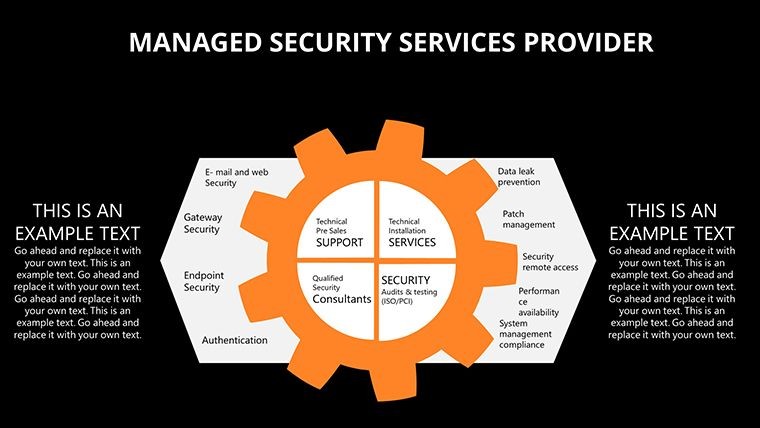
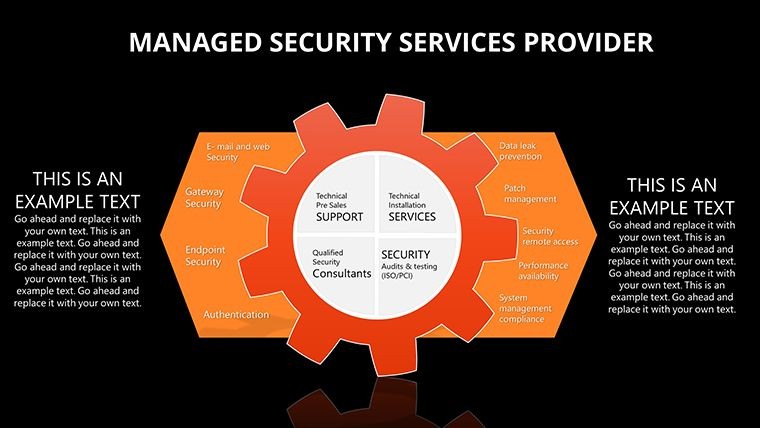
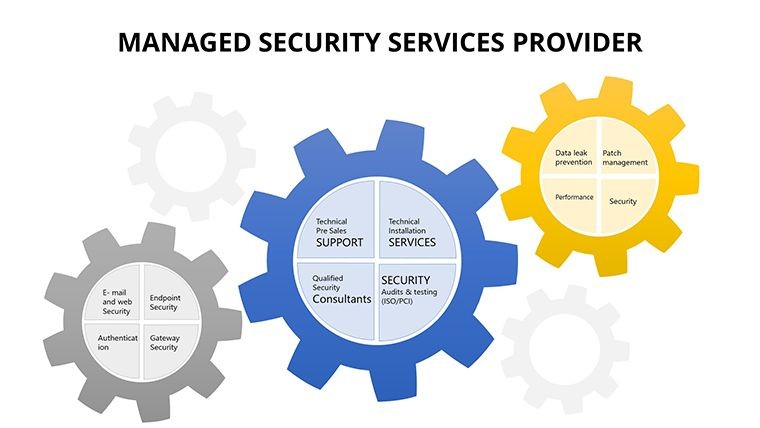
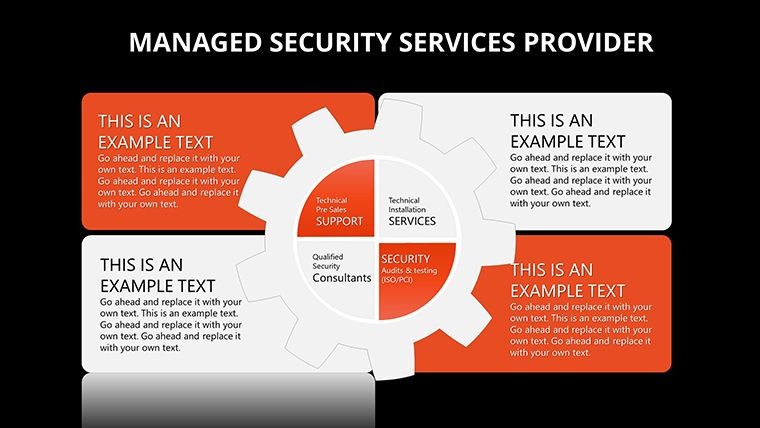
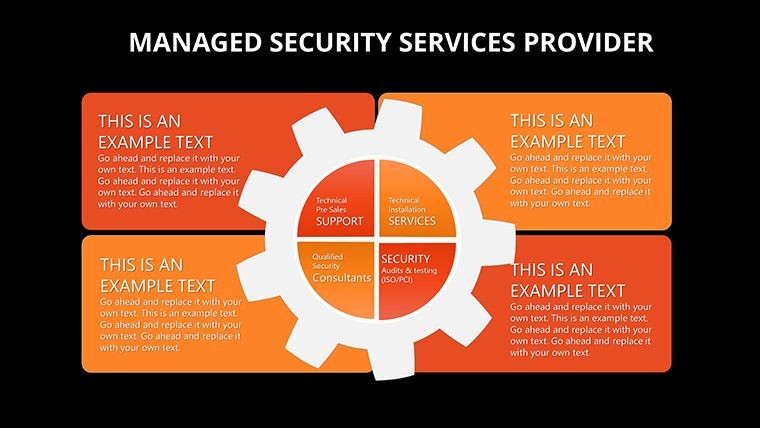
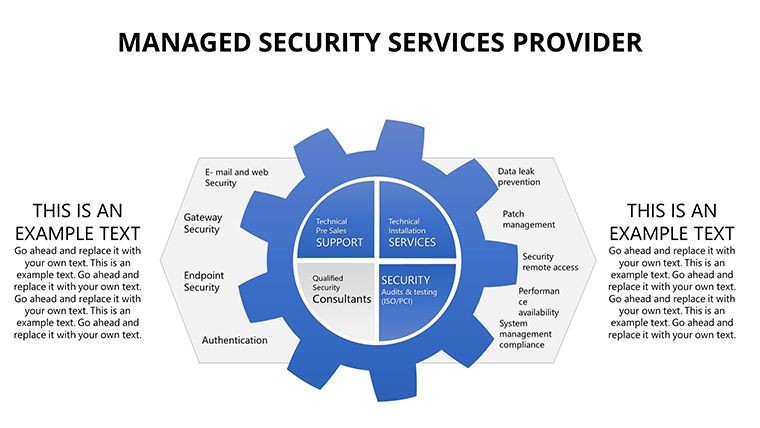
In the fast-paced world of cybersecurity, where threats evolve daily and client trust is paramount, presenting your managed security services effectively can make all the difference. Imagine walking into a boardroom armed with sleek, data-driven visuals that not only highlight your expertise in threat detection but also demonstrate tangible value through clear metrics and strategies. Our Managed Security Services Provider Keynote chart template is designed precisely for professionals like you - security consultants, MSSP teams, and IT managers - who need to communicate complex concepts simply and persuasively. With 31 fully editable slides, this template transforms raw data into compelling stories, helping you showcase services such as vulnerability assessments, incident response plans, and real-time monitoring. Whether you're pitching to potential clients or updating stakeholders on compliance standards like NIST or ISO 27001, this tool ensures your presentations stand out, fostering confidence and driving partnerships. Drawing from industry best practices, including insights from leading firms like Palo Alto Networks' case studies on managed detection and response, this template empowers you to illustrate how your services mitigate risks and enhance business resilience.
Unlocking the Power of Visual Security Narratives
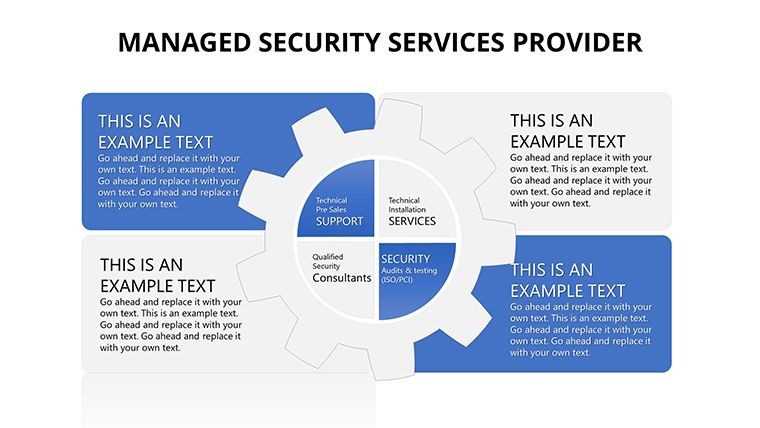
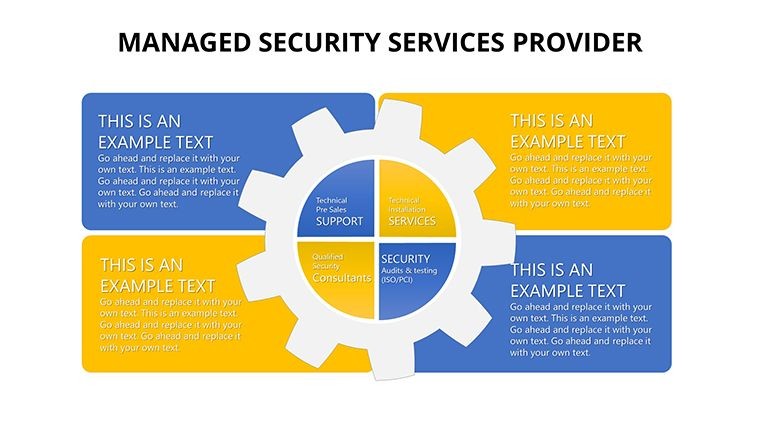
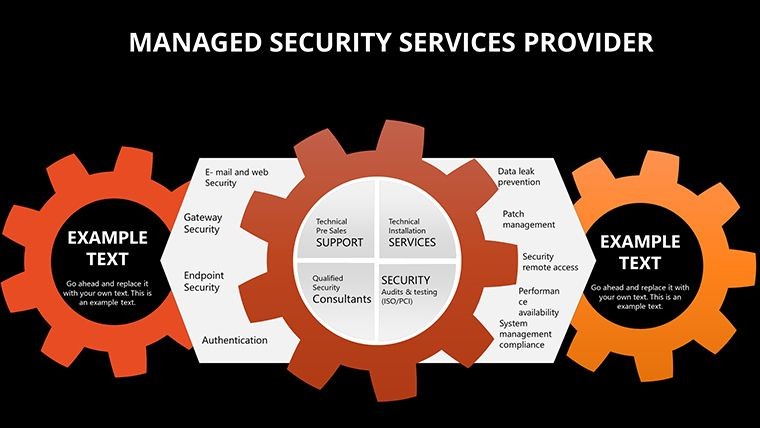
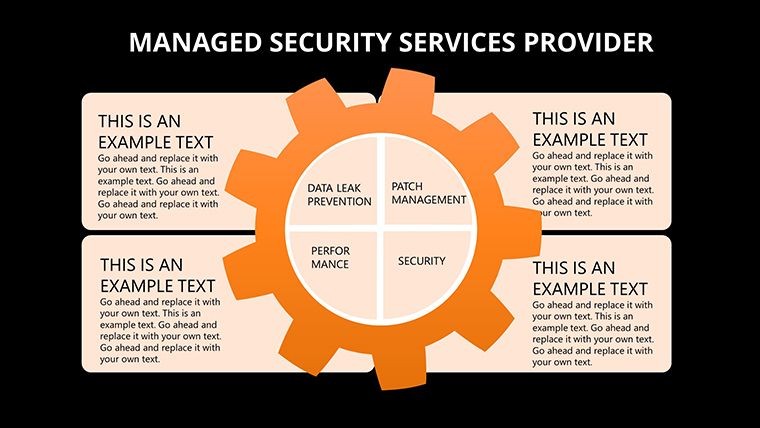
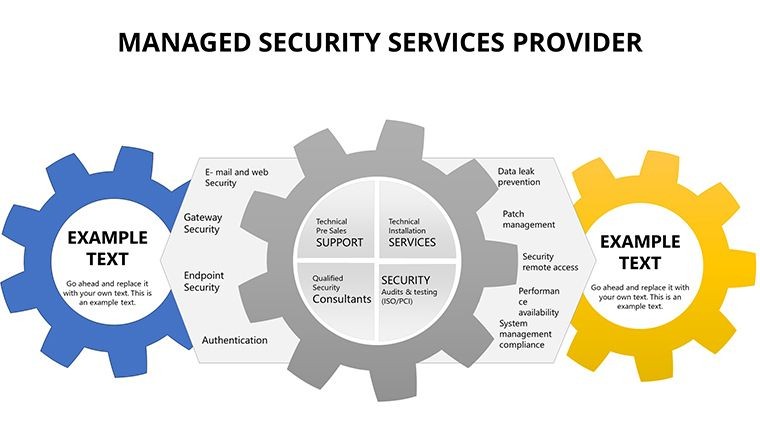
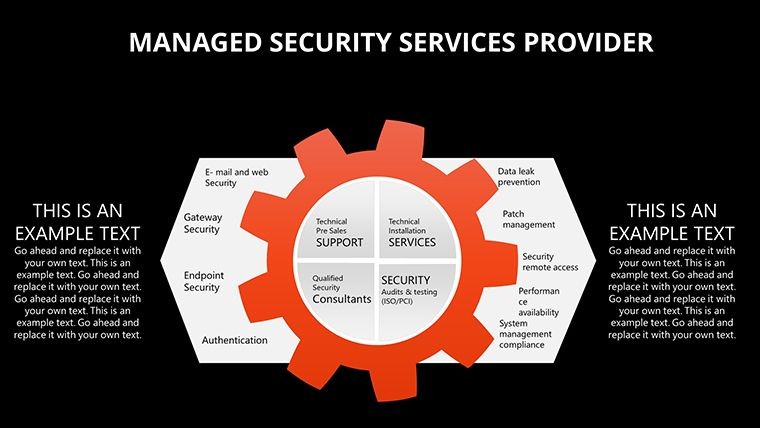
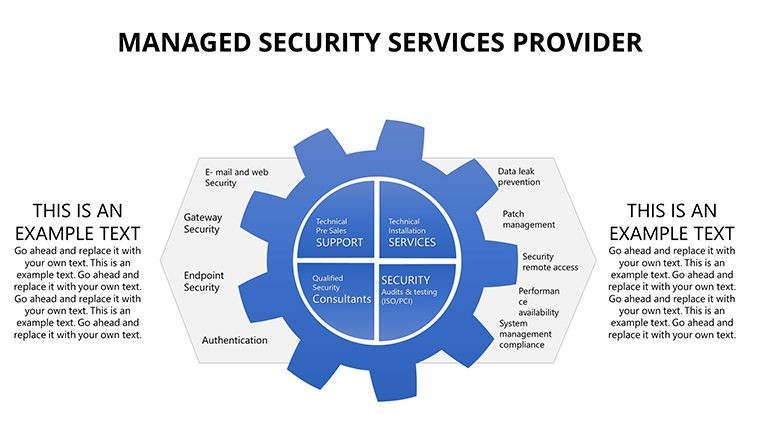
Visual aids are crucial in cybersecurity presentations, where abstract concepts like zero-day exploits or endpoint protection need to be made accessible. This template goes beyond basic charts by incorporating dynamic diagrams that map out security ecosystems. For instance, use the layered onion diagrams to depict defense-in-depth strategies, showing how firewalls, intrusion detection systems, and behavioral analytics work in tandem. Each slide is crafted with a clean, modern aesthetic - think cool blues and grays evoking trust and reliability - while remaining fully customizable to your brand's palette. Security experts often cite the importance of data visualization in reports; according to a Gartner study, organizations using advanced visuals in security briefings see a 25% increase in stakeholder engagement. Here, you'll find bar graphs for threat trend analysis, pie charts for risk distribution, and timelines for incident response workflows, all editable with just a few clicks in Keynote.
Key Features That Set This Template Apart
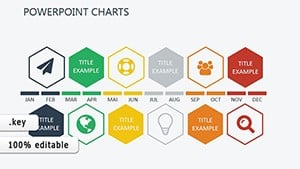
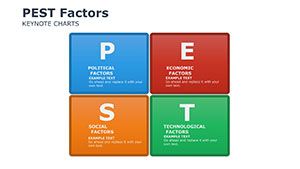
- Comprehensive Chart Variety: From radar charts illustrating vulnerability scans to flowcharts outlining SOC operations, diversify your data presentation without starting from scratch.
- Brand Customization: Easily adjust colors, fonts, and icons to align with your company's identity, ensuring consistency across all client-facing materials.
- Data-Driven Icons: Integrated icons for elements like shields, locks, and alerts add visual flair while maintaining professionalism.
- High-Resolution Graphics: All elements are vector-based, scaling perfectly for any screen size, from laptops to conference projectors.
- Pre-Built Animations: Subtle transitions bring your slides to life, emphasizing key points like emerging threats without overwhelming the audience.
These features aren't just add-ons; they're built to solve real pain points, such as the time-consuming task of creating compliant visuals for audits or RFPs. By leveraging this template, you save hours that can be redirected toward actual security enhancements.
Real-World Applications for Security Professionals
Picture this: You're a managed security service provider preparing for a quarterly review with a financial client. Using our template, start with an overview slide featuring a dashboard-style chart aggregating key metrics - uptime percentages, detected incidents, and resolution times. Transition to detailed sections on threat intelligence, where heat maps highlight global attack vectors, drawing from real-world examples like the SolarWinds breach to underscore your proactive approach. For sales pitches, employ comparison charts showing your services versus in-house solutions, backed by cost-benefit analyses that demonstrate ROI. In training sessions, utilize process diagrams to walk teams through incident response protocols, aligning with frameworks from the SANS Institute. This versatility extends to various sectors: healthcare providers can adapt slides for HIPAA compliance reporting, while manufacturing firms use them for IoT security overviews. A case in point is how a mid-sized MSSP used similar visuals to secure a multi-year contract by clearly mapping out their 24/7 monitoring capabilities, resulting in a 40% client retention boost.
Step-by-Step Guide to Customizing Your Presentation
- Import and Setup: Open the .key file in Keynote and duplicate slides as needed to fit your content length.
- Data Integration: Input your metrics into placeholders - e.g., update a line graph with quarterly threat data from tools like Splunk.
- Visual Tweaks: Swap icons or adjust chart styles to match your narrative, ensuring accessibility with high-contrast options.
- Content Refinement: Add speaker notes for seamless delivery, incorporating stats from authoritative sources like Cybersecurity Ventures' reports on cybercrime costs.
- Review and Export: Test animations, then export to PDF for handouts or share via iCloud for collaborative edits.
This workflow integrates seamlessly with your existing tools, enhancing efficiency without a steep learning curve.
Why Choose This Template for Your Security Storytelling
Compared to generic Keynote defaults, this template offers specialized security-themed elements that resonate with industry audiences. Basic built-in charts often fall flat in conveying urgency, whereas our designs incorporate thematic motifs like circuit patterns and encrypted motifs for added impact. Value propositions shine through: affordability at $23, instant download, and lifetime updates ensure long-term utility. For those in competitive fields, subtle CTAs within slides - like "Contact Us for a Free Assessment" - can be embedded to encourage action. Design tips from pros, such as using negative space to focus on critical data, elevate your decks to award-worthy levels, akin to those seen in Black Hat conference presentations. Ultimately, this isn't just a template; it's a strategic asset that positions your firm as a leader in managed security, fostering trust and growth.
Elevate your security pitches today - download this template and transform data into decisions.
Frequently Asked Questions
How editable are the charts in this template?
All 31 slides are fully editable in Keynote, allowing you to modify data, colors, and layouts to suit your specific security services.
Is this template compatible with other software?
Primarily designed for Keynote, but you can export to PowerPoint or Google Slides with minor adjustments for optimal compatibility.
What types of charts are included?
The template features bar graphs, pie charts, flow diagrams, and more, tailored for security metrics like threat trends and response times.
Can I use this for client proposals?
Absolutely - it's ideal for proposals, with customizable sections to highlight your unique value in managed security.
Are there any usage restrictions?
No restrictions for personal or business use; customize freely for multiple presentations.
Good for
- Project roadmaps and sprint plans
- Product launch timelines
- Quarterly or annual review decks
- Company history and milestone summaries
Licence
reviews
Used for report and it was simple
It is okay but basic
FAQ
Will it work in Google Slides?
Are fonts embedded?
Can I use this for client work?
What's the refund policy?
Do you update the template after purchase?
Similar templates
See all Keynote Charts →
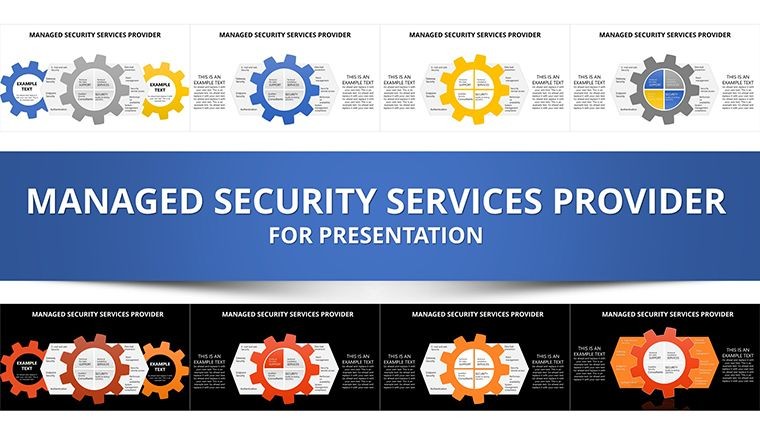
All 31 slides