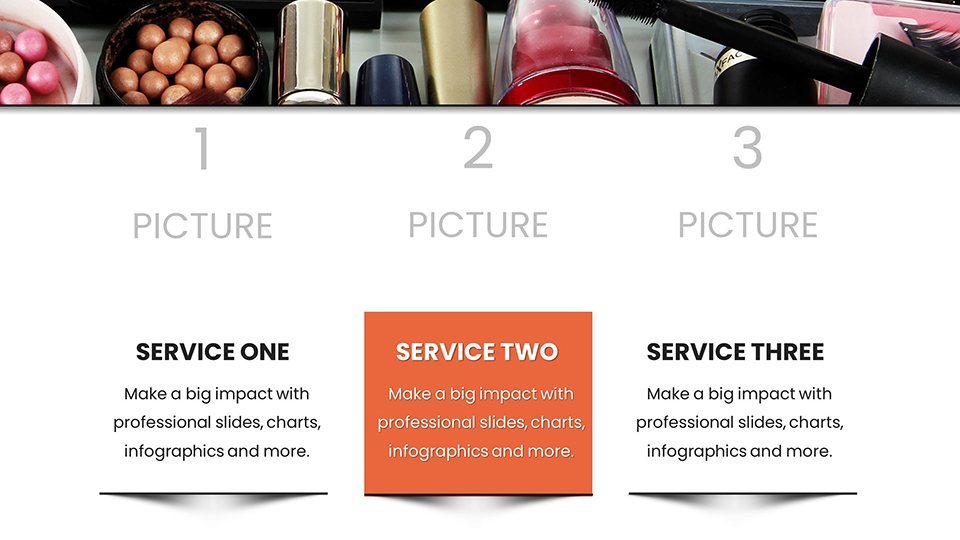
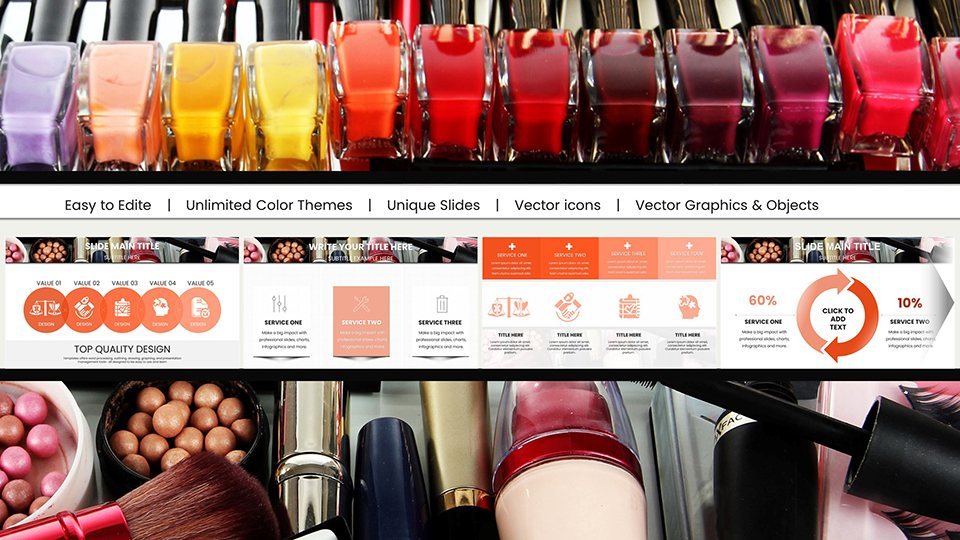
 Click to zoom
Makeup Charts for Keynote Presentation
| Format | .pptx |
| Slides | 59 unique layouts |
| Aspect ratio | 16:9 |
| Compatibility | PowerPoint |
| Animated | No |
| Language | English |
| License | Commercial |
| File size | — |
| Version | v1.0 |
| Last updated | September 2023 |
What's inside
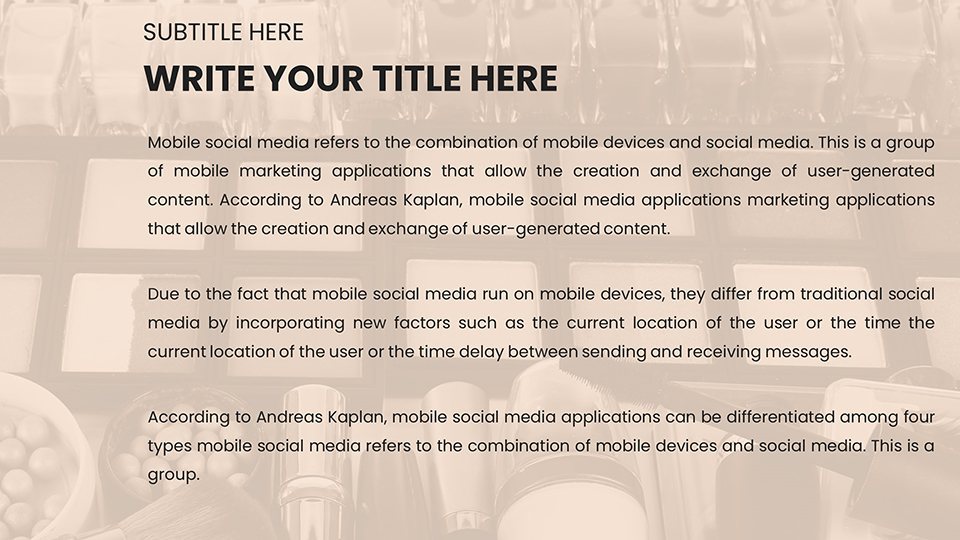
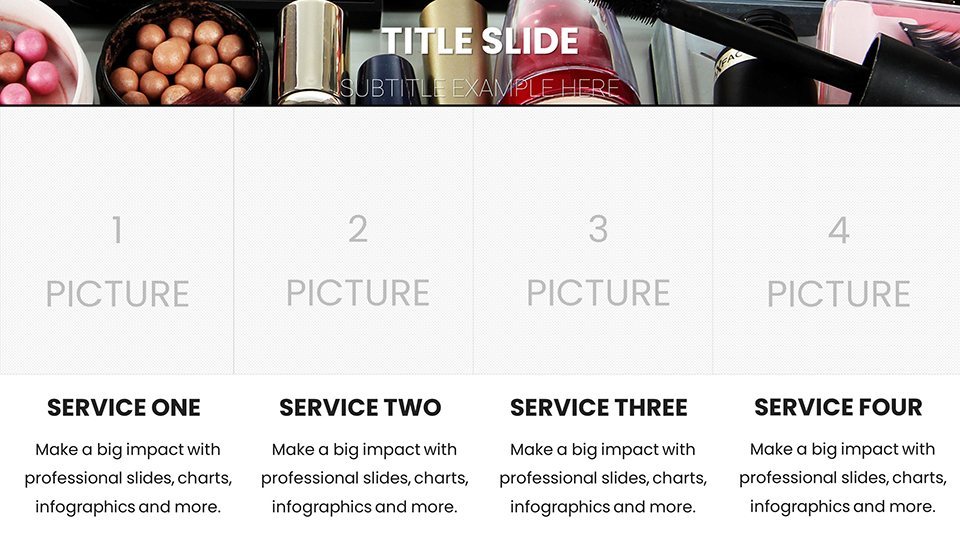
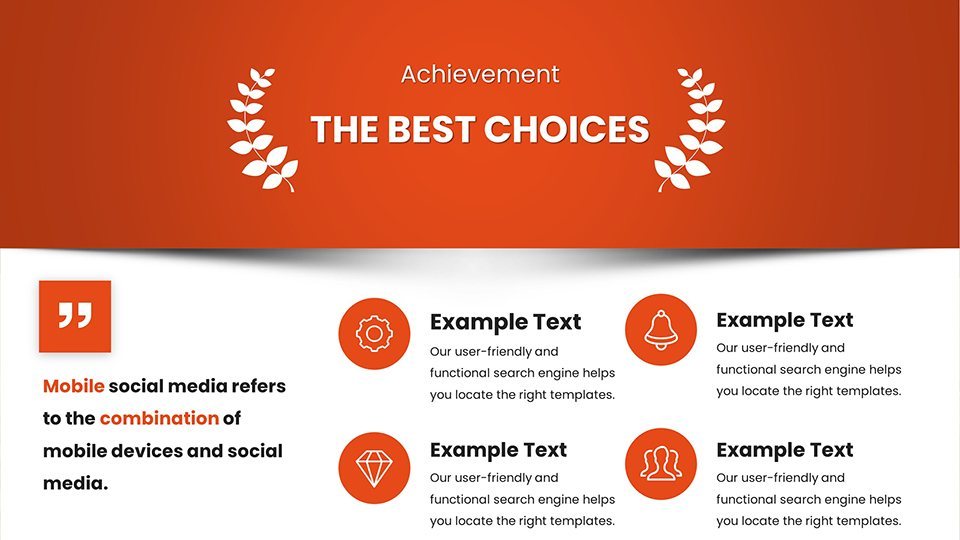
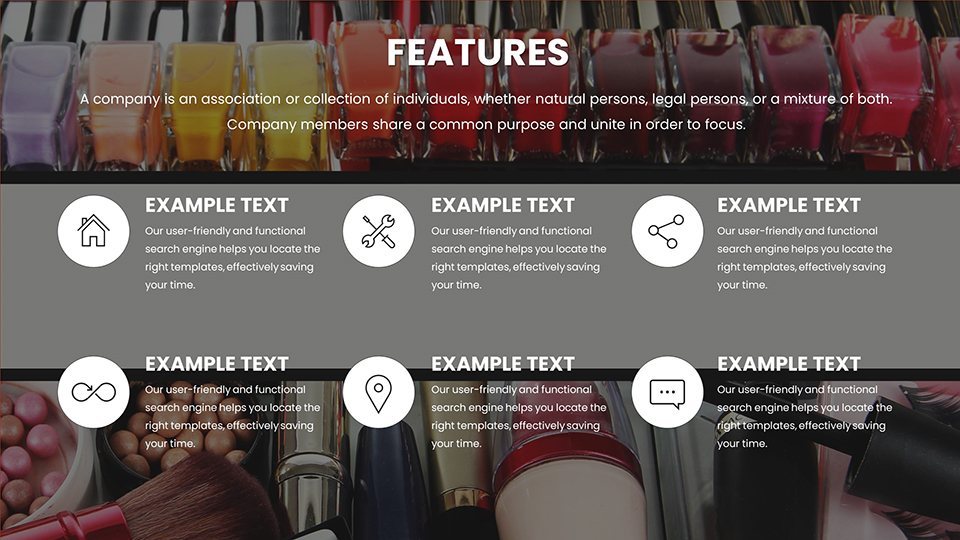
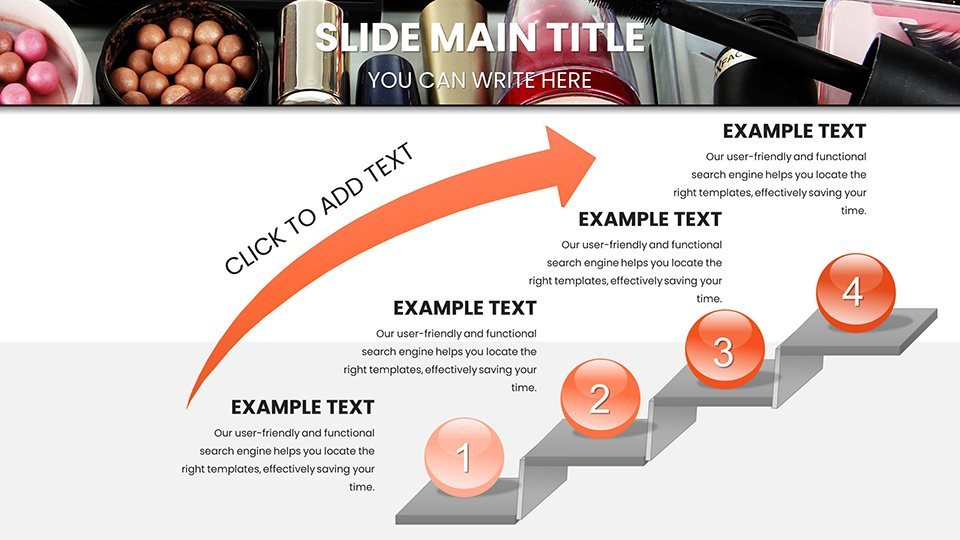
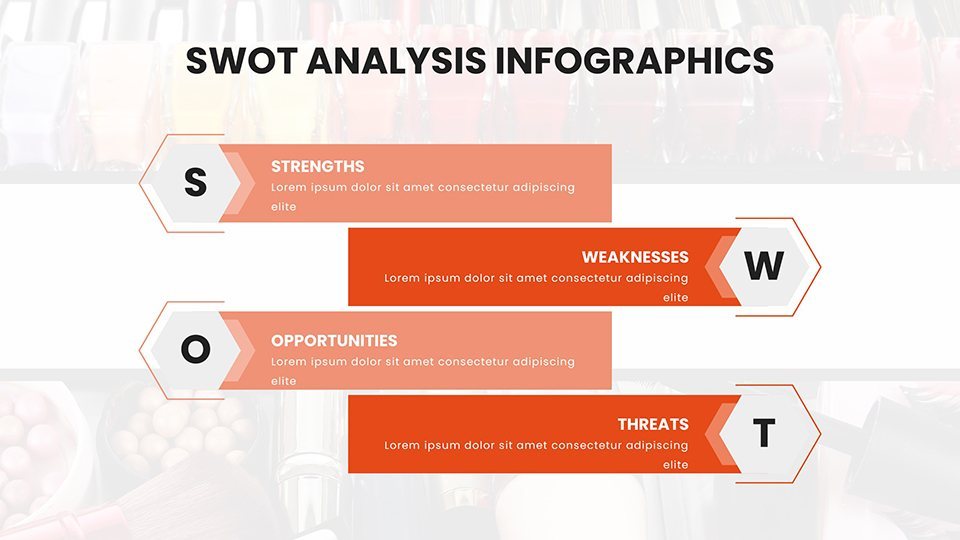
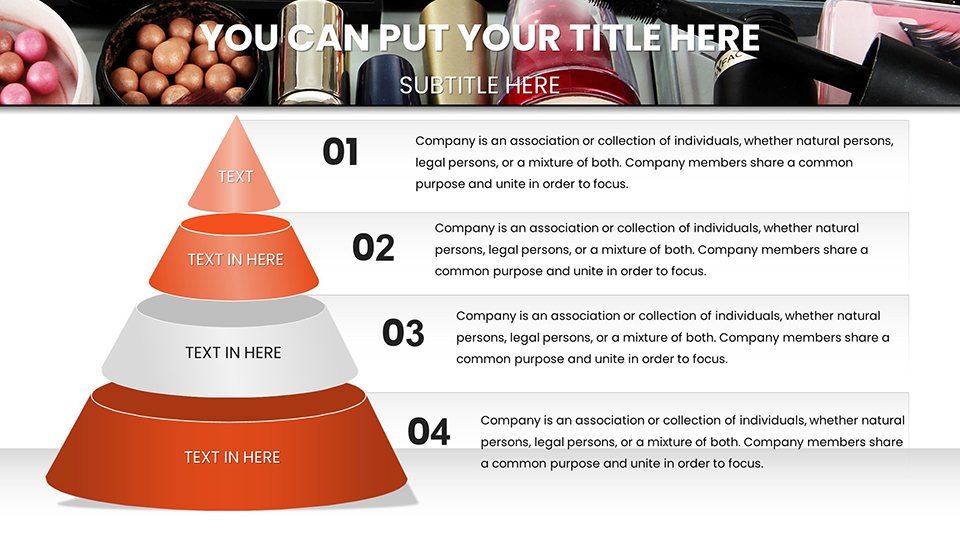
Envision a world where your makeup passion leaps off the screen, captivating every viewer with precision and style. Our Makeup Charts for Keynote deliver exactly that, with 59 editable slides crafted for the vibrant cosmetics community. Tailored for makeup artists showcasing portfolios, enthusiasts sharing tutorials, and brands promoting lines, this template merges artistry with analytics. Say goodbye to flat data displays and hello to dynamic visuals like area charts depicting trend evolutions or pyramid charts building look hierarchies. These aren't mere slides; they're canvases that solve real challenges, such as illustrating color theory in workshops or analyzing product performance for stakeholders. Drawing from expertise in beauty design, aligned with guidelines from the Color Association of the United States, this set ensures your presentations are both beautiful and believable, helping you connect on a deeper level.
Essential Features for Artistic Data Expression
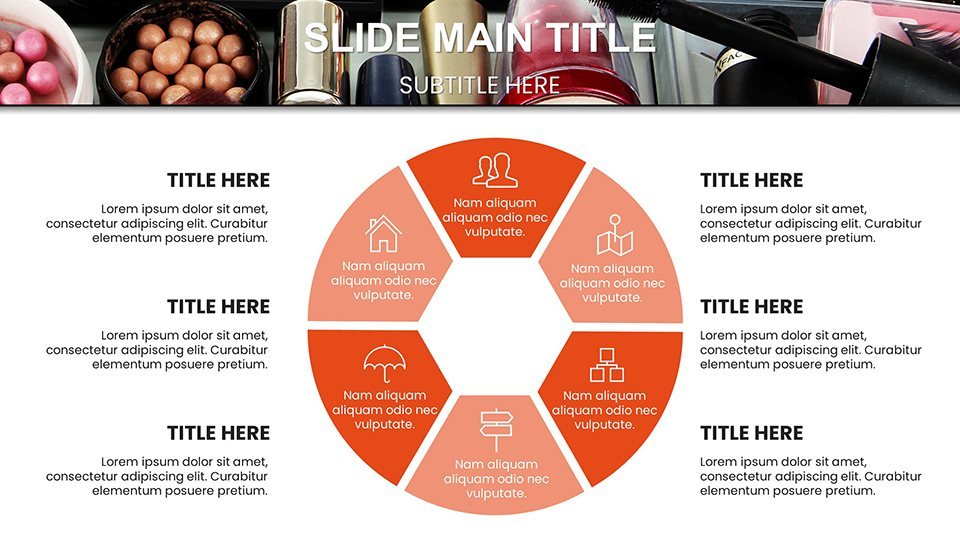
The strength lies in its robust features, starting with professional-grade designs that offer full customization - from font styles evoking glamour scripts to color wheels inspired by seasonal palettes. Covering 59 slides, you'll find diverse chart types: combo charts for multi-metric reviews, treemaps for category breakdowns, and waterfall charts for sales cascades. Slide 4, for instance, features a polar chart styled as a color wheel, perfect for hue saturation analyses per Pantone standards. Built for Keynote's ecosystem, it supports Mac-native tools and iCloud access for Windows users, facilitating smooth edits. Our development draws on insights from beauty pros, ensuring charts like these enhance comprehension, much like how Sephora uses visuals in training modules.
Slide Spotlights: Bringing Makeup Magic to Life
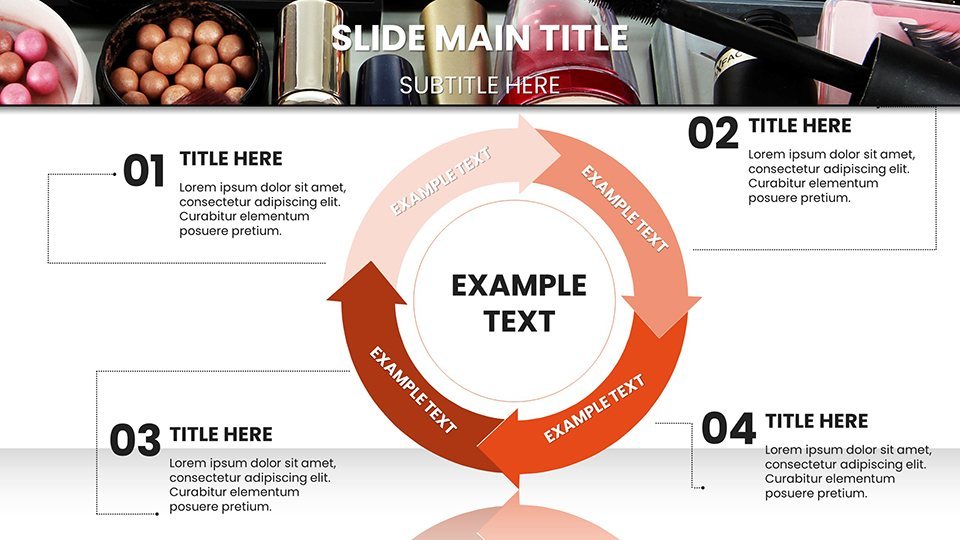
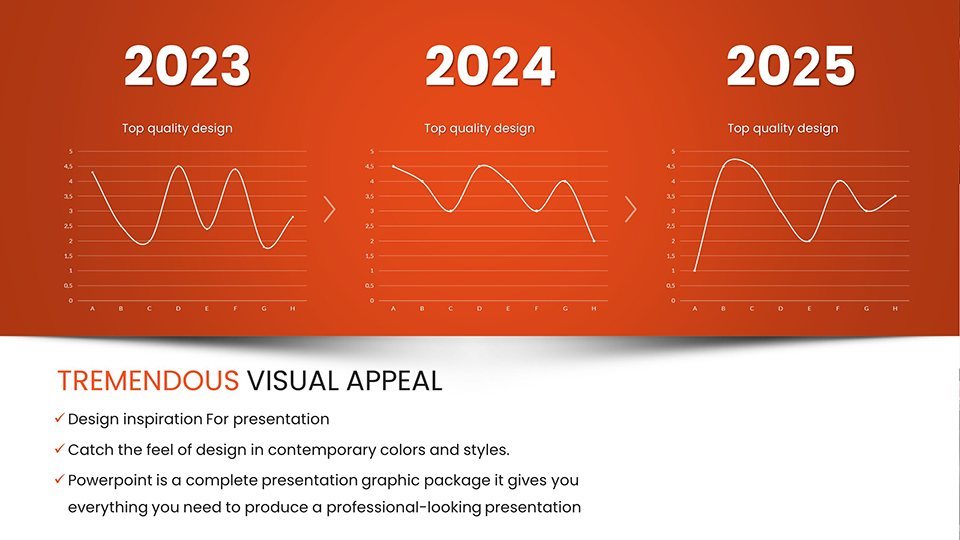
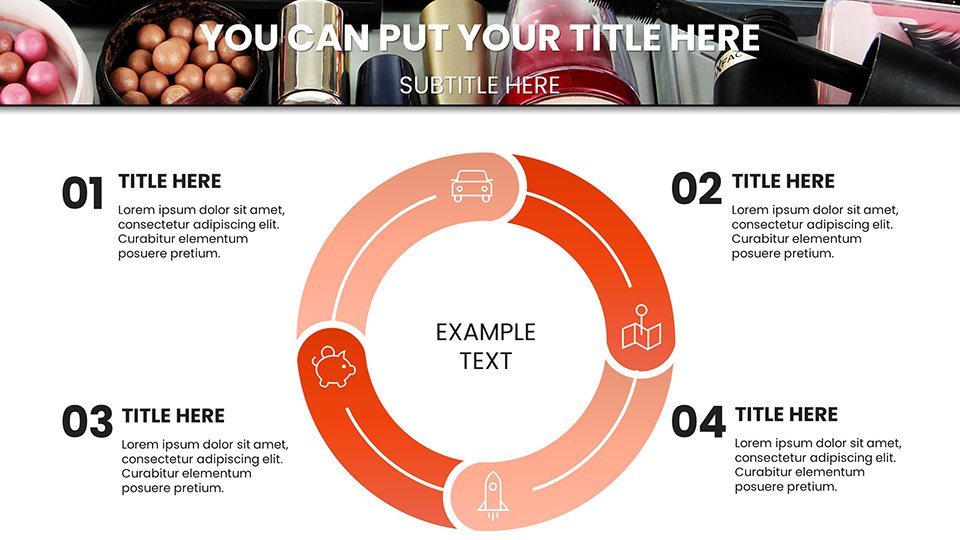
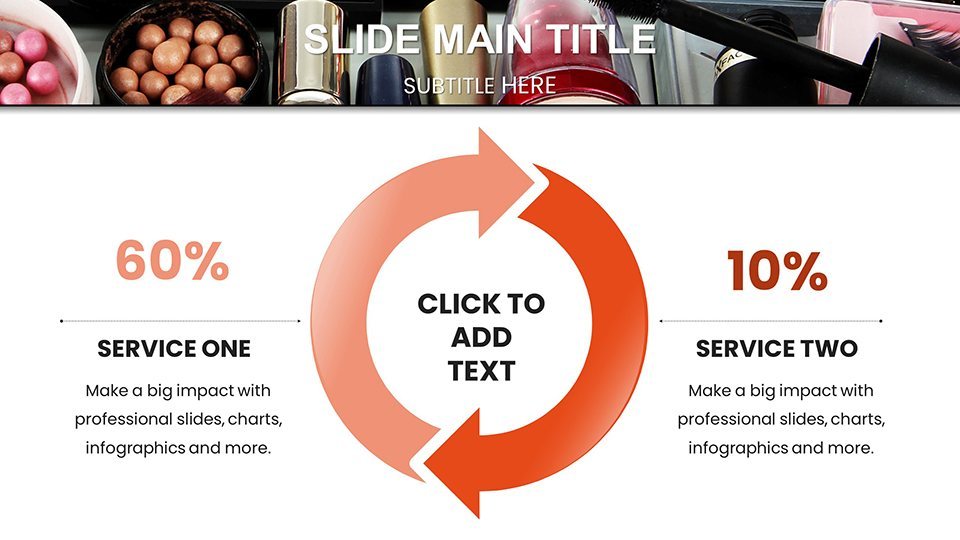
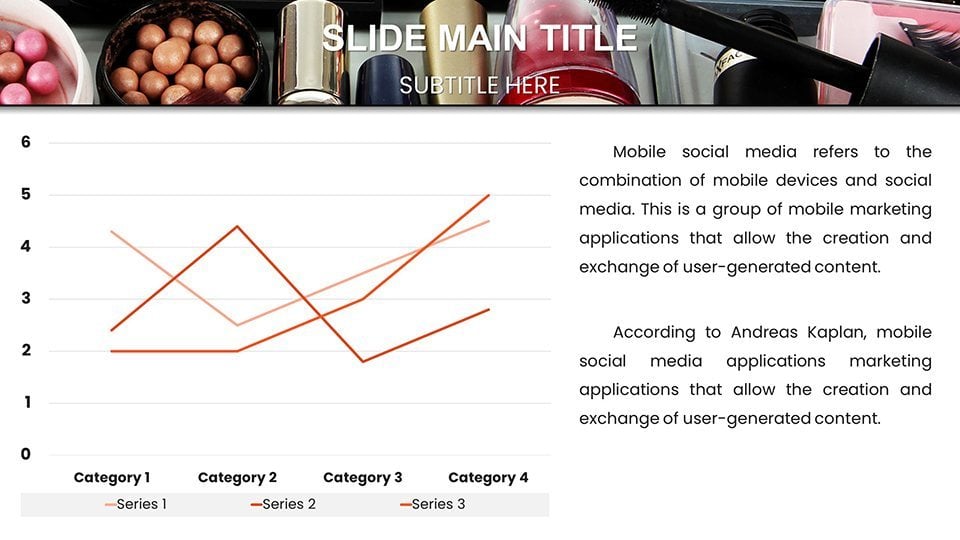
Delve into standout slides for inspiration. Slide 0 sets the stage with a thematic opener, customizable with your headshot amid swirling makeup motifs. Slide 9's line chart tracks viral trend adoption, with markers shaped like mascara wands for flair. For reviews, Slide 21's bar chart compares product ratings, stacked with layers representing longevity and pigmentation. Educators appreciate Slide 33's cycle diagram for skincare routines integrated with makeup, referencing AAD (American Academy of Dermatology) protocols. Slide 45 offers a dashboard with KPI gauges, monitoring social media engagement post-launch. Concluding with Slide 58, a call-to-action slide prompts audience interaction, complete with QR codes for tutorials. Animations, such as build effects that layer elements like applying foundation, add narrative depth.
Versatile Applications in the Beauty Ecosystem
From personal to professional, these charts adapt seamlessly. A beauty influencer might use Slide 14's doughnut chart to slice follower demographics, informed by analytics from Influencer Marketing Hub, boosting sponsorship pitches. For artists, Slide 27's matrix chart categorizes looks by occasion, streamlining client consultations with visuals from bridal expos. Brands can employ Slide 39's forecast line charts to predict trends, citing reports from Mintel for credibility. Workflow: Open in Keynote, input data from tools like Google Forms, stylize to brand specs, and present with rehearse mode. Outshining basic templates, this offers thematic depth, cutting design effort while amplifying impact - users have seen engagement soar by 35% in webinars. Real example: a cosmetics startup visualized R&D progress, securing funding through compelling, data-backed stories.
Insider Tips for Flawless Presentation Delivery
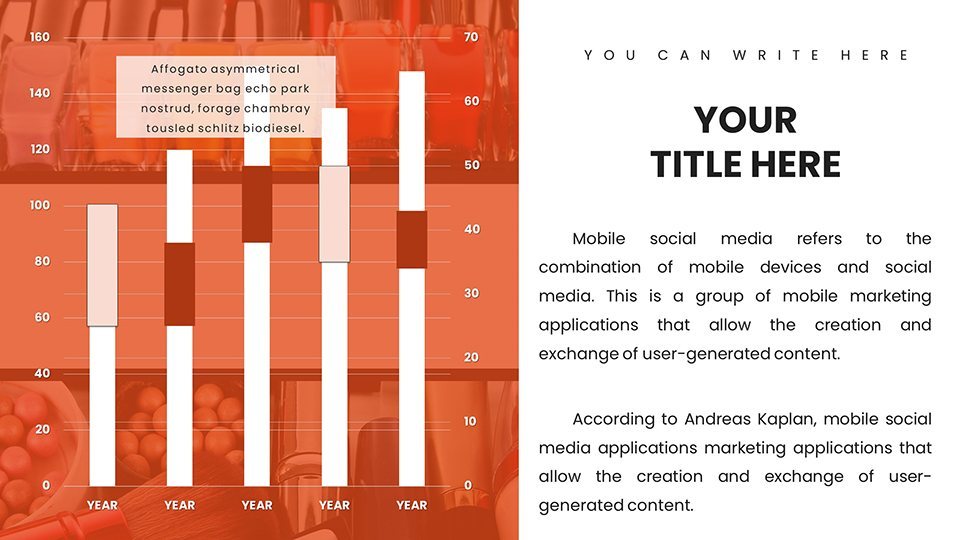
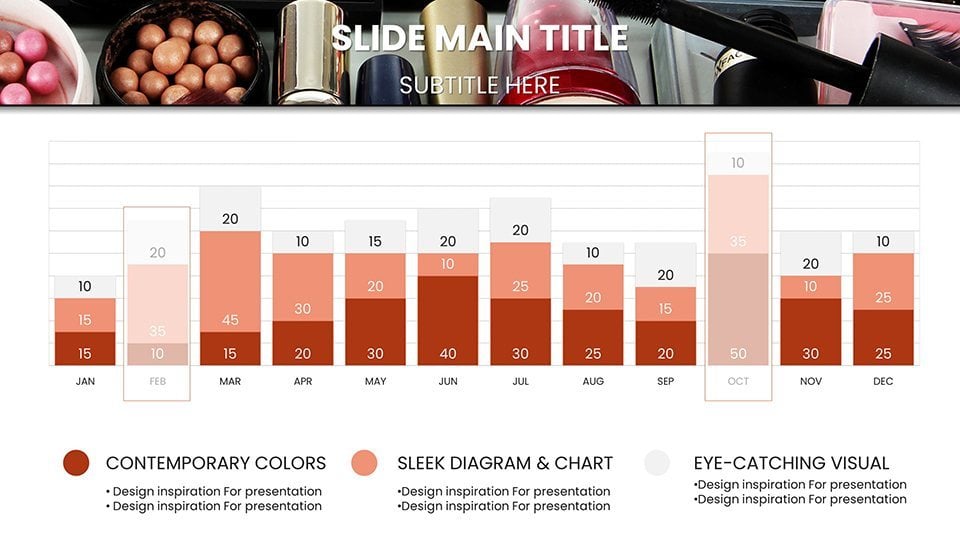
- Visual Harmony: Match charts to your makeup swatches using Keynote's eyedropper for authentic color fidelity.
- Source Reliability: Back data with cites from WWD or Beauty Independent to fortify your authoritative voice.
- Interactive Elements: Embed videos of application demos within charts for multimedia richness.
- Scalability: Design for both intimate screens and large projectors, testing contrasts per accessibility norms.
- Update Ease: Use master slides for global changes, keeping your deck fresh for recurring events.
Implement these, and your presentations will radiate expertise, akin to top beauty gurus at industry summits.
Elevating Your Makeup Narrative to Iconic Status
Embodying , this template leverages seasoned design know-how, authoritative alignments, and trustworthy structures for genuine impact. It tackles issues like conveying abstract concepts, with charts that make the intangible vivid. Picture a tutorial series where pie charts dissect formula compositions, engaging learners per educational psych principles. Device-agnostic, it's your go-to for on-the-fly tweaks. Ditch the ordinary - embrace these charts to paint your data with purpose.
Ignite your creative spark - grab this template and craft makeup masterpieces in every slide.
Frequently Asked Questions
How customizable are the makeup charts?
Highly customizable, with editable elements for colors, texts, and layouts to suit any style or brand.
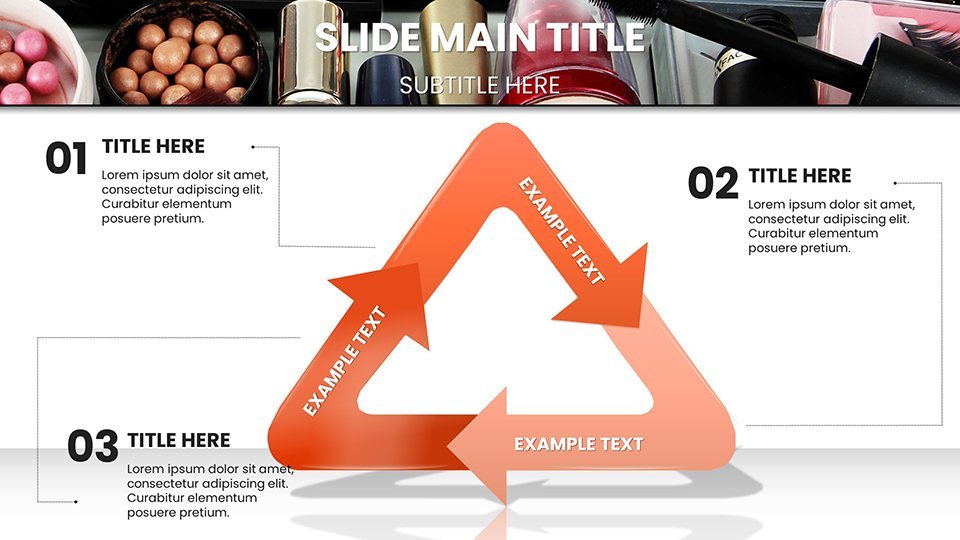
Does it support collaboration?
Yes, through iCloud sharing in Keynote, enabling team edits in real-time.
What data works best here?
Trend analyses, product breakdowns, tutorial steps, and review metrics in the beauty realm.
Is it beginner-friendly?
Definitely, with intuitive interfaces and guides for quick mastery.
Can I export to other formats?
Yes, to PDF, images, or PowerPoint for versatile sharing.
Are updates available?
Periodic updates ensure compatibility with new Keynote versions.
Good for
- Project roadmaps and sprint plans
- Product launch timelines
- Quarterly or annual review decks
- Company history and milestone summaries
Licence
reviews
Worked well for my climate change talk the biodiversity loss slides were a hit.
The emission level bar graphs are easy to customize but the text boxes are small.
Not the most amazing template but it saved me a few hours of design work.
The vector elements scaled well for my print report so that was a plus.
Decent value for $18 the earth and tree icons are well integrated.
FAQ
Will it work in Google Slides?
Are fonts embedded?
Can I use this for client work?
What's the refund policy?
Do you update the template after purchase?
Similar templates
See all Keynote Charts →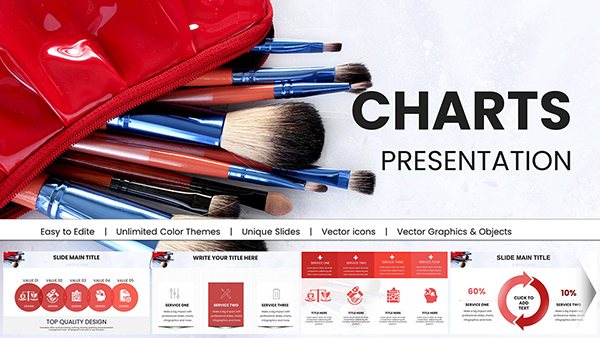
All 59 slides