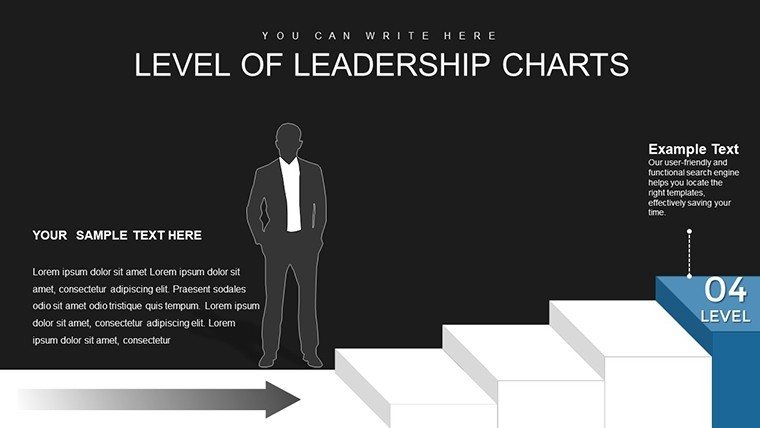
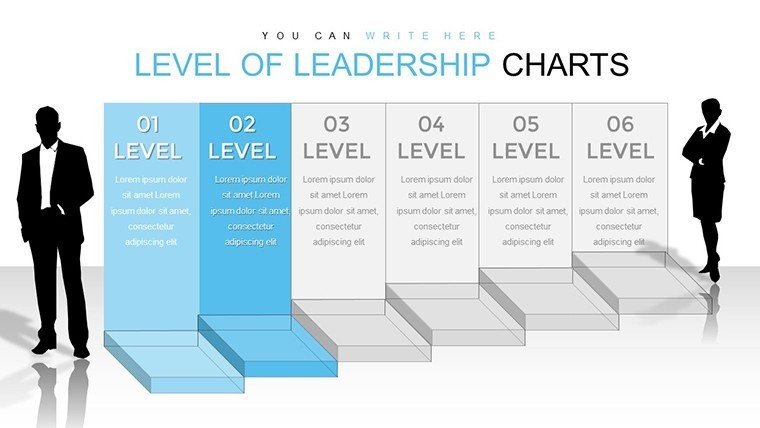
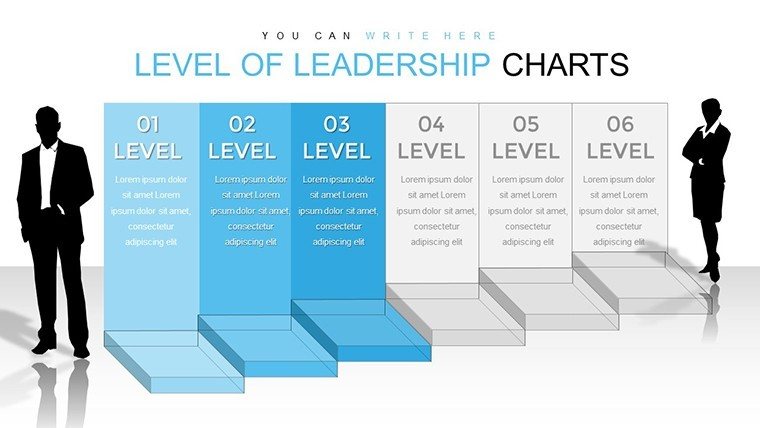
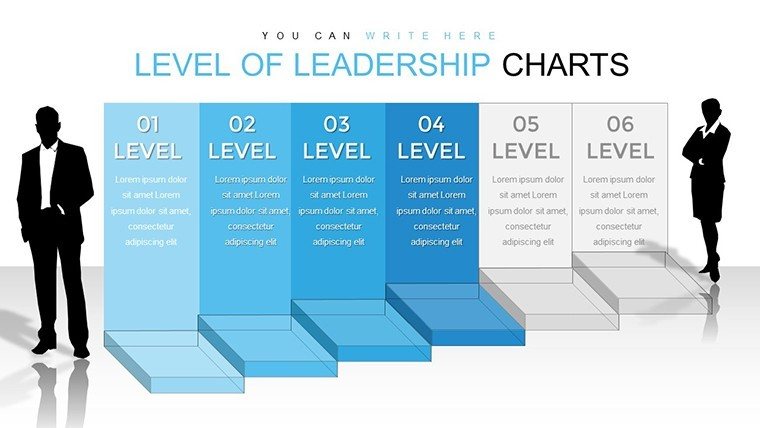
 Click to zoom
Level of Leadership 3D Cube PowerPoint Charts Template
| Format | .pptx |
| Slides | 36 unique layouts |
| Aspect ratio | 16:9 |
| Compatibility | PowerPoint |
| Animated | No |
| Language | English |
| License | Commercial |
| File size | — |
| Version | v1.0 |
| Last updated | September 2023 |
What's inside
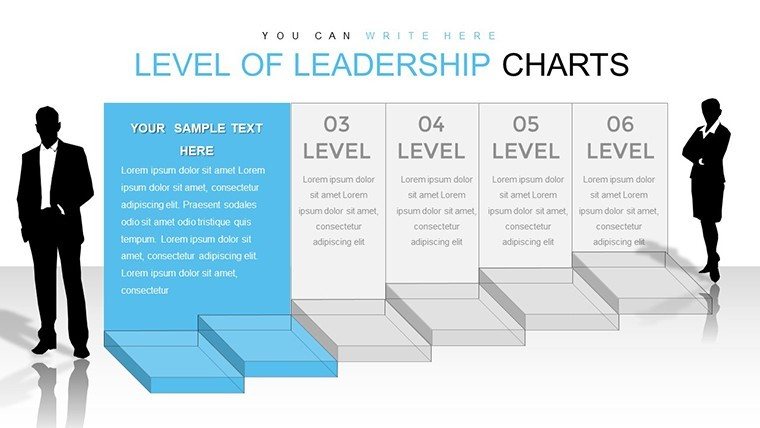
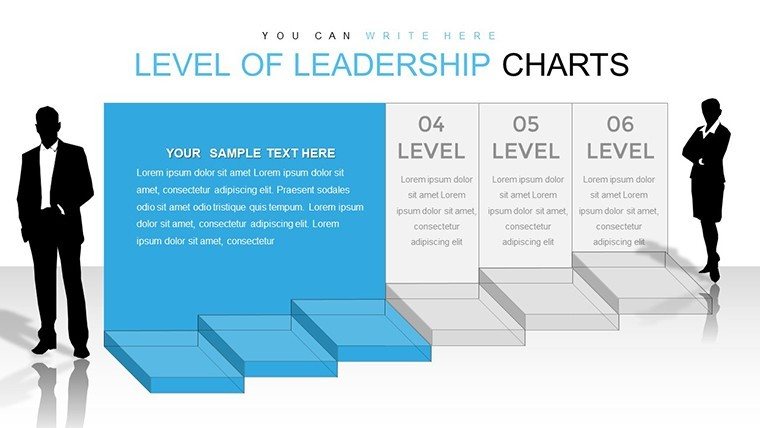
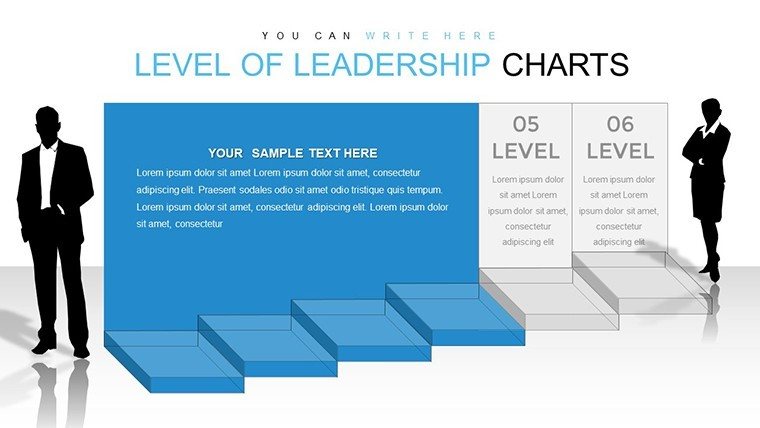
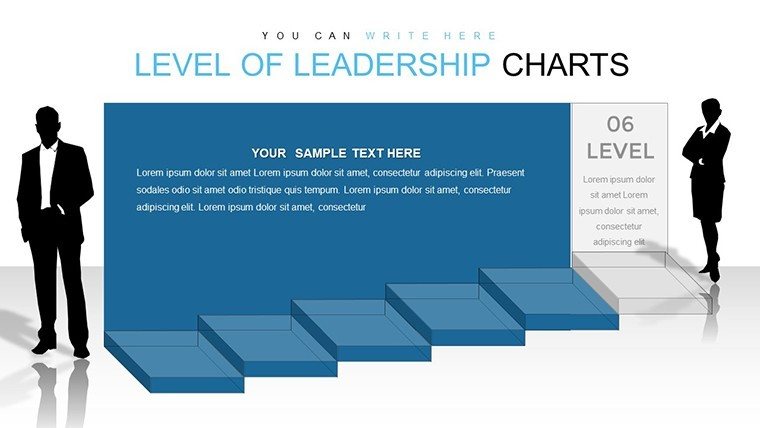
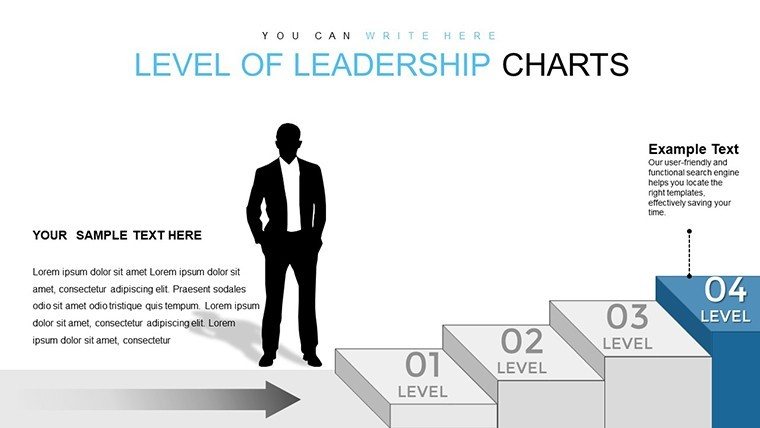
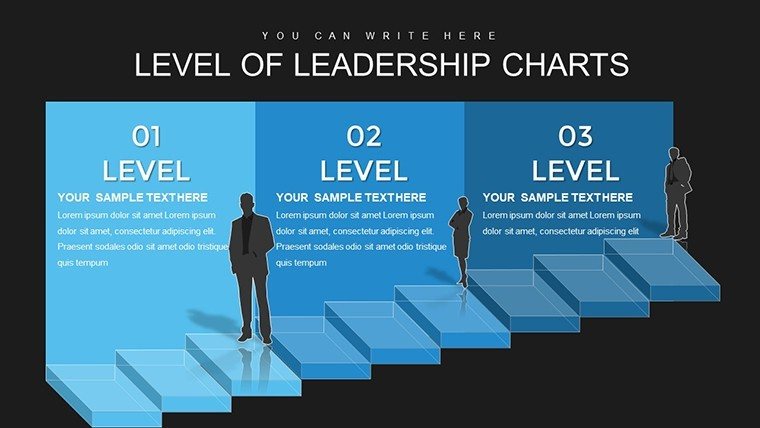
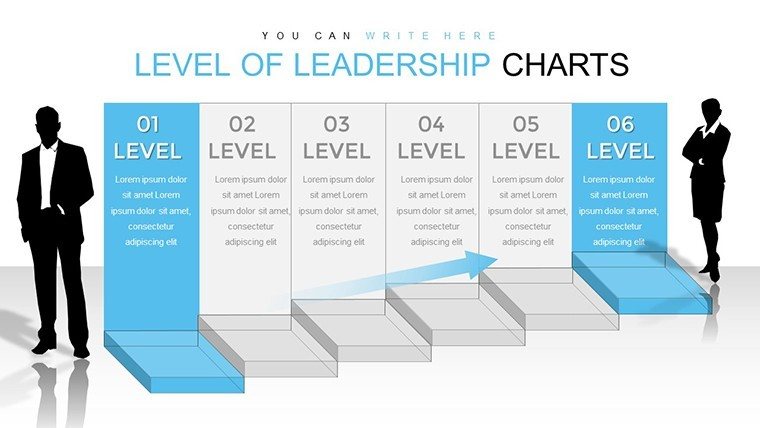
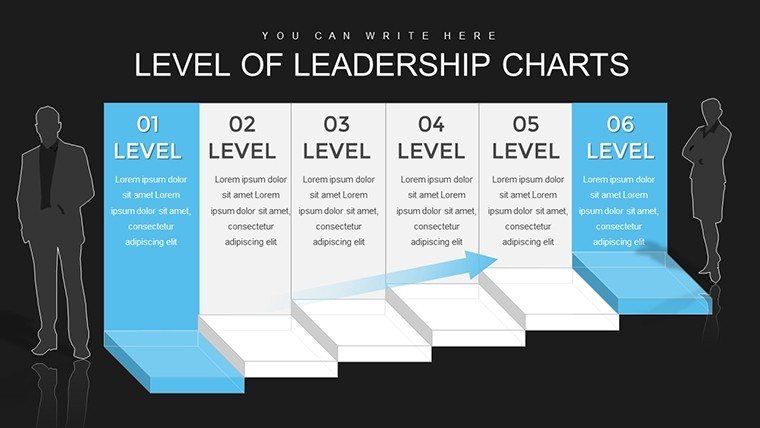
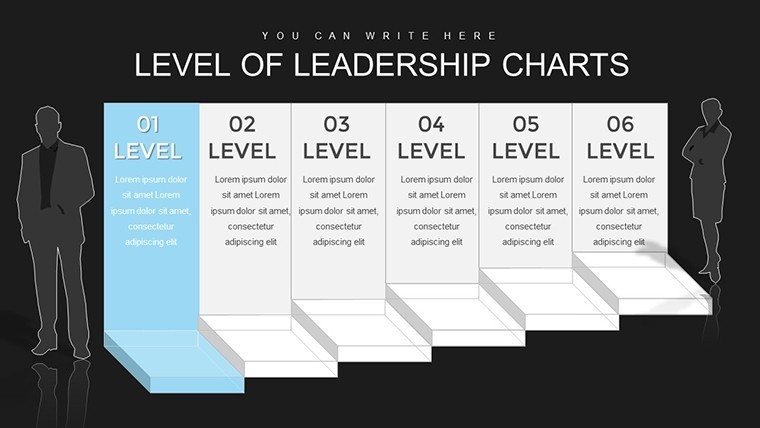
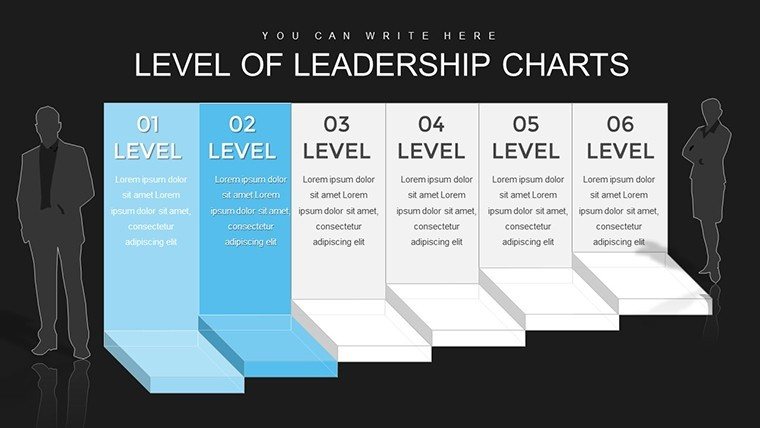
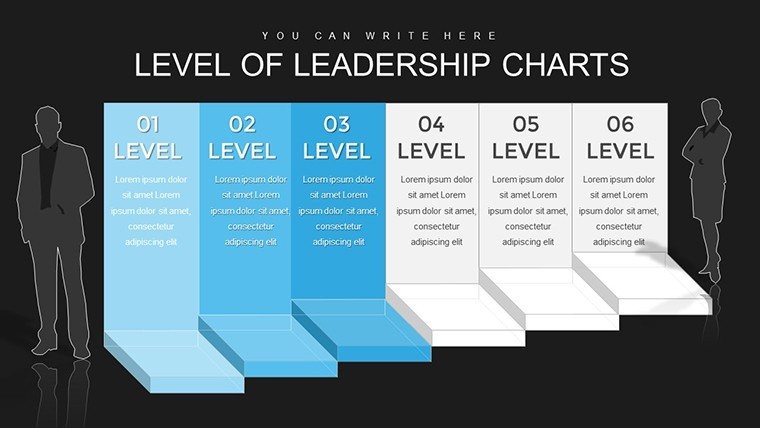
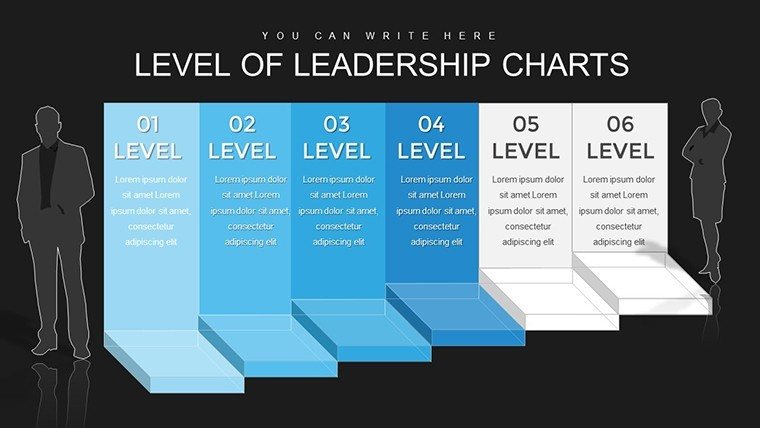
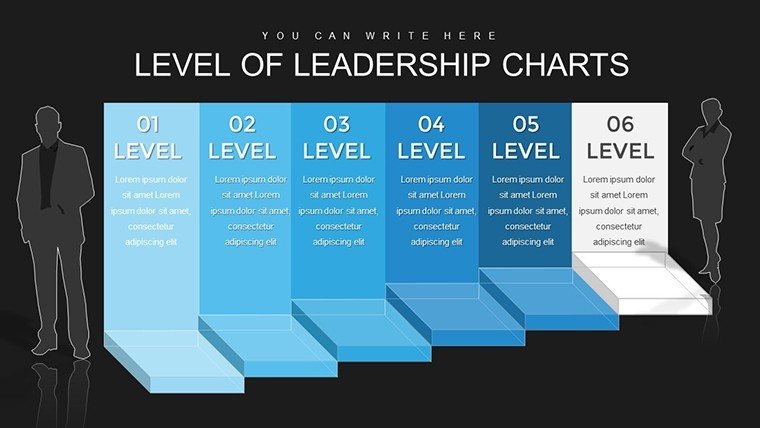
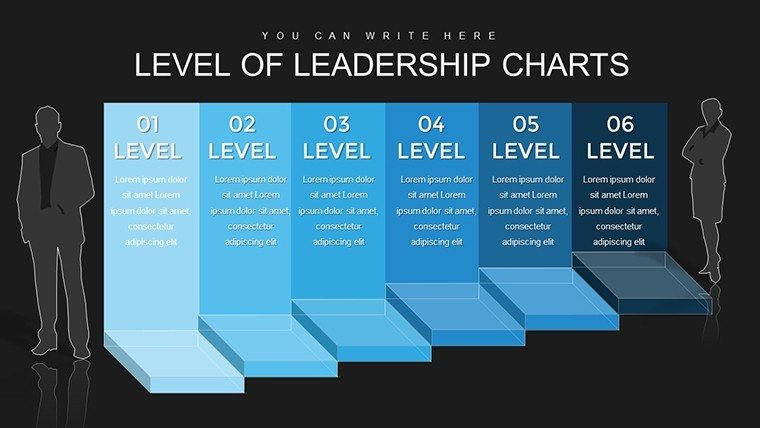
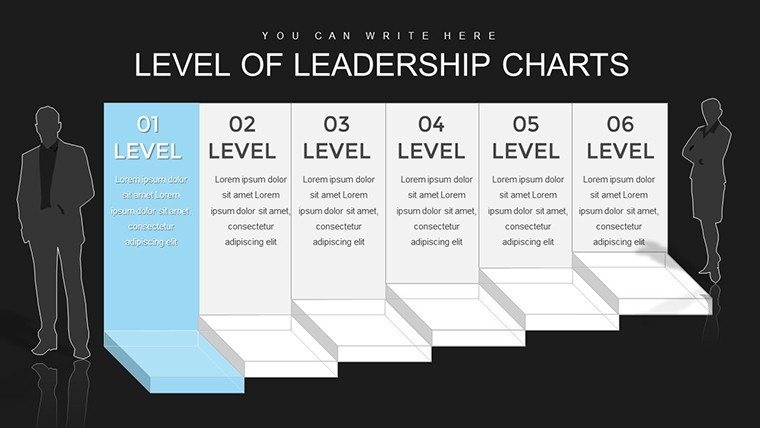
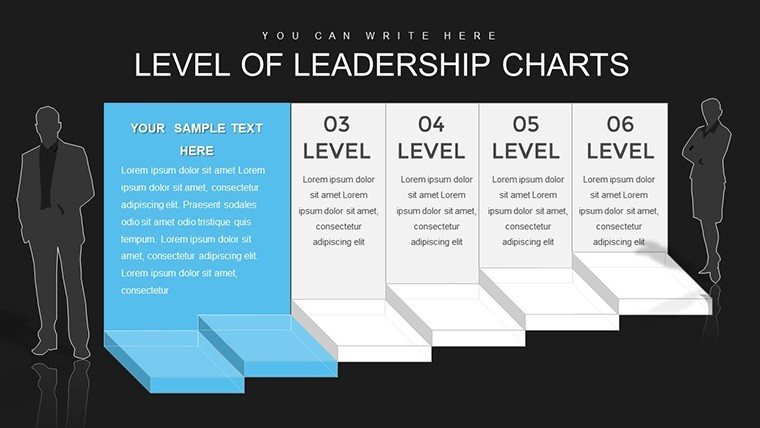
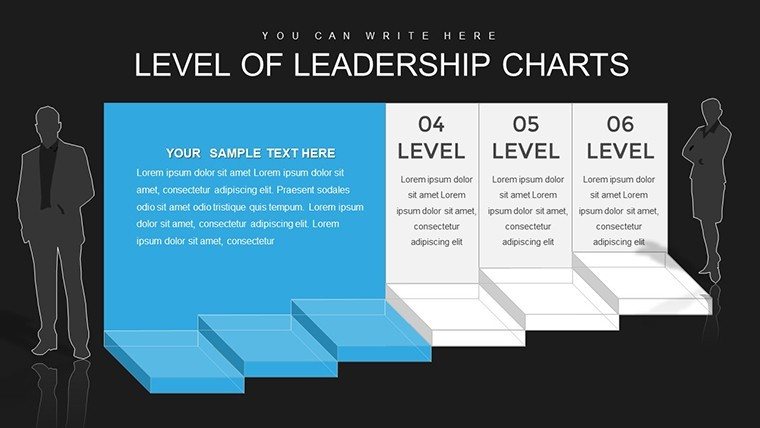
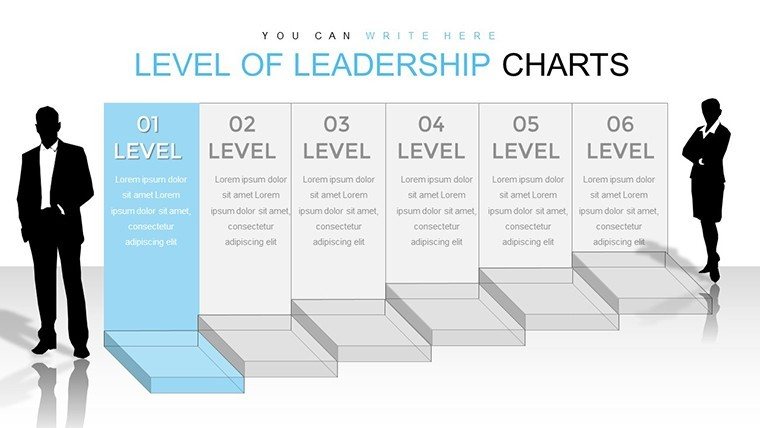
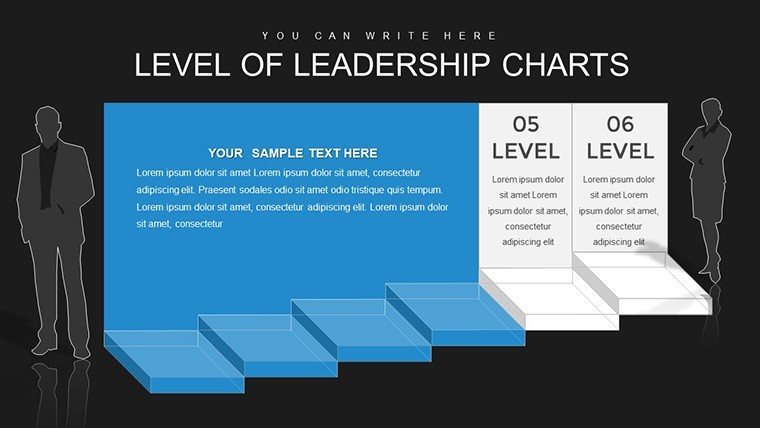
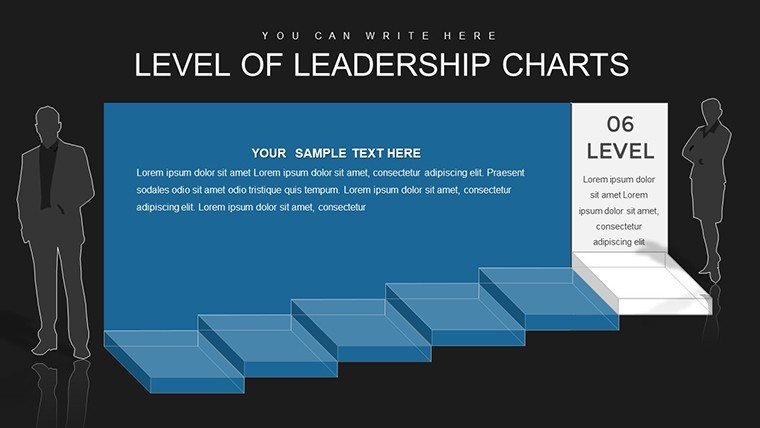
Leadership isn't about titles; it's about influence, vision, and execution. Our Level of Leadership 3D Cube PowerPoint Charts Template captures this essence across 36 editable slides, using 3D cubes to layer concepts like hierarchy, skills, and growth paths. Crafted for executives and managers who shape organizational futures, it blends bar, pie, and line charts with cubic depth for multifaceted views. Fully compatible with PowerPoint and Google Slides, it allows effortless tweaks to fit your narrative. Ditch one-dimensional slides that underwhelm; embrace cubes that add dimension, making your messages resonate in boardrooms and beyond. This template isn't just visual aid - it's a strategic partner, drawing from leadership models like those in Harvard Business Review case studies, to position you as a thought leader.
Elevating Leadership Narratives with 3D Cubes
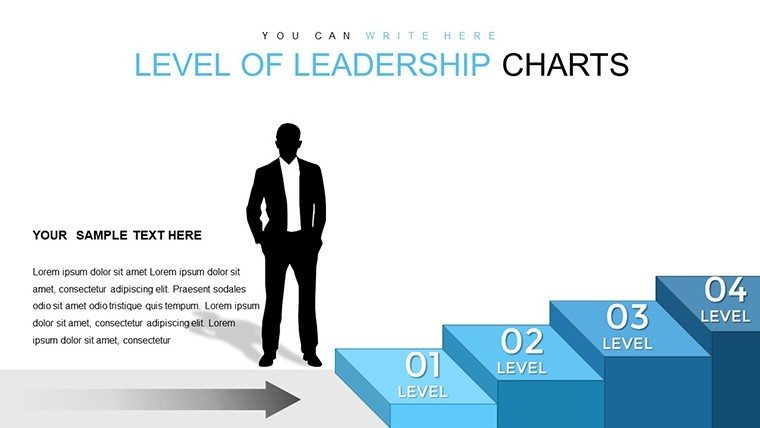
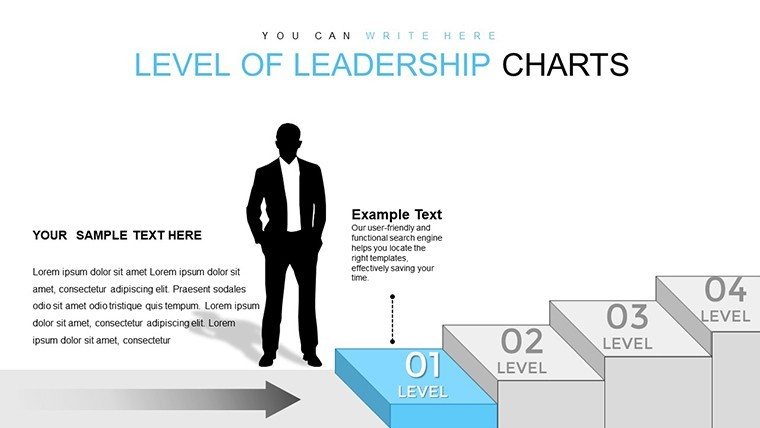
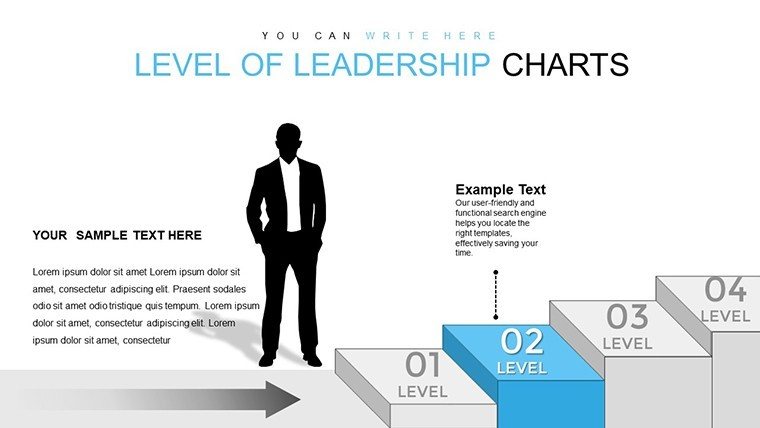
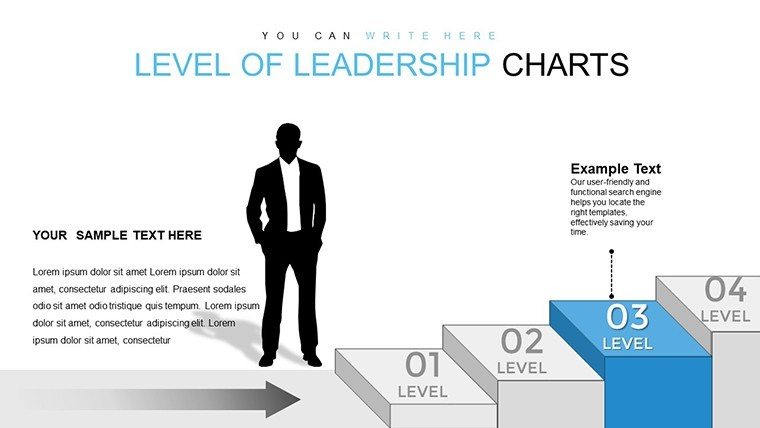
Cubes symbolize stability and multi-perspectives, perfect for dissecting leadership levels - from frontline to C-suite. Aligned with frameworks like Situational Leadership Theory, they help illustrate adaptive styles. In corporate training, akin to SHRM certifications, cubes map competency progressions, boosting employee development programs. A tech firm case: Using similar visuals in leadership retreats improved succession planning, with 35% better retention rates. Unlike flat charts, our 3D designs offer rotatable insights, revealing hidden angles that spark innovative discussions.
Core Features for Leadership Mastery
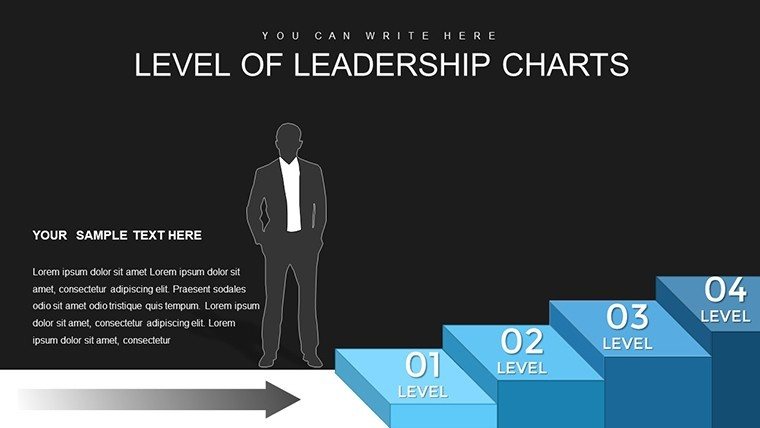
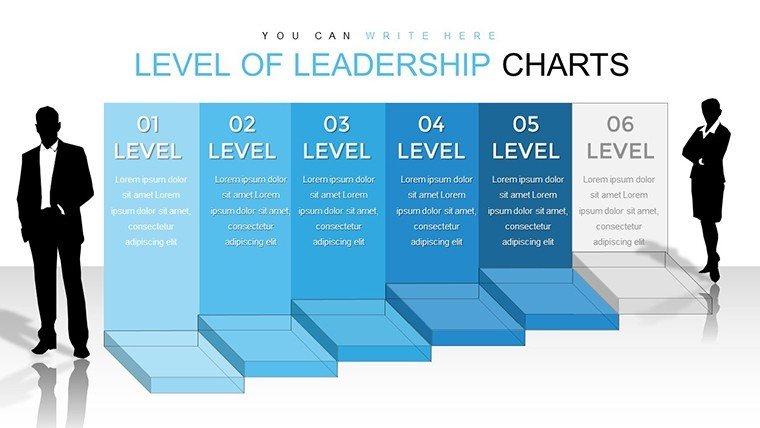
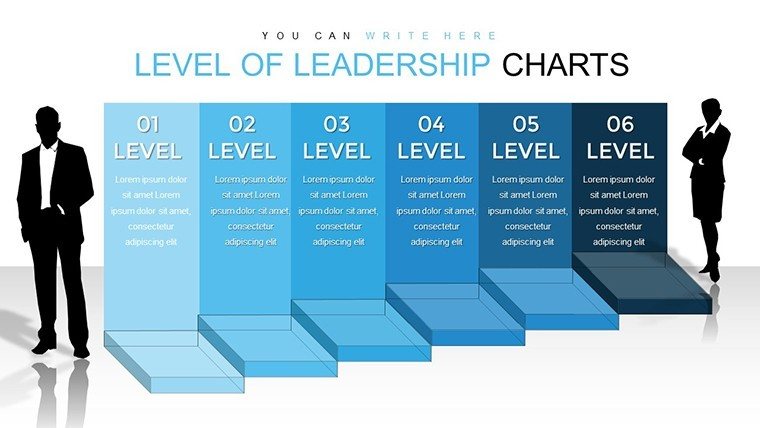
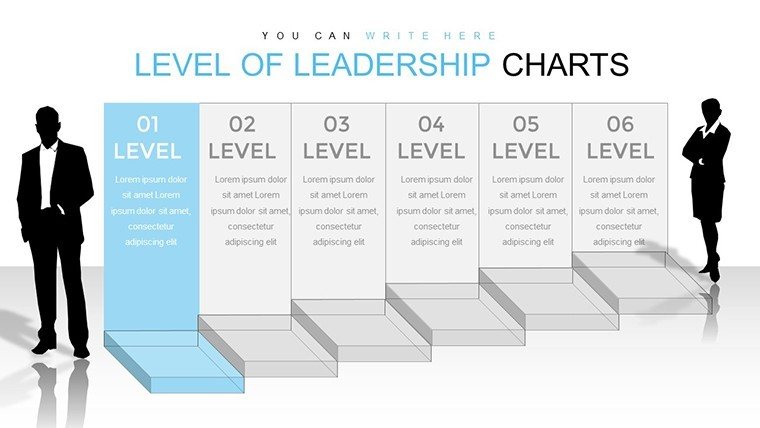
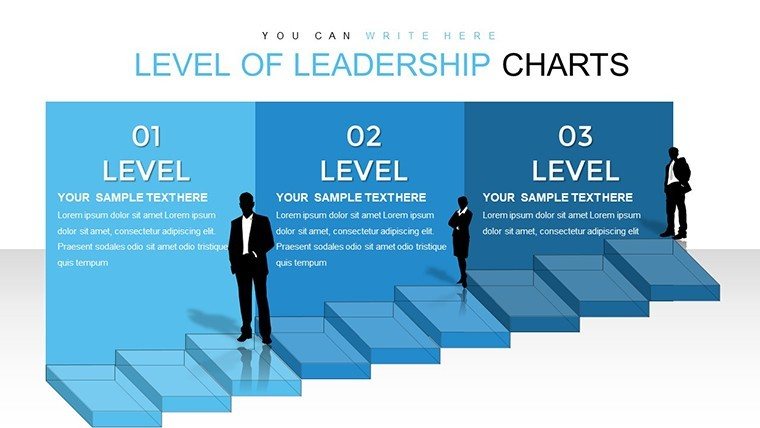
- Layered Cube Designs: Represent levels with stacked or nested cubes for hierarchical depth.
- Diverse Graphs: Bar for metrics, pie for distributions, line for trends - all in 3D.
- Easy Personalization: Modify data, colors, and layouts with simple clicks.
- Insightful Icons: Leadership-themed graphics like ladders and compasses.
- Data-Driven Elements: Embedded charts update automatically with inputs.
Endorsed by numerous ratings, these features empower users to convey complex ideas simply, ideal for diverse audiences.
Strategic Applications and Leadership Scenarios
Visualize an executive briefing: Cubes layer strategic visions, with faces showing KPIs via bars and pies. For team leaders, line charts in cubes track performance trajectories. Case study: A Fortune 500 company enhanced diversity initiatives presentations, leading to 25% more inclusive policies. Implementation steps: Choose a cube slide, enter leadership data, rotate for optimal view, add animations for level reveals, integrate with reports via copy-paste. This flows into tools like LinkedIn Learning for hybrid training.
Managers can use for performance reviews, cubing feedback categories for balanced views. In non-profits, cubes model volunteer leadership paths, ensuring mission alignment. The template excels in conveying growth, like in mentorship programs where cubes show progression stages, fostering motivation.
Insights and Tips for Powerful Presentations
- Match cube colors to leadership tiers - e.g., gold for executive levels.
- Animate cube faces sequentially to build narratives.
- Include benchmarks from industry leaders for credibility.
- Scale cubes for emphasis on key levels.
- Export as video for asynchronous sharing.
Beyond basics, this offers strategic depth, instilling confidence in your leadership voice.
Inspire Change Today
Step up your leadership game with this template - craft presentations that not only inform but transform mindsets and outcomes.
Frequently Asked Questions
How do I customize the leadership cubes?Edit data and rotations directly in PowerPoint for tailored views.Suitable for virtual meetings?Yes, optimized for screen sharing in Zoom or Teams.What graphs are best for leadership metrics?Bar for comparisons, pie for breakdowns, line for evolutions.Can it integrate with data sources?Link to Excel for dynamic updates.Ideal for which audiences?Executives, managers, and training facilitators.Animations for engagement?Included for smooth transitions and reveals.Good for
- Project roadmaps and sprint plans
- Product launch timelines
- Quarterly or annual review decks
- Company history and milestone summaries
Licence
reviews
The slides were simple to customize.
Helped my rushed project look more complete.
The bar chart slides were useful for my statistics assignment.
I changed the colors and it looked much better for my topic.
A few layouts were repetitive honestly.
FAQ
Will it work in Google Slides?
Are fonts embedded?
Can I use this for client work?
What's the refund policy?
Do you update the template after purchase?
Similar templates
See all PowerPoint Charts →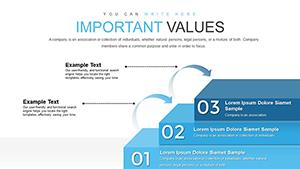

All 36 slides