 Click to zoom
Keynote Business Graphics Template - Instant Download | ImagineLayout
| Format | .pptx |
| Slides | 38 unique layouts |
| Aspect ratio | 16:9 |
| Compatibility | PowerPoint |
| Animated | No |
| Language | English |
| License | Commercial |
| File size | — |
| Version | v1.0 |
| Last updated | April 2026 |
What's inside
Business Graphics Keynote Template
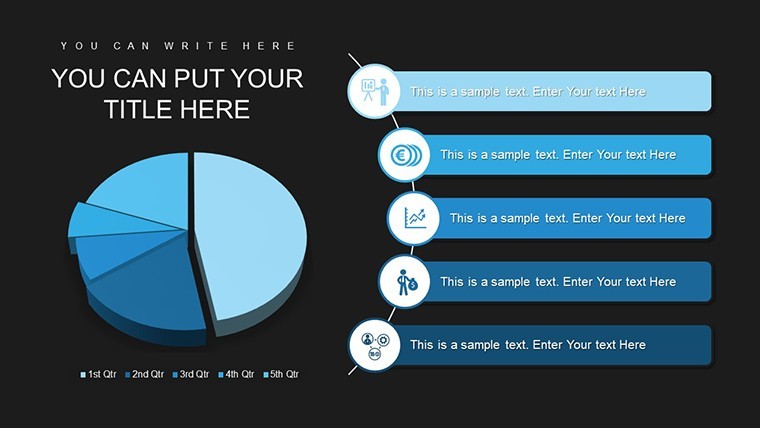
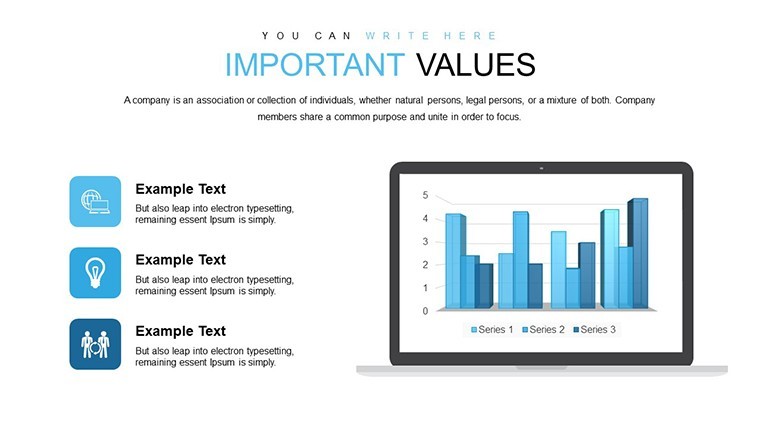
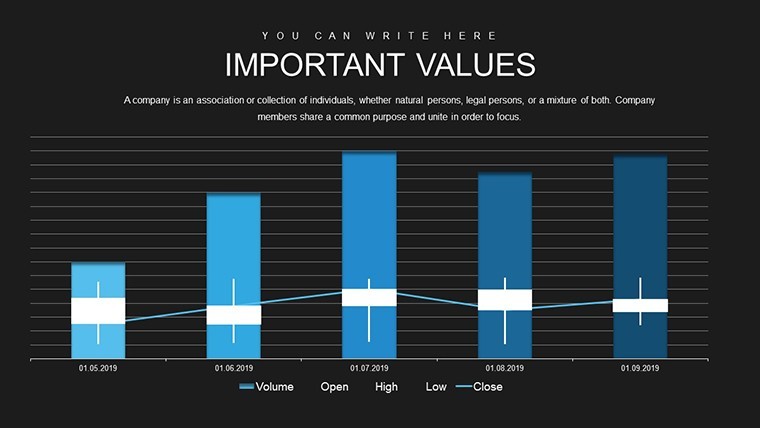
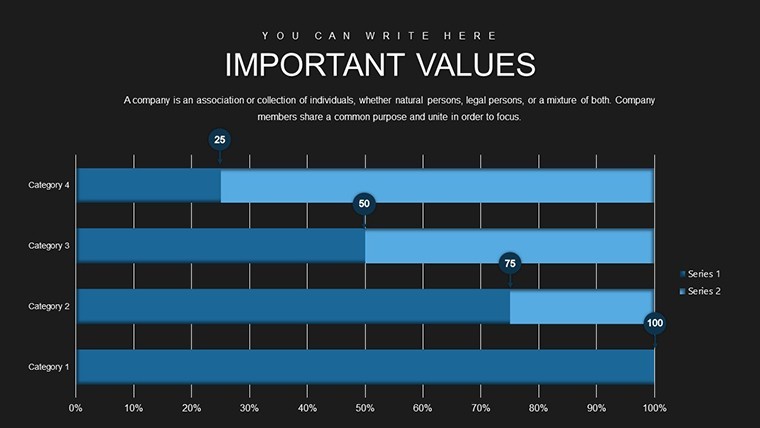
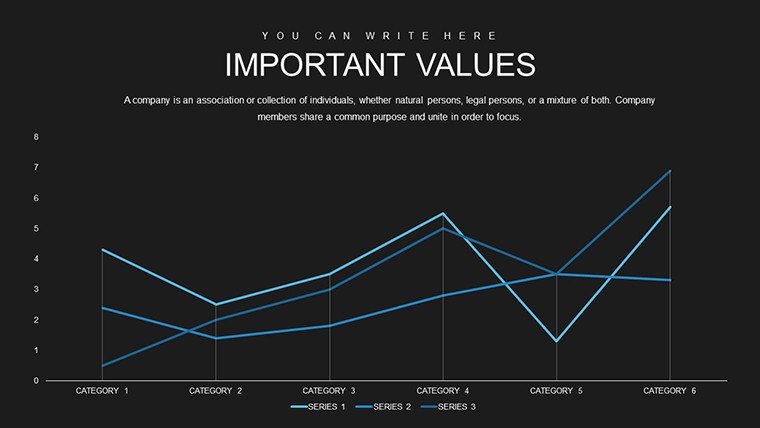
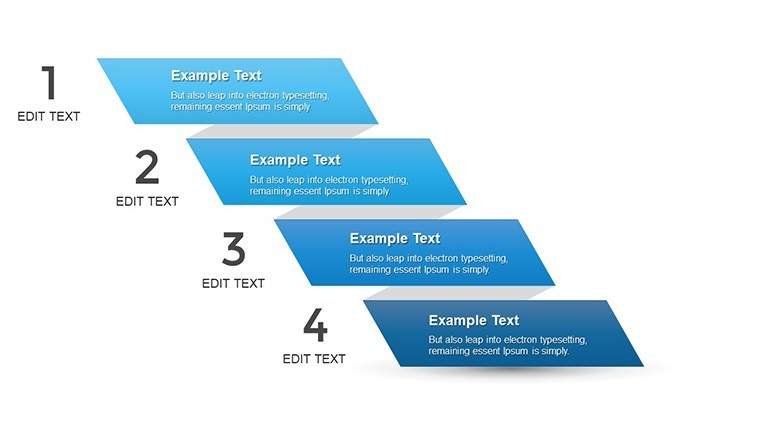
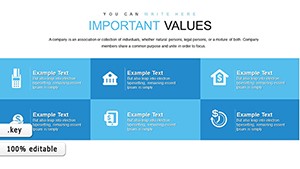
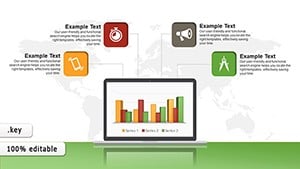
Open the KEY file and you get 38 editable business graphics slides ready for pitches.
No complex layouts just structured blocks.
For teams building pitch decks the 38 slides replace hours of manual chart creation with pre-aligned graphics that keep every element readable on screen.
You drop in your numbers and the file works across internal reporting or client meetings in most cases.
The paid template delivers the complete set of 38 slides so you avoid building graphics from scratch every time.
Color changes via slide master update the whole deck instantly while the graphics support comparison analysis that lets viewers decide on investment priorities after one glance.
Marketing teams reuse this file for recurring presentations where the structure prevents overcrowded layouts.
Not designed for highly creative storytelling slides.
It works best when your data fits clean comparison or summary needs rather than open narrative formats.
See also Preference Charts Keynote Template and Business Analysis Work Plan Keynote Charts Template.
FeatureDetailsSlides / diagrams38 business graphics slidesFile formatKEYSoftware versionKeynote (optimized for all Apple devices)Color schemesCustomizable via slide masterEditable elementsAll graphics text and icons resize and recolor independentlyAspect ratio16:9 standardFree vs PaidPaid includes full 38 editable slidesMasters / BackgroundsSlide master for instant theme updatesHow do I change colors across all slides?Open the slide master view in Keynote and adjust the theme colors once. Every business graphic updates automatically without touching individual slides. The process keeps your pitch decks consistent in under a minute.
Can I use this template for client work?The license permits client work for presentations and reports. Deliver the finished deck freely but do not share or resell the original file. One license supports one user across unlimited client projects.
What is the difference between free and paid?The paid version gives you all 38 editable slides with business graphics. No free version details appear on the page so the download is the complete ready-to-edit template.
What are the refund conditions?Reach out within 14 days for any Keynote compatibility problem. Refunds cover technical issues only once the file opens successfully the purchase stands.
Is it compatible with older Keynote versions?The template opens in Keynote on all current Apple devices. It scales perfectly on iPad and iPhone through the app with no extra setup required.
You open the file and start editing.
Download and start editing immediately
Good for
- Project roadmaps and sprint plans
- Product launch timelines
- Quarterly or annual review decks
- Company history and milestone summaries
Licence
reviews
Used it for a college presentation on market trends.
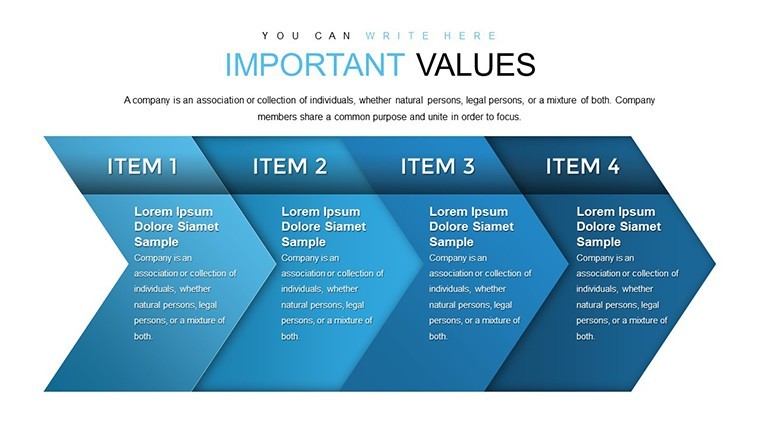
The arrows and diagrams helped explain changes over time.
Not every slide matched my style but there were enough useful ones.
Easy to customize colors and fonts.
I liked the clean spacing between chart sections.
FAQ
Will it work in Google Slides?
Are fonts embedded?
Can I use this for client work?
What's the refund policy?
Do you update the template after purchase?
Similar templates
See all Keynote Charts →
All 38 slides