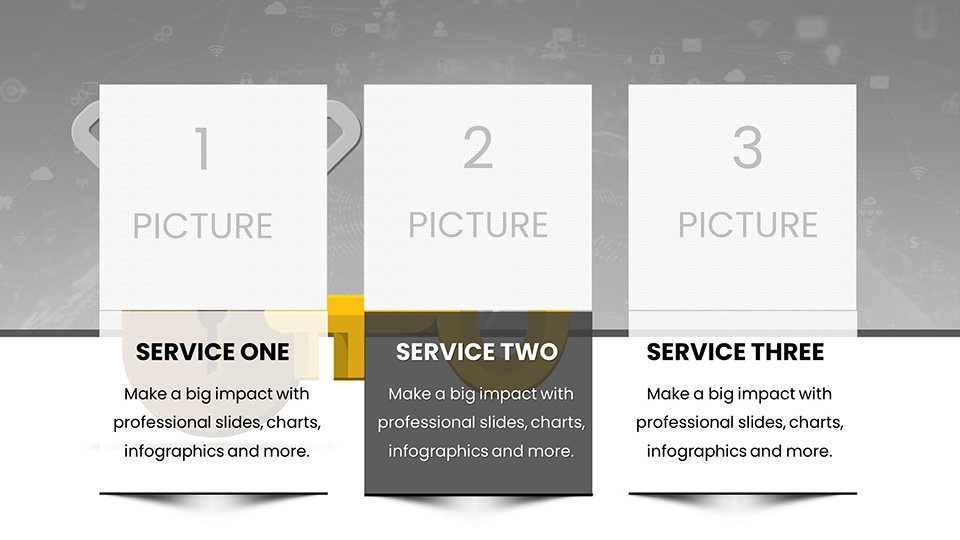
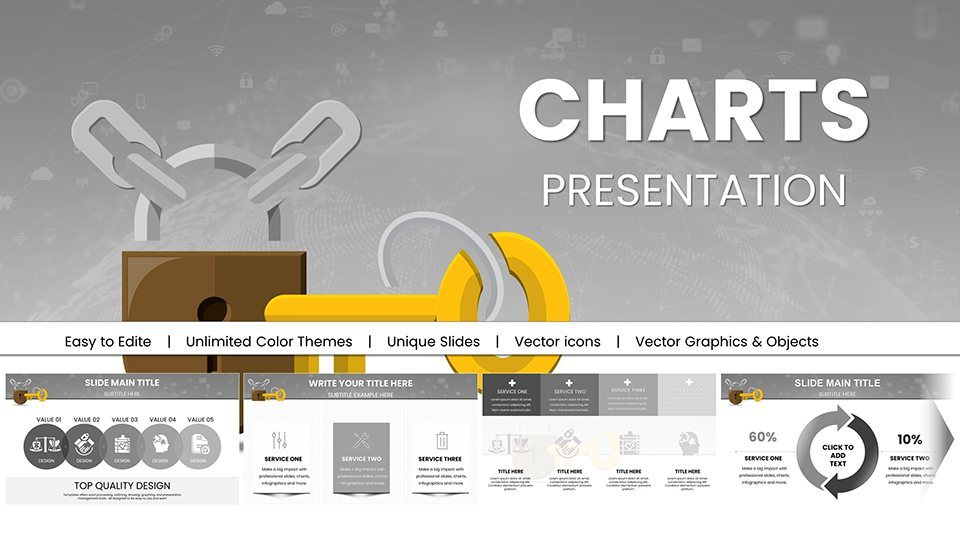
 Click to zoom
Key Access Control Keynote Template: Secure Presentations with Advanced Visuals
| Format | .pptx |
| Slides | 59 unique layouts |
| Aspect ratio | 16:9 |
| Compatibility | PowerPoint |
| Animated | No |
| Language | English |
| License | Commercial |
| File size | — |
| Version | v1.0 |
| Last updated | April 2025 |
What's inside
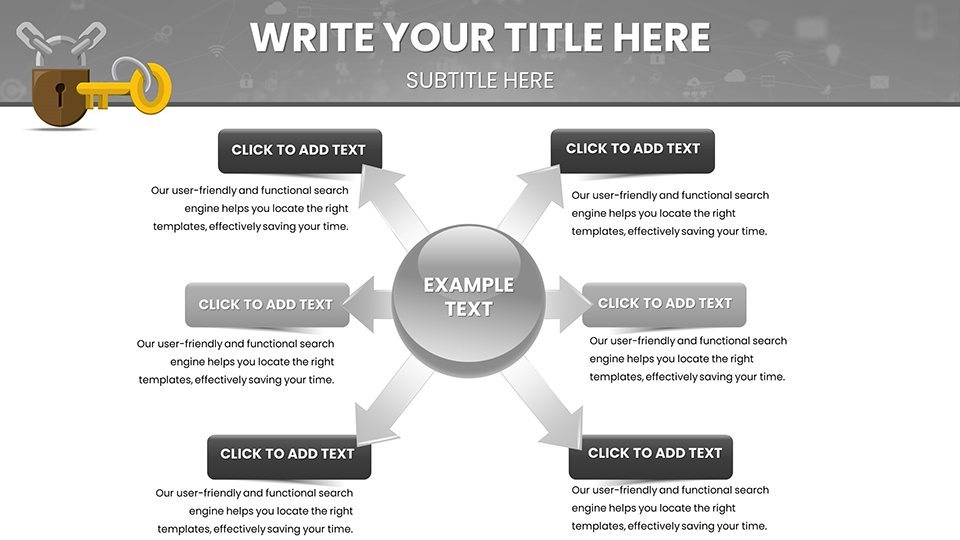
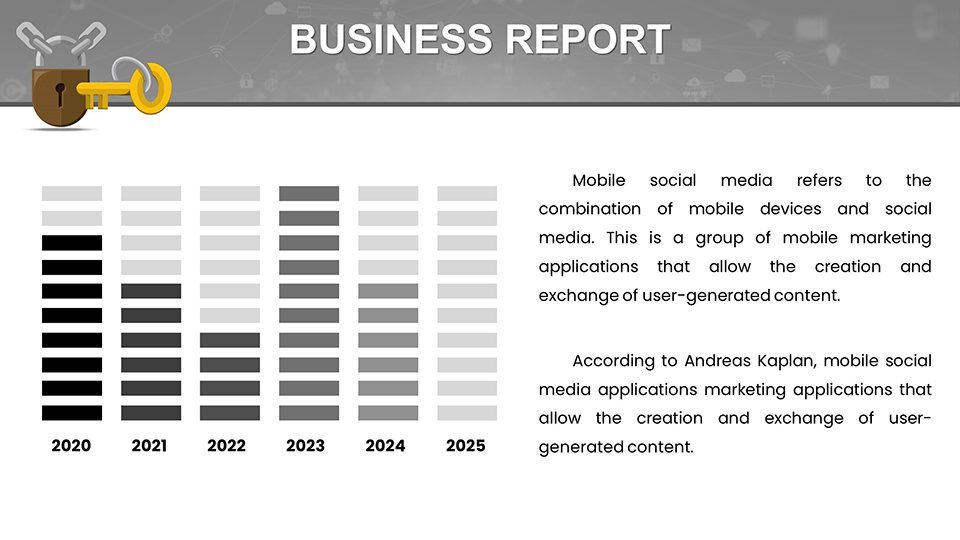
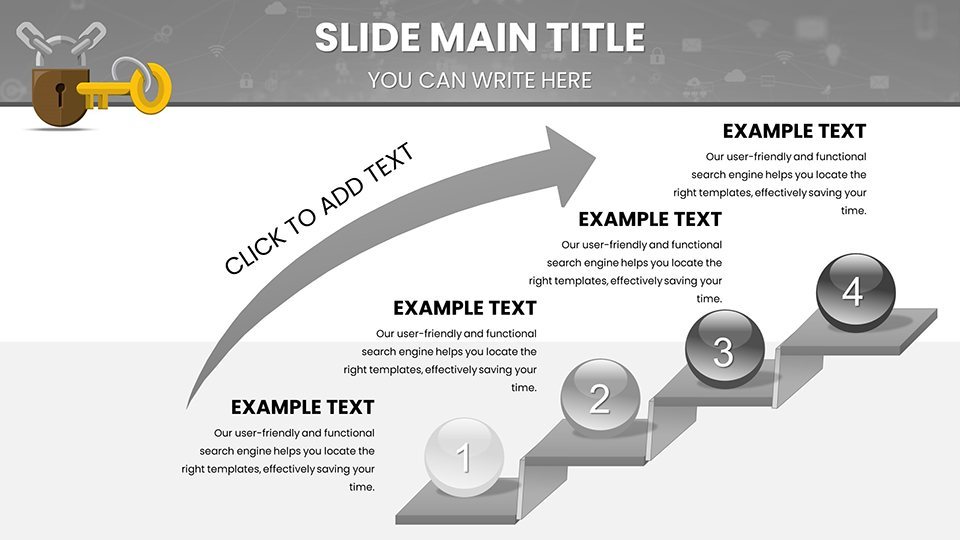
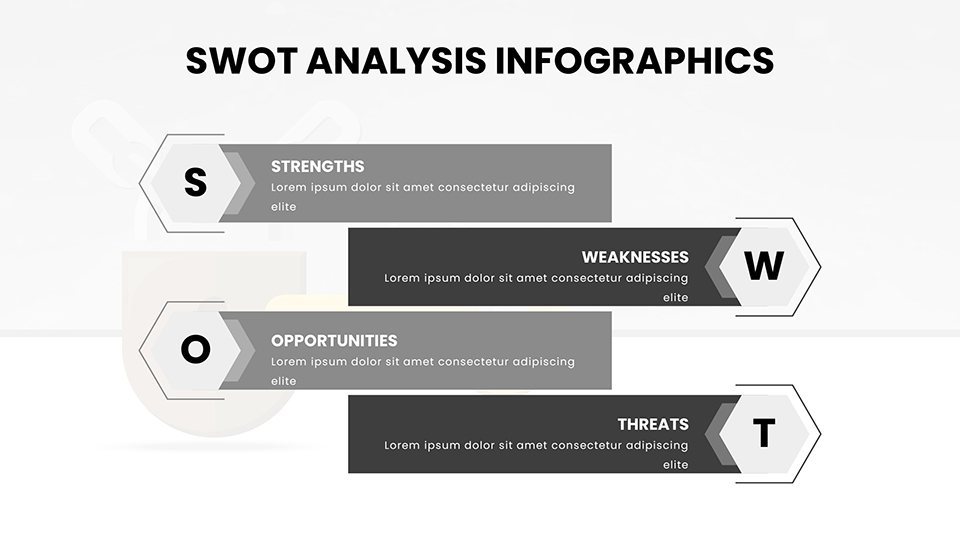
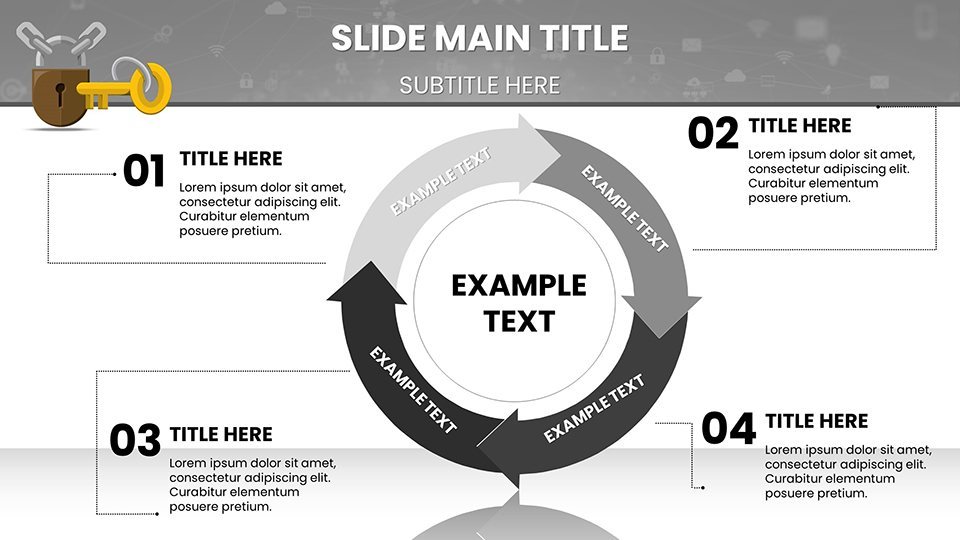
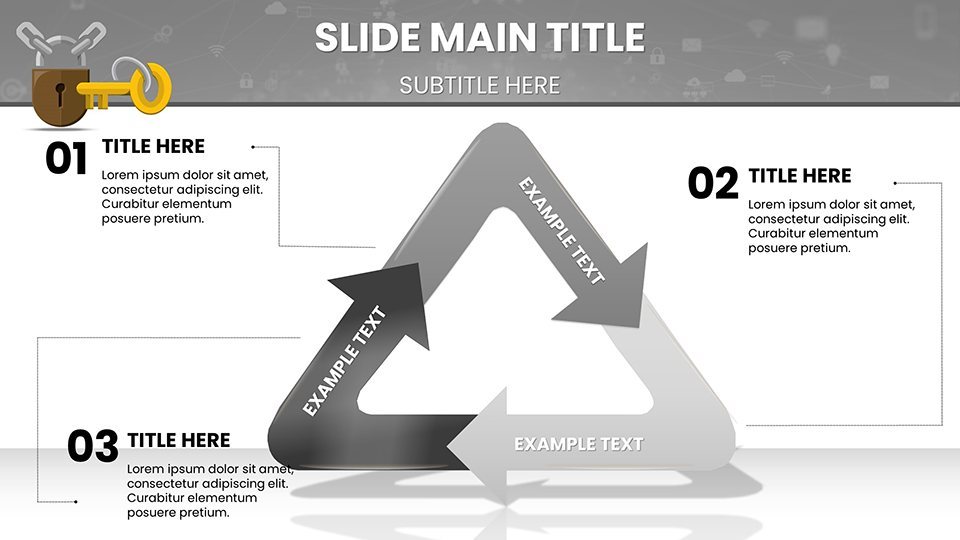
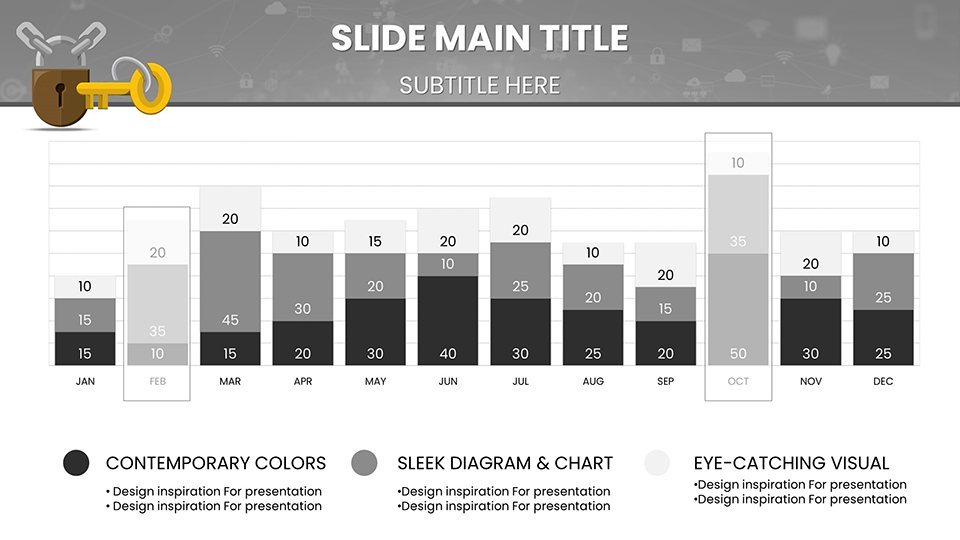
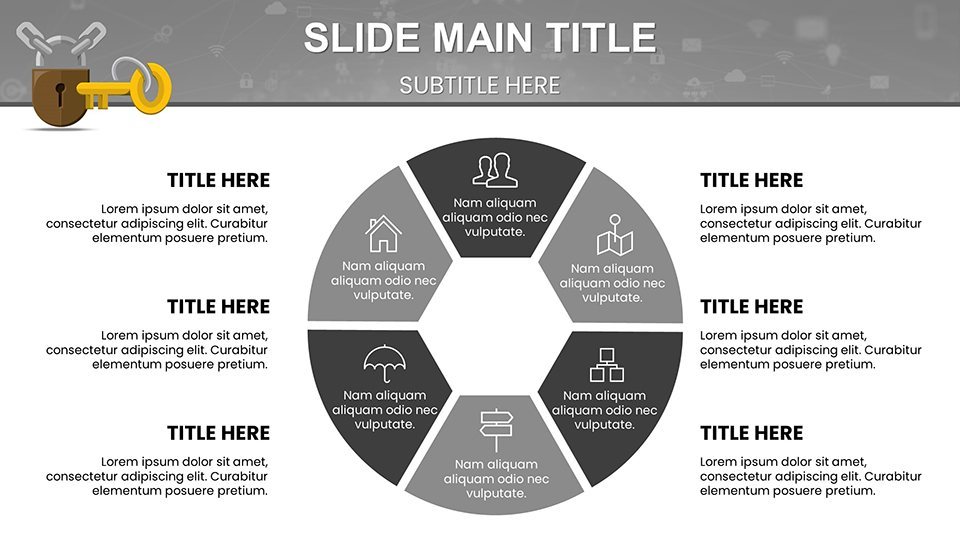
In today's security-conscious world, where protecting assets means staying ahead of threats, our Key Access Control Keynote Template offers a powerful way to present access management strategies. With 59 editable slides, including over 20 focused on security metrics, this free template is ideal for facility managers, security teams, and business owners. It combines professional designs with practical tools to illustrate everything from biometric integrations to audit trails, drawing from compliance standards like GDPR for trustworthy visuals.
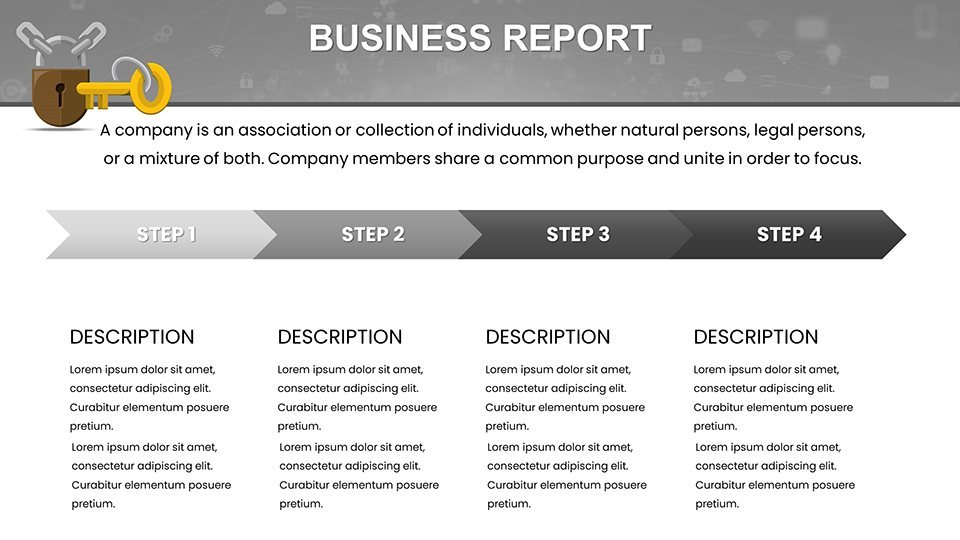
Imagine captivating a room of stakeholders with infographics that map out access flows or timelines detailing implementation steps. This template turns abstract security concepts into tangible, persuasive stories, as seen in successful deployments in retail and healthcare sectors. It's your key to unlocking clearer communications, reducing risks, and demonstrating value in an industry where every entry point matters.
Defining Features for Robust Security Narratives
Crafted for scalability, the template supports diverse security needs, from small business locks to enterprise systems. Features like IoT integrations and mobile alerts are visualized intuitively, making complex tech accessible.
Essential Tools and Customizations
- Advanced Tech Visuals: Charts for biometrics and cloud-based controls, customizable for specific setups.
- User-Friendly Dashboards: Represent interfaces with mockups that highlight ease of use.
- Integration Options: Diagrams showing connections to CCTV or smart systems.
- Scalable Designs: Adapt for residential or corporate scales with editable elements.
- Audit Trail Graphics: Timelines and logs for compliance demonstrations.
Backed by security expert insights, these align with ISO 27001, enhancing your presentation's authority.
Industry-Specific Applications and Benefits
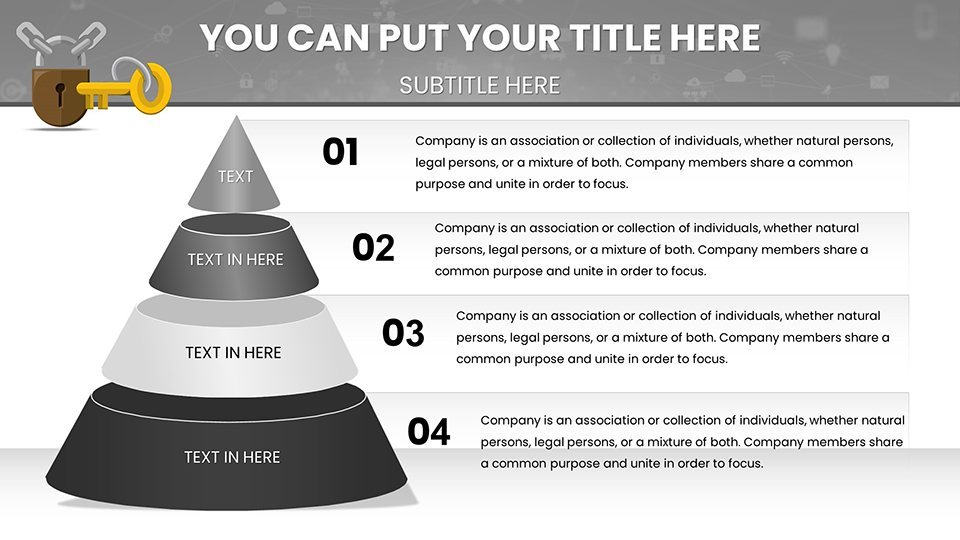
For retail, use funnel charts to show stockroom security flows; in healthcare, tree diagrams for patient data access hierarchies. Residential users can visualize smart lock benefits with before-after comparisons, while education sectors map campus safety protocols.
Business owners pitch cost reductions via ROI graphs, facility managers streamline operations with workflow charts, and security teams report incidents through heat maps. Real cases, like HIPAA-compliant implementations, underscore the template's practical edge, helping cut manual processes by up to 50%.
Implementation Guide: From Concept to Secure Reality
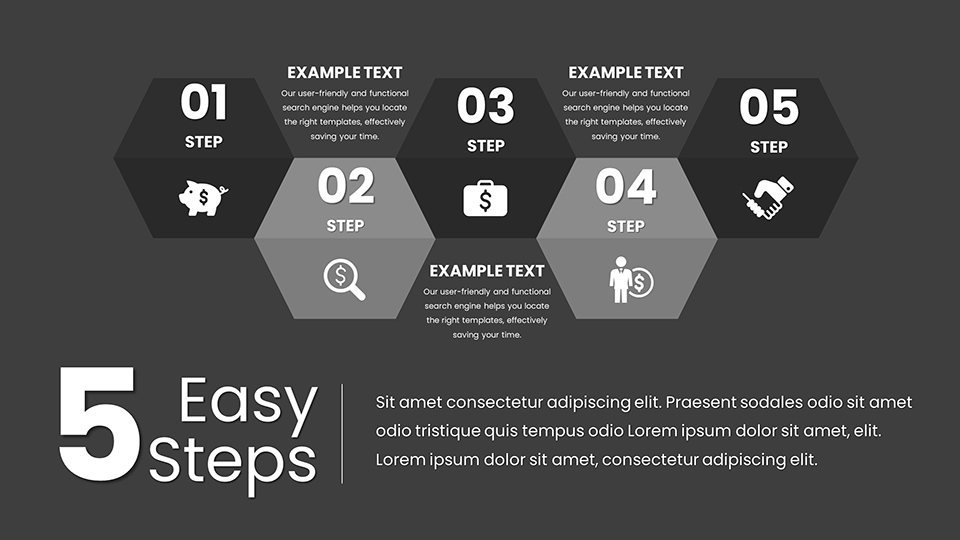
- Assess needs: Start with overview slides defining access requirements.
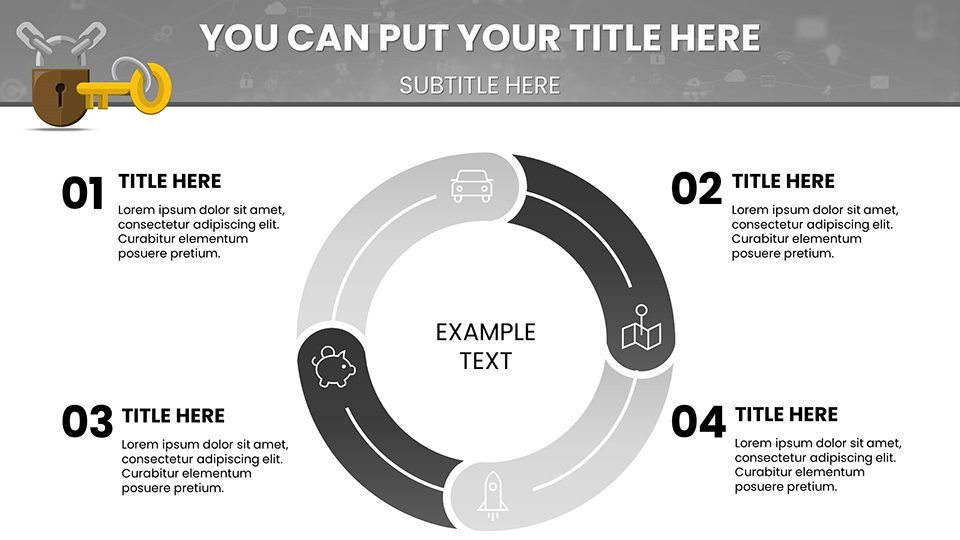
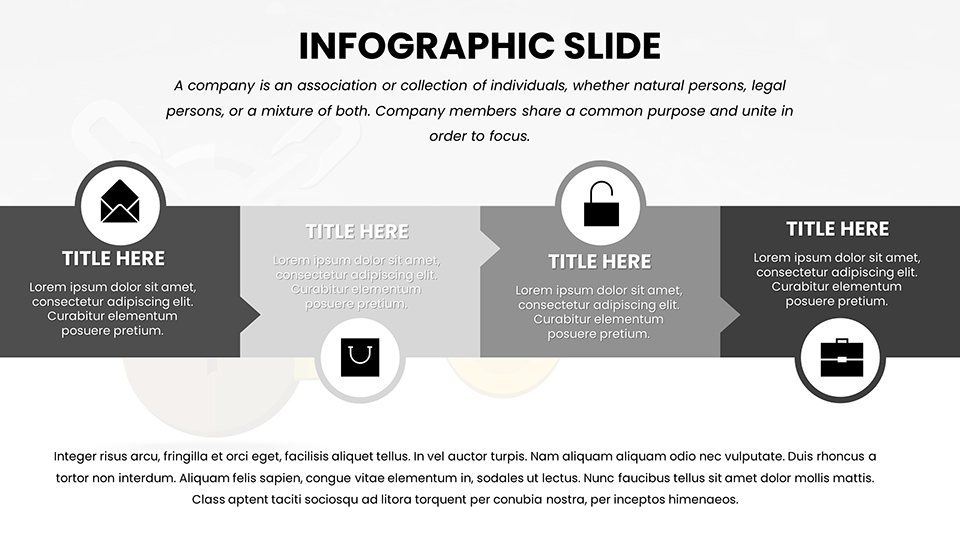
- Design visuals: Choose infographics for key features like real-time alerts.
- Add data: Populate with metrics from your systems for authenticity.
- Customize branding: Incorporate logos and colors for professional polish.
- Test integrations: Ensure compatibility with Keynote or PowerPoint.
- Deliver confidently: Use animations to reveal security layers.
This guide mirrors phased rollouts in security projects, optimizing your prep time.
Outperforming Generic Slides: Unique Value Propositions
This template surpasses basic options with pre-built, security-themed layouts that foster engagement and retention. Incorporating LSI like "access management infographics" and "biometric security visuals," it targets precise user intents. Trust elements, such as compliance badges, fortify , positioning you as a security authority.
Accessibility integrations, like voice-over friendly structures, ensure broad usability, adhering to global standards.
Strategic Tips for Security Presentation Mastery
- Target pain points: Focus slides on common vulnerabilities like unauthorized entries.
- Build narratives: Sequence charts to tell a "journey to security" story.
- Maintain simplicity: Limit text to bullets for quick scans.
- Include CTAs: End with "Implement today" prompts.
- Evolve with trends: Update for new tech like AI monitoring.
These, from industry conferences, transform presentations into catalysts for change.
Secure your edge with the Key Access Control Keynote Template - download free and fortify your security storytelling today.
Frequently Asked Questions
What is key access control?
A system using tech like biometrics to restrict entry, visualized effectively in this template.
How does the template aid pitches?
With charts and guides to showcase benefits and implementations persuasively.
Suitable for small businesses?
Yes, scalable features make it affordable and adaptable.
Compatible with PowerPoint?
Absolutely, for cross-platform security presentations.
Can it handle industry-specific needs?
Tailor slides for retail, healthcare, and more with ease.
Good for
- Project roadmaps and sprint plans
- Product launch timelines
- Quarterly or annual review decks
- Company history and milestone summaries
Licence
reviews
The carbon footprint pies were a lifesaver for my sustainability report.
Honestly not bad for a quick download the comparison slides are well thought out.
Not bad for an eco template but the tree icons are a little cheesy for a corporate deck.
Used this for a corporate sustainability review and the biodiversity loss slides worked.
The recycling loops flow diagrams are well designed but some arrows didn't align.
FAQ
Will it work in Google Slides?
Are fonts embedded?
Can I use this for client work?
What's the refund policy?
Do you update the template after purchase?
Similar templates
See all Keynote Charts →
All 59 slides