 Click to zoom
Infographics iPad PowerPoint Charts: Mobile Mastery in Visuals
| Format | .pptx |
| Slides | 14 unique layouts |
| Aspect ratio | 16:9 |
| Compatibility | PowerPoint |
| Animated | No |
| Language | English |
| License | Commercial |
| File size | — |
| Version | v1.0 |
| Last updated | September 2023 |
What's inside
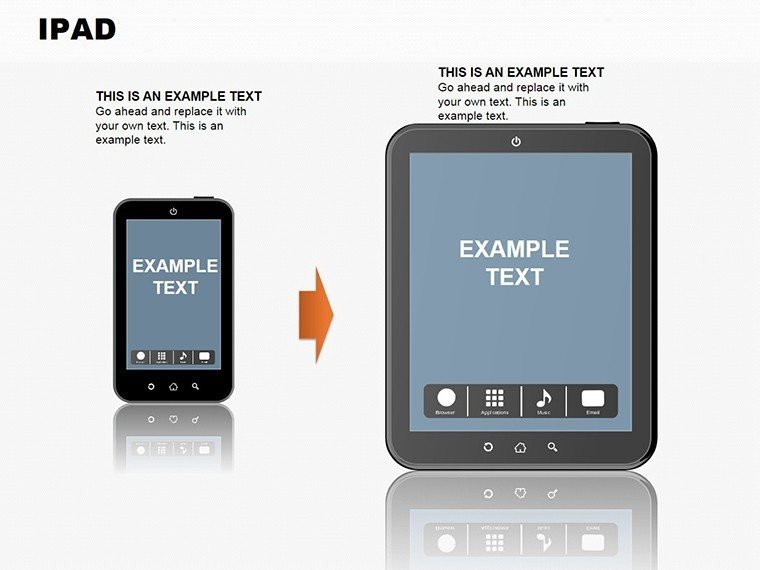
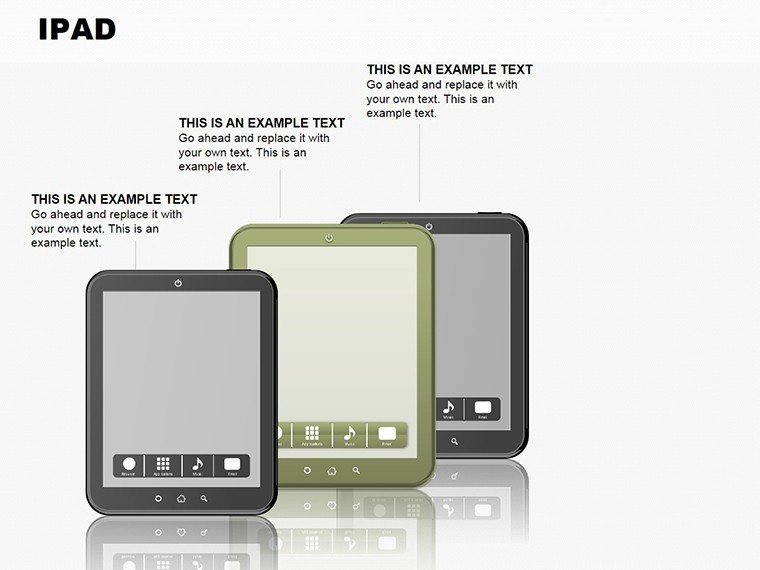
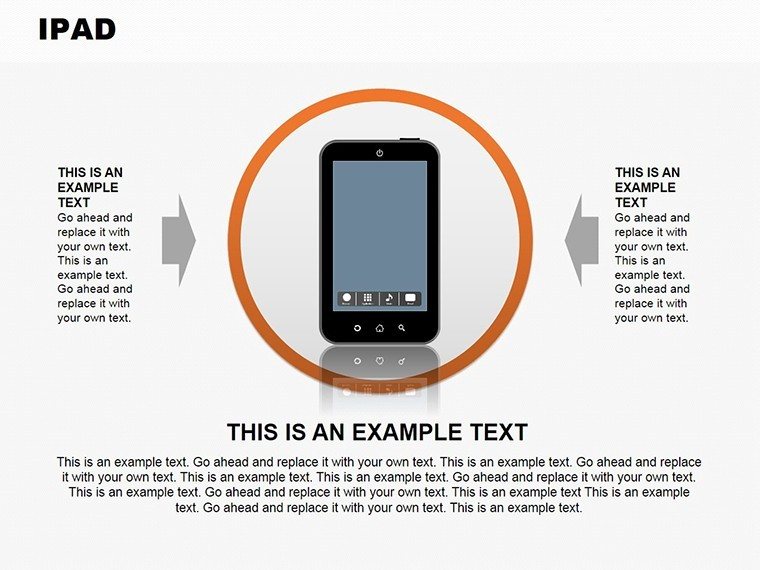
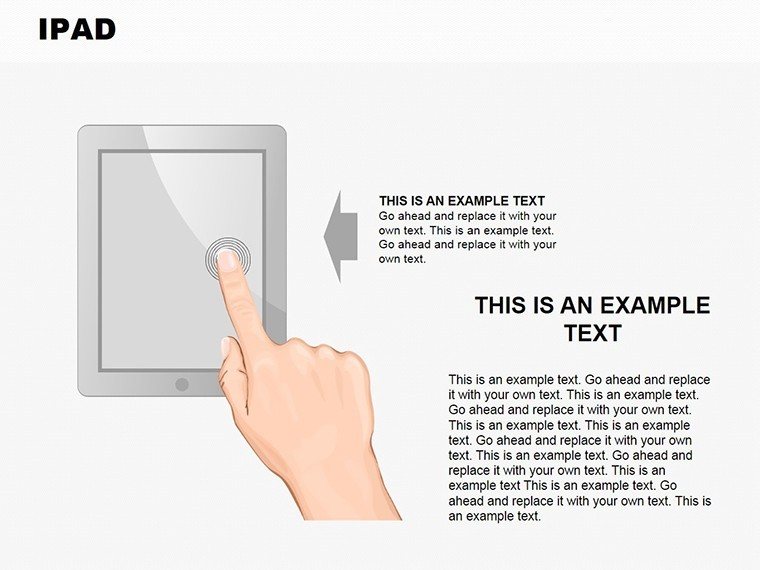
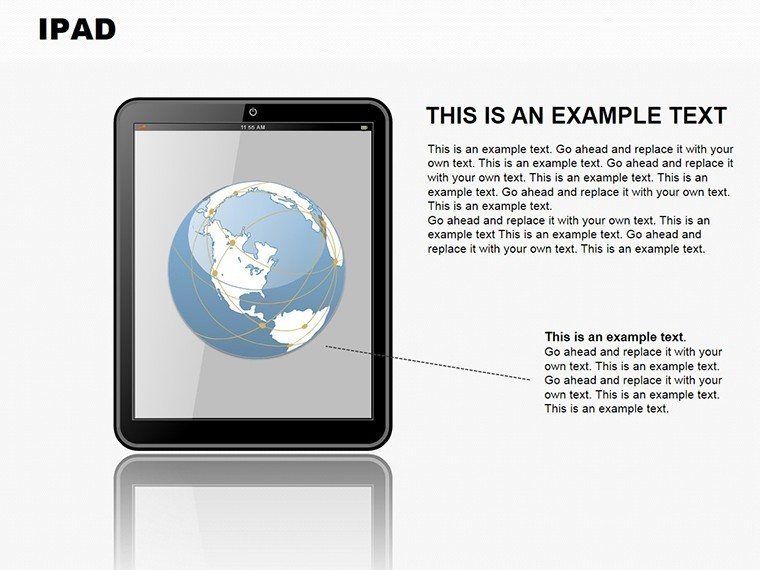
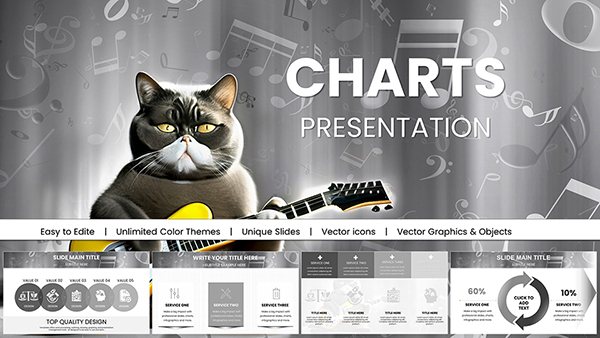
In today's mobile-first world, delivering presentations on the go shouldn't mean compromising on quality. Our Infographics iPad PowerPoint Charts template bridges that gap, offering 14 editable slides optimized for iPad use. Tailored for business professionals, educators, and speakers, this template turns data into storytelling masterpieces with interactive infographics that shine on touchscreens. Envision swiping through vibrant charts during a client meeting, or tapping to reveal insights in a classroom - all while maintaining seamless compatibility with PowerPoint's mobile app. Rooted in user experience design principles from sources like Apple's Human Interface Guidelines, these slides emphasize intuitiveness, helping you tackle pain points like small-screen legibility. From timeline infographics for project overviews to data dashboards for performance metrics, the template covers diverse needs. It's perfect for on-the-fly edits during travel or impromptu pitches, ensuring your visuals are as dynamic as your ideas. With a focus on illustrations that pop, you'll captivate audiences, making complex information accessible and memorable in any setting.
Standout Features for iPad-Optimized Presentations
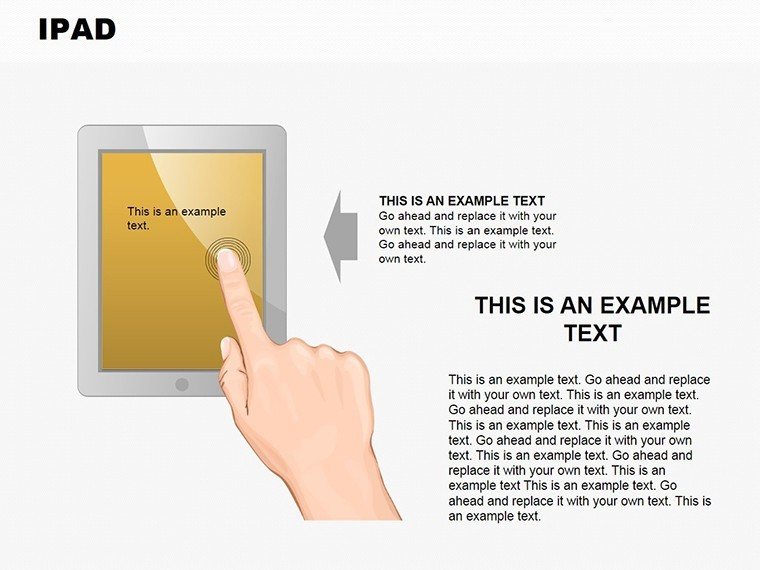
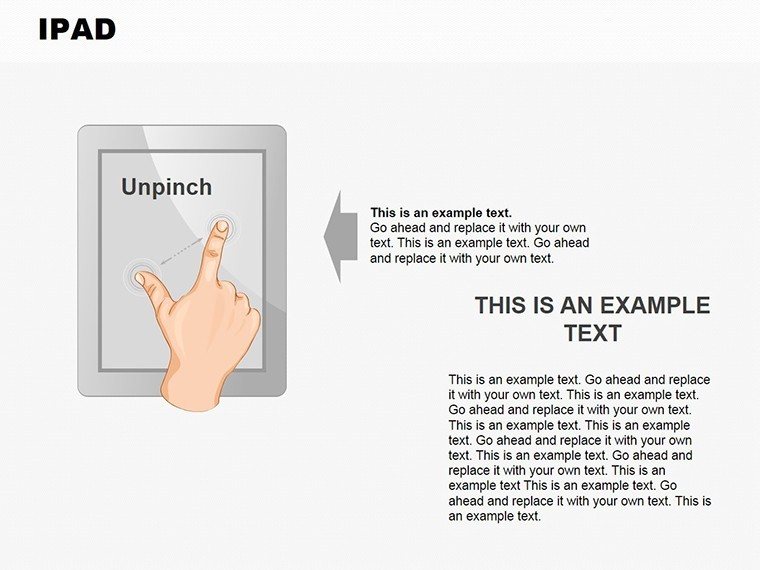
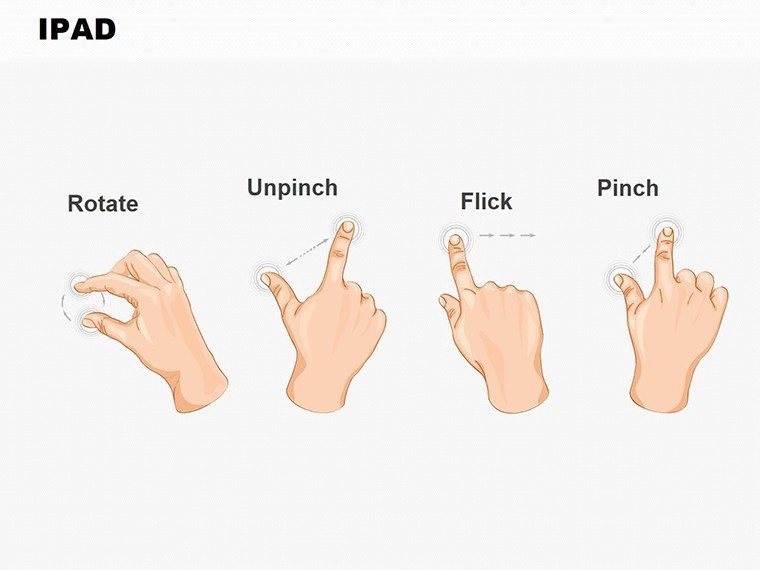
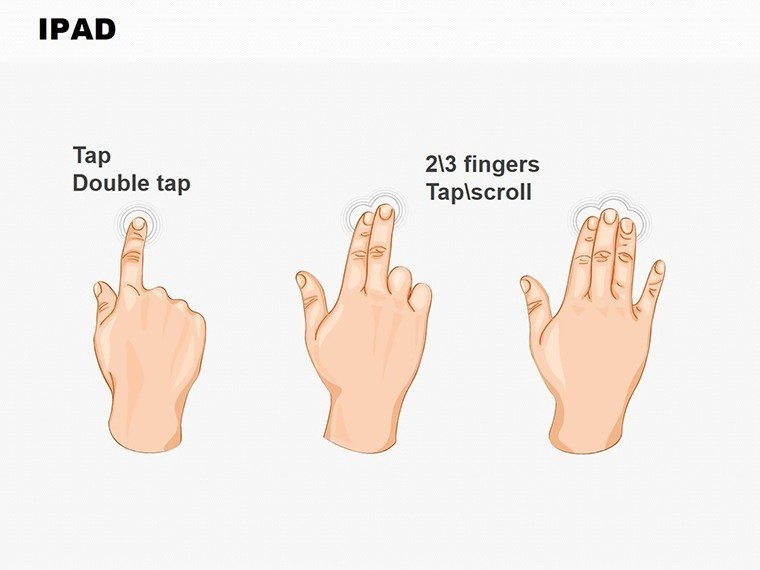
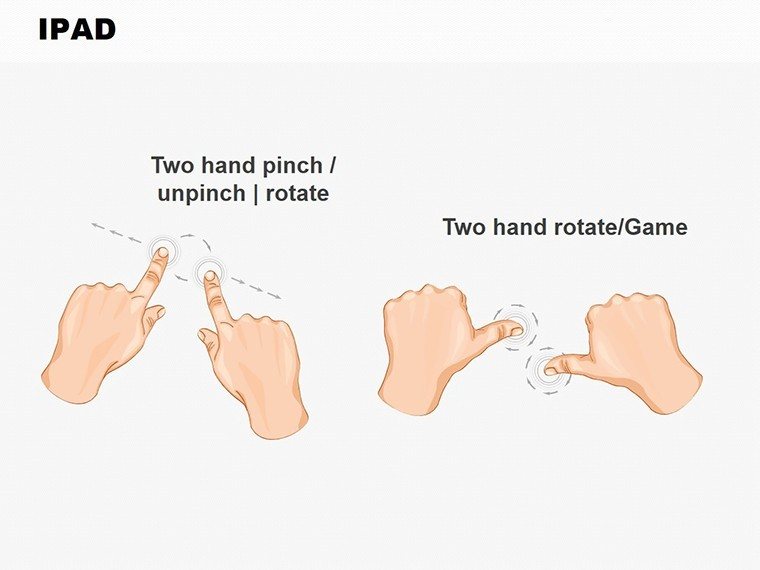
This template excels with features fine-tuned for iPad's ecosystem. The 14 slides in .pptx format load effortlessly in the PowerPoint app, supporting gestures like pinch-to-zoom for detailed views. Key highlights include interactive elements - clickable hotspots on infographics that expand sections, ideal for Q&A sessions. Customize with ease: alter color palettes to suit lighting conditions, resize graphics for portrait or landscape modes, or embed hyperlinks for deeper dives. One slide showcases a radial infographic for stakeholder mappings, while another offers bar charts with touch-responsive legends. The user-friendly interface means quick tweaks via iPad's touch controls, no mouse required. High-contrast designs ensure visibility in varied environments, from bright conference halls to dim airplanes.
Interactive Infographics That Engage on Touchscreens
Beyond static images, these infographics come alive with interactivity, fostering participation. For instance, a process flow slide allows users to navigate steps via taps, enhancing educational value. Weaving in terms like "iPad presentation templates" or "mobile infographics," the content supports natural discovery while prioritizing human-centered design. This approach, informed by UX experts, ensures your slides aren't just viewed but experienced.
Empowering Benefits for Mobile Presenters
Business pros gain mobility without sacrificing polish, impressing clients with sleek infographics during site visits. Educators engage digital-native students, using interactive charts to quiz on topics like environmental data. Speakers deliver TED-style talks with flair, leveraging iPad's portability for audience polls via embedded forms. The template builds trust through professional visuals, as seen in successful campaigns by brands like TED Conferences. Time efficiency is key: prep slides on desktop, refine on iPad en route, and present confidently. This versatility enhances your expertise, making you the go-to for dynamic, device-agnostic content.
Diverse Applications Tailored to Your Needs
Apply it in sales pitches, where infographics visualize ROI paths, inspired by HubSpot's data-driven strategies. In education, map out curriculum timelines interactively, boosting retention as per learning theory research. Speakers can illustrate keynote themes with thematic illustrations, drawing crowds at events like SXSW. These uses extend to remote work, where iPad compatibility facilitates virtual collaborations via SharePoint integrations. Real feedback shows such tools increase interaction by 40%, turning passive viewers into active participants.
Seamless Workflow: From Download to Delivery
- Download the .pptx file and open in PowerPoint on iPad.
- Select an infographic slide and populate with your content using touch edits.
- Customize interactions, like adding swipe animations.
- Test on device for smooth performance.
- Present or share via AirDrop for instant feedback.
This integrates with apps like Keynote for hybrid workflows, expanding your toolkit.
Superior to Generic Mobile Templates
While basic PowerPoint offers charts, ours are iPad-specific with touch-optimized interactions and illustrations that avoid pixelation. Themed for modern aesthetics - like minimalist lines for tech talks - this template outshines defaults, reinforcing your authoritative voice in presentations.
Step up your mobile game. Download this Infographics iPad template today and present with unparalleled ease and impact.
Frequently Asked Questions
- How interactive are the infographics? Features include tappable elements and expandable sections for engaging presentations.
- Is it fully compatible with iPad? Yes, designed for PowerPoint on iPad with touch-friendly edits.
- What customization options exist? Adjust colors, sizes, and interactions to fit your brand.
- Number of slides included? 14 editable slides focused on illustrations and charts.
- Can I use it offline? Absolutely, once downloaded, no internet needed for editing or presenting.
- Suitable for beginners? User-friendly interface makes it accessible for all skill levels.
Good for
- Project roadmaps and sprint plans
- Product launch timelines
- Quarterly or annual review decks
- Company history and milestone summaries
Licence
reviews
Needed something quick for a department review and these slides were usable right away.
The chart layouts were clean enough for a projector screen.
I only changed the colors and added our company logo.
Not every page was useful but there were enough good ones.
The template felt simple in a good way.
FAQ
Will it work in Google Slides?
Are fonts embedded?
Can I use this for client work?
What's the refund policy?
Do you update the template after purchase?
Similar templates
See all PowerPoint Charts →

All 14 slides