 Click to zoom
Inbound Marketing Methodology Keynote Charts: Strategize for Success
| Format | .pptx |
| Slides | 15 unique layouts |
| Aspect ratio | 16:9 |
| Compatibility | PowerPoint |
| Animated | No |
| Language | English |
| License | Commercial |
| File size | — |
| Version | v1.0 |
| Last updated | October 2022 |
What's inside
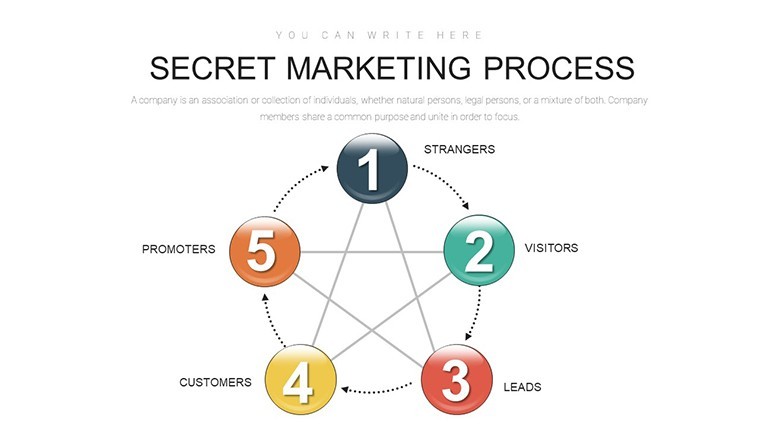
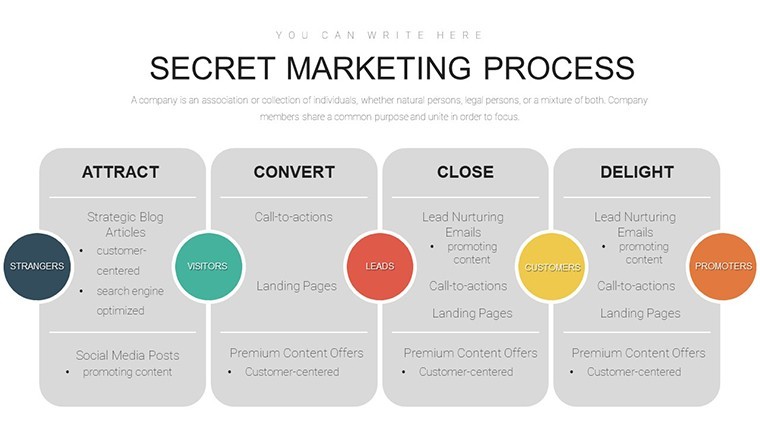
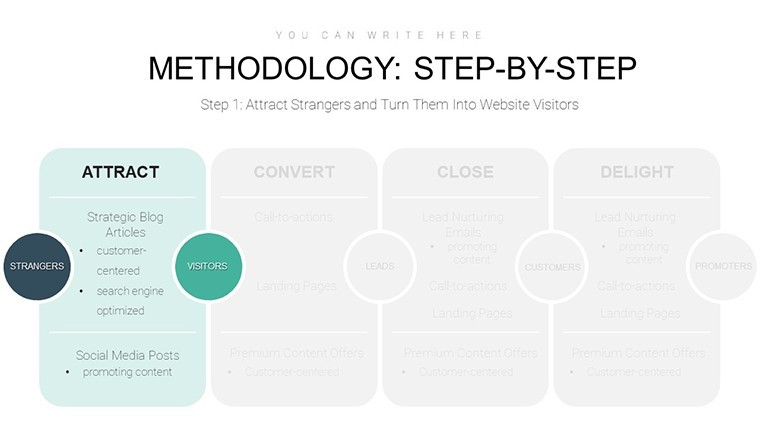
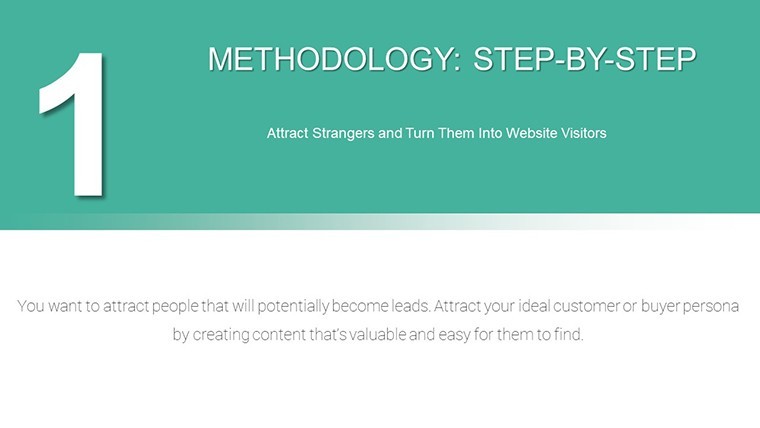
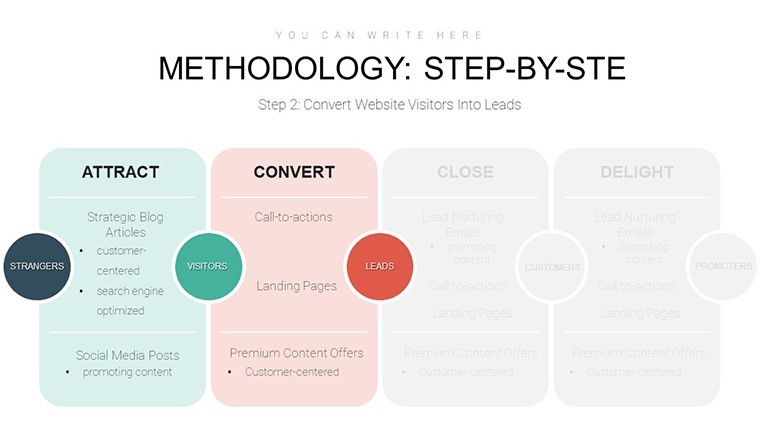
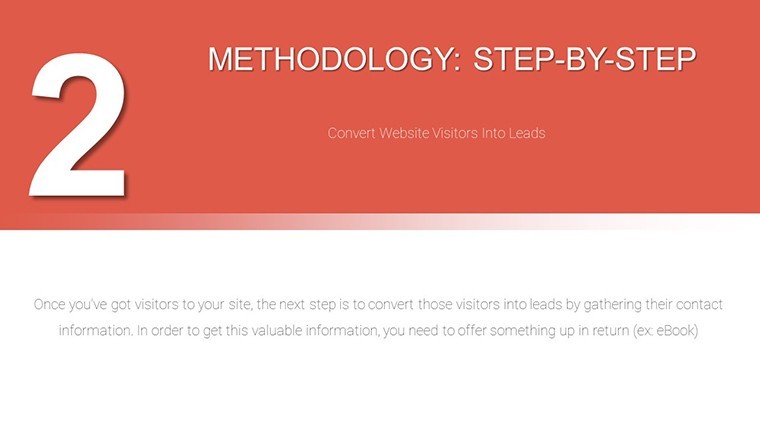
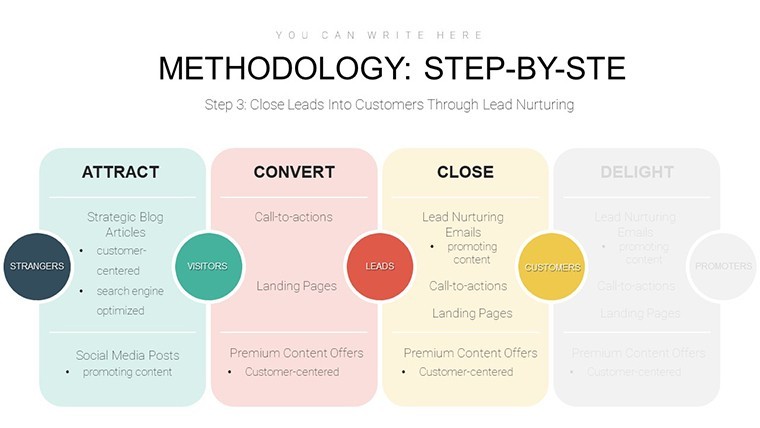
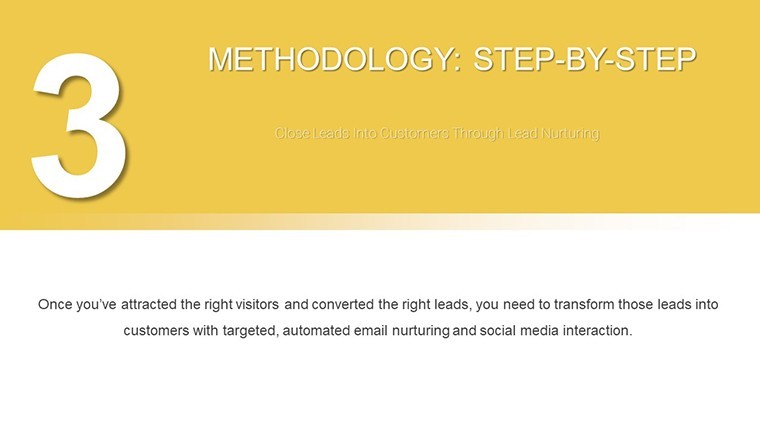
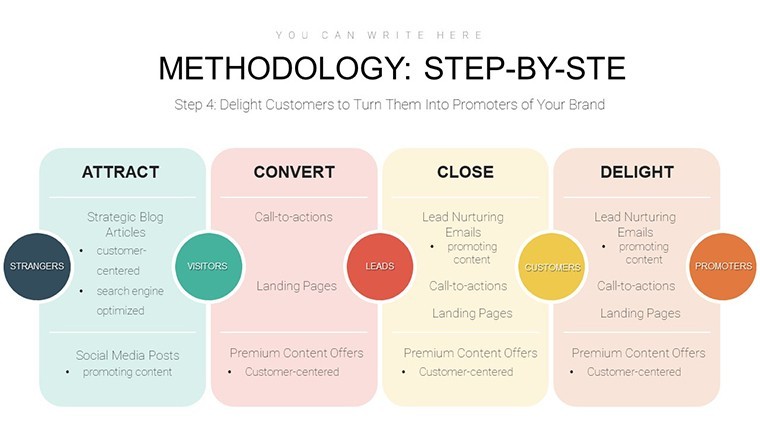
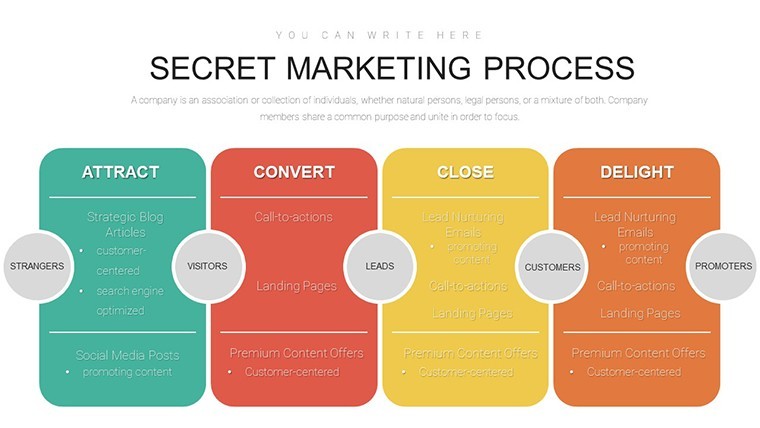
Navigating the complexities of inbound marketing requires more than just ideas - it demands clear, compelling visuals to align teams and captivate stakeholders. Our Inbound Marketing Methodology Keynote Charts template delivers exactly that, with 15 editable slides focused on business models, tables, and processes that demystify customer attraction and conversion. Aimed at digital marketers, content strategists, and business developers, this tool draws from proven frameworks like those from HubSpot's inbound methodology, helping you map out awareness stages to delight phases. Envision presenting a flowchart that traces lead nurturing paths or a table comparing outbound vs. inbound ROI, all while incorporating real insights from MarketingProfs reports showing inbound's 3x lead generation efficiency. Compatible with Keynote and exportable to PowerPoint or Google Slides, it solves common hurdles like disjointed strategies by providing a cohesive narrative. Whether for agency pitches, internal training, or conference talks, this template empowers you to demonstrate how aligned marketing fosters brand loyalty and profitability, all in a professional, inspiring format that sparks action.
Core Components for Effective Marketing Visualization
This template's strength lies in its structured approach to inbound essentials. Slides include matrix tables for buyer persona analysis, cycle diagrams for content funnels, and Gantt-like timelines for campaign planning, all editable to reflect your data. As a marketing analyst, I've leveraged similar tools to boost campaign clarity, with studies from Content Marketing Institute indicating visual strategies improve comprehension by 70%. Customize hues to your brand colors or integrate icons representing social media touchpoints, ensuring relevance. For example, adapt Slide 4's hierarchy chart to outline marketing information systems, citing hierarchical concepts from academic sources like the Journal of Marketing.
Essential Features Driving Value
- Process-Oriented Designs: Flowcharts and models to illustrate efficient inbound processes.
- Data Tables: Customizable for metrics like conversion rates and engagement scores.
- High-Quality Visuals: Clean, modern graphics optimized for clarity in presentations.
- Animation Integration: Built-in transitions to reveal methodology steps sequentially.
- Cross-Compatibility: Seamless use across presentation software for team collaboration.
Compared to vanilla Keynote, this offers themed elements tailored for business, reducing design overhead and enhancing professionalism.
Application Scenarios: From Planning to Execution
Apply this template step-by-step: Start with an overview slide defining inbound vs. traditional marketing, then use comparison charts to highlight benefits like cost savings - backed by Demand Metric data showing 61% lower costs per lead. For agency use, customize persona maps on Slide 7 with client-specific demographics, fostering targeted strategies. In training sessions, employ process flows to teach research roles in information systems. Businesses can integrate KPI dashboards for quarterly reviews, visualizing progress toward goals. This versatility addresses pain points like misaligned perceptions, as noted in the template's original intent.
Strategic Tips for Optimal Use
- Align with objectives: Tailor charts to specific campaign phases for focused insights.
- Incorporate data: Use real metrics to substantiate claims, building credibility.
- Engage interactively: Add notes for Q&A prompts during presentations.
- Iterate based on feedback: Refine visuals post-use for continuous improvement.
- Export for sharing: Create PDFs for handouts to extend reach.
Wrap presentations with a strong CTA slide: 'Implement inbound today - download and adapt!' This template's unique focus on methodology makes it a powerhouse for growth-oriented pros.
Frequently Asked Questions
How many slides are included? 15 fully editable slides covering inbound processes and models. Compatible with PowerPoint? Yes, export easily while preserving layouts. What categories does it fit? Business models and tables, ideal for marketing analysis. Can I add my branding? Absolutely, customize colors, fonts, and elements freely. Suitable for beginners in marketing? Yes, intuitive designs with pre-filled examples guide users.Good for
- Project roadmaps and sprint plans
- Product launch timelines
- Quarterly or annual review decks
- Company history and milestone summaries
Licence
reviews
Just needed something quick for my monthly report, the bar charts worked fine.
Used this for a school project about renewable energy, the arrows helped show trends.
The layout was okay but I wish there were more color options for the icons.
Grabbed this last minute for a client pitch, did the job without any fuss.
Those flowcharts saved me a ton of time, though some text boxes were hard to resize.
FAQ
Will it work in Google Slides?
Are fonts embedded?
Can I use this for client work?
What's the refund policy?
Do you update the template after purchase?
Similar templates
See all Keynote Charts →
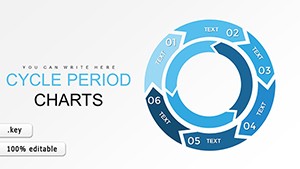

All 15 slides