 Click to zoom
Important Questions Cycle Keynote Charts - Editable KEY | ImagineLayout
| Format | .pptx |
| Slides | 8 unique layouts |
| Aspect ratio | 16:9 |
| Compatibility | PowerPoint |
| Animated | No |
| Language | English |
| License | Commercial |
| File size | — |
| Version | v1.0 |
| Last updated | April 2026 |
What's inside
Important Questions Cycle Keynote Charts Template
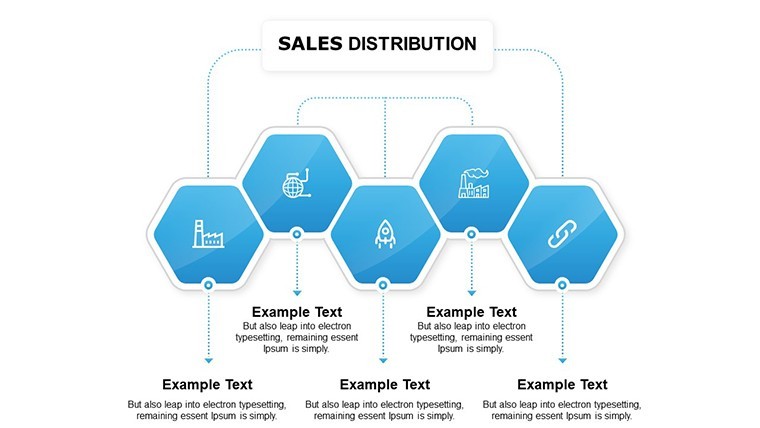
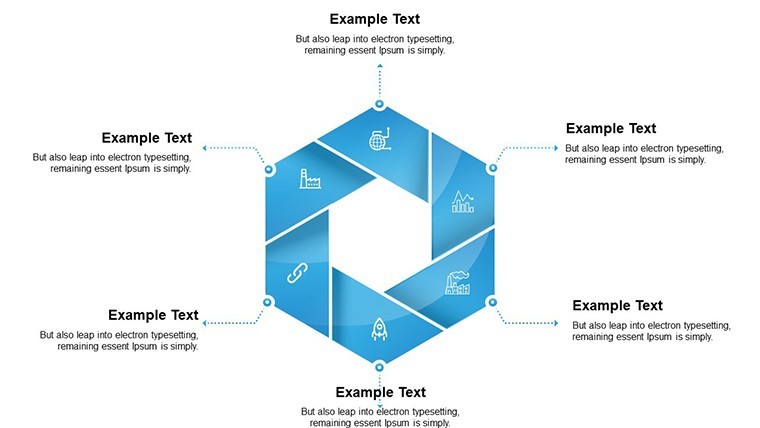
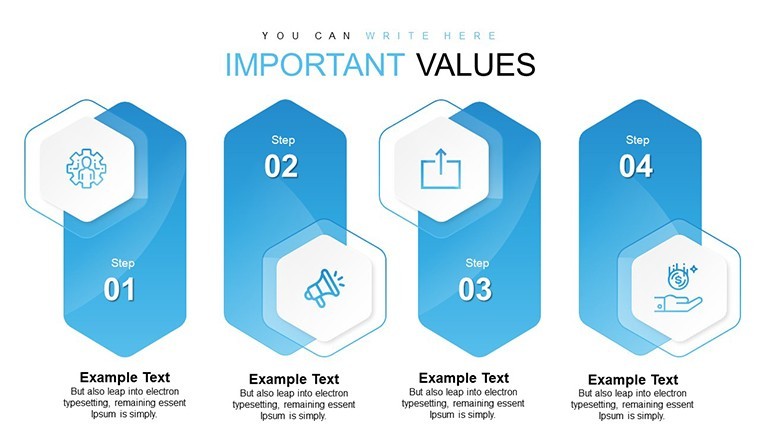
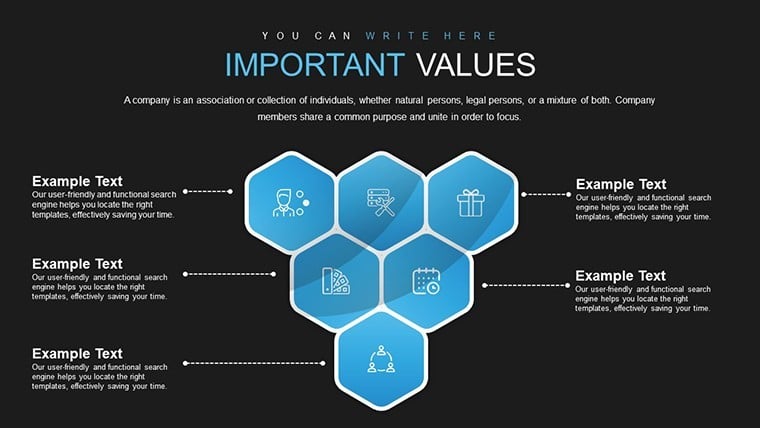
No photo placeholders no gradients - just 8 cycle diagrams with question segments in the paid KEY file for focused analysis.
Everything is already structured.
In practice you replace the default labels like Who What When Why and the circular structure holds while the files follow standard KEY formats compatible with current Keynote installations.
When you need to map important questions for stakeholders in brainstorming sessions the multi-segment wheel layouts with looping arrows handle that circular structure out of the box.
This Keynote chart template represents relationship mapping in cycles helping solve recurring problem identification in strategy planning with input data typically being key questions or process steps so the viewer concludes on next actions.
Typically teams use it for quarterly review cycles.
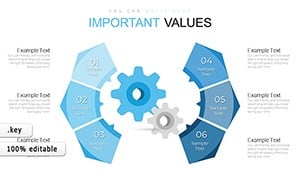
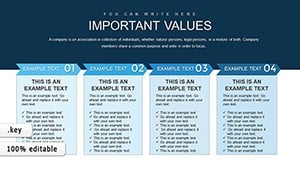
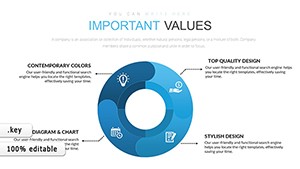
The paid version includes 8 editable slides featuring color variations custom animations and vector icons.
Use this instead of building cycle diagrams manually in Keynote because the predefined circular structure with query bubble and lightbulb icons keeps everything aligned.
It suits facilitators who lead problem-solving workshops.
Best used when you have sequential questions to cycle through yet not ideal for linear timelines.
This template works best for structured diagrams not open-ended creative slides.
You change colors via the slide master.
For similar circular visuals see the Important Sector Circle Free Keynote Charts Template or the Circular Concept Keynote Charts.
FeatureDetailsSlides / diagrams8 cycle diagramsFile formatKEYSoftware versionKeynote (current versions)Color schemesColor variations included editable via masterEditable elementsText colors vector icons and segments resize independentlyAspect ratio16:9Free vs PaidPaid version includes 8 editable slides featuring color variations custom animations and vector iconsMasters / BackgroundsNot specified on pageYou open the file and start editing.
Download and start editing immediately
How do I change colors via slide master in this Keynote chart template?The process starts by opening the file in Keynote and navigating to the View menu to select Slide Master. From there you select the master slide and modify the color fills for the cycle segments which updates all 8 slides automatically. This saves time when you need to match company branding across multiple reports.
Can I use this template for client work?The license permits commercial use including client presentations as long as you do not resell the template itself or distribute the original files. You can customize and deliver the finished decks to your clients without additional fees. Always check the license terms included in the download for full details.
What is the difference between free and paid versions?The paid version includes the complete set of 8 editable slides with color variations custom animations and vector icons. The free version is not specified on the page. In most cases the paid edition covers all needs for cycle question mapping.
What are the refund conditions?Refunds are available if the template does not meet your expectations within the first 7 days after purchase. Contact the support team with your order details for assistance. Full refund applies if the file has not been modified.
What Keynote version and macOS requirement is there?The template works with current Keynote installations on macOS. It follows standard KEY format compatible with Keynote 10 and above though the exact version is not listed on the page. In practice it opens without issues on the latest macOS versions.
Good for
- Project roadmaps and sprint plans
- Product launch timelines
- Quarterly or annual review decks
- Company history and milestone summaries
Licence
reviews
Used this for a school presentation and the charts were easy
Added it to a meeting and the flow was clear
Worked fine for basic reporting
Just used it quickly and it was okay
FAQ
Will it work in Google Slides?
Are fonts embedded?
Can I use this for client work?
What's the refund policy?
Do you update the template after purchase?
Similar templates
See all Keynote Charts →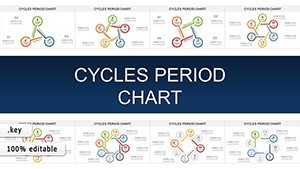
All 8 slides