 Click to zoom
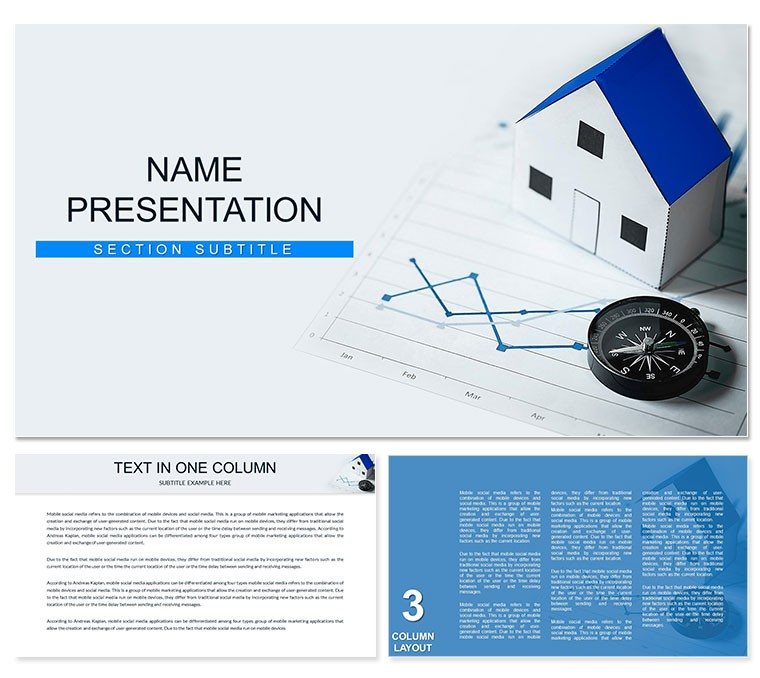
House Apartment Rental Diagram Template - Editable POTX | ImagineLayout
| Format | .pptx |
| Slides | 3 unique layouts |
| Aspect ratio | 16:9 |
| Compatibility | PowerPoint |
| Animated | No |
| Language | English |
| License | Commercial |
| File size | — |
| Version | v1.0 |
| Last updated | April 2026 |
What's inside
What is a PowerPoint diagram template? A PowerPoint diagram template is a pre-designed POTX file with 28 editable diagrams, shapes, color schemes and connectors built for fast customization in presentations.
Package Contents
28 diagrams in 7 color schemes fill the JPG preview and POTX master file.
Rental flow layouts combine property icons with lease connectors to illustrate complete tenant processes inside one deck.
Open layouts differ from dense data sets by offering larger information spacing suited to investor decks and sales presentations.
Editing Capabilities at a Glance
FeatureDetailsSlides / diagrams included28 diagrams focused on rental flowsDiagram categoriesProperty types, lease stages, tenant screeningEditable elementsShapes resize and recolor independentlyAspect ratio16:9 standardPowerPoint compatibility2016, 2019, 365 on Windows and MacColor schemes7 presets via slide master paletteDiagram connectorsArrows and lines adjustable in direction and weightExport optionsJPG for quick sharing, POTX for full editingAdapting the Template to Your Brand
Open the file and spend the first two minutes orienting to the master slide structure where all color changes happen globally. The most common mistake remains editing individual slide colors directly. Going through the master saves 15 minutes of repeated work. Once content sits in place the export step depends on the destination audience.
Real estate teams that handle multiple property listings reuse the same file across quarterly reviews by updating only the address labels and color palette.
Real Scenarios
Before: 4 hours building from scratch with inconsistent alignment across property comparison slides. After: 35 minutes with every diagram matching perfectly across six client decks.
A regional property manager at an estate agency now completes investor presentations without external help.
Download and start editing immediately
Compared to Starting From Zero
Manual rental flow creation demands advanced alignment skills and 3 hours minimum.
The template cuts that time because connectors already follow logical lease stages.
Common errors include overlapping zone segmentation that confuses potential tenants during sales presentations.
Property icons sit outside boxes so labels stay readable on projection screens without forcing the audience to squint.
Download and start editing immediately
Professionals browsing Education & Training PowerPoint templates sometimes cross-reference estate content with related architecture templates.
Teams also check additional estate diagrams for expanded property comparison options.
How does the template work in PowerPoint 2016 or later?The template opens without issues in PowerPoint 2016, 2019 and Microsoft 365 on both Windows and Mac. All diagrams rely on native shapes and text placeholders so no extra plugins appear. You click any symbol and edit directly inside the format pane. Slide master updates apply to every diagram automatically.
How do I change the color scheme via the slide master?Open the slide master view from the View tab. Locate the color palette section at the top. Select any of the 7 presets or create a custom set with exact hex values. Changes propagate instantly to all 28 diagrams on every slide. Close master view and return to normal editing mode. The new colors stay consistent across the entire deck.
What does the license allow for client work and internal use?The license permits unlimited internal company use and client deliverables. You may embed the diagrams inside paid consulting decks or educational materials. Resale of the original POTX file itself remains prohibited. Multiple team members inside the same organization share the single purchase without extra fees.
What are the differences between free and paid versions?The page lists only the paid $12 version that contains the complete 28 diagrams and 7 color schemes. No free tier appears in the specifications. The paid POTX file includes editable slide masters and all icon layers. Preview images on the page show only a subset of the full content.
What is the refund policy if the template does not fit?Refunds process within 14 days if the file fails to open in supported PowerPoint versions. You must contact support with the order number and a short description of the issue. The policy excludes cases where the buyer simply changes their mind after editing. Full details appear in the purchase confirmation email.
Can multiple team members use the same license?Yes. The single purchase covers the entire team inside one organization. Each member opens the POTX file on their own machine. No additional licensing fees apply for internal sharing. This supports sales presentations and quarterly briefings without extra cost.
Good for
- Project roadmaps and sprint plans
- Product launch timelines
- Quarterly or annual review decks
- Company history and milestone summaries
Licence
reviews
Just needed something quick for my monthly report, the bar charts worked fine.
Used this for a school project about renewable energy, the arrows helped show trends.
The layout was okay but I wish there were more color options for the icons.
Grabbed this last minute for a client pitch, did the job without any fuss.
Those flowcharts saved me a ton of time, though some text boxes were hard to resize.
FAQ
Will it work in Google Slides?
Are fonts embedded?
Can I use this for client work?
What's the refund policy?
Do you update the template after purchase?
Similar templates
See all PowerPoint Templates →



All 1 slides