 Click to zoom
Hexagon PowerPoint Shapes
| Format | .pptx |
| Slides | 18 unique layouts |
| Aspect ratio | 16:9 |
| Compatibility | PowerPoint |
| Animated | No |
| Language | English |
| License | Commercial |
| File size | — |
| Version | v1.0 |
| Last updated | May 2023 |
What's inside
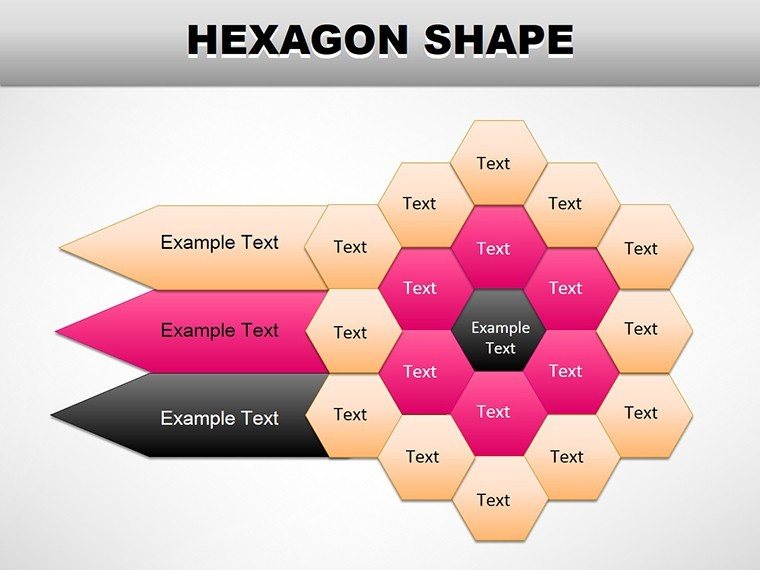
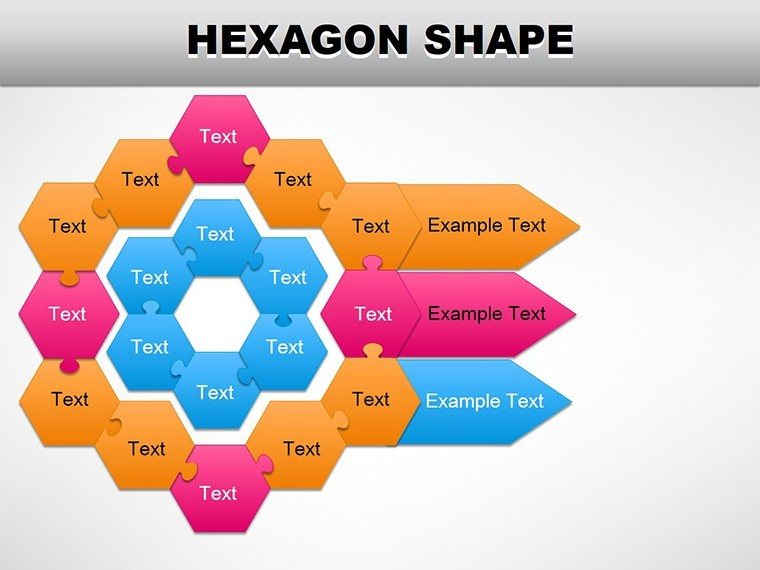
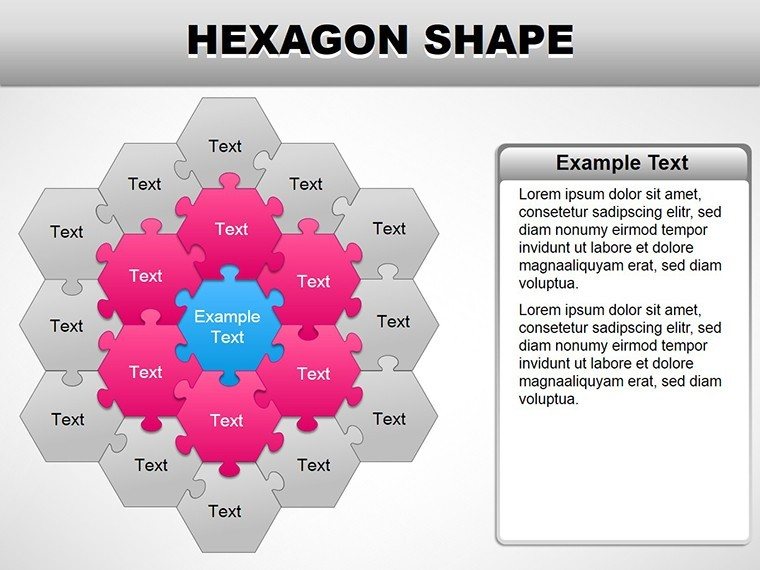
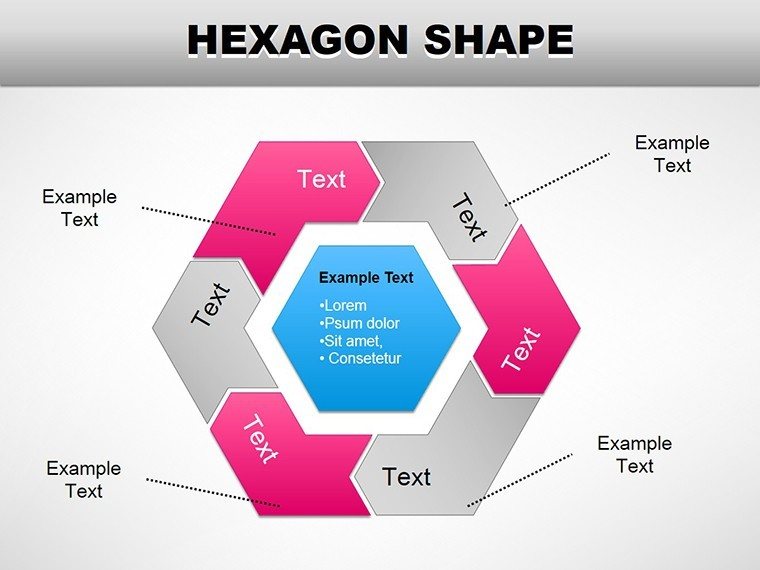
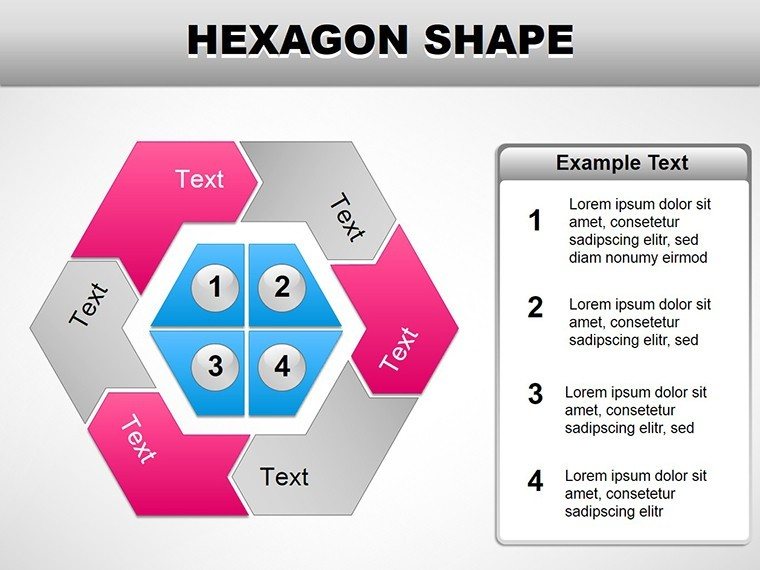
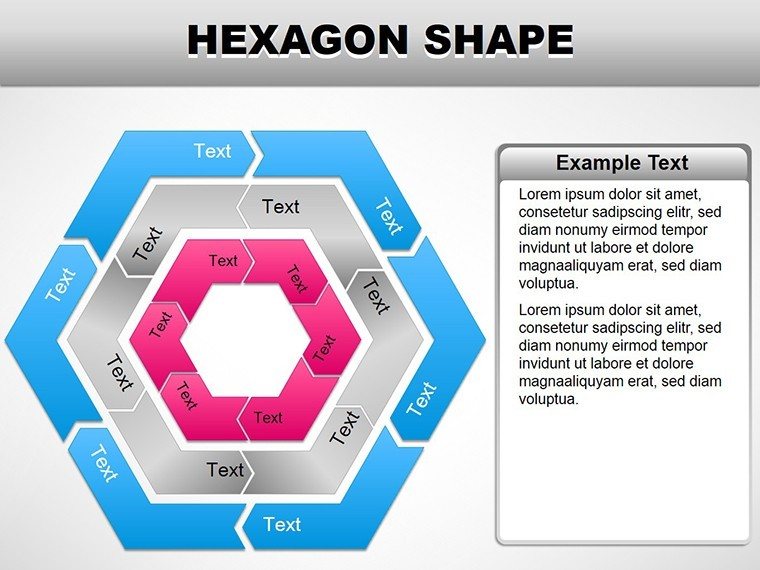
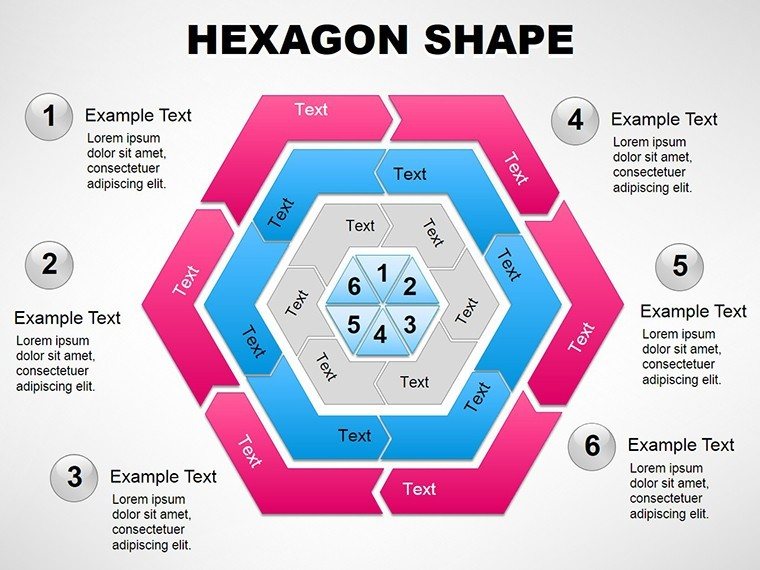
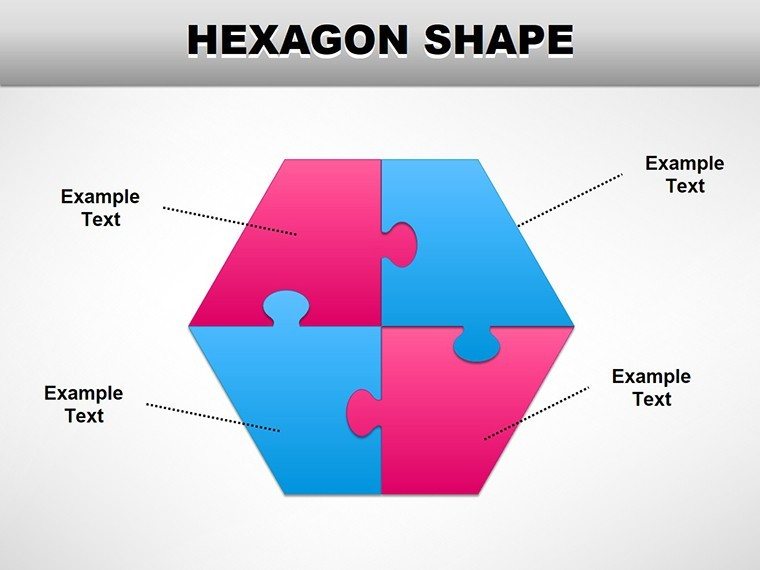
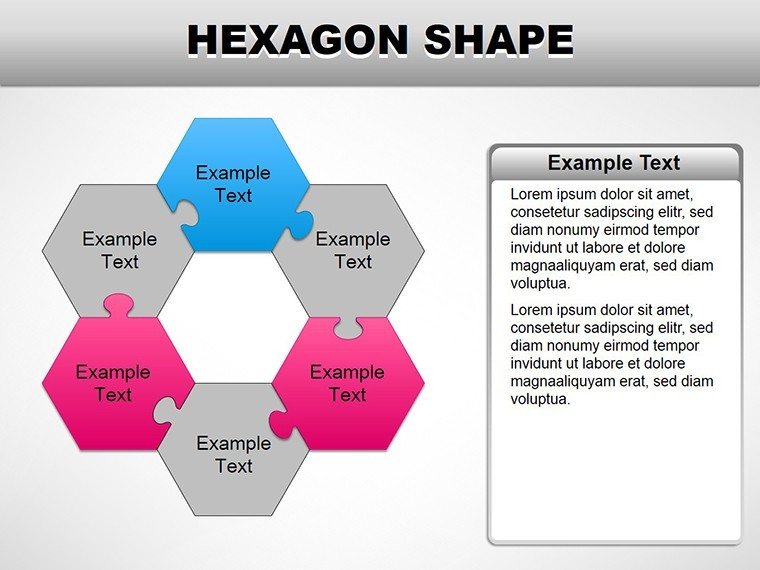
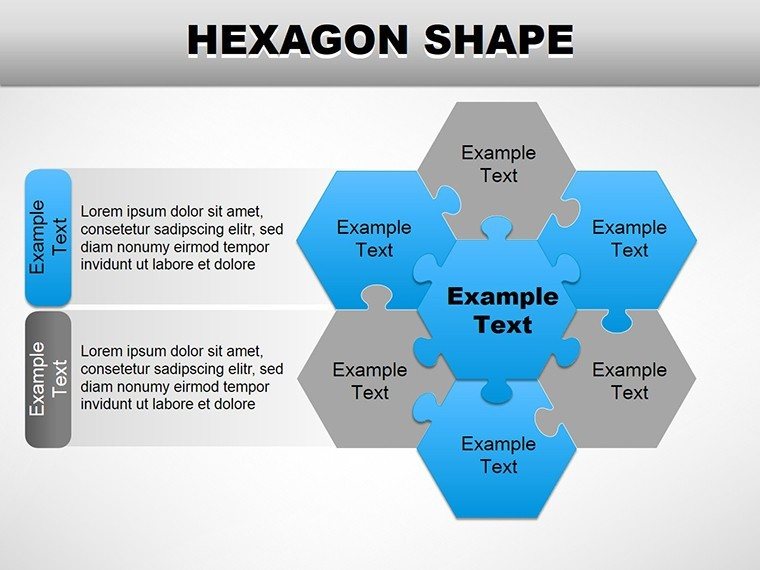
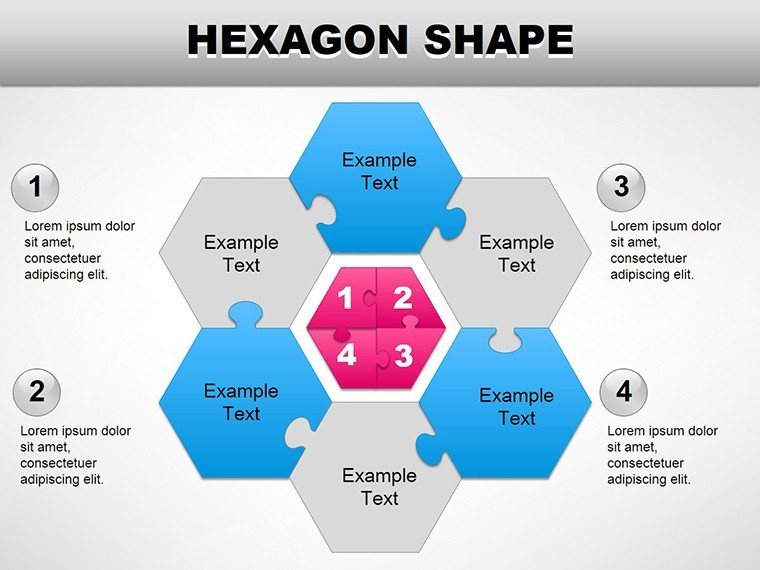
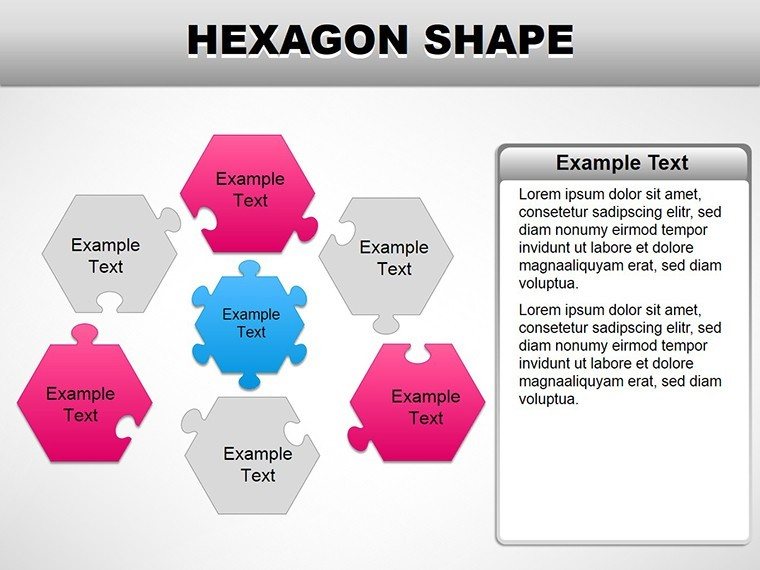
Hexagons aren't just honeycomb patterns; they're the geometry of efficiency, packing maximum impact into minimal space. This Hexagon PowerPoint Shapes template, with 18 editable slides, empowers you to organize thoughts like a pro architect - whether stacking concepts in a strategy session or clustering data in a report. Aimed at executives, designers, and educators craving structured yet creative visuals, it transforms bland bullets into interconnected webs that mirror real-world complexities. Dive in, and watch your audience connect the dots faster than ever.
Rooted in modular design principles, these shapes tessellate seamlessly, creating flows that feel organic. From standalone hexes for quick hits to clustered formations for holistic overviews, the template adapts to your rhythm. Fully geared for PowerPoint 2016 and beyond, plus Google Slides harmony, it ensures your work travels smoothly across platforms.
Hexagonal Harmony: Design Elements Breakdown
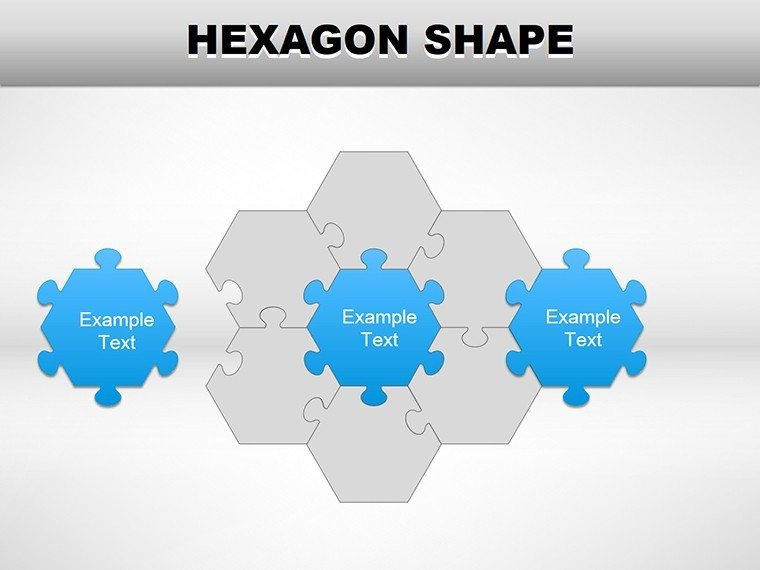
Begin with the essentials: single hexagons as modular blocks for timelines or priority lists, where each face holds a phase or task. The template's stroke variations - thin for subtlety, thick for emphasis - let you guide emphasis without words. Move to interconnected grids, ideal for mind maps, where lines bridge hexes to show dependencies, like supply chain links.
For flair, explore the radial bursts: hexagons fanning out from a core idea, perfect for brainstorming outcomes. Text wraps elegantly around edges, with kerning optimized for legibility. Shadows and bevels add just enough 3D pop to engage without gimmickry.
- Scalable Vectors: Resize without quality loss, maintaining crisp edges on any screen.
- Color Dynamics: Gradient fills transition smoothly, evoking progression or hierarchy.
- Layer Control: Group and ungroup for nested structures, like sub-hexes within mains.
Crafting Your Hex Layout: Step Guide
- Outline Structure: Sketch your hierarchy - central hex for thesis, satellites for supports.
- Insert Base: Drag from the slide master; duplicate for multiples.
- Populate and Align: Add content via smart guides; auto-snap ensures symmetry.
- Style Uniformly: Apply theme colors; use format painter for consistency.
- Animate Flow: Sequence wipes to reveal connections, unveiling the big picture gradually.
This ritual, akin to how UI designers at Adobe prototype interfaces, yields polished results swiftly.
Hexagons in Action: Practical Scenarios
In corporate training, cluster hexes for skill matrices - overlaps highlight team strengths, spurring development talks. Marketers, use radial designs for customer journey maps, with each hex a touchpoint leading to conversion insights. For scientists presenting research, linear hex chains depict methodologies, clarifying sequences that journals often obscure.
Even in urban planning pitches, hex grids model districts, showing infrastructure intersections intuitively. The template's versatility means repurposing across contexts - no heavy redesigns, just targeted swaps. Outshines basic shapes by enabling true modularity, where dragging one hex ripples updates to linked ones.
Blend with PowerPoint's tables for hybrid infographics, like hex-capped columns for metric dashboards.
Sector-Savvy Adaptations
Tech Leads: Neon accents for agile sprints, wiring innovation narratives.
Non-Profit Coordinators: Organic curves for impact reports, softening stats with purpose.
Sales Directors: Bold fills for pipeline stages, driving quota conversations.
These nuances tailor visuals to vibes, enhancing relatability.
Level Up with Insider Techniques
Incorporate hyperlinks in hex corners for navigable decks, turning static slides into interactive hubs. Balance density - aim for 4-6 hexes per view to avoid overload. For print, flatten effects to preserve fidelity.
Weave into routines: template as a starter file in your folder, pulling it for every new project. Complements flowcharts, forming ecosystems - like hex nodes in a swimlane for process audits. This synergy crafts narratives that stick, much like modular exhibits at design expos.
At $22, claim this template and hexagon-ize your approach. Structure success, one shape at a time.
Frequently Asked Questions
Do these shapes work in Google Slides?
Yes, direct import maintains editability and animations.
Can I add images inside hexagons?
Certainly - clip paths let you mask photos to fit precisely.
What's the best way to animate clusters?
Use entrance effects in sequence, following logical connections.
Are there pre-set themes?
Three starters: corporate blue, vibrant creative, and minimalist gray.
How editable are the stroke lines?
Adjust weight, dash patterns, and ends for custom looks.
Compatible with Office 365?
Fully, with cloud sync for team edits.
Good for
- Project roadmaps and sprint plans
- Product launch timelines
- Quarterly or annual review decks
- Company history and milestone summaries
Licence
reviews
The 3D cubes are a nice touch for a storage presentation.
Some shapes are hard to recolor but most are fine.
Used the gear and cog shapes for a mechanical slide.
Good selection but the alignment grid felt off.
Simple shapes that behave well in PowerPoint
FAQ
Will it work in Google Slides?
Are fonts embedded?
Can I use this for client work?
What's the refund policy?
Do you update the template after purchase?
Similar templates
See all PowerPoint Shapes →
All 18 slides