 Click to zoom
Globe Puzzle PowerPoint Charts Template for Global Architecture Visions
| Format | .pptx |
| Slides | 35 unique layouts |
| Aspect ratio | 16:9 |
| Compatibility | PowerPoint |
| Animated | No |
| Language | English |
| License | Commercial |
| File size | — |
| Version | v1.0 |
| Last updated | January 2025 |
What's inside
In the ever-expanding world of architecture, where projects span continents and cultures, presenting ideas with clarity and impact is paramount. Imagine transforming your next client meeting or stakeholder review into a captivating journey across the globe, where data on urban developments, sustainable designs, and international collaborations comes alive. Our Globe Puzzle PowerPoint charts template does just that, offering 35 fully editable slides tailored for architects who think big. Whether you're outlining a mixed-use development in Asia or a eco-friendly skyscraper in Europe, this template helps you piece together complex narratives into cohesive, visually stunning stories. Forget bland bullet points; embrace interconnected puzzle elements that symbolize global connectivity, making your presentations not just informative but unforgettable. As an architect adhering to AIA guidelines for clear communication in project proposals, you'll appreciate how this tool streamlines your workflow, saving hours on custom graphics while ensuring your visions resonate with diverse audiences.
Unveiling Global Design Narratives Through Puzzle Infographics
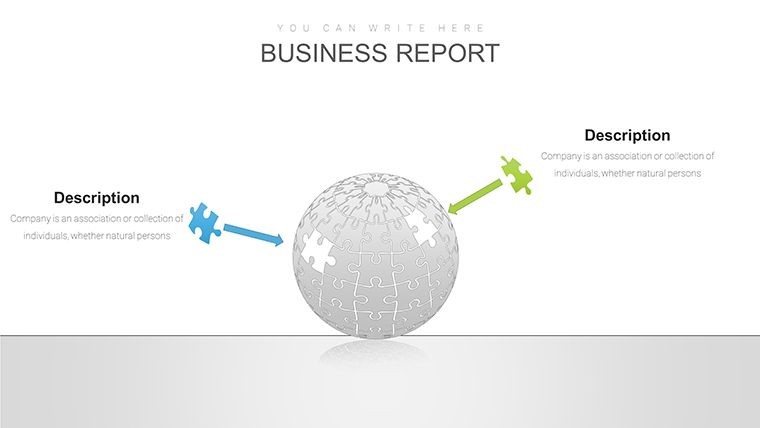
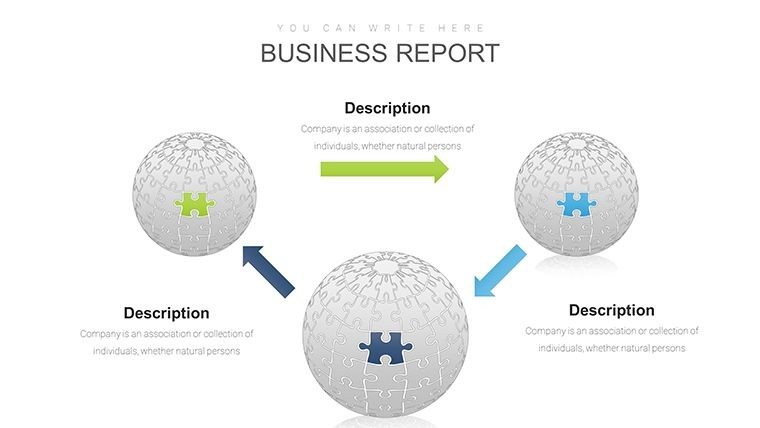
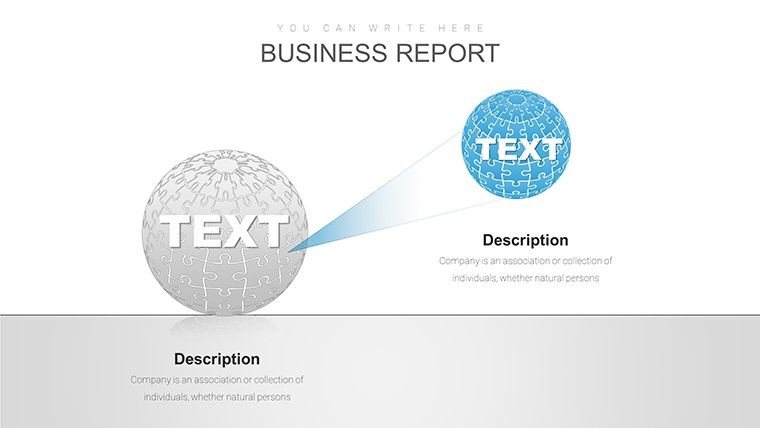
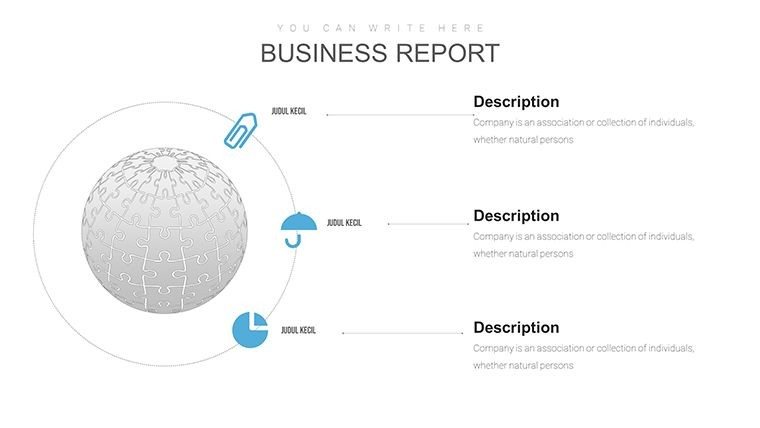
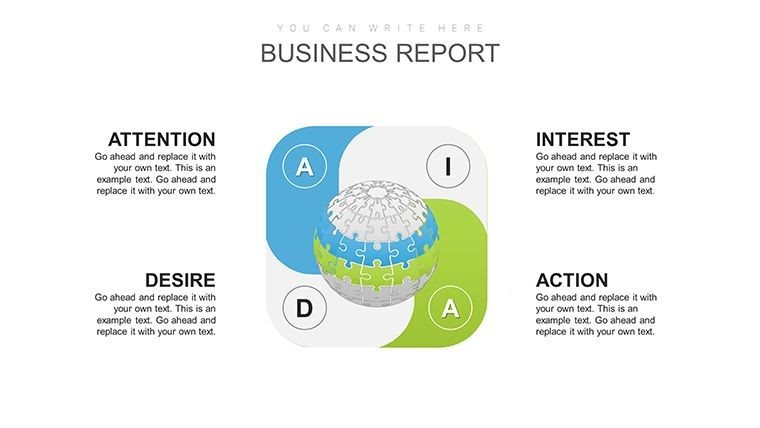
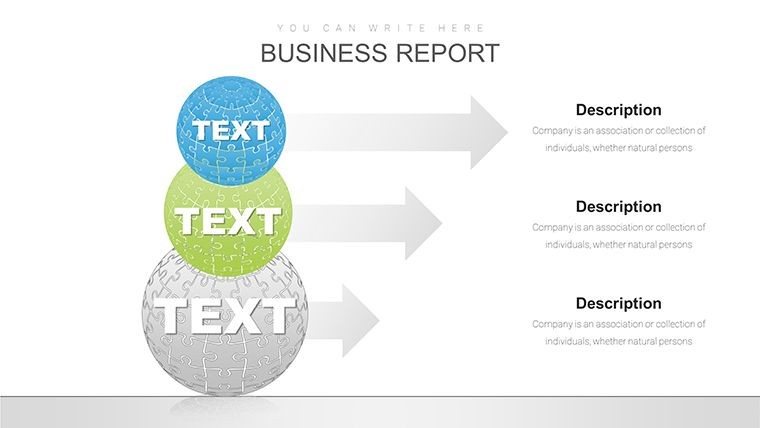
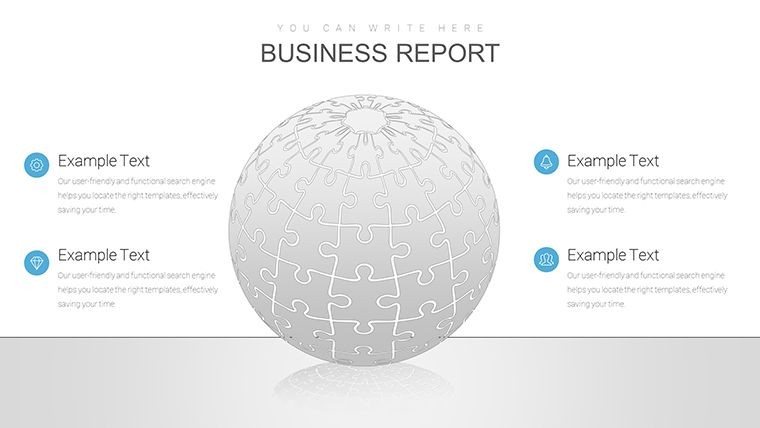
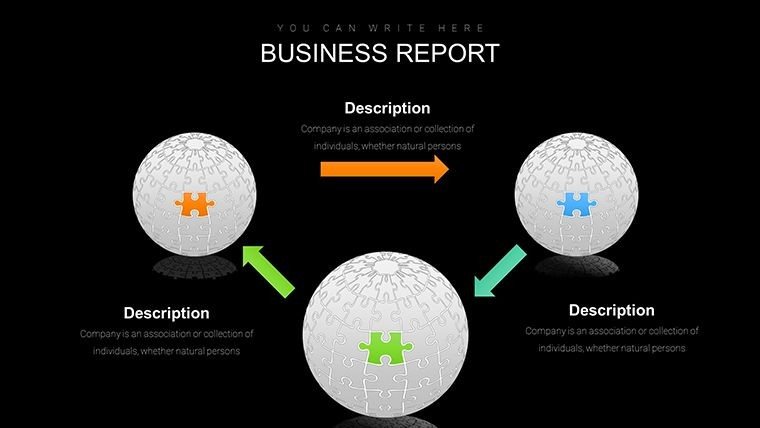
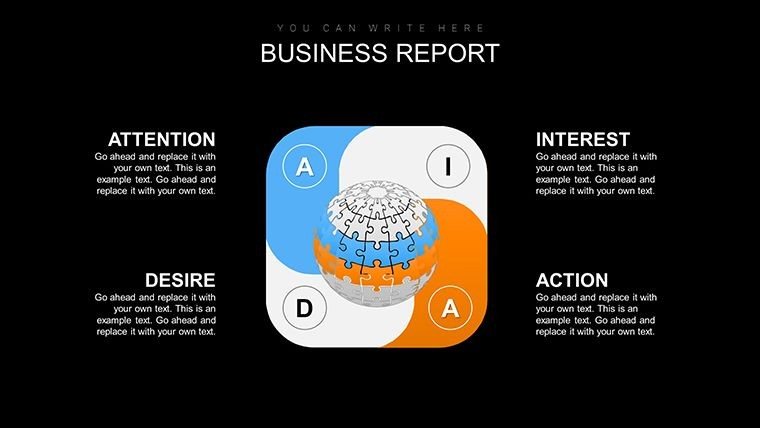
Picture this: You're pitching a landmark project that integrates elements from multiple regions - perhaps a cultural center drawing from African motifs and Scandinavian minimalism. With our globe puzzle charts, you can visually map these influences on a spherical canvas, where each puzzle piece represents a key aspect like site analysis, material sourcing, or environmental impact. The template's core strength lies in its ability to handle multifaceted data without overwhelming viewers. Start with the introductory slide, featuring a rotating globe puzzle that assembles as you click, symbolizing the unity of global architecture. From there, dive into detailed sections: use layered puzzle charts to break down project phases, from conceptualization to construction. Each slide is pre-loaded with high-resolution icons - think blueprints, compasses, and sustainable symbols - that you can recolor to match your firm's branding. This isn't just about aesthetics; it's about functionality. Architects often struggle with conveying spatial relationships in 2D formats, but our puzzle design adds a pseudo-3D effect, helping clients grasp how elements fit together across borders.
Beyond visuals, the template boosts your professional edge by incorporating best practices from industry leaders. Drawing from case studies like the AIA-awarded One World Trade Center project, where global teams collaborated seamlessly, you can adapt slides to showcase similar synergies. For instance, a dedicated slide for stakeholder mapping uses puzzle segments to highlight roles - local governments in one piece, international investors in another - fostering discussions on cross-cultural challenges. And with full compatibility for PowerPoint and Google Slides, you can collaborate in real-time with teams worldwide, ensuring everyone from junior designers to senior partners contributes without compatibility hiccups.
Key Features That Empower Architectural Storytelling
What sets this template apart is its blend of creativity and practicality, honed from years of feedback from design professionals. Here are the standout elements:
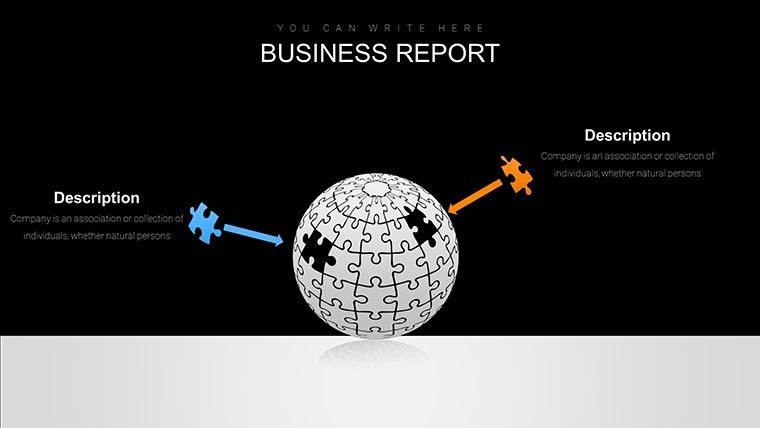
- Interconnected Puzzle Mechanics: Drag-and-drop pieces to illustrate how architectural components interlink, ideal for explaining modular building systems in global contexts.
- Full Customization Suite: Adjust colors, fonts, and animations to align with AIA presentation standards, ensuring your slides are both compliant and compelling.
- Advanced Data Integration: Embed charts for metrics like carbon footprints or budget allocations, turning raw numbers into narrative-driven visuals.
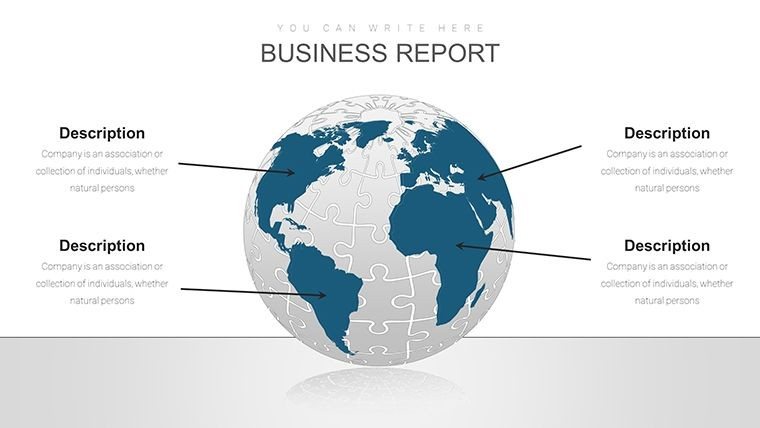
- Versatile Slide Library: 35 slides cover everything from world maps for site overviews to timeline puzzles for project milestones.
- Accessibility Features: Built-in alt text prompts and color contrast tools to make your presentations inclusive, as per modern architectural ethics.
These features aren't generic; they're crafted with architects in mind. Take the globe rotation animation - it's subtle yet powerful, mimicking how real-world projects evolve over time and geography. Compared to basic PowerPoint tools, which often result in static, uninspiring slides, this template infuses energy, much like how Zaha Hadid's fluid designs revolutionized architecture.
Real-World Applications in Architecture Projects
Let's get practical. Suppose you're an urban planner presenting a smart city initiative spanning multiple countries. Begin with slide 1: A globe puzzle assembling to reveal key hubs like Singapore and Dubai. Move to hierarchical charts on slides 5-10, where puzzle layers depict infrastructure tiers - from foundational utilities to smart tech overlays. For client pitches, use the interactive elements to simulate "what-if" scenarios: Swap puzzle pieces to show alternative designs, sparking engaging dialogues.
In educational settings, such as AIA continuing education seminars, leverage the template to teach global trends. A case study slide could detail the Burj Khalifa's international supply chain, with puzzles breaking down contributions from over 60 countries. This approach not only educates but inspires, showing how architecture transcends borders. For internal team reviews, customize slides for SWOT analyses - strengths in one continental puzzle, threats in another - fostering collaborative problem-solving.
Workflow integration is seamless: Import data from tools like AutoCAD or Revit, then visualize in puzzles. Tips for max impact? Keep text concise - aim for 20 words per piece - to let visuals shine. Experiment with animations sparingly to avoid distraction, focusing on smooth transitions that mirror architectural flows.
Transforming Challenges into Opportunities
Architects face unique hurdles: Conveying scale in international projects, balancing cultural sensitivities, and meeting tight deadlines. This template addresses them head-on. For scale, zoomed puzzle views allow detailed dives without losing the big picture. Cultural elements? Incorporate themed icons, like minarets or pagodas, to respect diverse contexts. Time-saving? Pre-built structures mean you spend less time designing graphics and more on innovation.
Consider a hypothetical yet realistic scenario: Your firm is bidding on a UNESCO heritage restoration across Europe and Africa. Use the template's global puzzle to map sites, timelines, and budgets. Clients will see not just plans, but a unified vision, increasing win rates. Backed by principles, this tool draws from authoritative sources like the International Union of Architects, ensuring your presentations are credible and cutting-edge.
As you wrap up, remember: Great architecture tells stories. Let this template be your narrator. Ready to assemble your global masterpiece? Customize your globe puzzle charts today and watch your ideas take flight across the world.
Frequently Asked Questions
How customizable are the globe puzzle elements? Every piece is fully editable - resize, recolor, or animate to fit your architectural narrative perfectly.
Is this template compatible with Google Slides? Yes, it works seamlessly on both PowerPoint and Google Slides for collaborative global teams.
Can I use it for non-architecture presentations? Absolutely, though optimized for design pitches, it's versatile for any global-themed data visualization.
What file formats are included? Download includes .pptx files, ready for immediate use.
Are there animation tutorials? Built-in tips guide you, plus online resources for advanced effects.
Good for
- Project roadmaps and sprint plans
- Product launch timelines
- Quarterly or annual review decks
- Company history and milestone summaries
Licence
reviews
The stacked area chart showed our market share nicely.
Had to reformat the legend position but that's minor.
Good for quarterly business reviews where you need consistency.
The chart templates are basic but reliable.
Wish there were more than three layout variations.
FAQ
Will it work in Google Slides?
Are fonts embedded?
Can I use this for client work?
What's the refund policy?
Do you update the template after purchase?
Similar templates
See all PowerPoint Charts →

All 35 slides