 Click to zoom
Global Market Maps PowerPoint Template: Chart Your Worldwide Vision
| Format | .pptx |
| Slides | 13 unique layouts |
| Aspect ratio | 16:9 |
| Compatibility | PowerPoint |
| Animated | No |
| Language | English |
| License | Commercial |
| File size | — |
| Version | v1.0 |
| Last updated | May 2024 |
What's inside
Envision a presentation where your architectural firm's global ambitions come alive on interactive maps that pinpoint market opportunities from the skyscrapers of Dubai to the sustainable suburbs of Scandinavia. Our Global Market Maps PowerPoint Template delivers exactly that: 13 expertly designed, editable slides tailored for architects, urban developers, and design strategists navigating the complexities of international projects. In an era where cross-border collaborations define success, this template empowers you to showcase market analyses, distribution networks, and growth projections with the sophistication that commands attention and investment.
Built for the demands of modern architecture, where AIA guidelines emphasize transparent data visualization, this .pptx-compatible tool (also seamless in Google Slides) lets you customize every detail - from adjusting market share bubbles on the world overview to layering regulatory insights on regional maps. Take inspiration from a landmark case: a London-based studio used comparable market maps to pitch a pan-Asian retail complex, integrating sales forecasts with zoning visuals, which clinched a multi-million deal by clearly demonstrating ROI across borders. No more clunky, off-the-shelf graphics; instead, professional slides that align with your creative workflow and elevate your narrative.
Standout Features for Strategic Mapping
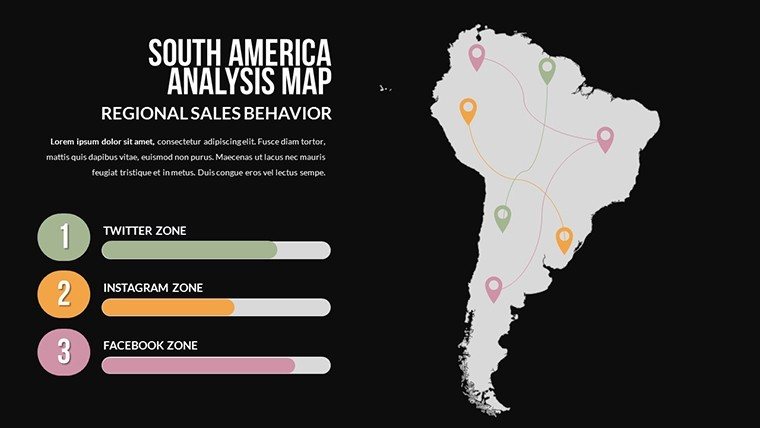
At the heart of this template are features honed for design professionals who treat presentations as extensions of their blueprint artistry. The 13 slides cover everything from broad global sweeps to targeted country analyses, all with vector precision that withstands edits and exports. The South America Analysis slide, for example, includes placeholders for economic indicators overlaid on terrain, perfect for highlighting resource-driven builds like eco-industrial parks.
- Dynamic Data Layers: Embed charts and graphs directly onto maps, such as pie charts for material sourcing breakdowns, ensuring your market insights are both visual and quantifiable.
- Brand-Aligned Customization: Effortlessly tweak hues to reflect corporate palettes or AIA color schemes for inclusivity, with smart guides for perfect alignment.
- Integrated Analytics Tools: Pre-set formulas for scaling data points, like population growth projections influencing urban density plans.
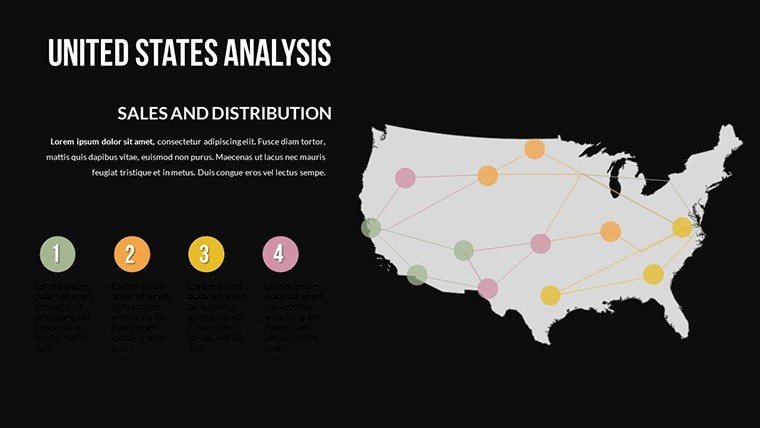
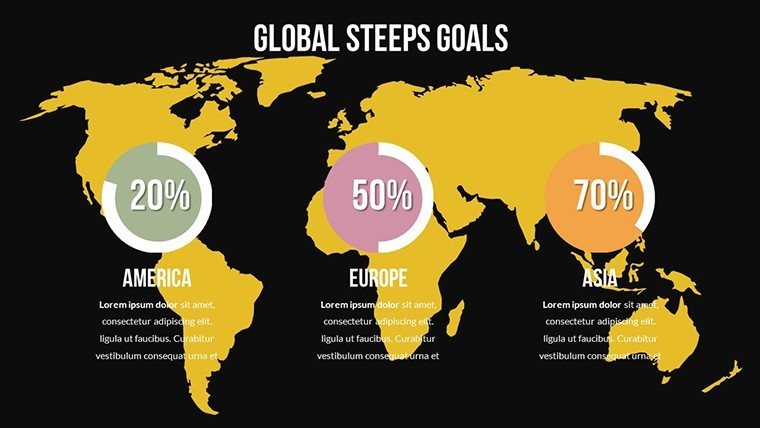
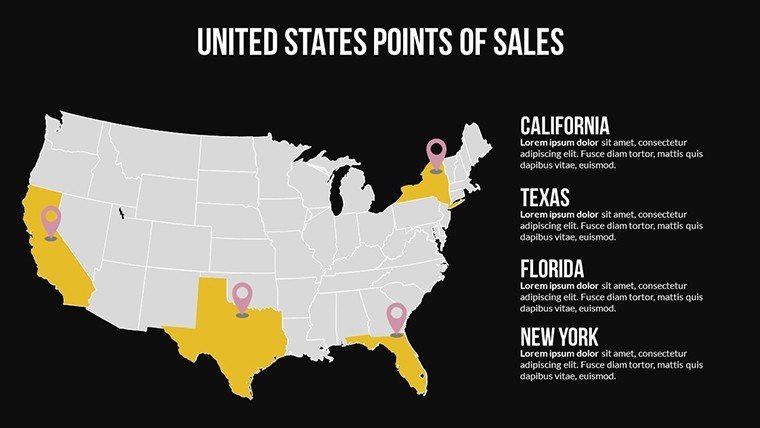
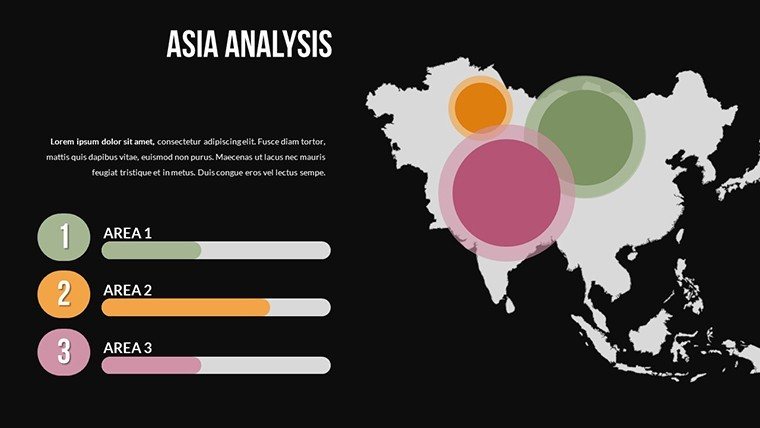
- Multi-Region Focus: Dedicated slides for hotspots like the United States Points of Sales or Asia Analysis, enabling focused deep dives without overwhelming the audience.
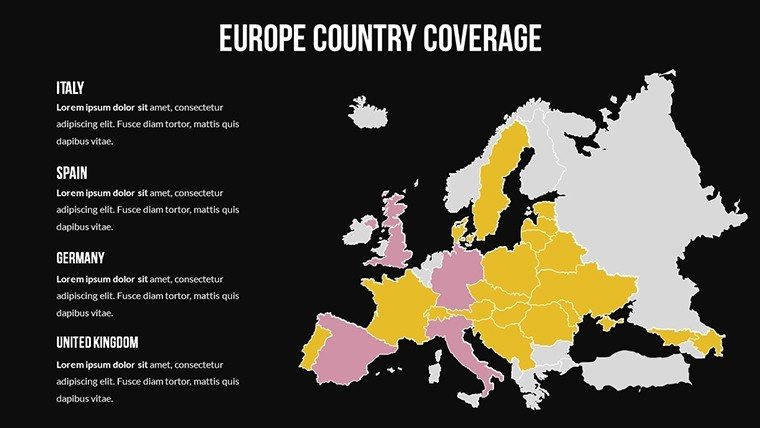
This isn't just a template; it's a canvas for strategic foresight. In practice, a California firm adapted the Europe Country Coverage slide for a EU-wide heritage restoration project, annotating with funding streams - streamlining approvals and showcasing their expertise in global heritage compliance.
Mastering Customization: A Designer's Workflow
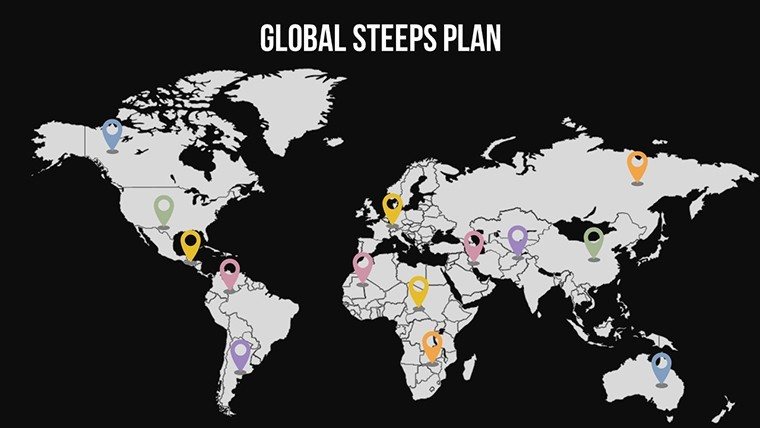
Customization here is intuitive, designed to fit into your creative process without friction. Launch in PowerPoint, select the Global Steps Plan slide, and use the format painter to apply consistent styles across maps. Add hyperlinks to detailed appendices for in-depth market reports, or insert multimedia like drone footage embeds for site overviews.
- Load external data from CSV files to auto-populate sales metrics on country outlines.
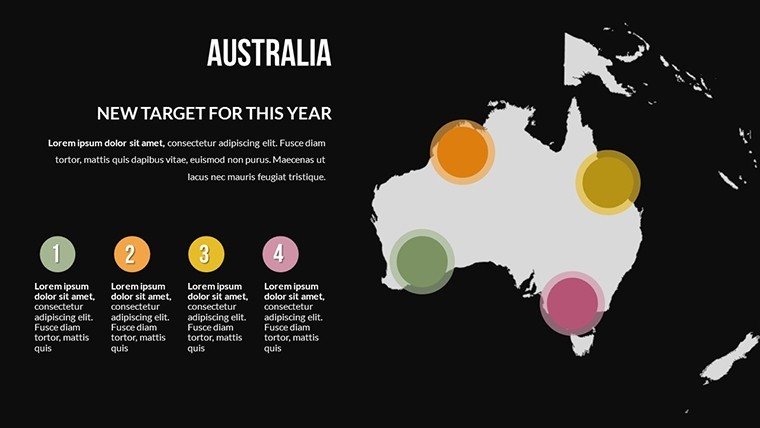
- Animate transitions to reveal market evolutions over time, such as phased expansions in the Australia slide.
- Collaborate via Google Slides sharing, with version history preserving your iterative designs.
- Preview in presentation mode to fine-tune pacing, ensuring maps unfold like a strategic journey.
Such steps have proven invaluable; feedback from ArchDaily contributors highlights how these efficiencies cut prep time in half for high-stakes international bids.
Practical Use Cases in Global Design Projects
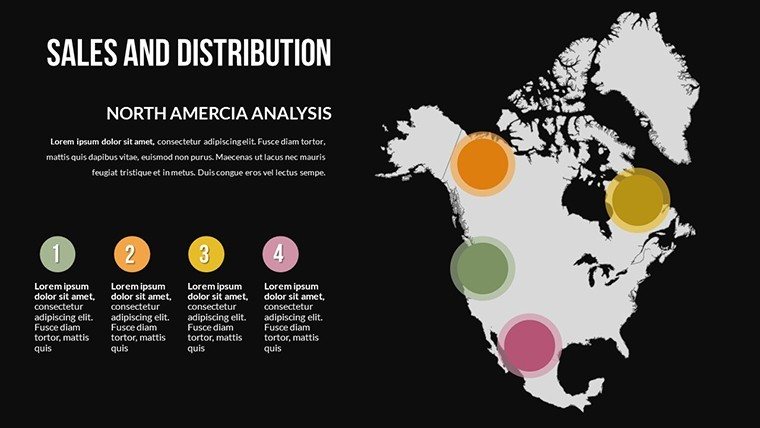
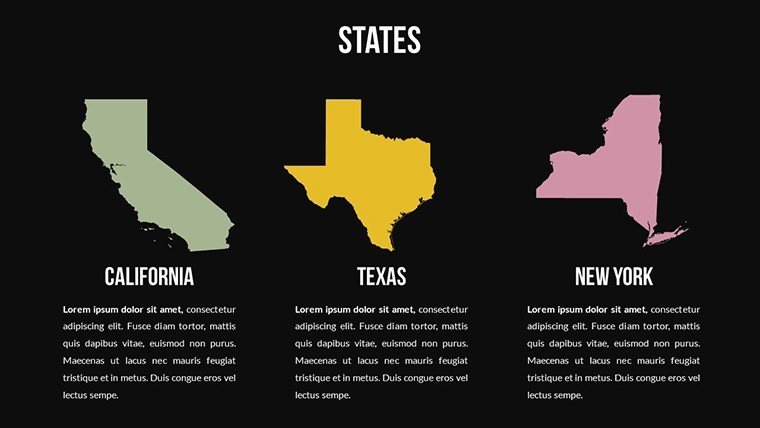
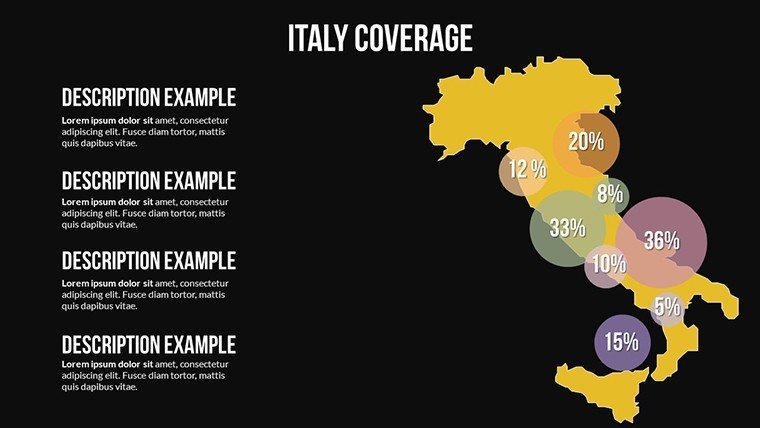
Architects will find endless applications, from mapping supply chain logistics on the Sales and Distribution slide to forecasting urban sprawl on the States map. For geopolitical strategy sessions, the Italy Coverage slide facilitates discussions on Mediterranean developments, incorporating EU sustainability directives. A real-world example: during a TEDx talk on future cities, a speaker leveraged similar global market maps to illustrate trade impacts on skyline evolutions, sparking collaborations that led to innovative hybrid projects.
Versus standard PowerPoint defaults, this template's market-specific annotations - like ROI heatmaps - provide a competitive edge, turning data dumps into persuasive stories. Pro tip: Combine with SWOT analyses in adjacent slides to create a holistic pitch deck that addresses risks in volatile markets.
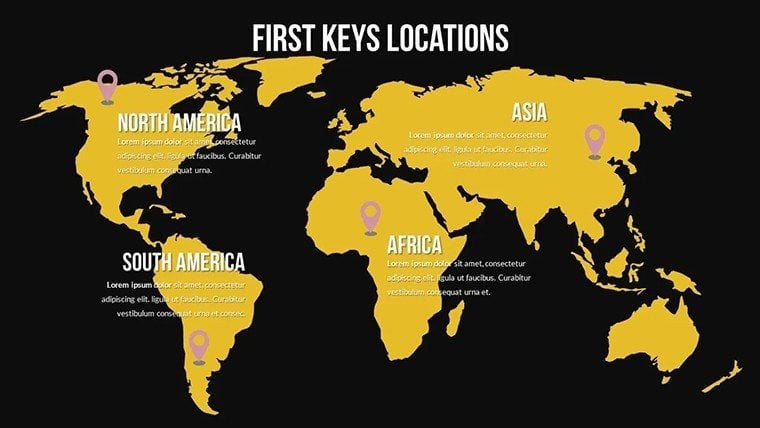
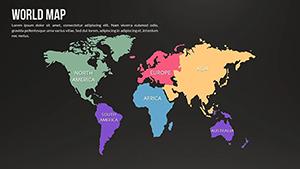
Extend its reach to tourism designs, using the World Maps slide to plot experiential routes, or in academia for lecturing on global architectural trends. The outcome? Engaged audiences who see not just maps, but pathways to profitable, impactful builds.
Advantages Over Basic Mapping Tools
What elevates this template? Its focus on market dynamics tailored for design - think editable distribution networks that visualize logistics for prefab constructions. At $25, it's a steal compared to custom graphic hires, with users on Dribbble praising its role in landing dream commissions.
Transform your strategies into visual triumphs. Secure the Global Market Maps PowerPoint Template now and navigate your world's opportunities with confidence.
Frequently Asked Questions
Can these maps handle complex market data?
Yes, with built-in charting tools, you can layer sales figures, trends, and projections seamlessly for robust architectural market analyses.
Does it support team collaboration?
Perfectly; Google Slides compatibility allows real-time edits, ideal for distributed design teams.
Are the graphics high-resolution for exports?
Indeed, vector-based for crisp outputs in any format, from slides to high-res prints.
What regions are covered in detail?
Comprehensive global coverage, with in-depth slides for Europe, Asia, USA, South America, and more.
Is it aligned with professional standards?
Designed with AIA visualization best practices in mind, ensuring trustworthy and clear representations.
How quick is setup for presentations?
Under 30 minutes for basic customizations, accelerating your path to polished global pitches.
Good for
- Project roadmaps and sprint plans
- Product launch timelines
- Quarterly or annual review decks
- Company history and milestone summaries
Licence
reviews
Used for a school project last minute it was fine
Maps and charts helped visualize numbers without confusion
Put it in a client report it was easy to edit
Used it for quick slides nothing complicated
Not bad but I had to adjust some layouts
FAQ
Will it work in Google Slides?
Are fonts embedded?
Can I use this for client work?
What's the refund policy?
Do you update the template after purchase?
Similar templates
See all PowerPoint Maps →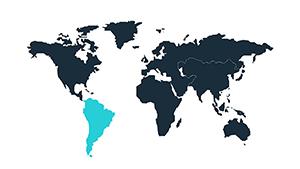
All 13 slides