 Click to zoom
Gear Keynote Charts: Bringing Mechanisms to Life in 3D
| Format | .pptx |
| Slides | 13 unique layouts |
| Aspect ratio | 16:9 |
| Compatibility | PowerPoint |
| Animated | No |
| Language | English |
| License | Commercial |
| File size | — |
| Version | v1.0 |
| Last updated | January 2022 |
What's inside
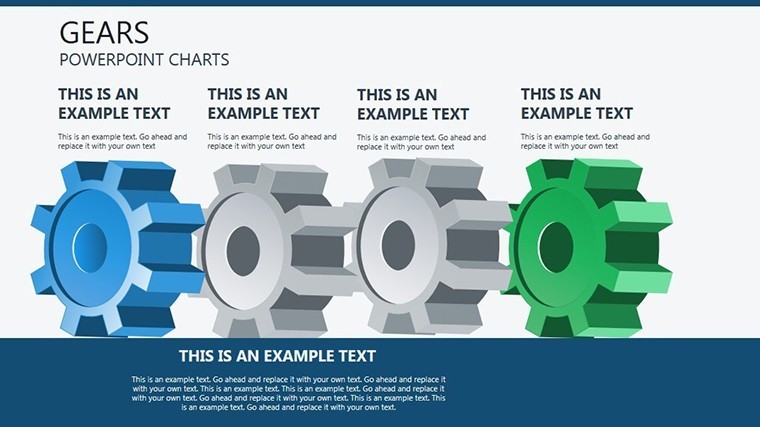
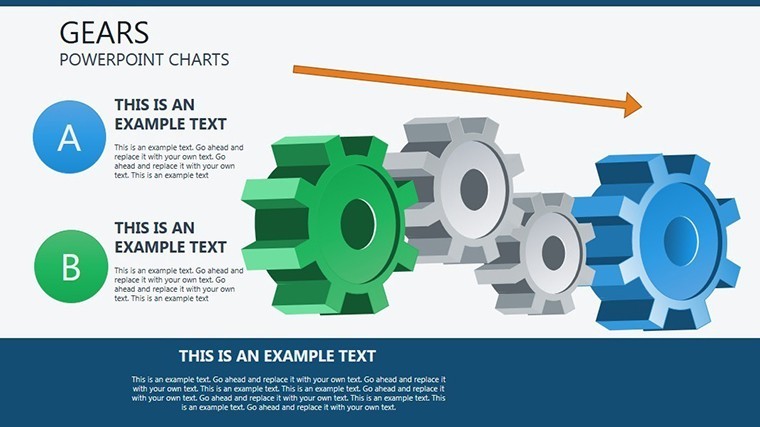
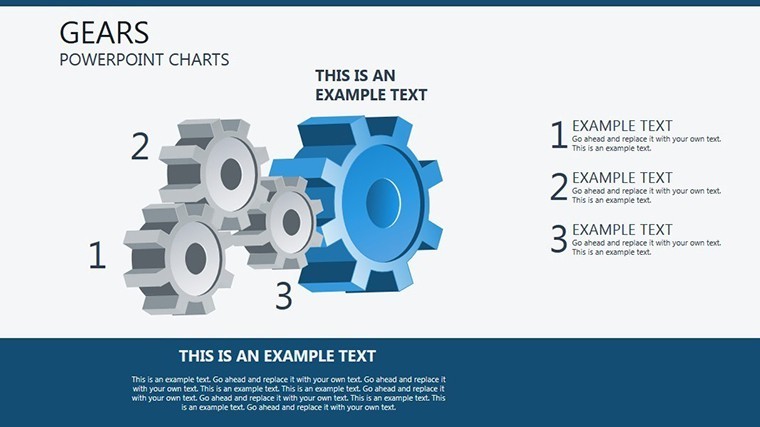
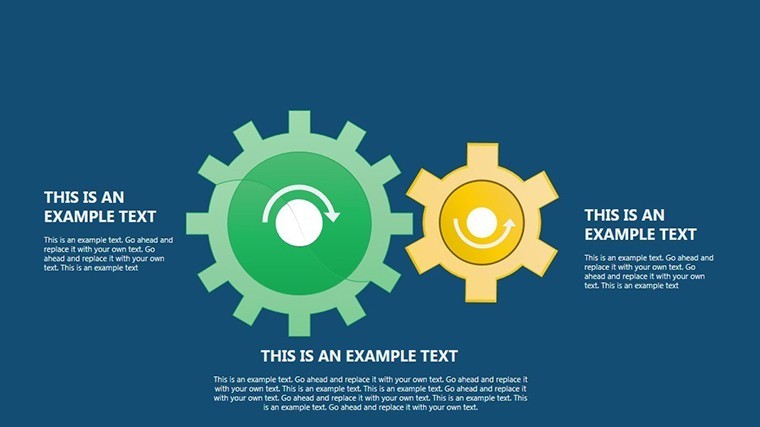
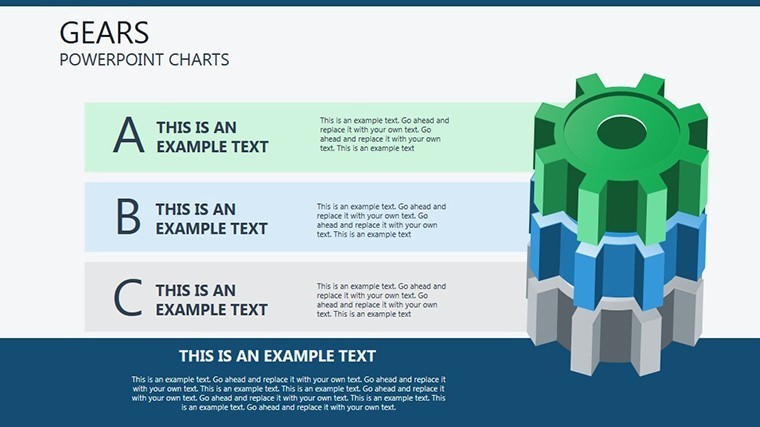
Step into the intricate world of mechanical design with our Gear Keynote Charts template, a must-have for engineers, educators, and innovators. This collection of 13 editable slides captures the essence of gear systems - those toothed wonders that transmit motion seamlessly. From illustrating worm gears in automotive applications to rack-and-pinion setups in robotics, these 3D visuals make complex concepts accessible. Inspired by real engineering feats, like those in NASA's planetary rovers where gear precision ensures mission success, this template lets you showcase continuous movement with depth and realism. Easily tweak colors to fit your theme, and integrate into Keynote decks for presentations that engage and educate. It's more than charts; it's a gateway to demonstrating how interconnected systems drive progress, saving you design effort while amplifying impact.
The Mechanics Behind Effective Visualization
Gears symbolize efficiency and interdependence, core to fields like mechanical engineering and product development. Drawing from standards set by the American Gear Manufacturers Association (AGMA), our template provides accurate representations that aid in teaching torque transfer or speed ratios. Imagine an industrial designer presenting a new transmission system - these 3D charts highlight meshing points, reducing misunderstandings in team reviews. With roots in historical innovations by figures like Leonardo da Vinci, these visuals bridge theory and practice, enhancing through expert-aligned designs.
Slide-by-Slide Exploration: Core Components
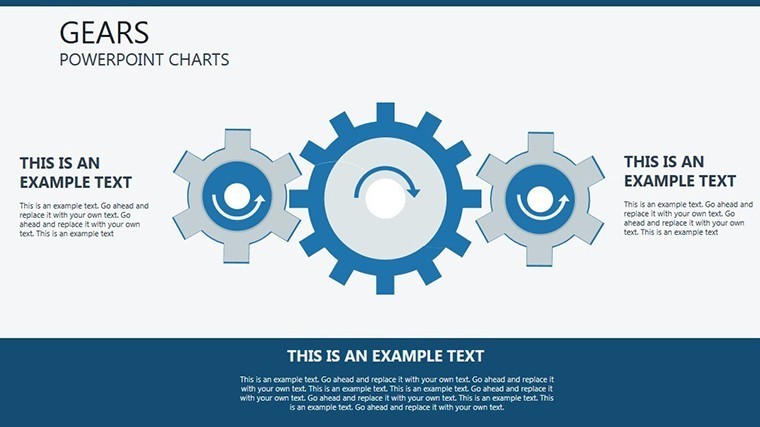
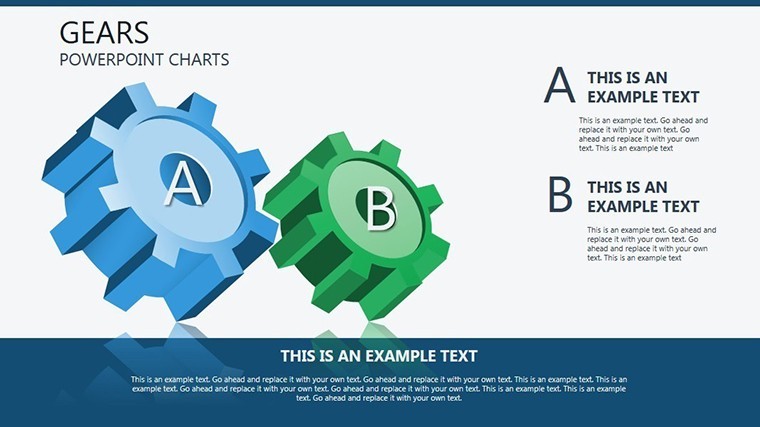
- Slide 1: Basic Gear Pair - Simple spur gears showing meshing basics.
- Slide 2: Helical Gear Dynamics - Angled teeth for smoother operation visuals.
- Slide 3: Bevel Gear Assembly - 3D view for perpendicular shaft intersections.
- Slide 4: Worm and Wheel - Illustrating high-ratio reductions.
- Slide 5: Rack and Pinion - Linear motion conversion, great for steering systems.
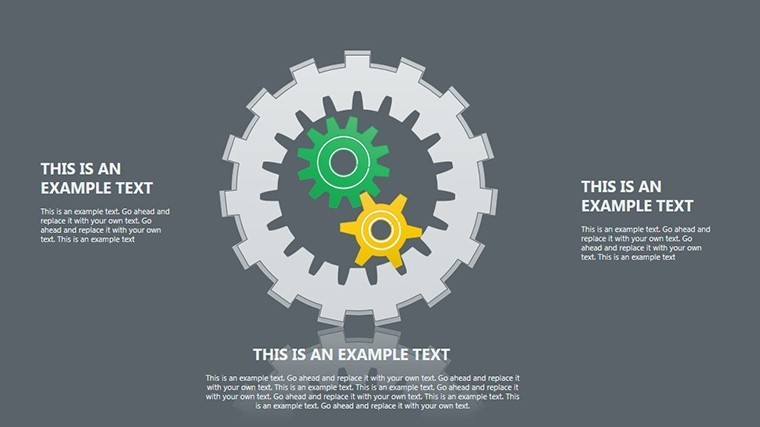
- Slide 6: Planetary Gear Set - Complex epicyclic arrangements for automotives.
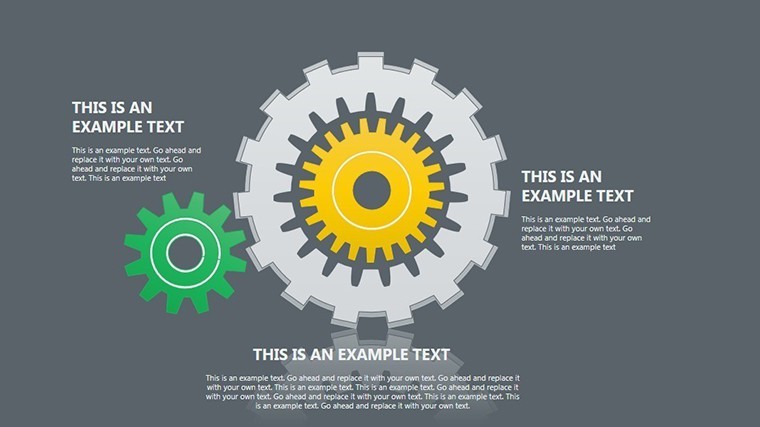
- Slide 7: Gear Train Configurations - Multi-gear chains with speed calculations.
- Slide 8: 3D Exploded Views - Disassembled for educational breakdowns.
- Slide 9: Animation-Ready Rotations - Pre-set for demonstrating motion.
- Slide 10: Custom Gear Designs - Blank templates for unique creations.
- Slide 11: Failure Analysis Charts - Highlighting wear points.
- Slide 12: Integration Examples - Gears in larger systems like clocks.
- Slide 13: Summary Infographic - Overview of gear types and uses.
Built with Keynote's 3D tools in mind, these slides scale perfectly and support rotations for interactive demos.
Engineering Applications: From Design to Delivery
In a university lecture, professors can use these to explain gear ratios, fostering hands-on learning. For product teams, they clarify prototypes in pitches to stakeholders. This template outperforms flat 2D drawings by adding depth, as noted in engineering journals like ASME's Mechanical Engineering magazine, where 3D visuals improve comprehension by 30%.
Step-by-Step: Crafting a Gear Presentation
- Launch Keynote and import the template.
- Choose a slide, e.g., Slide 6 for planetary gears.
- Label components: Add text for sun, planet, and ring gears.
- Adjust 3D angles: Rotate for optimal viewing.
- Incorporate data: Embed torque specs or ratios.
- Animate and present: Simulate motion for wow factor.
This workflow addresses the hurdle of abstract mechanics, making them vivid and relatable.
Insider Advice for Gear Visual Mastery
Opt for contrasting colors on meshing areas to emphasize contact - Keynote's gradients work wonders. Pair with simulations from software like SolidWorks for hybrid slides. Unlike stock images, this template ensures copyright-free, customizable assets. For authority, reference AGMA standards in notes; our format accommodates this effortlessly.
Gear charts aren't just technical - they're storytelling devices for innovation. This template, with its mechanism diagrams and 3D infographics, equips you to inspire the next generation of engineers.
Standout Features for Technical Pros
Weave in terms like torque transmission visuals and gear ratio graphs for natural LSI enhancement. The outcome? Presentations that captivate and convince.
Gear up your ideas - grab this template today and engineer success.
Frequently Asked Questions
How do I animate gears in Keynote?
Use built-in rotation effects on individual elements for realistic motion.
Is this template suitable for beginners?
Yes, with intuitive edits, though some mechanics knowledge helps.
Can I export to other formats?
Easily to PDF or video, preserving 3D aspects where possible.
What industries benefit most?
Automotive, aerospace, and education, among others.
Are updates available?
Check the site for new versions or expansions.
Good for
- Project roadmaps and sprint plans
- Product launch timelines
- Quarterly or annual review decks
- Company history and milestone summaries
Licence
reviews
I didn’t use half the icons but the graph pages were nice.
The template was simple enough for fast editing.
Good for monthly reports and number-heavy slides.
Needed charts for a startup pitch and this helped a lot.
The layouts felt organized without too much clutter.
FAQ
Will it work in Google Slides?
Are fonts embedded?
Can I use this for client work?
What's the refund policy?
Do you update the template after purchase?
Similar templates
See all Keynote Charts →

All 13 slides