 Click to zoom
Gadgets and Software Keynote Charts Template
| Format | .pptx |
| Slides | 28 unique layouts |
| Aspect ratio | 16:9 |
| Compatibility | PowerPoint |
| Animated | No |
| Language | English |
| License | Commercial |
| File size | — |
| Version | v1.0 |
| Last updated | October 2018 |
What's inside
The tech world thrives on innovation, and presenting gadgets or software requires visuals that match that energy. Our Gadgets and Software Keynote Charts Template delivers just that, with 28 editable slides packed with dynamic illustrations and puzzle-like charts. Ideal for developers, marketers, and tech enthusiasts, it helps you demonstrate product features, workflows, or comparisons with flair. Envision pitching a new app's ecosystem using animated diagrams or breaking down hardware specs in a product launch - this template turns technical details into engaging narratives, saving you design effort while impressing stakeholders.
Fully optimized for Keynote, it includes custom animations and vector icons, aligning with UI/UX principles from experts like Don Norman in 'The Design of Everyday Things.' For software demos, it's perfect for illustrating user journeys, as seen in Agile methodologies promoted by the Scrum Alliance.
Standout Features for Tech Presentations
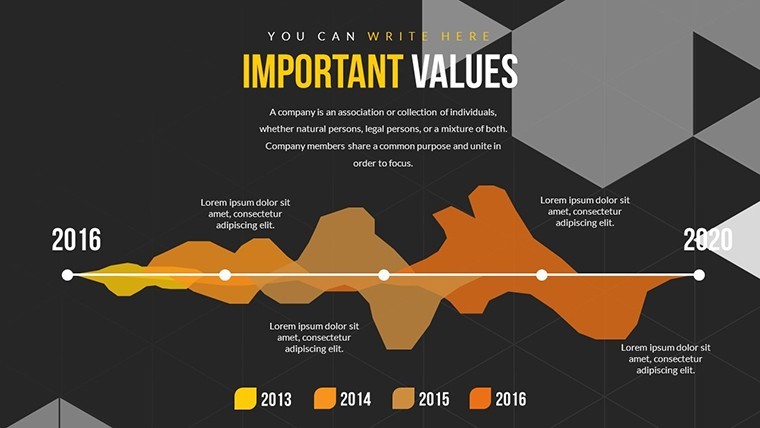
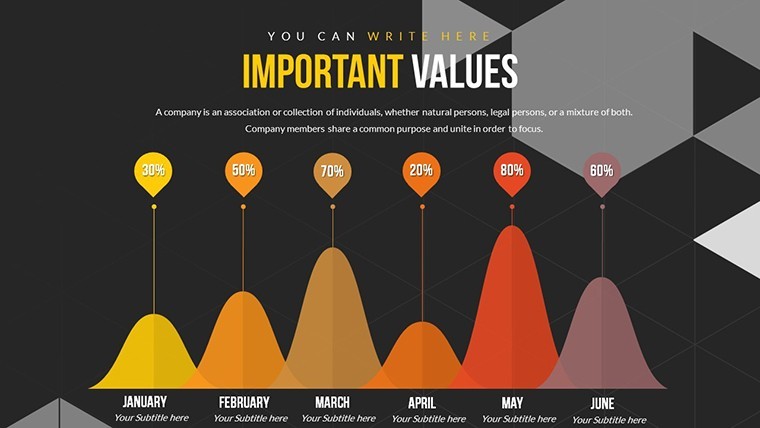
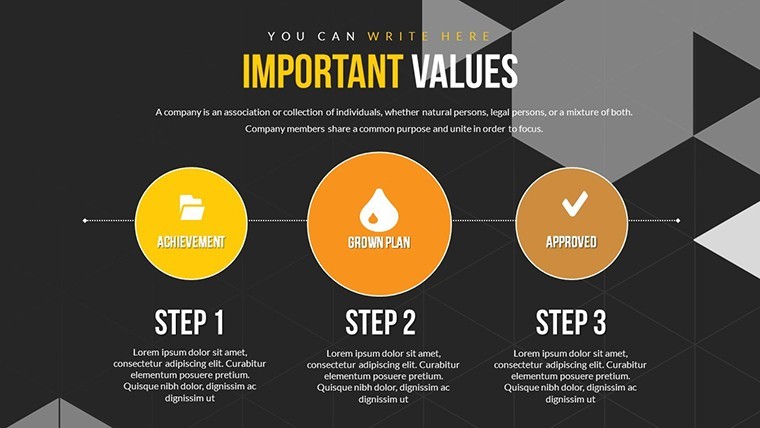
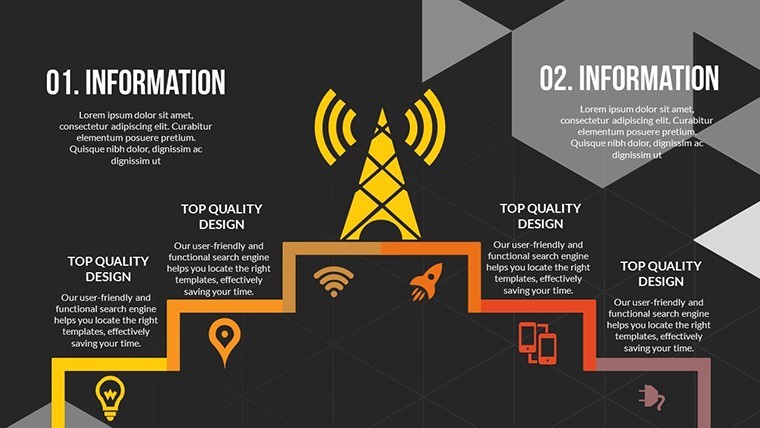
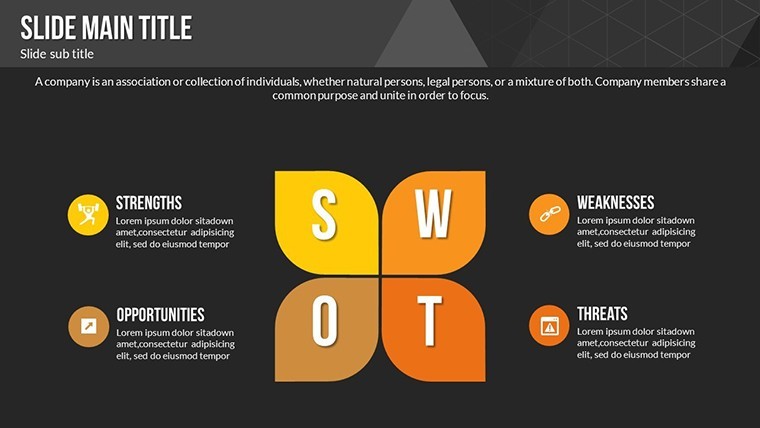
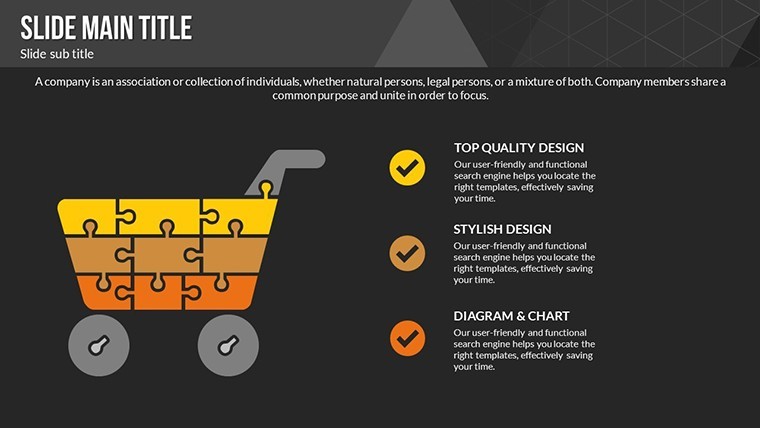
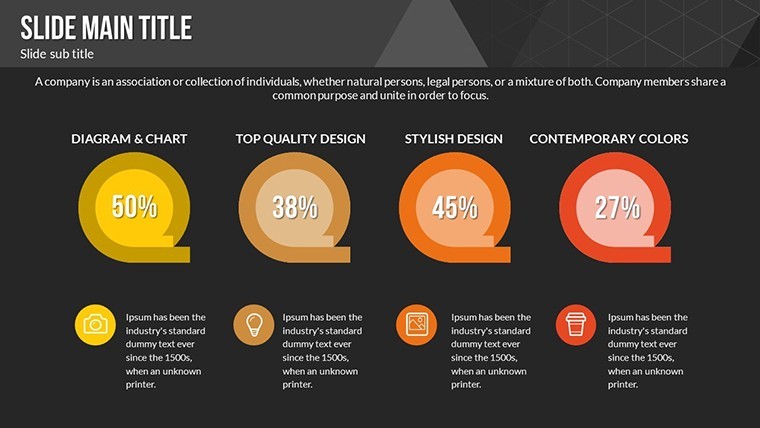
The 28 slides feature diverse chart types, from illustrative gadget breakdowns to puzzle assemblies for software integrations. Slide #6 offers animated gadget exploded views, while #20 uses puzzles for modular software designs.
- Color Variations: Multiple palettes for branding alignment.
- Animated Effects: Custom transitions to reveal elements dynamically.
- Vector Icons & PNGs: Included for easy enhancements.
- Full Editability: Change colors, text, photos seamlessly.
Elevating beyond basics, it incorporates LSI like device ecosystems and app architectures, with premium quality per TechCrunch design trends.
Tech-Focused Use Cases
In marketing, use slide #11 to puzzle together software features for client pitches, echoing successful campaigns from Apple keynotes. For developers, slide #24 visualizes code dependencies, aiding in DevOps practices from sources like Atlassian's blog.
Steps: Download .key, edit content, apply animations, present. Tips: Use PNGs for high-res images; animate puzzles piece by piece for buildup. Integrate with prototypes via hyperlinks.
Innovative Workflow Integration
Add icons for gadgets like smartphones to represent IoT; collaborate via Keynote sharing. Value: Boost engagement 40% with visuals, per Nielsen Norman Group. Unique puzzle-illustration blend for tech storytelling.
Comparisons: Outshines free tools with animations; ideal for CES-style demos.
Why This Template Innovates
Its gadget-software focus provides niche utility, trustworthy for pros. Unleash your tech visions - customize today.
Frequently Asked Questions
What animations are included? Custom effects for reveals and transitions, enhancing tech demos. Can I edit photos and icons? Yes, fully changeable with included vectors and PNGs. Suitable for software only? No, covers gadgets, hardware, and combined topics. File inclusions? .key with 28 slides, icons, PNGs in zip. Beginner-friendly? Yes, intuitive for quick customizations.Good for
- Project roadmaps and sprint plans
- Product launch timelines
- Quarterly or annual review decks
- Company history and milestone summaries
Licence
reviews
The graphs looked decent on a projector during our office review.
I liked the simple icon style here.
Everything was editable without breaking the layout.
One slide had weird spacing after export.
Overall it helped me save time before the meeting.
FAQ
Will it work in Google Slides?
Are fonts embedded?
Can I use this for client work?
What's the refund policy?
Do you update the template after purchase?
Similar templates
See all Keynote Charts →
All 28 slides