 Click to zoom
Funnel PowerPoint Charts Template for Presentation
| Format | .pptx |
| Slides | 24 unique layouts |
| Aspect ratio | 16:9 |
| Compatibility | PowerPoint |
| Animated | No |
| Language | English |
| License | Commercial |
| File size | — |
| Version | v1.0 |
| Last updated | August 2023 |
What's inside
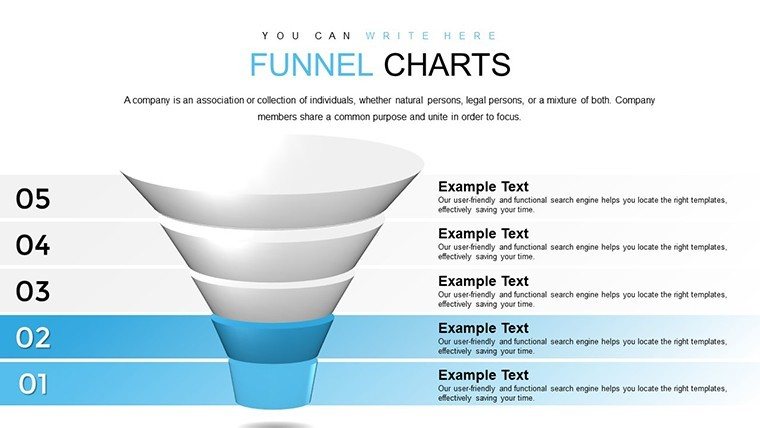
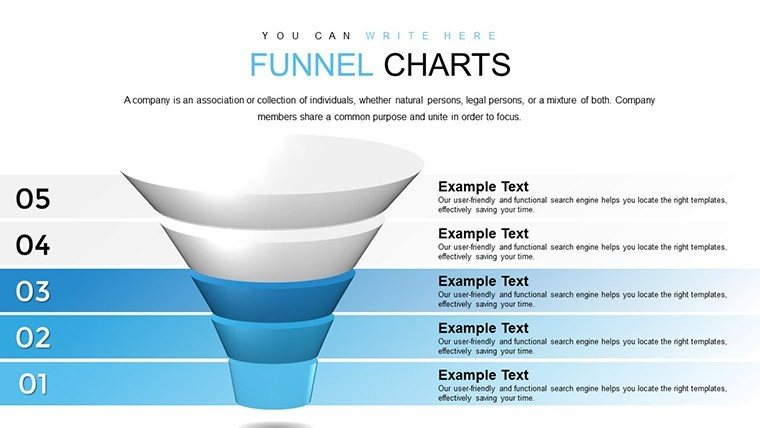
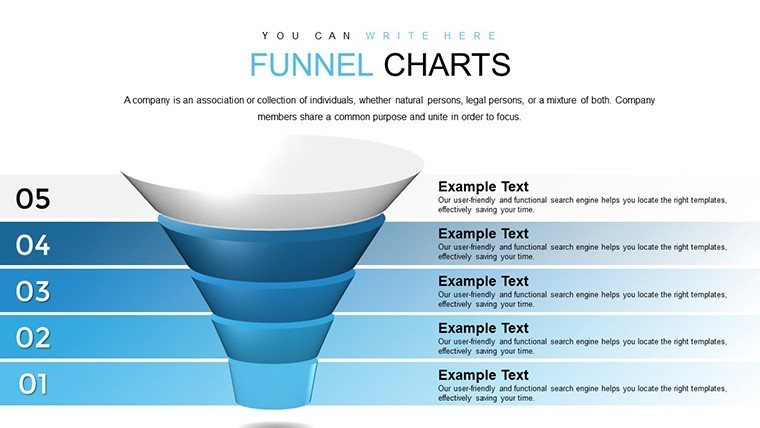
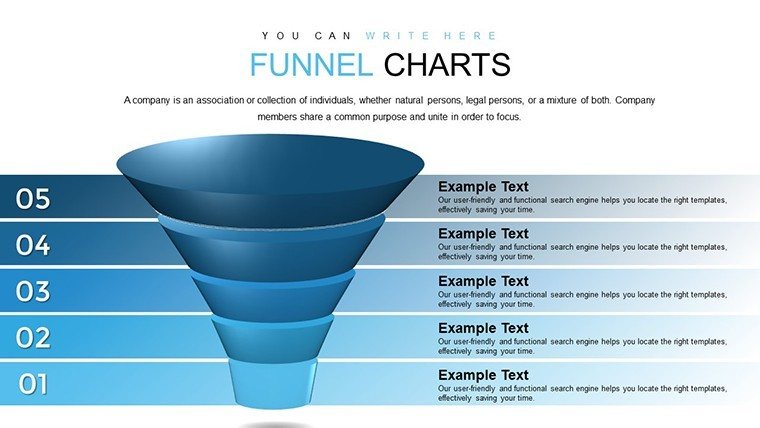
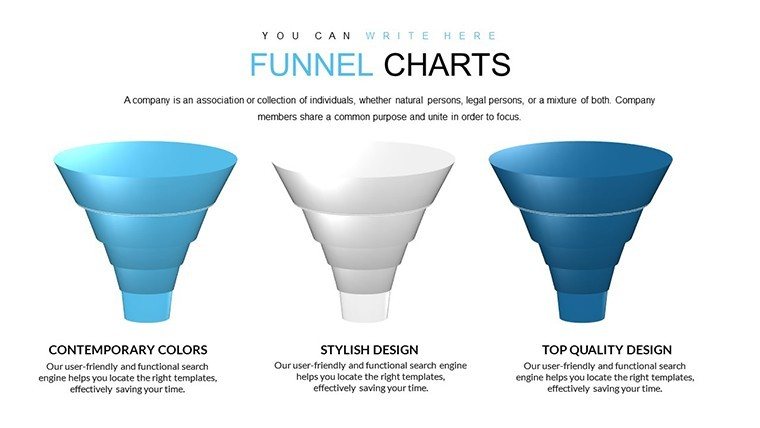
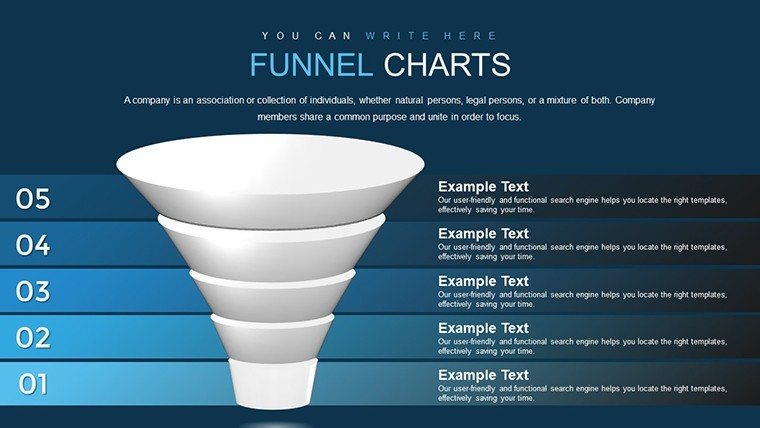
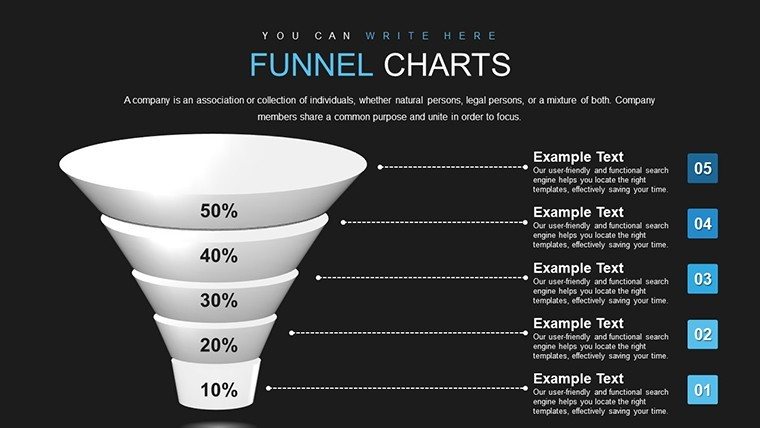
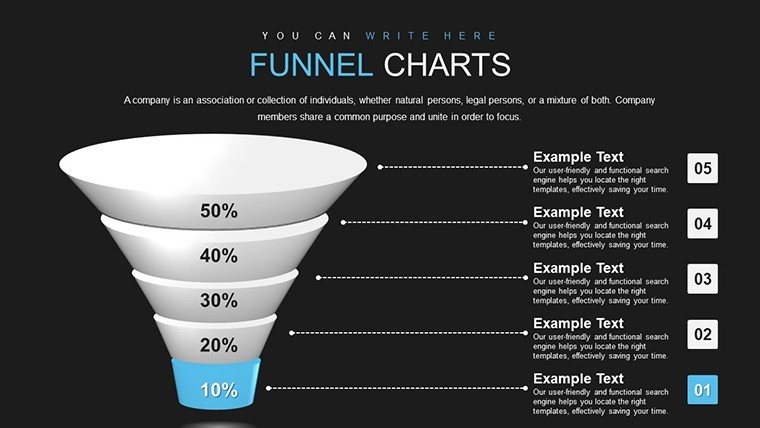
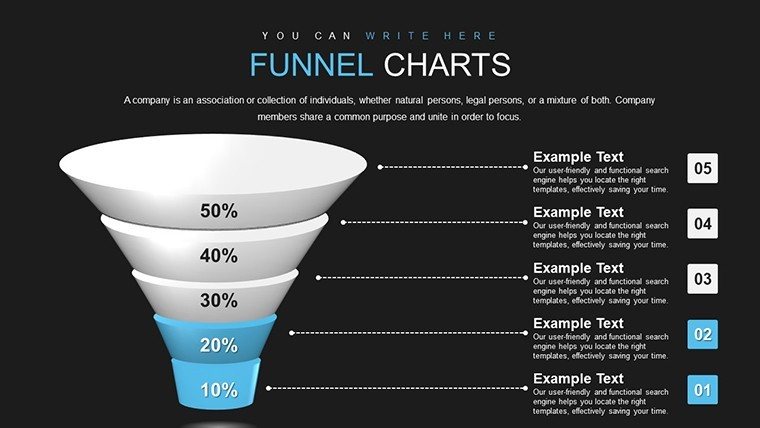
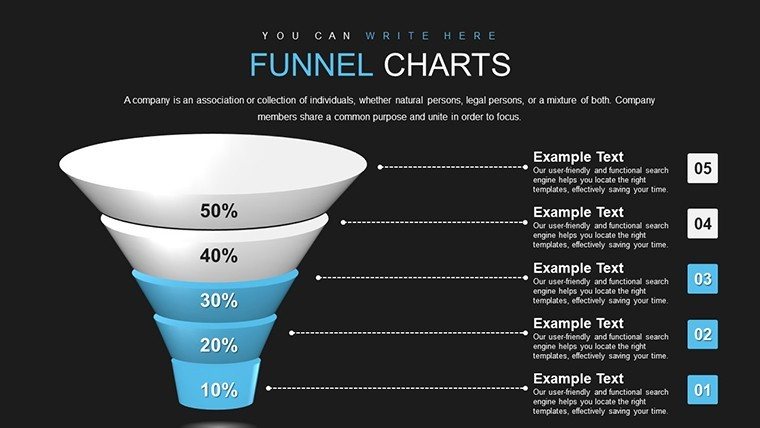
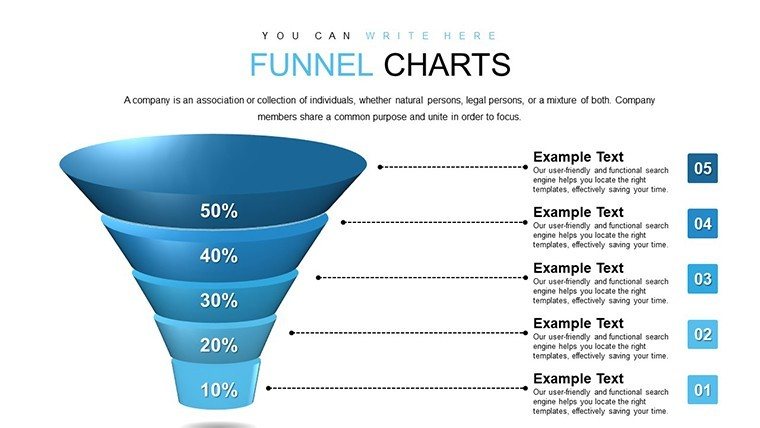
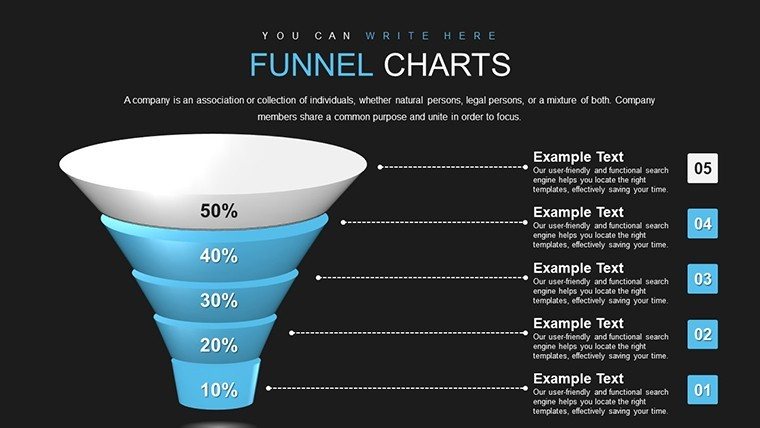
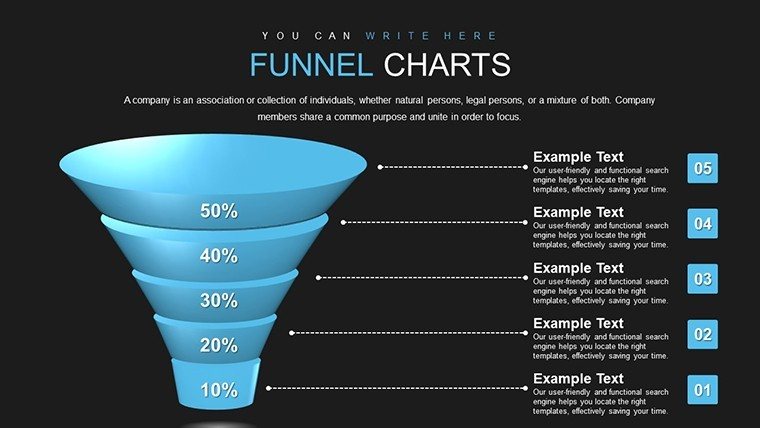
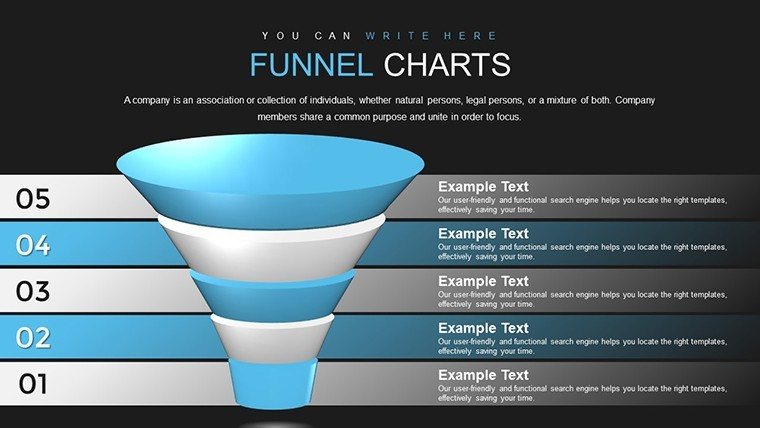
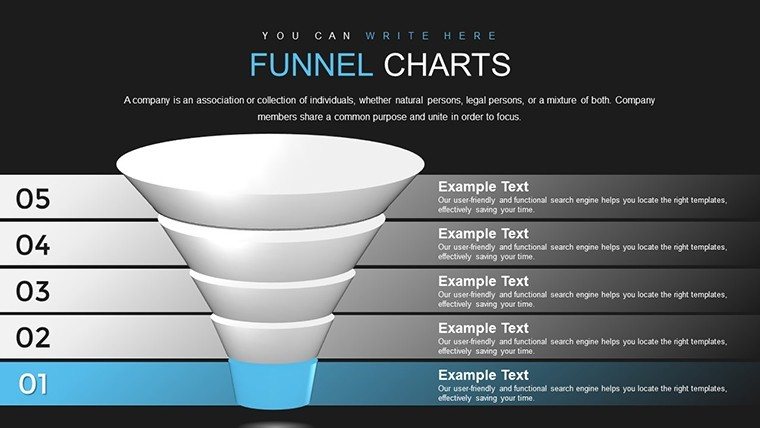
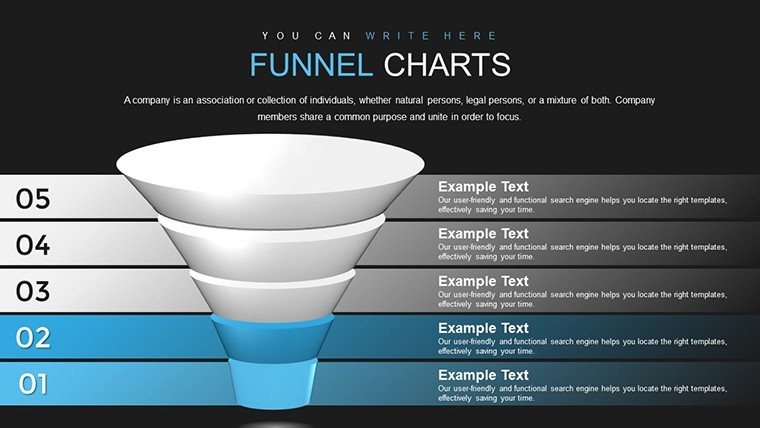
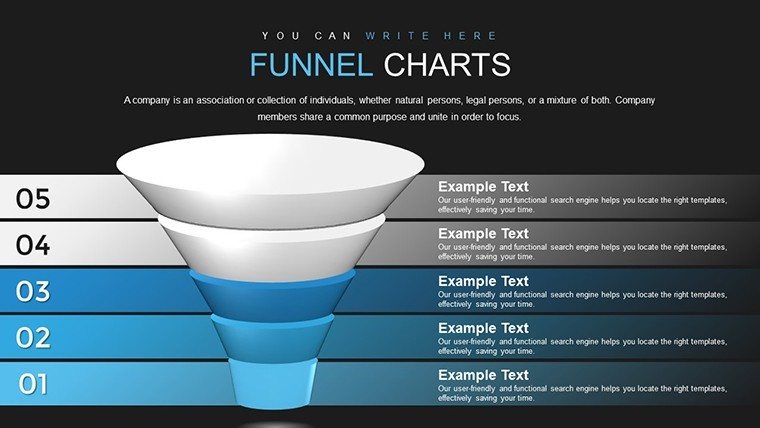
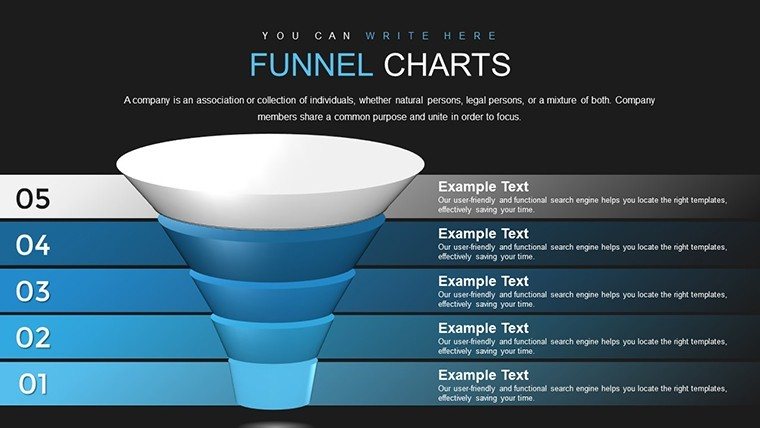
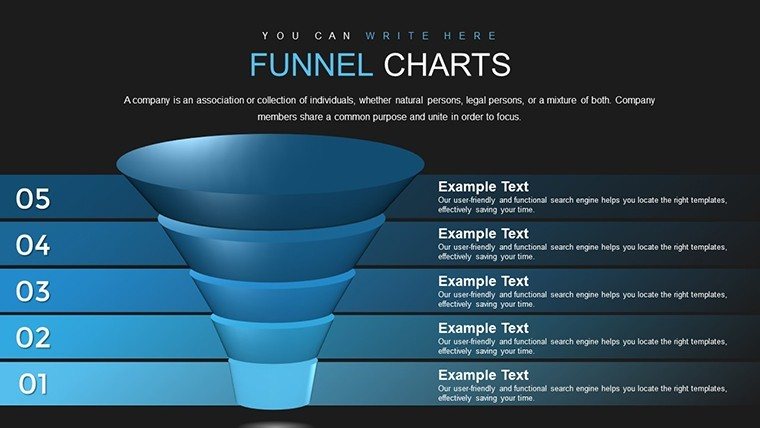
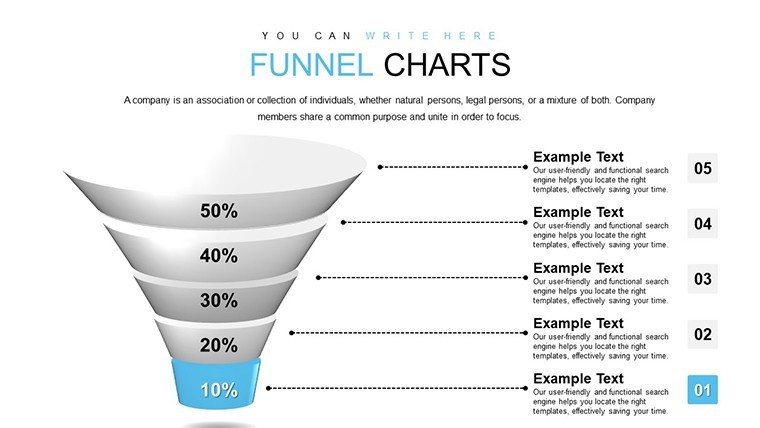
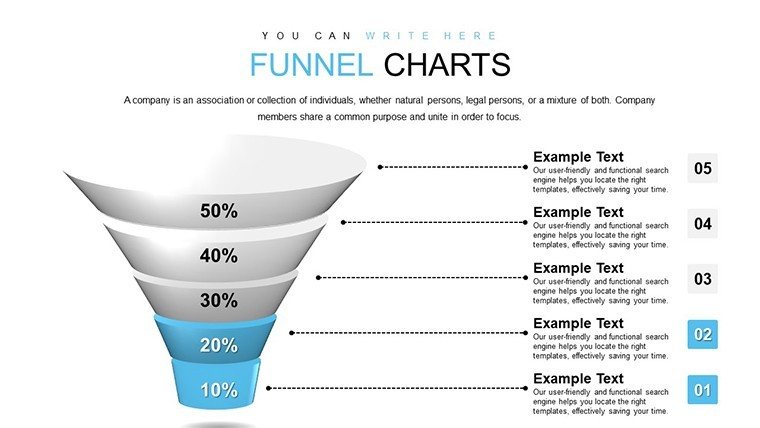
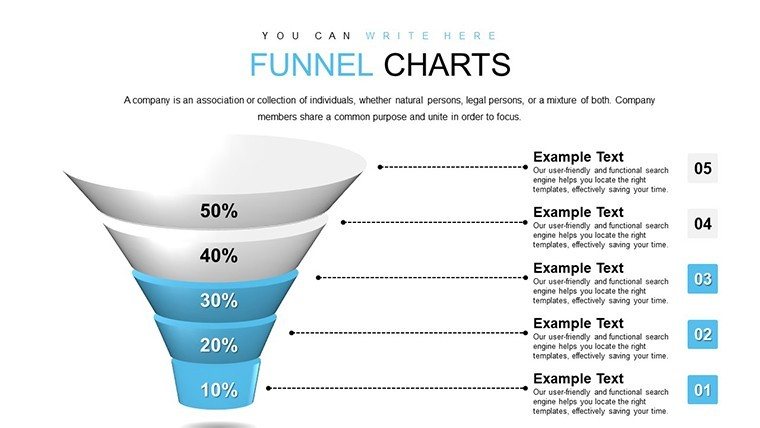
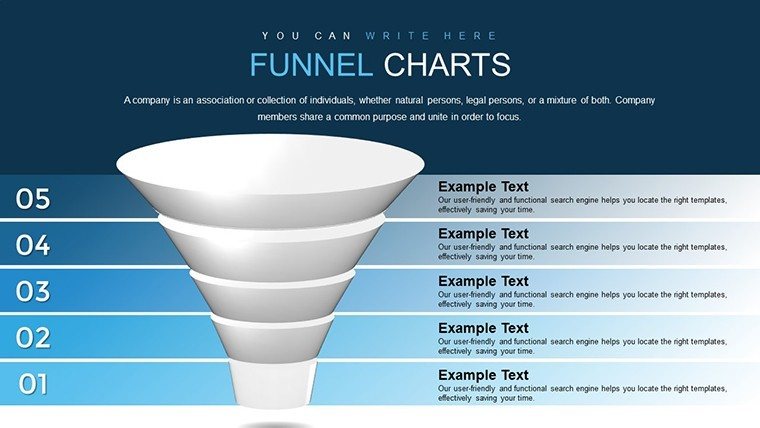
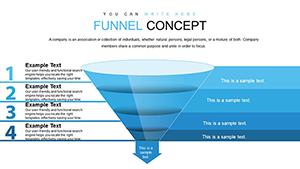
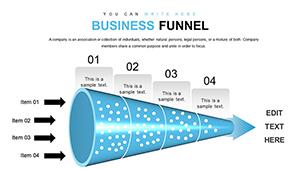
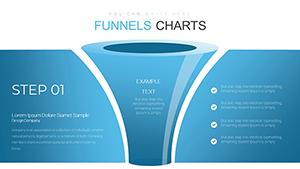
Channel your ideas through a streamlined visual journey that captivates and converts. Our Funnel PowerPoint Charts template is crafted to illustrate workflows, sales processes, and data narrowing with precision and flair, featuring 24 editable slides that guide audiences from broad concepts to pinpoint conclusions. Perfect for marketers funneling leads, architects streamlining design approvals, or consultants refining strategies, this template turns complex funnels into compelling stories. It's about more than charts; it's about directing focus and driving decisions, inspired by conversion optimization principles from experts like ConversionXL.
With roots in data visualization standards, these funnels align with best practices for clarity, such as those in Tufte's principles, ensuring minimal distortion. In architecture, depict approval funnels per local building codes, enhancing proposal efficacy. Metrics from analytics firms show funnel visuals can improve conversion understanding by 55%.
Powerful Features for Streamlined Visuals
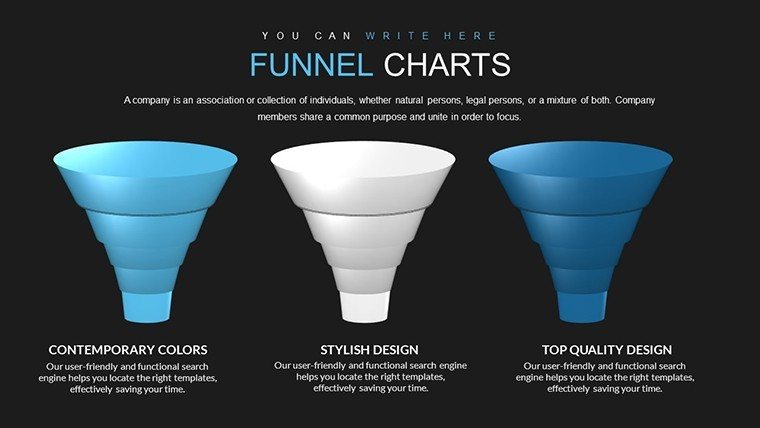
Explore 24 slides with diverse funnel designs: multi-stage, inverted, or segmented. Customize color gradients for flow emphasis, integrate data from spreadsheets, and add interactivity. Compatible with PowerPoint/Google Slides for versatile use.
- Interactive Funnels: Clickable stages for deep dives, great for investor pitches.
- Data Sync: Real-time updates from Excel, accurate for market analyses.
- Design Flexibility: Adjust shapes, themes to brand standards.
- Engagement Tools: Animations that narrow focus progressively.
Elevating beyond default tools, it offers pro-level interactivity for standout results.
Practical Use Cases and Workflows
In practice: Architects funnel design options from concepts to finals, compliant with AIA reviews. Marketers map customer journeys. Consultants optimize processes. Steps: Buy/download, import data, customize stages, animate, present. Efficient for tight deadlines.
Combine with CRM tools or Slack. Tips: Use metrics per stage, balance visuals, source data ethically. A startup case boosted funding with funnel pitches, up 40%.
Refining Your Funnel Strategy
Layer funnels for multi-path analyses, add icons for vividness. Infuse strategy with subtle calls to action.
From exec reports to edu sessions, it channels excellence.
Strategic Tips for Funnel Mastery
- Define stages clearly to avoid confusion.
- Highlight drop-offs with colors for insights.
- Test interactivity pre-presentation.
- Convert to videos for online sharing.
This Funnel template directs your success. Acquire now and channel presentation prowess.
Frequently Asked Questions
How interactive are the funnel charts?
Highly interactive, with clickable elements and animations for engaging explorations.
Works with Google Slides?
Yes, full compatibility for cloud-based work.
Suited for what fields?
Marketing funnels, architectural processes, business strategies.
What's the price?
$22.00 for instant access to 24 slides.
Data integration options?
Seamless from spreadsheets or manual entry.
Animation customization?
Yes, tailor reveals to your pace.
Good for
- Project roadmaps and sprint plans
- Product launch timelines
- Quarterly or annual review decks
- Company history and milestone summaries
Licence
reviews
This set really elevated my quarterly financial slides. Everything looks cohesive and modern. Easy to change data without messing up layout.
Tbh the customization depth surprised me positively. Used it under deadline pressure and it didn't disappoint. Only minor complaint about one gradient choice.
Great for study presentations too. The shapes are flexible and colors don't clash. Helped me focus more on content than design struggle.
Solid choice if you present often. Some templates are better than others but overall good mix. Compatibility with older PowerPoint versions worked fine for me.
The reviews weren't wrong - these charts do look premium. Quick edits and nice animations included. Saved me from boring default graphs.
FAQ
Will it work in Google Slides?
Are fonts embedded?
Can I use this for client work?
What's the refund policy?
Do you update the template after purchase?
Similar templates
See all PowerPoint Charts →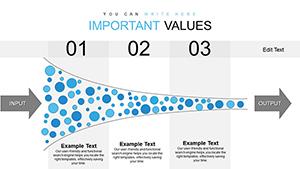
All 24 slides