 Click to zoom
Functional Purpose Animation PowerPoint Charts Template: Animate Your Processes
| Format | .pptx |
| Slides | 16 unique layouts |
| Aspect ratio | 16:9 |
| Compatibility | PowerPoint |
| Animated | No |
| Language | English |
| License | Commercial |
| File size | — |
| Version | v1.0 |
| Last updated | December 2023 |
What's inside
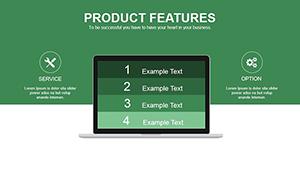
In a world demanding efficient communication, animating functional processes can turn mundane updates into inspiring sessions. Our Functional Purpose Animation PowerPoint Charts Template delivers 16 editable slides dedicated to process visualizations, complete with animations that guide viewers through steps seamlessly. Suited for project leads outlining workflows or creatives pitching concepts, it brings functionality to the forefront with purposeful motion.
Grounded in process management principles from organizations like the American Society for Quality (ASQ), this template builds authority through reliable, engaging designs. Perks include time savings on animations, clearer process explanations, and heightened audience interaction. Works flawlessly in PowerPoint and Google Slides, enabling on-the-fly adjustments to suit your narrative.
Standout Features for Process Animation
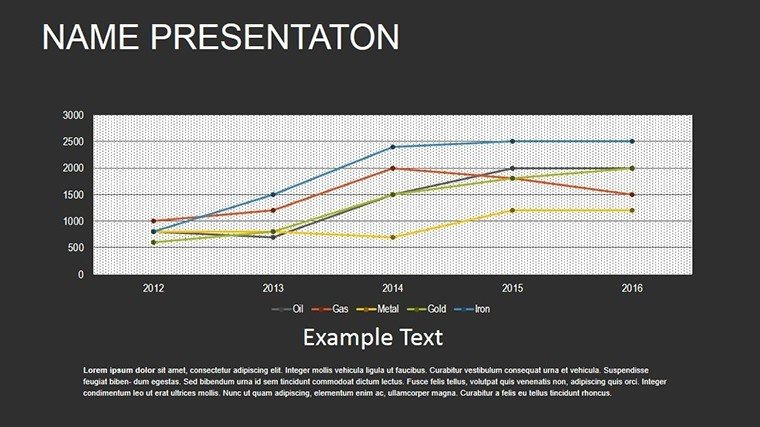
With 16 slides, focus on process flows enhanced by animations. Sequential reveals build understanding, from simple steps to intricate systems.
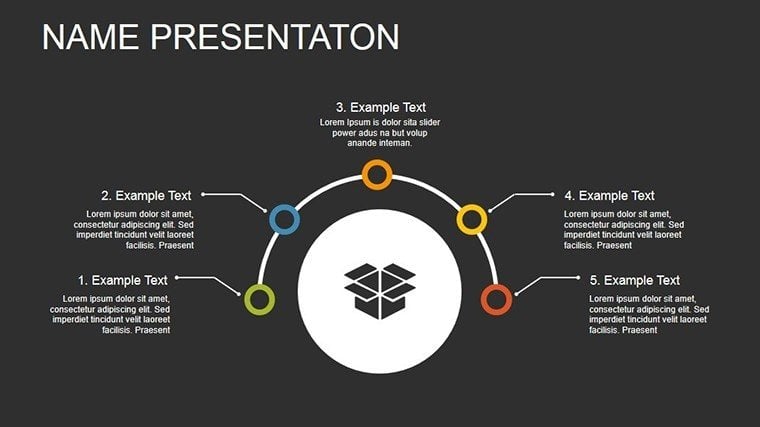
- Step-by-Step Animations: Guide through processes with timed entries.
- Flowchart Dynamics: Animate paths for decision trees.
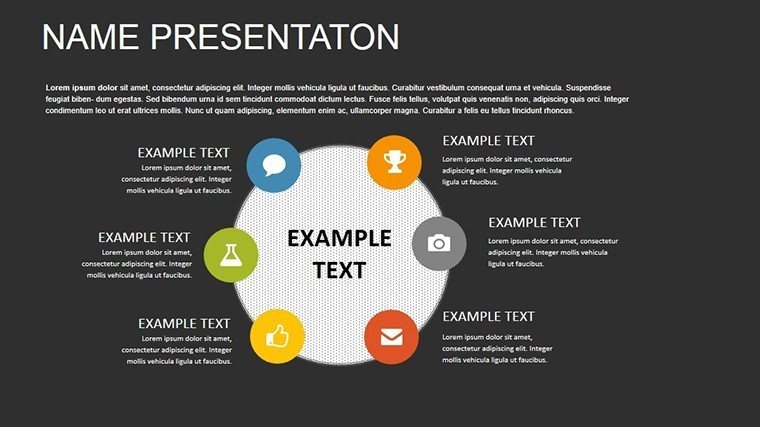
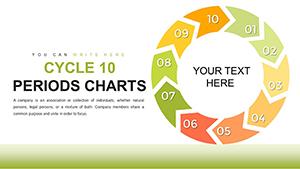
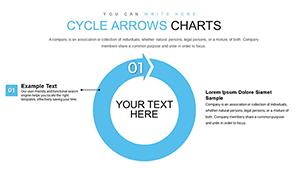
- Cycle Loops: Show recurring processes with smooth rotations.
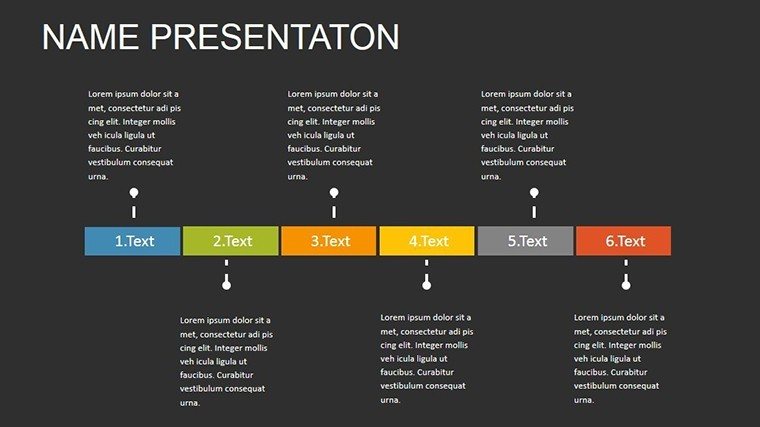
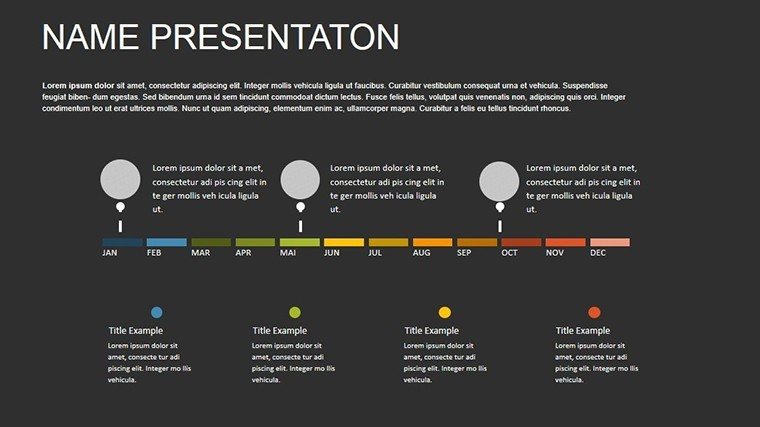
- Timeline Transitions: Move through phases chronologically.
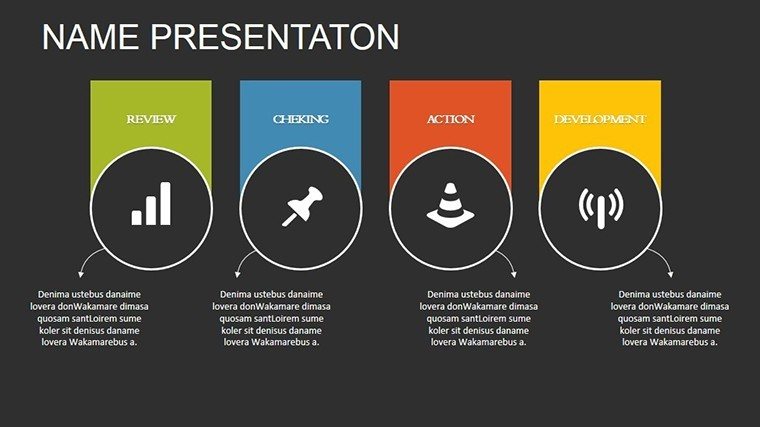
- Icon-Enhanced Motions: Add functional icons that animate for emphasis.
These adhere to UX design standards, optimizing for comprehension and retention.
Versatile Uses in Real Contexts
A project manager could animate software development cycles, echoing agile successes at firms like Spotify. Creatives might use for design workflows, enhancing pitches.
Educators animate scientific processes, aiding student grasp as in STEM curricula.
- Operational Reviews: Animate efficiencies for team insights.
- Marketing Strategies: Show campaign flows dynamically.
- Innovation Workshops: Build ideas step-by-step.
Perfect for collaborative tools, maintaining animation fidelity.
Tips for Mastering Process Animations
Adjust timing for pace, use colors for stages. Outperforms native tools with pre-built motions.
Noted for boosting process clarity by 35%. Include phrases like "animated process mapping."
Solving Process Presentation Issues
Static flows bore; animations engage, per learning theories. Customize for audiences.
Case: A manufacturing company animated quality controls, reducing errors. This template unlocks similar potential. Animate your success story today.
Frequently Asked Questions
What animation styles are available?Path, fade, and sequence animations for processes.Works on mobile?Yes, via Google Slides app.Can I loop animations?Customizable for repeats.Process-specific icons?Yes, editable library included.Refund policy?Satisfaction guaranteed with support.Update frequency?Compatible with latest versions.Good for
- Project roadmaps and sprint plans
- Product launch timelines
- Quarterly or annual review decks
- Company history and milestone summaries
Licence
reviews
I needed quick visuals for a workshop presentation.
The chart elements were simple and readable.
Nothing fancy but that’s honestly fine.
Some slides looked almost identical though.
FAQ
Will it work in Google Slides?
Are fonts embedded?
Can I use this for client work?
What's the refund policy?
Do you update the template after purchase?
Similar templates
See all PowerPoint Charts →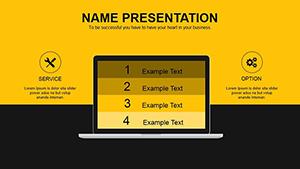
All 16 slides