 Click to zoom
Flow System Analysis Keynote Diagrams: Decode Complexity Gracefully
| Format | .pptx |
| Slides | 18 unique layouts |
| Aspect ratio | 16:9 |
| Compatibility | PowerPoint |
| Animated | No |
| Language | English |
| License | Commercial |
| File size | — |
| Version | v1.0 |
| Last updated | August 2021 |
What's inside
Confronting a labyrinth of interconnected elements - processes looping, variables cascading - can paralyze even the sharpest minds. Our Flow System Analysis Keynote Diagrams template cuts through with 18 editable slides that illuminate paths to resolution. Aimed at engineers, project managers, and strategists wrestling with intricate systems, it reframes chaos into coherent flows. Native to Keynote and readily convertible to PowerPoint, this asset accelerates from analysis to advocacy, freeing you to champion solutions over sketching struggles.
Blank canvases breed frustration; this template preloads wisdom, with pyramids stacking priorities, pies portioning impacts, and flows charting trajectories. Echoing systems thinking from Donella Meadows, it spotlights leverage points amid infinite details. Implementation studies from PMI reveal 50% faster problem resolution with such aids, underscoring their potency in turning 'wicked problems' into winnable ones.
Essence of Flow: Tools That Untangle
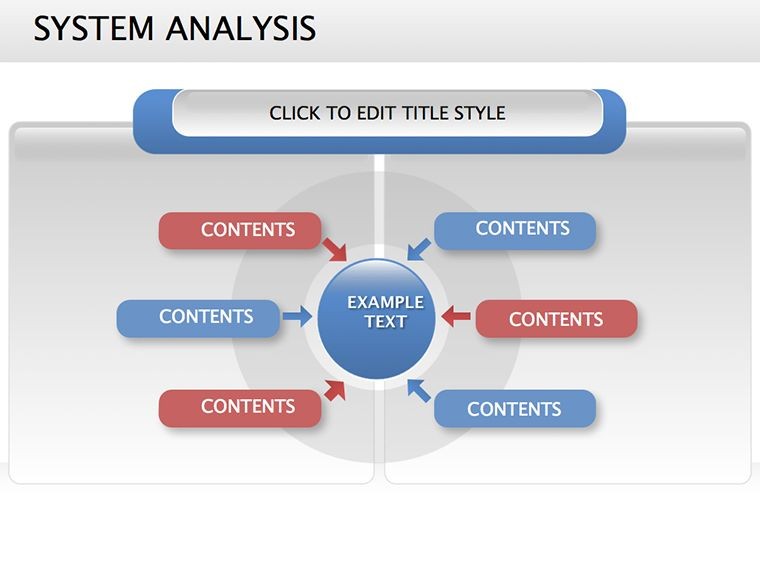
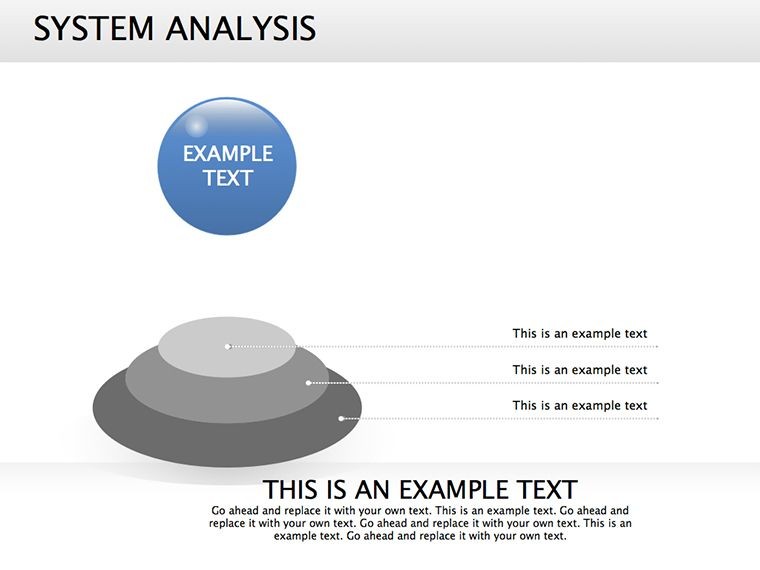
Core to the design: relationship webs linking causes to effects, 3D pyramids elevating hierarchies, pie slices quantifying contributions. Animate a flow slide to trace a supply glitch's ripple - nodes glow on impact, arrows pulse with urgency.
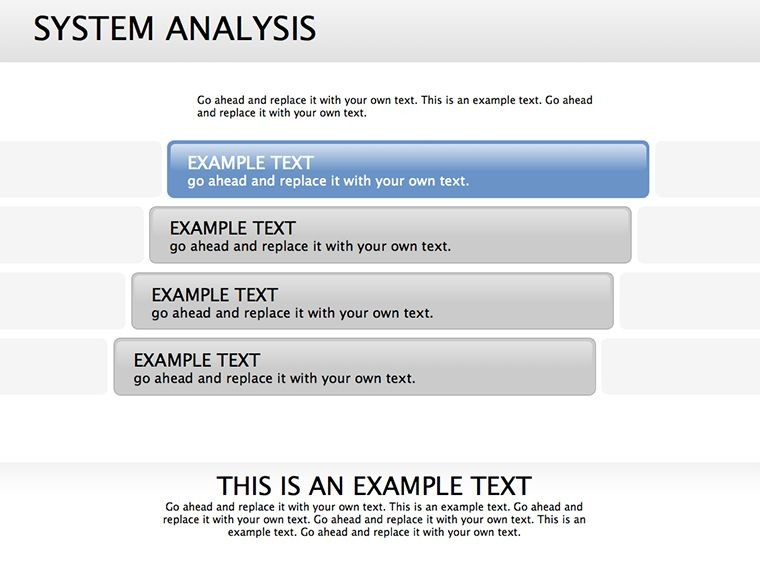
- Layered Logic: Successive templates for phased breakdowns, from macro overviews to micro fixes.
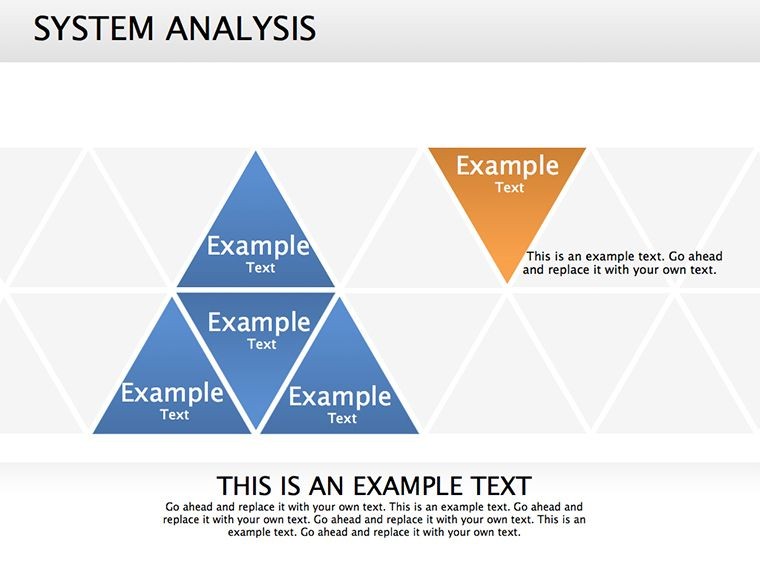
- Relational Richness: Pyramids and pies for element interplay, revealing goal-aligned subsets.
- Adaptive Architecture: Reshape paths, recolor risks - tailor to your system's pulse.
Think of Dr. Elena, a logistics optimizer: she mapped warehouse bottlenecks via pyramid flows, optimizing routes to shave 15% off delays. These narratives prove the template's alchemy in actionable insight.
Flow Forward: Slide-by-Slide Strategy
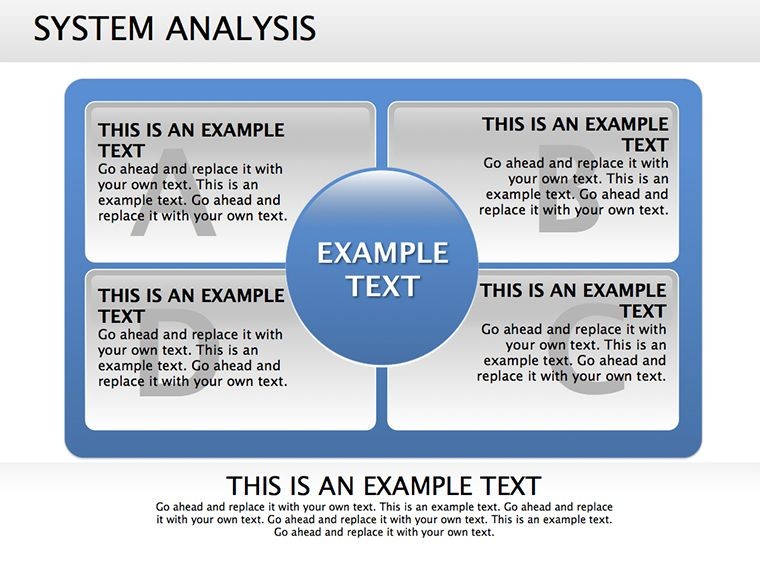
- System Snapshot: Opening relationship diagram, editable links for custom entities.
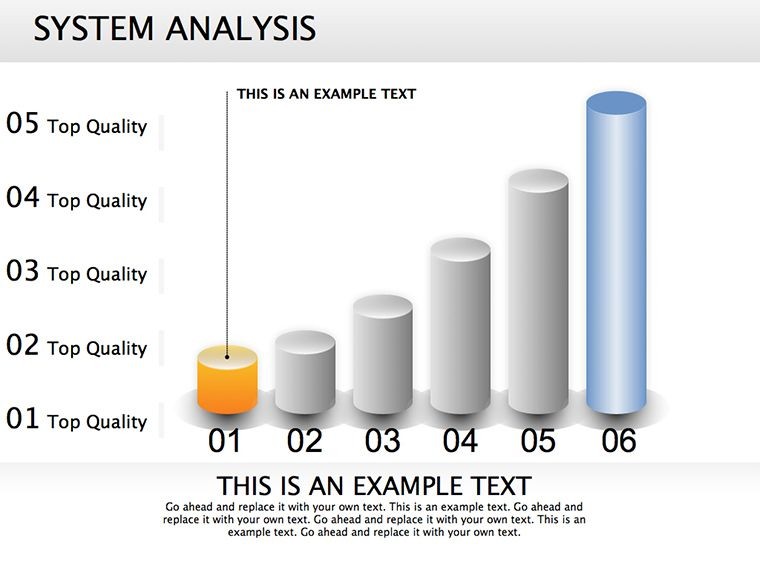
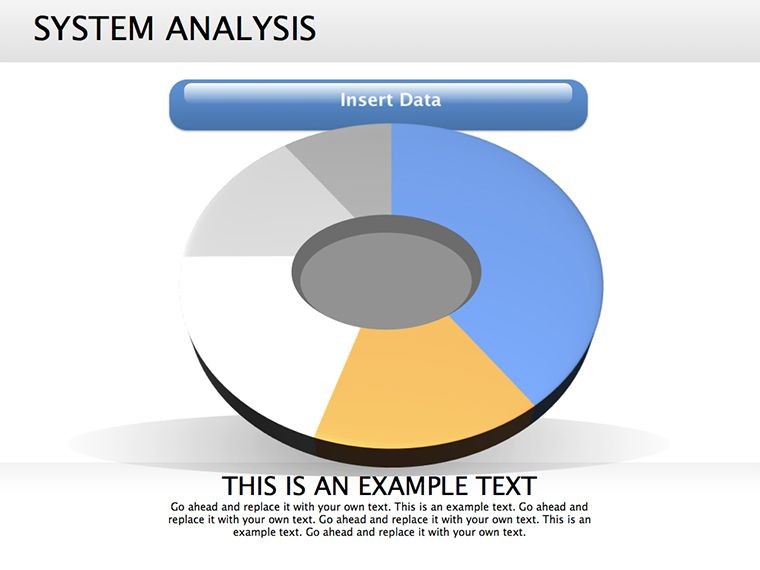
- Impact Inventory: Pie chart parsing influences, shaded for criticality.
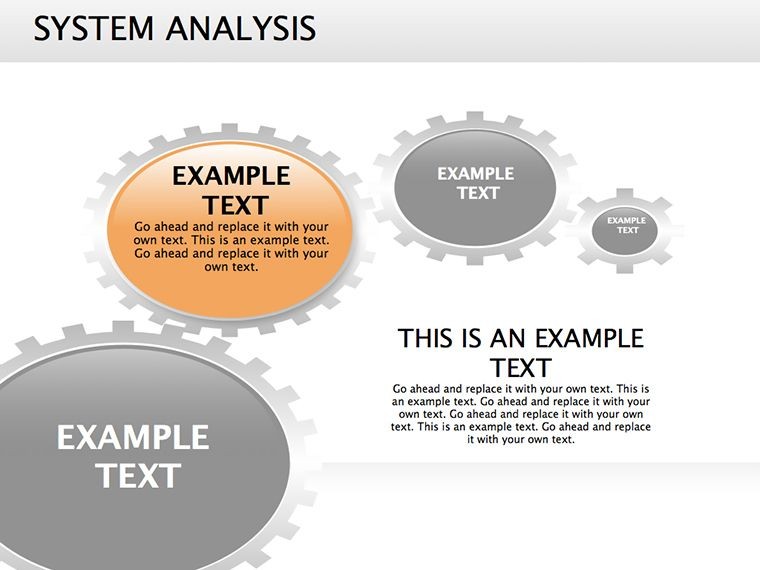
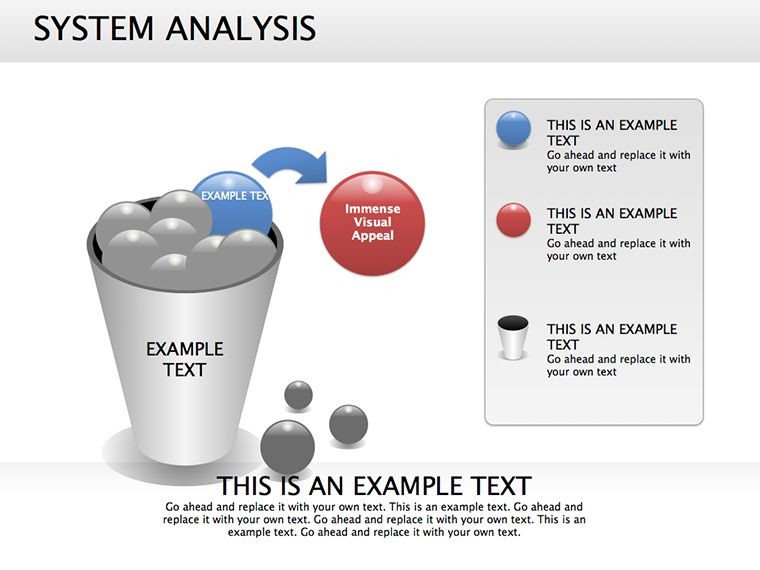
- Pathway Probes: Flow sequences simulating scenarios, with branch points for alternatives.
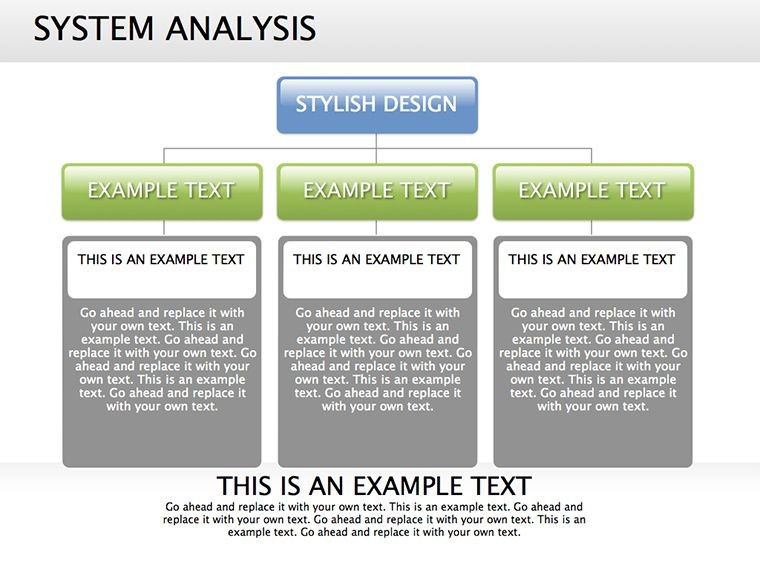
- Resolution Rally: Pyramid closer synthesizing solutions, prioritized by feasibility.
Infused with INCOSE systems engineering tenets, they prioritize essence over excess.
Systemic Scenarios: Where Flows Flourish
Engineers diagram circuit cascades; managers model project interlocks. In healthcare, trace patient journeys via flows, aligning with HIPAA-compliant visuals. Consultants unpack client ops, pyramids pinpointing efficiencies.
A manufacturing lead visualized assembly lines, flows exposing waste - yielding a lean overhaul that cut costs 20%. Adaptable for agile sprints or policy simulations.
Stream Tip: Use gradients on arrows for momentum cues, guiding eyes through narratives.
Mastering the Maze: Analysis Arts
Identify core loops first - boundaries define focus, per boundary critique methods. Customize with thematic icons (valves for controls), ensuring cultural fit. Alt texts: "Flow diagram of system bottlenecks" for universality.
- Build Brilliance: Sequential animations mimic real-time evolution.
- Source Sync: Pull from Visio for hybrid workflows.
- Versatile Vectors: Scale for billboards or briefs.
This blueprint forges foresight from flux.
Streamline Solutions - Flow Into Action Now
Complexity bows to clarity. Our Flow System Analysis Keynote Diagrams navigate the knots. Acquire yours today and architect triumphs. Untie the ties - download your flow forward.
Frequently Asked Questions
How do these aid complex problem-solving?
By successive flows and pyramids, distilling elements to goal-focused visuals.
PowerPoint export viable?
Yes - preserves all dynamics for platform-agnostic use.
Customization depth?
Deep: Nodes, paths, colors - all malleable for precise fits.
Engineering applications?
Prime for process mappings and risk analyses.
Animation options?
Built-in for progressive reveals, enhancing comprehension.
Good for
- Project roadmaps and sprint plans
- Product launch timelines
- Quarterly or annual review decks
- Company history and milestone summaries
Licence
reviews
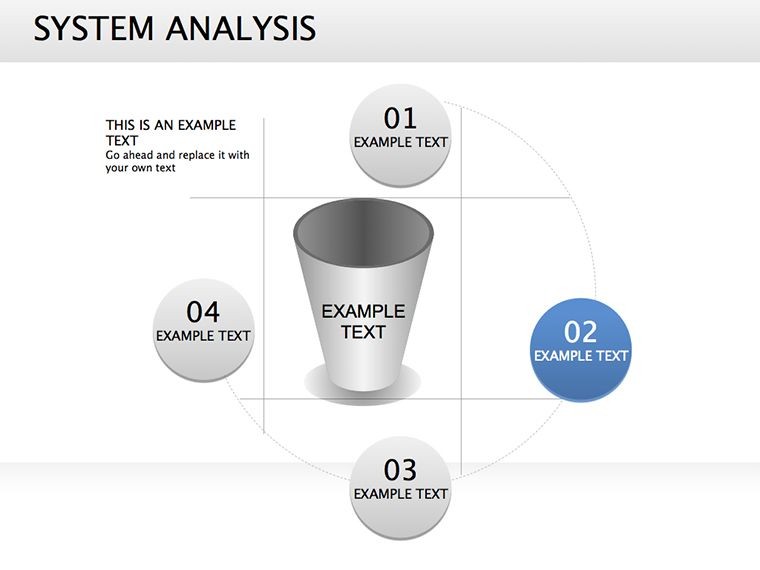
The circular diagrams helped explain our support process better than plain bullet points.
I rushed through a school project and mostly copied the example layout.
The icons looked fine on my MacBook screen and also on the projector.
Not perfect but easier than building everything manually in Keynote.
I liked that the slides weren’t overloaded with random decorative elements.
FAQ
Will it work in Google Slides?
Are fonts embedded?
Can I use this for client work?
What's the refund policy?
Do you update the template after purchase?
Similar templates
See all Keynote Diagrams →


All 18 slides