 Click to zoom
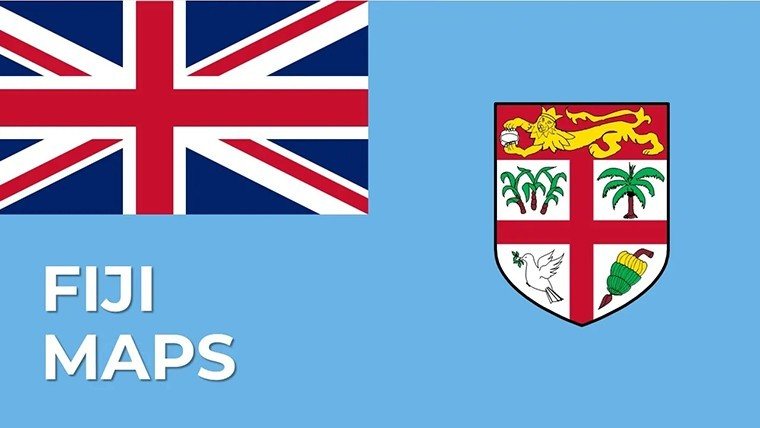
Fiji PowerPoint Maps Template: Dive into Island Paradise Visuals
| Format | .pptx |
| Slides | 29 unique layouts |
| Aspect ratio | 16:9 |
| Compatibility | PowerPoint |
| Animated | No |
| Language | English |
| License | Commercial |
| File size | — |
| Version | v1.0 |
| Last updated | May 2024 |
What's inside
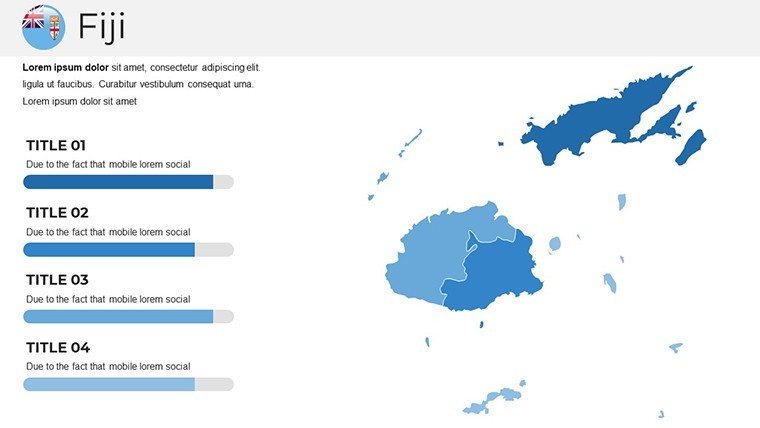
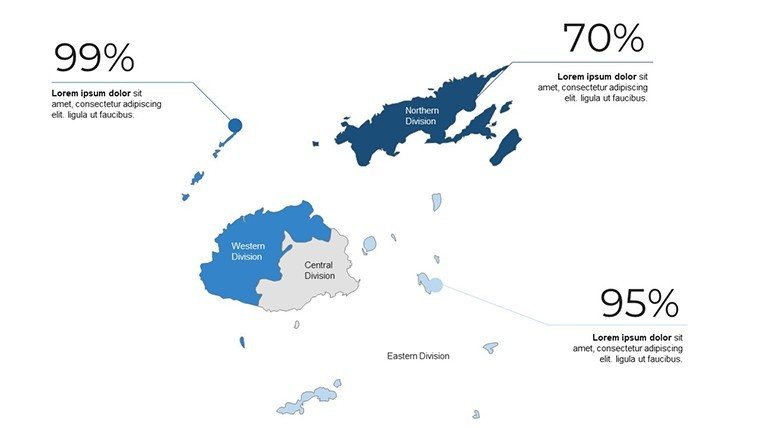
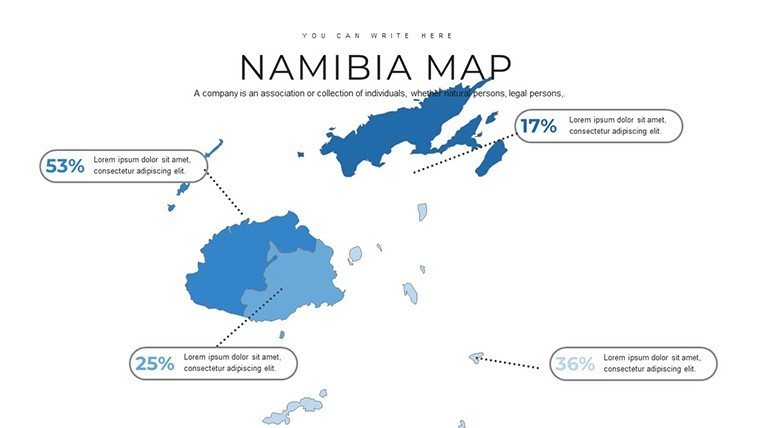
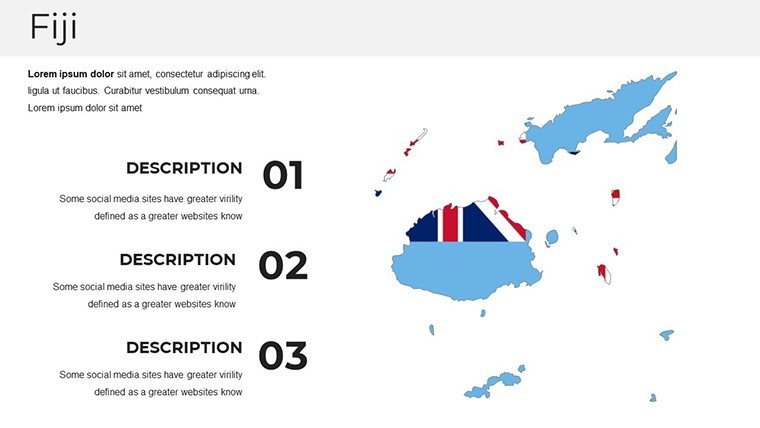
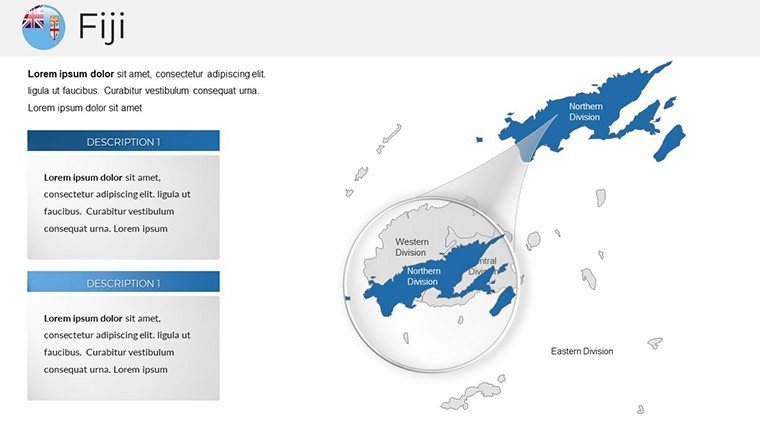
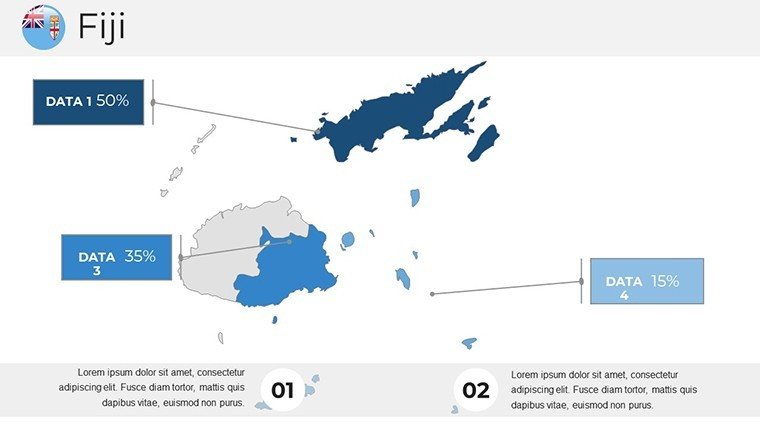
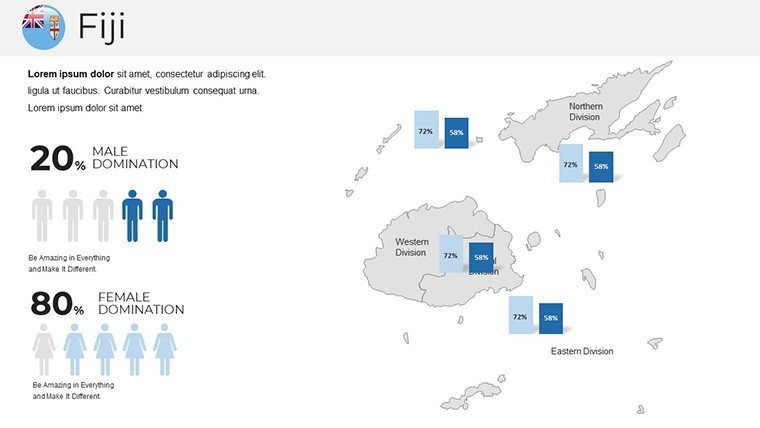
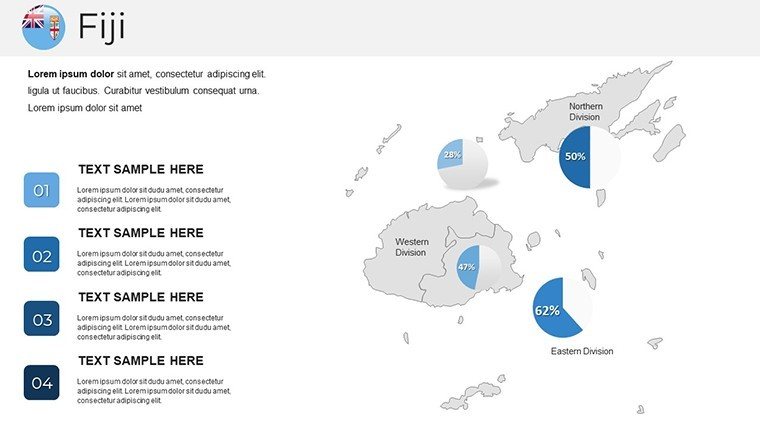
Picture your next presentation as a virtual voyage through Fiji's turquoise waters and verdant islands - this is the magic our Fiji PowerPoint Maps Template brings to life. With 29 meticulously designed, fully editable slides, this tool is crafted for travel enthusiasts, educators, and business leaders who want to showcase the archipelago's allure without the hassle of starting from scratch. From highlighting eco-tourism hotspots to analyzing market expansions, the template's vibrant designs capture Fiji's essence, blending cultural motifs with practical data visualization. Compatible with all PowerPoint versions and Google Slides, it allows effortless tweaks to fonts, colors, and layouts, ensuring your story resonates. Drawing from real traveler feedback and industry insights, like those from the Fiji Tourism Board, this template turns mundane slides into immersive experiences that boost engagement and retention. Whether you're planning a destination wedding pitch or a geography lesson on Pacific islands, it's your passport to professional, eye-catching results.
Explore the Rich Features Tailored for Fiji's Diversity
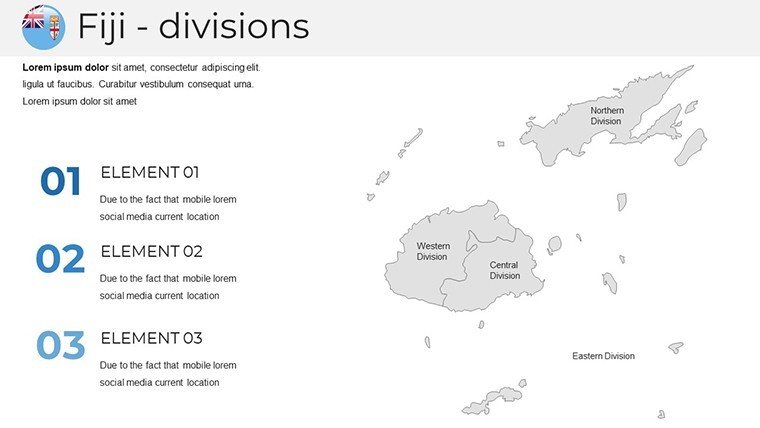
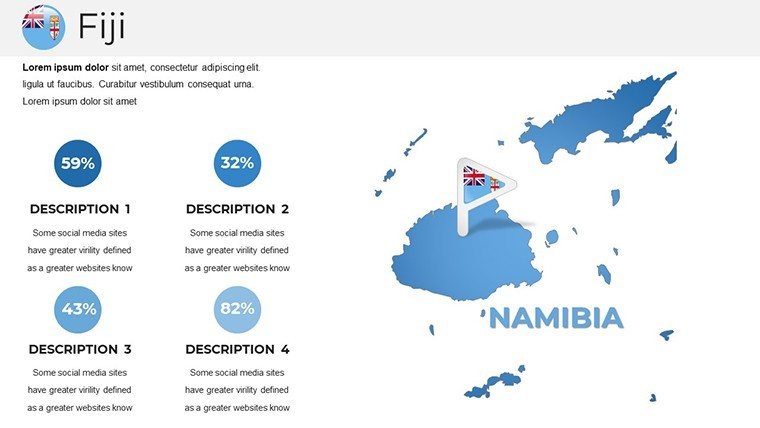
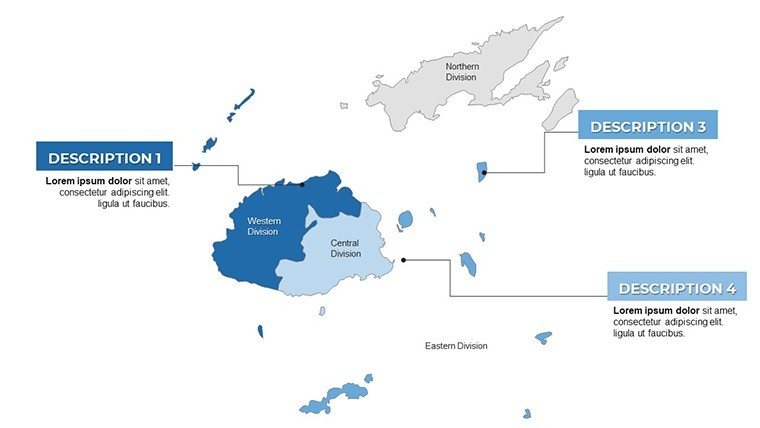
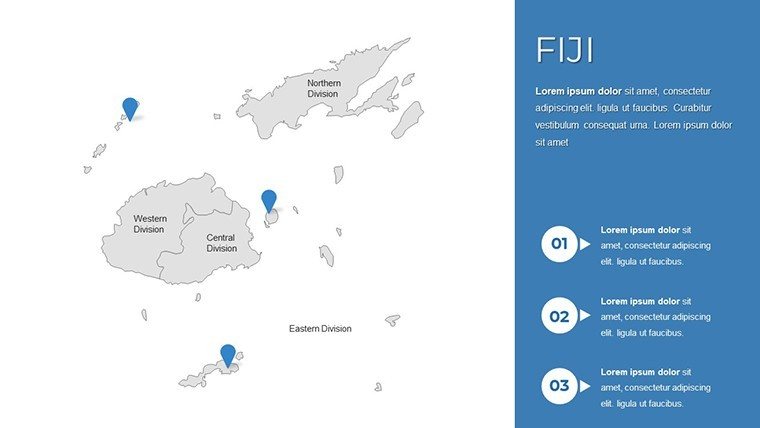
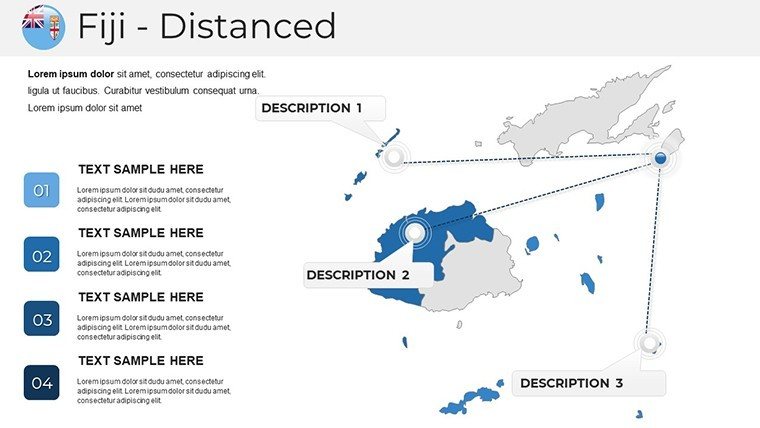
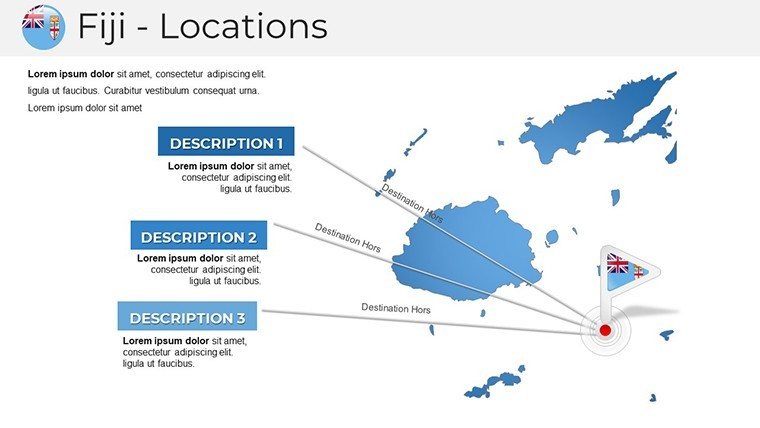
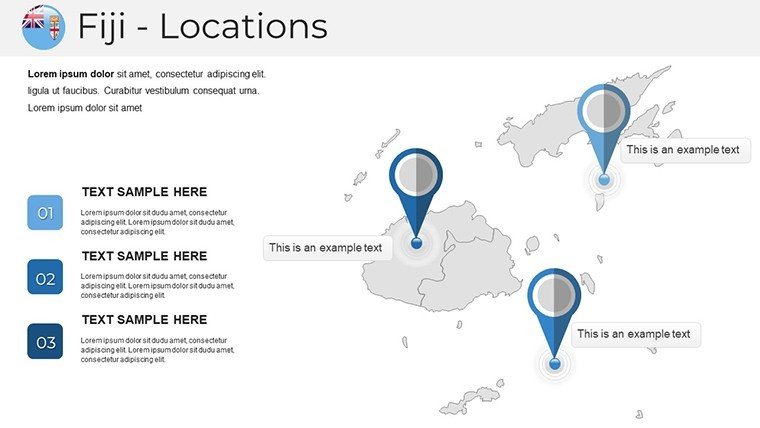
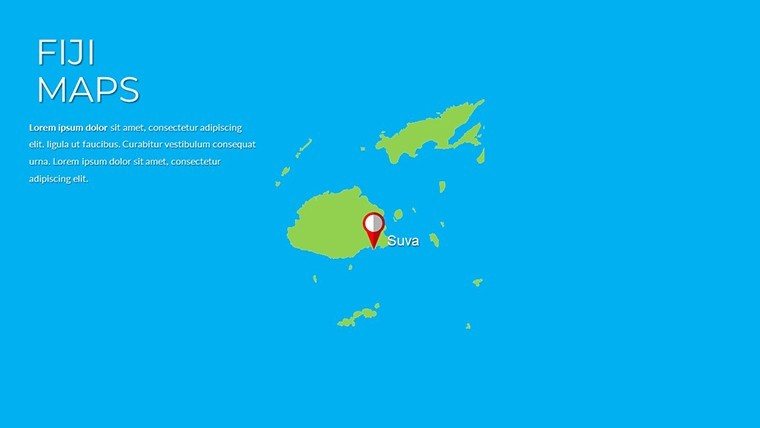
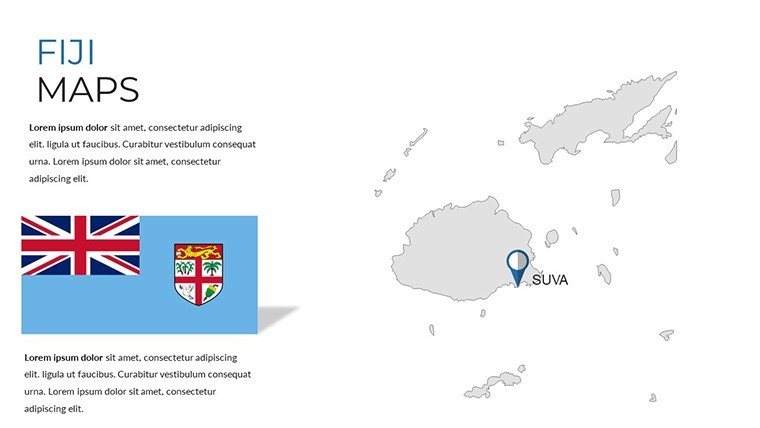
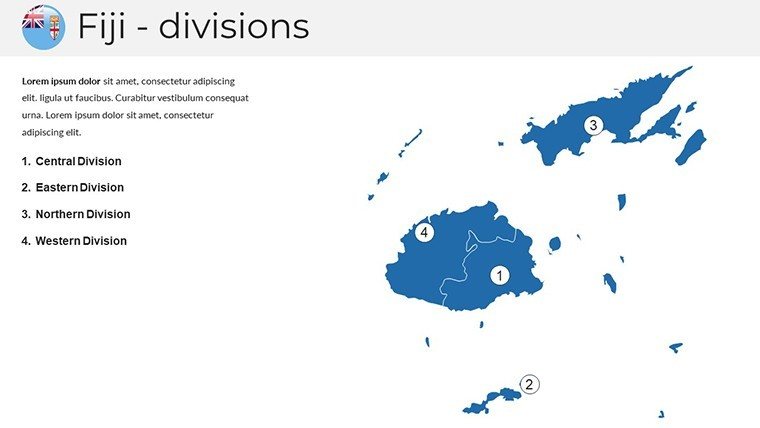
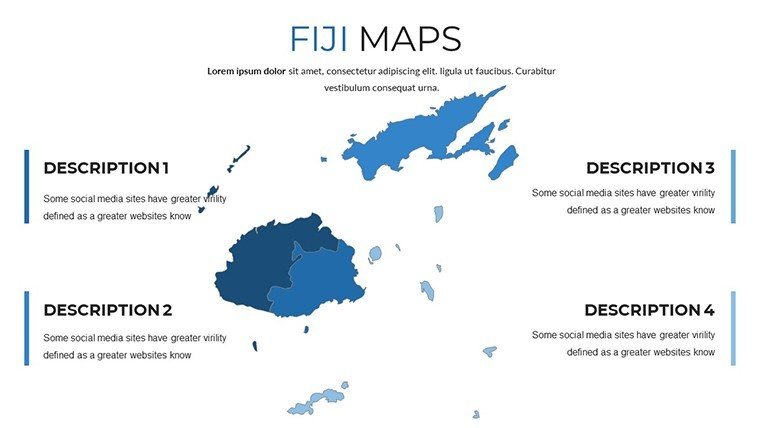
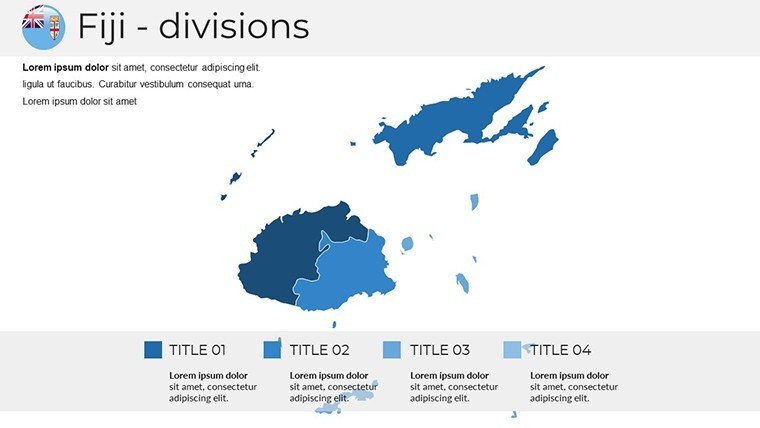
This template's strength lies in its feature-packed design, inspired by Fiji's multifaceted geography - from coral reefs to volcanic peaks. All 29 slides use high-fidelity vector maps that maintain sharpness at any scale, ideal for both online webinars and printed handouts. Begin with panoramic overviews of the 300+ islands, including Viti Levu and Vanua Levu, with customizable pins for key locations like Suva or Nadi.
- Vibrant Thematic Palettes: Infuse slides with Fiji-inspired colors - azure blues for oceans, golden yellows for beaches - to evoke a sense of adventure and relaxation.
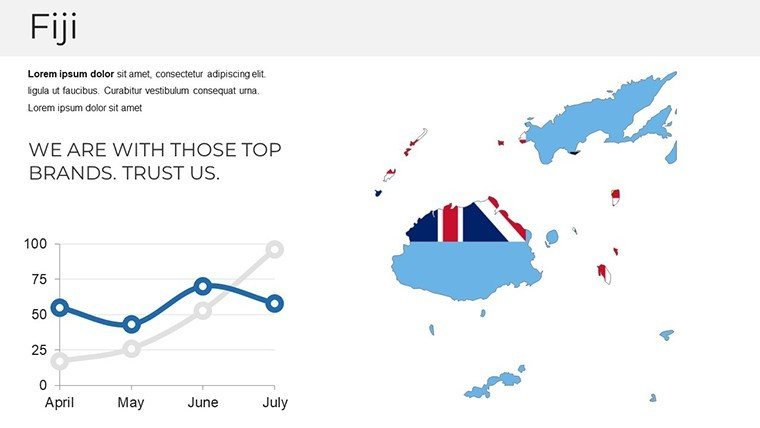
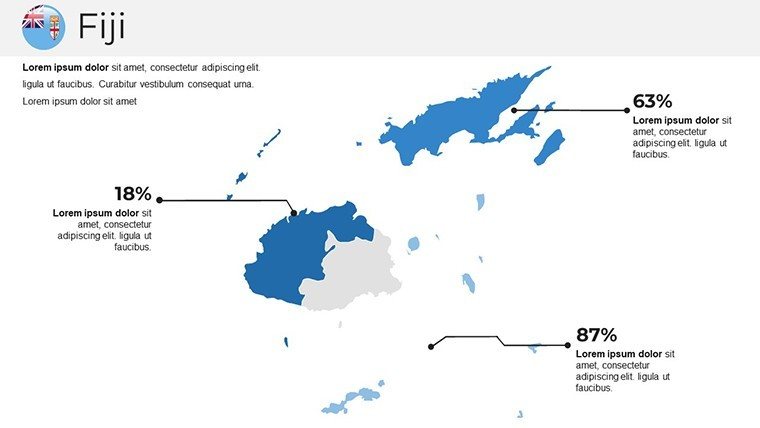
- Interactive Infographics: Overlay timelines or flowcharts on maps, such as tracing migration patterns or tourism growth, supported by data from the World Travel & Tourism Council.
- Multimedia Readiness: Easily insert photos or videos into placeholders, enhancing slides on cultural festivals like the Hibiscus Festival.
- Layered Geographic Details: Toggle visibility for elements like marine reserves or hiking trails, perfect for environmental discussions on climate resilience.
These elements draw on cartographic expertise, similar to tools used by National Geographic, enabling you to create narratives that feel authentic and compelling. For a travel agency, customize a slide to map out resort distributions, highlighting accessibility and amenities to entice clients.
In-Depth Look at Slide Compositions
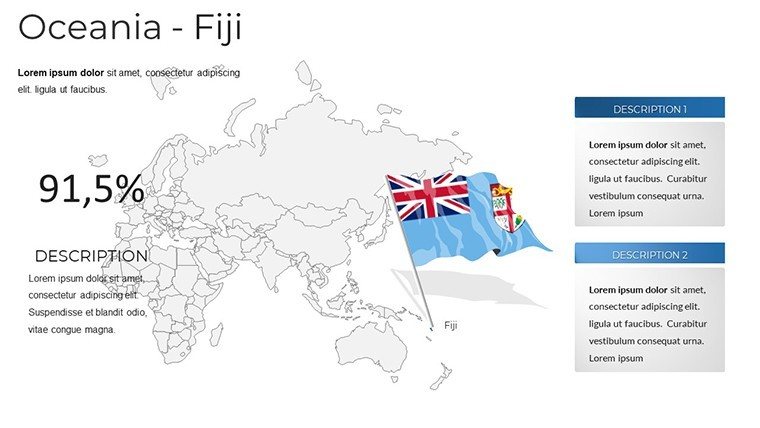
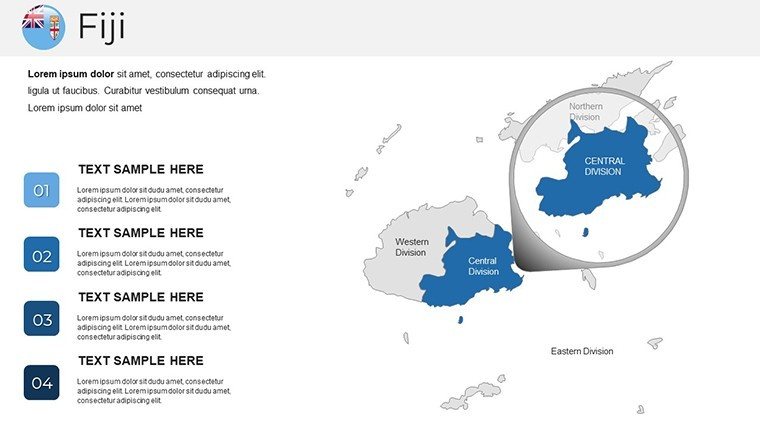
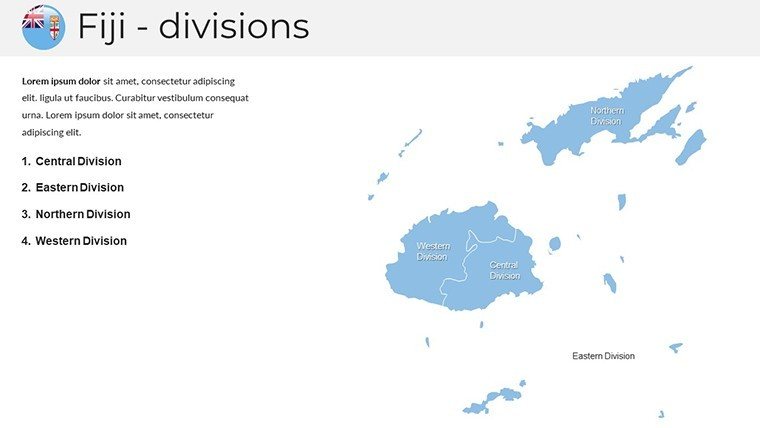
Delve into the slides for a hands-on feel. Slide 1 introduces the archipelago with a dynamic map overview, labeling major island groups and ocean currents - great for kicking off tourism presentations. Slides 2-7 break down individual regions, with each focusing on an island cluster; for example, Slide 4 on the Yasawa Islands includes editable spots for dive sites and eco-lodges.
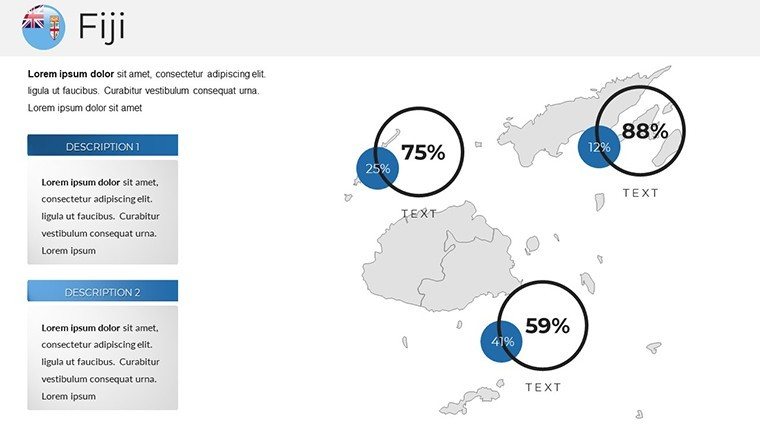
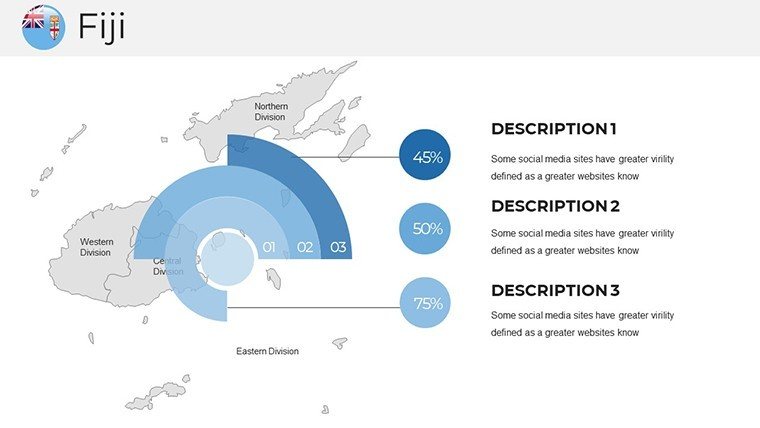
Infographic-centric Slides 8-14 integrate visuals like bubble charts for population or economic data, such as Fiji's sugar industry hubs. These are crucial for business users analyzing export routes, where you can add arrows showing paths to Australia or New Zealand. Slides 15-20 offer cultural maps, plotting traditional villages and kava ceremonies, aligning with educational goals to teach about indigenous Fijian heritage.
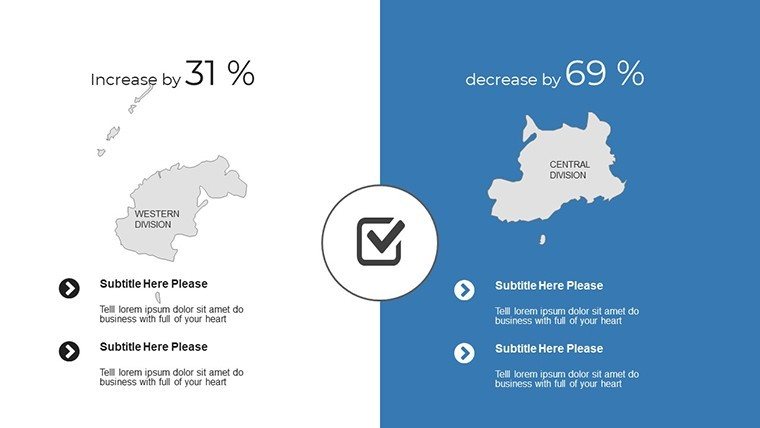
The final set, Slides 21-29, includes advanced features like 3D terrain views and comparison charts. Slide 25, for instance, could contrast pre- and post-pandemic tourism stats, aiding recovery strategy sessions. Each slide comes with intuitive guides, making customization a breeze even for beginners.
Versatile Use Cases That Bring Fiji to Life
Adapt this template to your needs and watch it transform presentations across fields. In the travel sector, craft itineraries that map adventure tours, incorporating insights from TripAdvisor reviews to showcase hidden gems like the Sigatoka Sand Dunes. This visual approach has helped operators increase bookings by making proposals more tangible and exciting.
Educators can use it to enliven lessons on Pacific ecology, customizing maps to illustrate coral bleaching effects with data from the Great Barrier Reef Marine Park Authority analogs. Students respond with higher participation, as interactive elements foster curiosity about global interconnectedness.
For business, it's invaluable in market entry strategies. Map out distribution networks for Fijian water exports, using the template's tools to highlight logistical advantages. Case studies from companies like Fiji Airways show how such visuals streamline investor communications, leading to faster decisions.
Pro Tips to Maximize Your Fiji Maps
- Align with audience interests: Tailor colors and icons to evoke emotions, like serenity for wellness retreats.
- Incorporate storytelling: Use slide transitions to 'journey' across islands, building a narrative arc.
- Boost interactivity: Add hyperlinks to external resources, such as Fiji government sites for real-time data.
- Maintain cultural sensitivity: Include accurate representations of iTaukei customs, consulting sources like the Fiji Museum.
- Collaborate seamlessly: Share via Google Slides for team inputs on global projects.
These strategies, honed from design best practices, ensure your presentations stand out in crowded fields.
Superior to Standard Mapping Tools
Basic PowerPoint inserts lack the depth and Fiji-specific details this template provides, often resulting in bland visuals. Sourced from accurate geographic databases, it offers authenticity free alternatives can't match. With 434 ratings praising its ease, it's a smart choice over time-consuming custom builds, cutting design efforts by up to 60%.
Embark on Your Fiji Presentation Journey Now
Don't let ordinary slides hold back your Fiji stories - download this template today and infuse your work with island vibrancy. Perfect for captivating any audience, it's your key to presentations that inspire action and awe.
Frequently Asked Questions
What level of customization does this template offer?Full customization, including colors, texts, and map elements, to fit your unique needs.Does it work with Google Slides?Yes, fully compatible for easy online editing and sharing.Is it suitable for travel industry use?Definitely, with features tailored for itineraries and destination highlights.How accurate are the Fiji maps?Highly accurate, based on reliable geographic data for professional reliability.Can I add my own images?Yes, placeholders make it simple to integrate personal photos or graphics.What if I need to expand the slide count?Easily duplicate slides while preserving the cohesive design theme.Good for
- Project roadmaps and sprint plans
- Product launch timelines
- Quarterly or annual review decks
- Company history and milestone summaries
Licence
reviews
Just needed something quick for my monthly report, the bar charts worked fine.
Used this for a school project about renewable energy, the arrows helped show trends.
The layout was okay but I wish there were more color options for the icons.
Grabbed this last minute for a client pitch, did the job without any fuss.
Those flowcharts saved me a ton of time, though some text boxes were hard to resize.
FAQ
Will it work in Google Slides?
Are fonts embedded?
Can I use this for client work?
What's the refund policy?
Do you update the template after purchase?
Similar templates
See all PowerPoint Maps →
All 29 slides