 Click to zoom
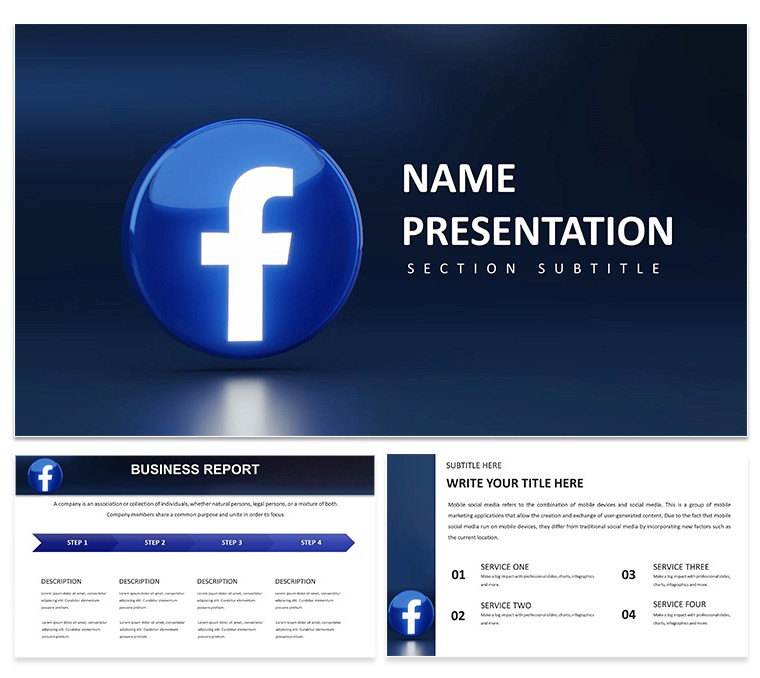
Facebook Business Manager Keynote Diagrams - Fully Editable | ImagineLayout
| Format | .pptx |
| Slides | 3 unique layouts |
| Aspect ratio | 16:9 |
| Compatibility | PowerPoint |
| Animated | No |
| Language | English |
| License | Commercial |
| File size | — |
| Version | v1.0 |
| Last updated | April 2026 |
What's inside
Facebook Business Manager Keynote Template: Free Your Social Strategy with Pro Polish
Open the KEY file and you get 28 diagrams ready for social strategy decks.
No complex layouts just structured blocks.
For Facebook Business Manager campaigns that need clear ad account breakdowns the diagrams provide the exact structure and prevent overcrowded layouts on a single slide.
Marketing managers use this when presenting platform setups to teams without redrawing every flowchart.
The diagrams use color-coded sections to distinguish steps in your social explanation.
Color changes happen through the slide master.
The page does not list the exact Keynote version but the files follow standard KEY/KTH formats compatible with current installations.
Use this instead of building diagrams manually in Keynote.
The predefined structure keeps everything aligned so you don’t end up adjusting spacing slide by slide.
Best used when your focus is structured process explanation.
It is not ideal for data-heavy dashboards with multiple charts.
You can duplicate slides and reuse the same structure across multiple reports.
FeatureDetailsSlides / diagrams28 diagrams themed for social strategyFile formatKEY, KTHSoftware versionKeynote 12+Color schemes7 schemes switch via master slideEditable elementsText icons colors resize independentlyAspect ratio16:9Free vs PaidFull set of 28 diagrams in paid versionMasters / BackgroundsMaster slides for instant palette changesIn most cases you only replace text and adjust colors.
Everything aligns automatically.
Download and start editing immediately
Is it compatible with Keynote 12 and later on macOS?The template works with Keynote 12 and newer versions on macOS 11 or higher. Open the KEY file directly. In most cases no conversion is required.
Can I use this template for client work?Yes the license allows commercial use for your own or client presentations. One license per user. Do not resell the template itself.
What is the difference between free and paid?The page does not specify free vs paid differences. The paid version provides the complete set of 28 diagrams and 7 color schemes. No free version details are listed on the page.
What are the refund conditions?Refunds are available within 14 days if the template does not meet your needs. Contact support with your order number. No refunds after the file has been downloaded and used.
Can I apply the template to an existing presentation?Yes you can apply the master slides to your existing Keynote file. Copy the masters and paste into your presentation.
Social Media Marketing Keynote Template: Spark Viral Visions Across Every Platform Social Media Analytics Keynote templates
Good for
- Project roadmaps and sprint plans
- Product launch timelines
- Quarterly or annual review decks
- Company history and milestone summaries
Licence
reviews
This template helped me finalize my consulting proposal under tight deadline. Everything came together coherently.
Thoughtful inclusion of various content layout options keeps presentations dynamic. Typography hierarchy is well executed.
The package offers good value. I needed to source additional icons but that was expected.
Client feedback highlighted the clarity and visual appeal of the submitted deck.
FAQ
Will it work in Google Slides?
Are fonts embedded?
Can I use this for client work?
What's the refund policy?
Do you update the template after purchase?
Similar templates
See all Keynote templates →



All 1 slides