 Click to zoom
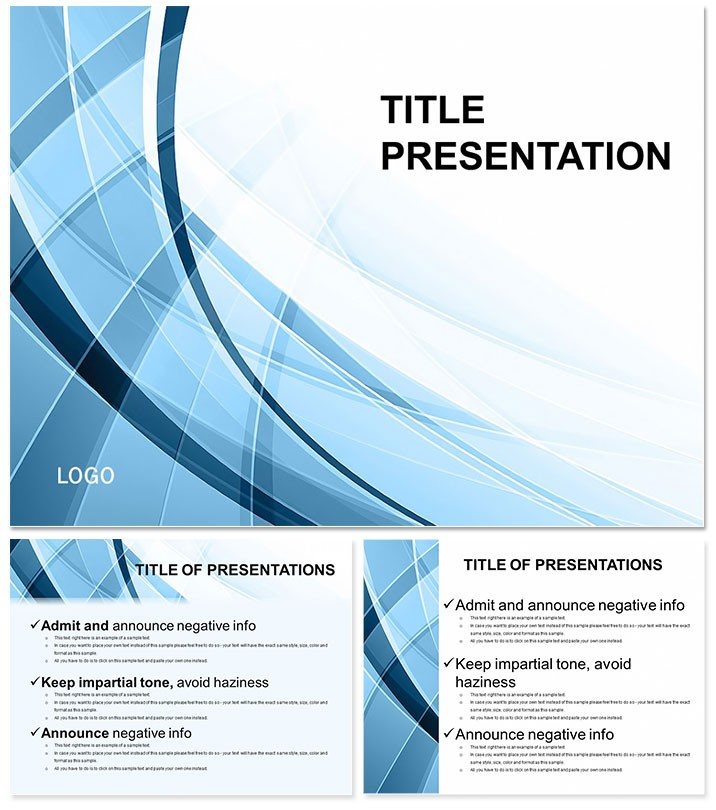
Extended Abstract Research PPT Template
| Format | .pptx |
| Slides | 3 unique layouts |
| Aspect ratio | 16:9 |
| Compatibility | PowerPoint |
| Animated | No |
| Language | English |
| License | Commercial |
| File size | — |
| Version | v1.0 |
| Last updated | February 2024 |
What's inside
Navigating the pressure of conference abstracts? Breathe easy - the Extended Abstract PowerPoint Template streamlines your scholarly showcase with a clean, abstract framework that spotlights your findings without fanfare. Tailored for researchers, it structures your narrative from hypothesis to implications, ensuring your extended abstract resonates with peers and panels alike in a professional, uncluttered style.
This academic essential includes dedicated slides for every section, backed by 28 diagrams for data depth, editable in PowerPoint 2016+ or Google Slides. Seven color schemes keep it neutral yet impactful, focusing eyes on science, not spectacle.
Features Built for Scholarly Precision
Three masters organize your flow: title with affiliation slots, methods overview, and results canvas. Three backgrounds offer subtle abstraction for breathing room between sections.
- 28 Research Diagrams: Scatter plots for correlations, bar graphs for comparisons, flowcharts for methodologies.
- Seven Neutral Schemes: Grays and blues for objective tones, easy on academic eyes.
- Standard Sizes: 16:9 for projectors, 4:3 for handouts, 16:10 for laptops.
- Table and Figure Placeholders: Pre-formatted for APA/MLA compliance.
Key gem: The results matrix, aligning stats with visuals for quick scans.
Academic Use Cases That Inform and Inspire
PhD candidates like Raj used it for his AI ethics talk, slotting methods into flows and results into charts - the abstract design let rigor stand out, earning a journal invite. Surpasses PowerPoint`s blank slates with guided sections.
Grant writers map proposals, using discussion slides to forecast impacts. Conference organizers? Template for panel overviews, linking speakers in org diagrams.
Lab teams report experiments, with conclusion slides synthesizing for non-experts.
Better Than Basic Academic Templates
Defaults lack section prompts; this one`s built-in cues and diagram libraries accelerate from draft to defense.
$22 lifetime for endless abstracts - advance your research narrative.
From Draft to Delivery: Workflow Guide
Load .potx, fill placeholders with LaTeX exports if needed, format citations via insert tools.
Research tip: Embed hyperlinks in references for interactive PDFs post-presentation.
Abstract your excellence - download the Extended Abstract Template now and present with purpose.
Frequently Asked Questions
Does it follow specific citation styles?
Placeholders support APA, MLA; customize fonts for others.
Handle complex equations?
Integrate via Equation Editor or import from MathType.
Google Slides friendly?
Yes, for collab with co-authors.
Slide count beyond 28 diagrams?
Masters allow unlimited additions while keeping structure.
Print-ready for posters?
High-res exports ensure clarity at poster sizes.
License for publications?
Lifetime allows use in papers, with attribution optional.
Good for
- Project roadmaps and sprint plans
- Product launch timelines
- Quarterly or annual review decks
- Company history and milestone summaries
Licence
reviews
Submitted a conference abstract on AI ethics, the results matrix and scatter plots for correlations made my data look very legitimate to the review panel.
The neutral grays and blues are very academic, which is great, but the layout is so rigid that it took a while to adjust the fonts for APA compliance.
The methods overview and results canvas saved me from forgetting to include critical sections in my thesis defense presentation.
I used it for a grant proposal, the table and figure placeholders pre-formatted for APA made the final document look very professional.
It is a solid academic tool, the 28 research diagrams are standard, but the fact that it works with Google Slides for co-author collaboration is a huge plus.
FAQ
Will it work in Google Slides?
Are fonts embedded?
Can I use this for client work?
What's the refund policy?
Do you update the template after purchase?
Similar templates
See all PowerPoint Templates →

All 1 slides