 Click to zoom
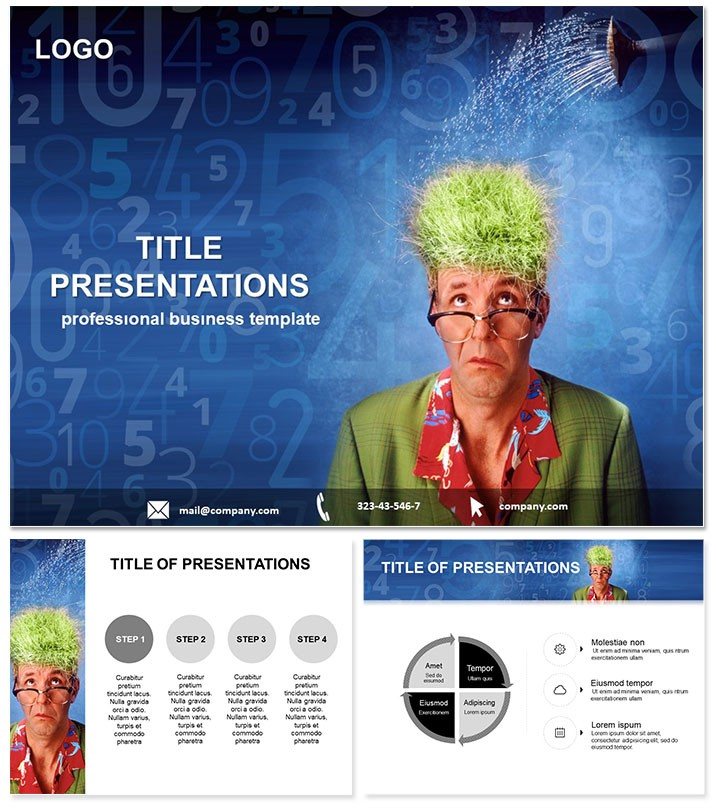
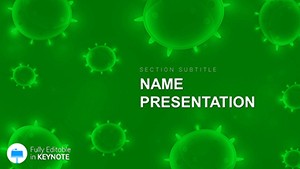
Enhance Memory Keynote Template: Ignite Minds, Anchor Ideas
| Format | .pptx |
| Slides | 3 unique layouts |
| Aspect ratio | 16:9 |
| Compatibility | PowerPoint |
| Animated | No |
| Language | English |
| License | Commercial |
| File size | — |
| Version | v1.0 |
| Last updated | October 2014 |
What's inside
Step into a classroom where foggy concepts on memory and misinformation clear like morning mist, thanks to this Enhance Memory Keynote template. Geared for teachers, trainers, and school admins tackling brain science in engaging ways, it unpacks neural pathways and retention strategies across 28 diagrams. From synaptic sparks to fact-check fortresses, these slides equip you to address the spread of false info head-on, fostering critical thinking in students of all ages.
Fine-tuned for 16:10 widescreen in Keynote 2016+, it thrives on collaborative setups like Apple Classroom, with editable elements that adapt to your lesson`s pulse. This tool doesn`t just illustrate - it empowers, turning passive lectures into active explorations of how memories form and misinformation unravels.
Neural Nets of Features for Deeper Learning
Three masters and backgrounds provide a clean slate, complemented by seven color schemes that evoke calm focus or vibrant recall. The 28 diagrams in .key, .kth, and .jpg formats use scalable paths for brain lobes and memory loops, ready for your annotations.
Diagram 5`s synapse slide, say, webs connections with adjustable nodes, animating firings to show encoding. Or slide 14`s misinformation map, charting rumor paths like neural misfires, with erase tools for debunking demos. Rooted in educational visuals akin to those in cognitive psych texts, it balances detail with digestibility.
Memory-Minting Edit Essentials
- Pathway Personalize: Trace custom routes in brain diagrams using Keynote`s pen tool, mirroring student queries.
- Scheme for Scenes: Opt for earthy tones for history lessons on fake news, or brights for psych intros.
- Recall Reveals: Layer pop-up facts via build effects, unveiling retention tips progressively.
These enhance stickiness, making edits as intuitive as jotting notes.
Classroom and Course Catalysts: Memory in Motion
A high school teacher dissecting fake news impacts might launch with slide 2`s brain overview, highlighting vulnerable areas like the amygdala. Populate with current examples, animate misinformation tendrils, and facilitate a class vote on validity - transforming theory into timely debate.
For corporate training on knowledge retention, use diagram 20`s loop lifecycle: Stages from acquisition to recall, editable for skill-specific tweaks like sales recall. Add quiz hyperlinks, turning the deck into an interactive module that measures uptake on the spot.
Institution-wide workshops, erect the template for faculty development: Slide 26`s fact-fortress builds defenses layer by layer, with group activities scripted in notes. A proven pivot: Mid-slide, hand off to students for co-edits via shared screens, deepening ownership.
Lesson Layering Roadmap
- Base Brainstorm: Select a master suiting your space - minimal for labs, illustrative for halls.
- Content Cascade: Flow from memory basics to misinfo challenges, using sequential diagrams.
- Engage Edges: Integrate iMessage polls from slides for real-time feedback loops.
- Review Rehearse: Use coach mode to time neural animations with explanation beats.
- Distribute Deeply: Share via AirDrop with embedded videos of memory experiments.
Tailored for time-strapped educators, it scaffolds success.
Surpassing Stock Slides with Synaptic Smarts
Outpacing plain placeholders, these feature neural icons and pathway presets that evoke authenticity, like hippocampus highlights for recall talks. Connect to training templates for curriculum continuity, enriching your resources. Ultimately, decks that don`t fade but fortify understanding.
Kindle curiosity: Download the Enhance Memory template and etch lasting lessons now.
Frequently Asked Questions
How do the diagrams address misinformation? Through visual maps showing rumor spreads versus fact anchors, with editable paths for custom examples. Suitable for young learners? Yes, simplify colors and animations for K-12, focusing on basic brain fun facts. File compatibility details? .key for full edits, .kth themes, .jpg for quick shares. Animation options for brain functions? Keynote natives like pulse effects for synapses; sequence for pathway travels. Can it integrate with other apps? Easily links to Pages docs or Numbers data for dynamic updates.Good for
- Project roadmaps and sprint plans
- Product launch timelines
- Quarterly or annual review decks
- Company history and milestone summaries
Licence
reviews
Downloaded this for a client meeting and the layout looked organized enough.
The icons and blocks were simple to move around which helped.
Not bad but a few slides felt outdated honestly.
I used the timeline slide for a school assignment and it came out decent.
The color mix was calmer than most templates I tried.
FAQ
Will it work in Google Slides?
Are fonts embedded?
Can I use this for client work?
What's the refund policy?
Do you update the template after purchase?
Similar templates
See all Keynote templates →
All 1 slides