 Click to zoom
Employee PowerPoint Diagrams: Training & Growth
| Format | .pptx |
| Slides | 16 unique layouts |
| Aspect ratio | 16:9 |
| Compatibility | PowerPoint |
| Animated | No |
| Language | English |
| License | Commercial |
| File size | — |
| Version | v1.0 |
| Last updated | January 2022 |
What's inside
Empowering your workforce starts with clear, engaging communications about growth opportunities. Our Employees PowerPoint Diagrams template is tailored for HR professionals, team leaders, and trainers aiming to showcase employee development strategies effectively. With 16 editable slides, it provides visual tools to illustrate training programs, career paths, and motivational frameworks, helping organizations foster talent in line with standards from bodies like the Society for Human Resource Management (SHRM). This isn't just a template; it's a catalyst for transforming how you present human capital investments, inspired by successful implementations at companies like Google, where visual aids have boosted employee engagement metrics.
Envision a workshop where participants nod in understanding as your diagrams unfold potential career trajectories. Compatible with PowerPoint and Google Slides, these diagrams offer trustworthiness through clean, professional designs that convey expertise without overwhelming complexity.
Core Features for HR Success
This template excels in its organizational focus, with slides dedicated to hierarchy charts, skill matrices, and progress trackers. Each element is fully editable, allowing you to insert company-specific data, adjust colors for branding, and resize without quality loss.
- Organizational Charts: Map out team structures and roles with hierarchical visuals.
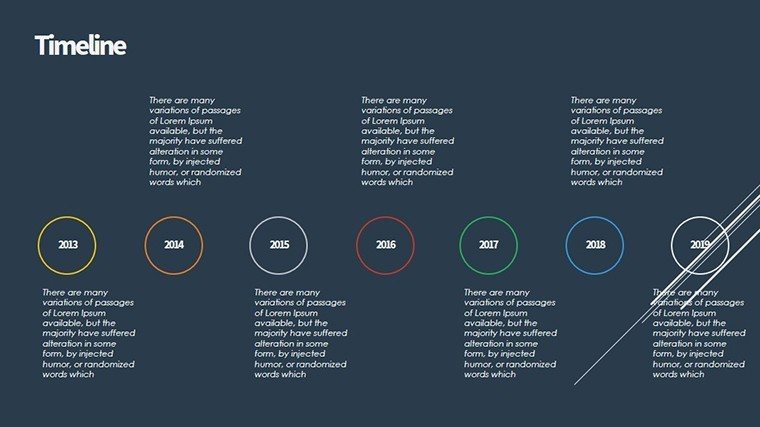
- Training Timelines: Sequence programs from onboarding to advanced certifications.
- Motivation Models: Diagrams for goal-setting frameworks like SMART objectives.
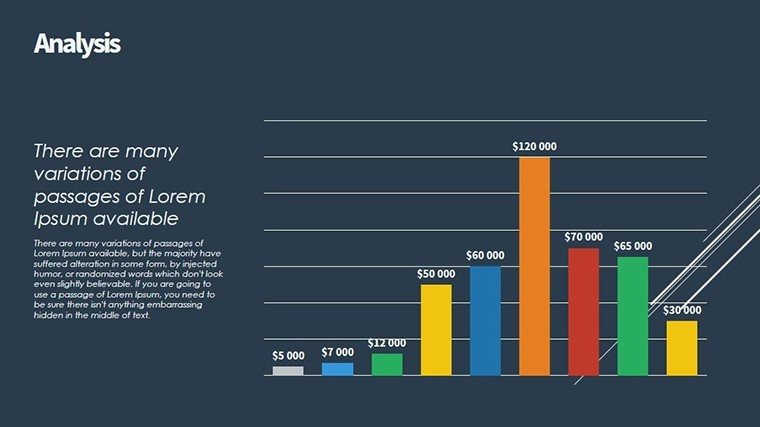
- Performance Metrics: Bar and pie charts to display development outcomes.
- Customizable Icons: Themed graphics for employee-centric narratives.
These features integrate LSI terms like "employee training visuals" naturally, enhancing search relevance while prioritizing user flow.
Practical Use Cases and Applications
In an annual review meeting, use Slide #3's career ladder diagram to discuss promotions, customizing rungs with real employee stories for relatability. For training sessions, Slide #7's flowchart outlines program flows, as evidenced in case studies from LinkedIn Learning adopters who saw 40% higher completion rates with visual guides.
Workflow steps: Import the .pptx file into PowerPoint, select a diagram on Slide #1, and edit text placeholders with your content. For Slide #10, a feedback loop model, add animations to simulate progression, reinforcing key points dynamically.
Superior to Default PowerPoint Options
Outshining basic SmartArt, this template offers pre-themed consistency, saving design time and ensuring a polished look that builds audience trust.
Pro tips: Apply the 10-20-30 rule from Guy Kawasaki for slide brevity, focusing diagrams on one idea per slide. Incorporate diversity icons to align with inclusive practices from DEI experts.
Driving Organizational Growth
Adapt for remote teams by embedding hyperlinks to e-learning platforms in Slide #12. One HR director reported streamlined onboarding after using these diagrams, mirroring successes at firms like Deloitte. It's about creating a culture of continuous improvement.
Elevate your employee-focused presentations - grab this template and inspire growth now.
Frequently Asked Questions
How editable are the employee diagrams?
Completely editable, from colors to content, using PowerPoint tools.
Compatible with Google Slides?
Yes, import seamlessly for cloud-based editing.
Suitable for large organizations?
Ideal, with scalable charts for complex hierarchies.
What file format is it?
.pptx, standard for PowerPoint compatibility.
Can I add custom data?
Absolutely, placeholders make it easy to personalize.
Good for
- Project roadmaps and sprint plans
- Product launch timelines
- Quarterly or annual review decks
- Company history and milestone summaries
Licence
reviews
The diagram slides were actually useful for explaining a workflow to my manager. I liked the arrows and step boxes.
Needed something visual for a training presentation and this fit pretty well. Didn’t need heavy editing.
Some diagram pages looked a little busy but overall the structure made sense. Easy enough to customize.
I used this for a process overview in class and people could actually follow the slides. That’s rare for me.
Pretty solid template if you need diagrams without spending hours arranging shapes manually.
FAQ
Will it work in Google Slides?
Are fonts embedded?
Can I use this for client work?
What's the refund policy?
Do you update the template after purchase?
Similar templates
See all Powerpoint Diagrams →
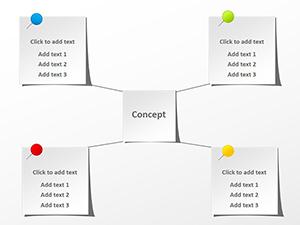
All 16 slides